Secure & Instant CSS Minifier for Developers
Explore Related Developer Tools
In modern web development, optimizing front-end assets is not just an option—it is a mandatory requirement for achieving top-tier performance scores and maintaining a fast, accessible user experience. Our developer-focused CSS Minifier is engineered to provide an instant, client-side compression environment that rigorously reduces stylesheet file sizes without compromising structural logic or rendering behavior.
When you minify Cascading Style Sheets, you effectively remove redundant whitespace, unnecessary comments, and extraneous characters that developers use for code readability but browsers ignore during the rendering phase. By stripping away these non-essential bytes, you decrease the overall network payload size. This directly mitigates render-blocking requests, allowing browsers to construct the CSSOM (CSS Object Model) faster and significantly accelerating the First Contentful Paint (FCP) and Largest Contentful Paint (LCP) metrics on your web pages.
Unlike server-side compression utilities that force you to upload your proprietary code to remote servers, our workspace operates strictly within your local browser ecosystem. Using deterministic minification logic, all parsing and transformations execute instantly. This guarantees zero data transmission, providing a 100% secure and private CSS formatting workflow. Whether you are prepping a massive UI framework for production or quickly stripping whitespace from a small component snippet before testing it in our HTML minifier, this tool delivers immediate, dependable results.
Coupled with real-time validation feedback, this minification engine intelligently flags common syntax anomalies—such as unmatched braces or missing structural elements—ensuring that your compressed output remains robust and functional. Embrace leaner codebases, reduce bandwidth consumption, and elevate your deployment pipelines with our zero-dependency, high-performance CSS optimization environment.
How to Use the CSS Minifier
Step-by-Step Guide to Minifying Stylesheets
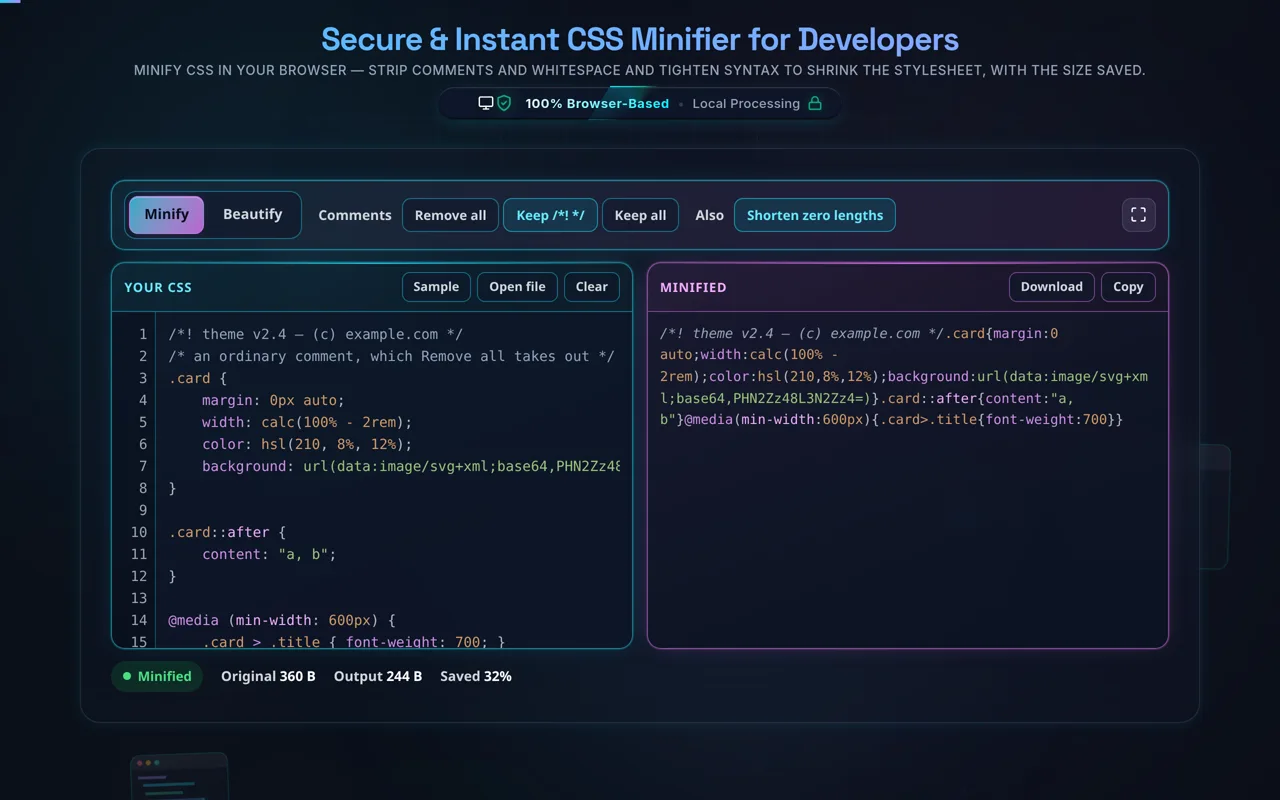
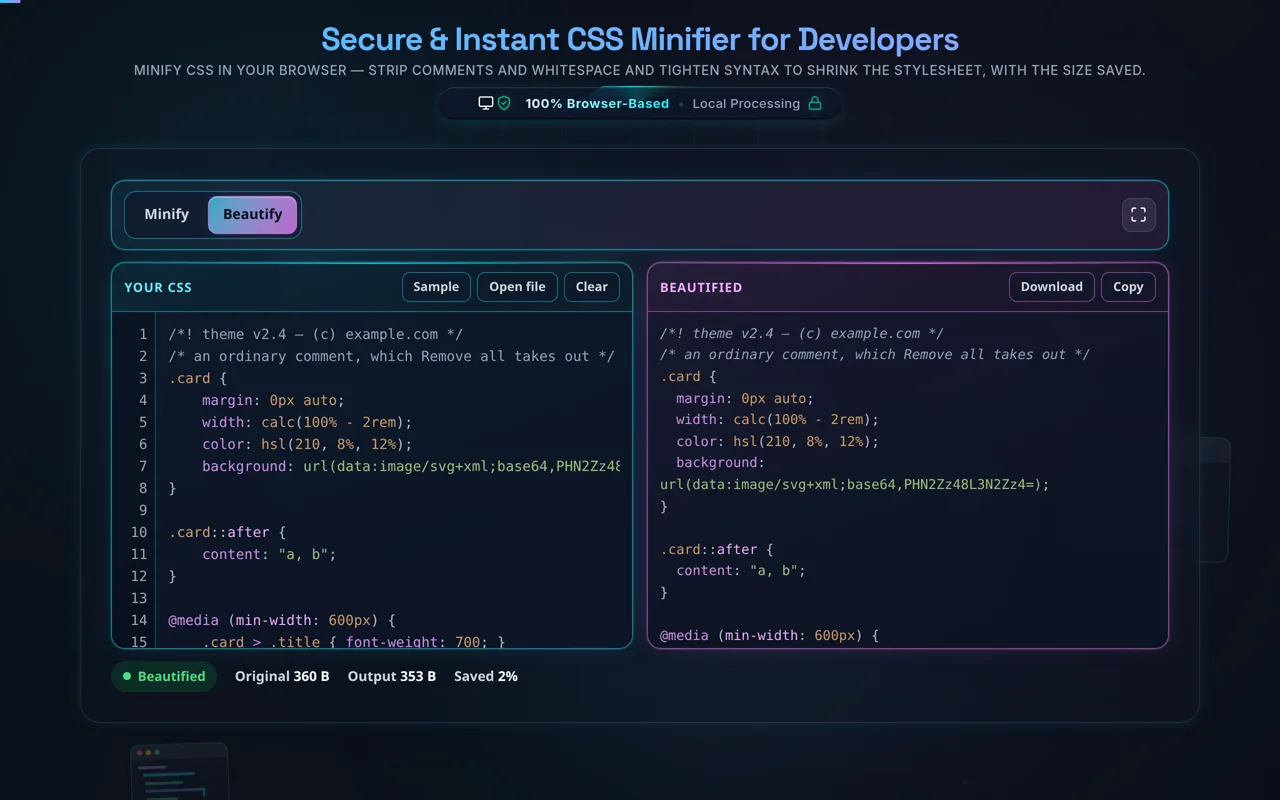
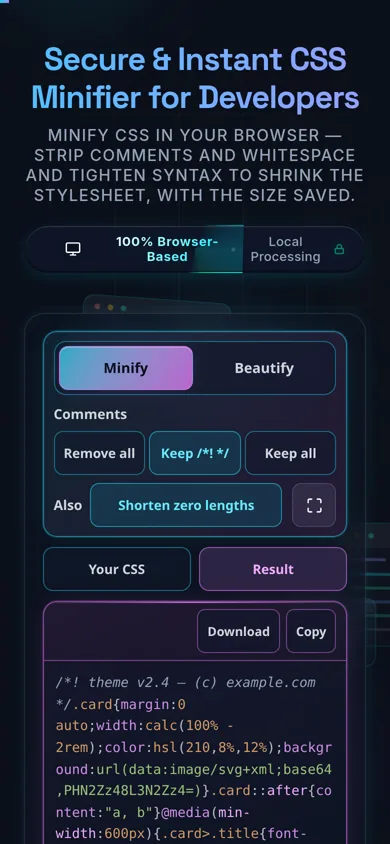
Our dual-pane workspace is designed for frictionless interaction, providing immediate visual feedback as you compress your code. Follow these precise steps to optimize your stylesheets effectively:
Step 1: Input Your Raw CSS
Begin by pasting your uncompressed, formatted Cascading Style Sheets into the left-hand editor pane labeled "Raw CSS". Alternatively, you can type directly into the workspace. The engine immediately begins listening for structural inputs and applying its deterministic minification algorithms.
Step 2: Configure Optimization Parameters
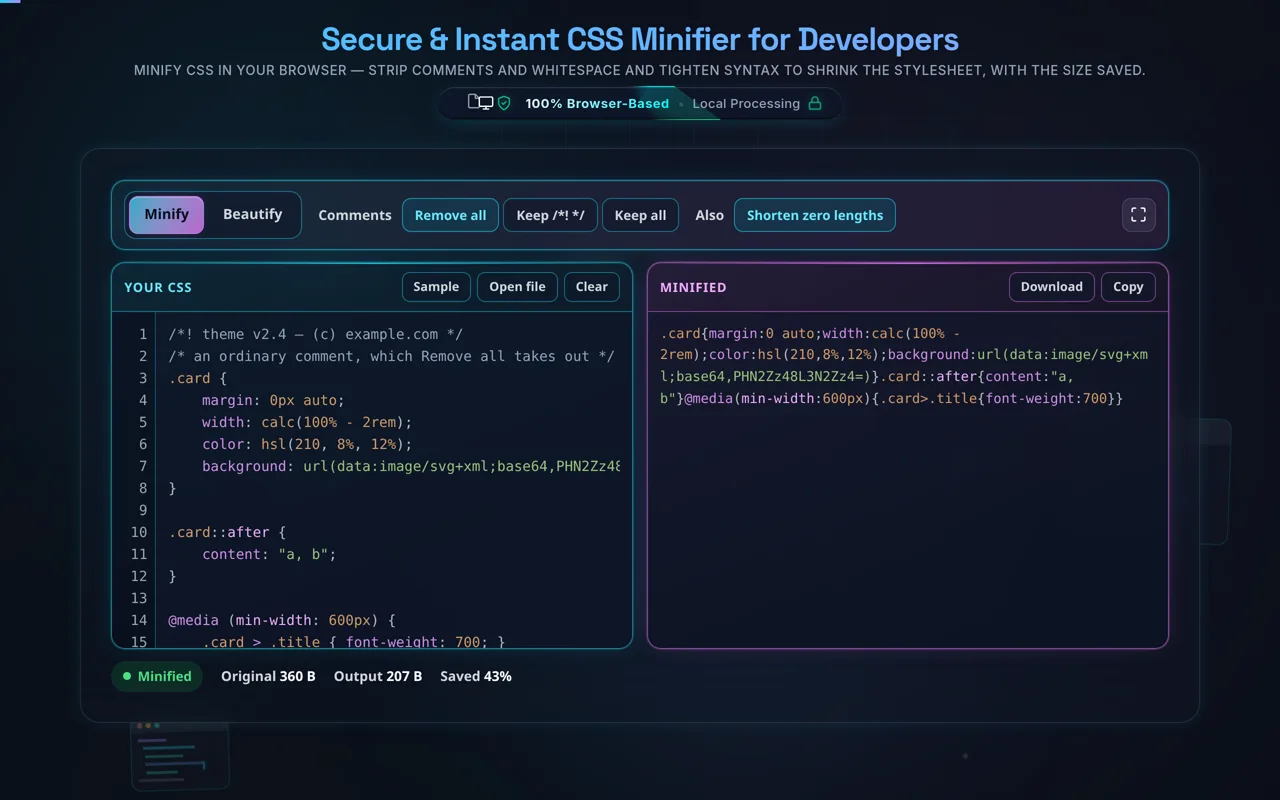
Utilize the advanced control panel located above the input area to tailor the compression strictly to your deployment needs. By default, the system toggles "Remove Comments" to strip out developer notes, and "Shorten Zero Values" to safely convert declarations like 0px or 0em to a simple 0, further shaving off bytes. You can toggle these based on your specific requirements. If your codebase includes JavaScript alongside styles, you might also want to utilize our JavaScript minifier separately.
Step 3: Monitor Real-Time Validation & Analytics
As the compression executes automatically, keep an eye on the statistics bar. You will see the exact byte size of your original file compared to the minified output, alongside a precise compression ratio percentage. Simultaneously, the real-time validation indicator monitors your syntax; if it detects unmatched braces or structural errors, a warning banner will appear, preventing you from deploying malformed code.
Step 4: Export Your Minified Code
Once satisfied with the output in the right-hand pane, you can instantly transfer the optimized code to your clipboard by clicking the "Copy Output" button. For larger stylesheets, use the "Download .css" action to save the file directly to your local machine, ready for immediate integration into your build process. For structuring data assets efficiently, consider checking out our JSON minifier tool as well.
Frequently Asked Questions (FAQ)
Important Questions About CSS Compression
Why is it critical to minify CSS files before production deployment?
Minifying CSS files is a fundamental best practice for web performance optimization because it significantly reduces network payload sizes. When developers write CSS, they naturally include spaces, indentation, line breaks, and descriptive comments to make the codebase maintainable and readable. However, browsers do not require this structural whitespace to parse and apply styles. By stripping out these redundant characters, a CSS minifier drastically reduces the overall file size—often by 20% to 50% depending on the framework. Smaller file sizes mean faster download times over the network. Because CSS is inherently a render-blocking resource (the browser must halt rendering until all CSS is downloaded and the CSS Object Model is built), reducing its size directly accelerates critical rendering paths, improving vital Core Web Vitals such as Largest Contentful Paint (LCP).
Is this client-side minification process completely secure and private?
Yes, absolutely. This CSS Minifier is architected to execute entirely within the boundaries of your local browser using highly optimized, client-side JavaScript regex and parsing algorithms. When you paste your proprietary stylesheets into the input pane, no data is ever transmitted to external servers, cloud environments, or third-party databases. There is zero server communication involved in the minification pipeline. This decentralized, localized approach guarantees that your sensitive front-end architecture, unreleased design system code, and proprietary styling rules remain 100% confidential and secure on your own machine. It is a strictly deterministic process prioritizing developer privacy and instant execution speed.
Will minifying my CSS alter the visual appearance or break my website's layout?
When used correctly on valid code, minification will not alter your website's visual appearance or break the layout. Our minification engine employs a safe, deterministic transformation sequence that targets only non-essential characters: removing comments, collapsing whitespace, and shortening specific zero values (e.g., changing margin: 0px; to margin: 0;). It carefully preserves the logical structure of selectors, properties, string values (like URLs or content declarations), and crucial syntax elements. Furthermore, the built-in validation indicator acts as a safeguard; it monitors your raw input for malformed syntax, such as unmatched curly braces, alerting you before compression. If you ever need to reverse the process for debugging, you can simply run the compressed output through a standard CSS formatter to restore its readable state without losing any logical functionality.