Randomly.online
×
Regular Expression
/
/
Test String 0 matches

A basic heuristic breakdown of your regex will appear here.

Free Regex Tester Online

Welcome to the ultimate developer-focused workspace for creating, debugging, and validating regular expressions. Our Regex Tester provides real-time feedback as you type, highlighting pattern matches within your target text instantly. Whether you're extracting data, validating input formats, or preparing complex string substitutions, this tool ensures precise results without the guesswork.

Regular expressions (regex) are a powerful standard used across programming languages like JavaScript, Python, PHP, and Java. However, building complex patterns with multiple capture groups and quantifiers can often lead to unexpected behaviors. With our real-time engine, you can immediately spot errors thanks to the built-in syntax validator. If you frequently manipulate data arrays, you might also find our JSON Formatter or CSV to JSON converter incredibly useful for pipeline preparations.

Our platform operates 100% locally on your browser. This client-side approach guarantees that no data is ever transmitted to remote servers. If you are processing sensitive logs, passwords, or personal user data, you can do so securely. For hashing secure data, explore our Hash Generator tool. Enjoy an ad-free, secure, and professional-grade environment tailored entirely for developer productivity.

Step-by-Step Guide

Using our Regex Tester is designed to be intuitive and instantaneous. The interface is split into dedicated sections for building your pattern, providing test input, and analyzing the results. Here is a comprehensive guide on making the most out of every feature.

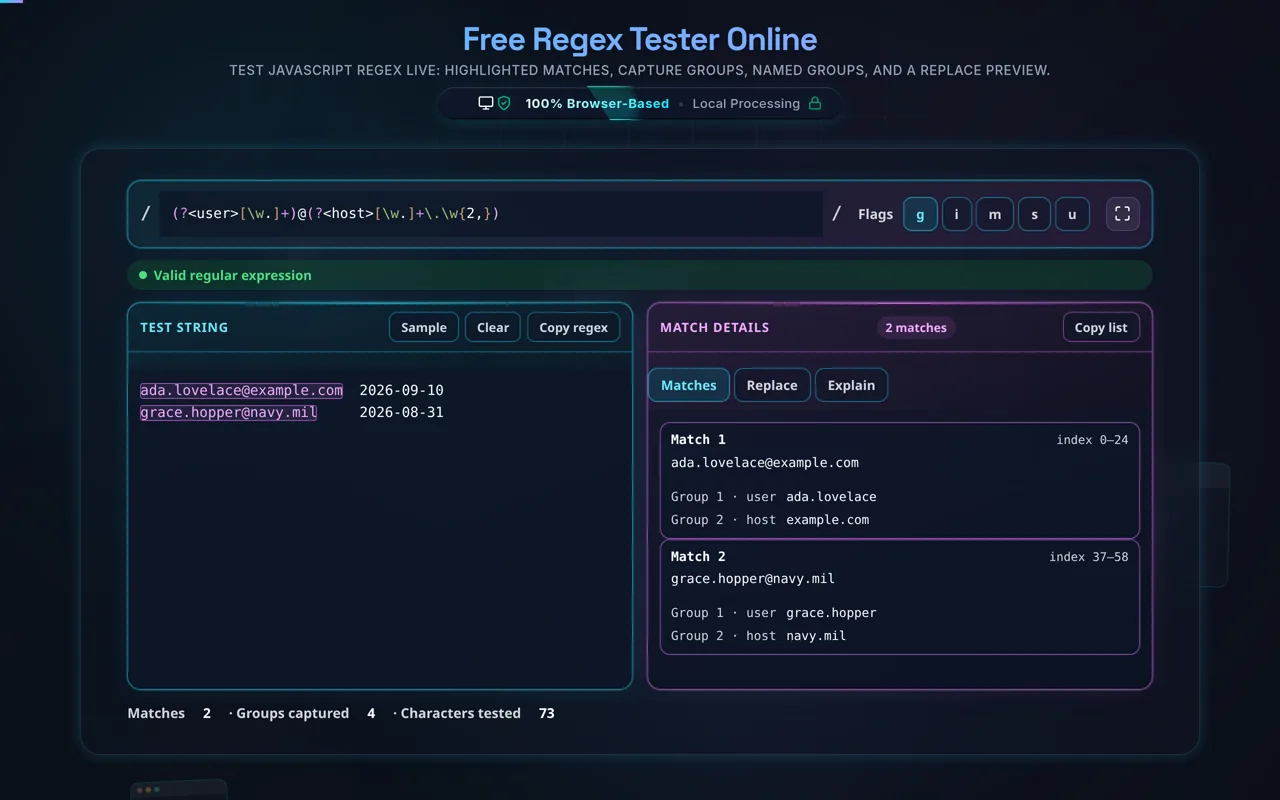
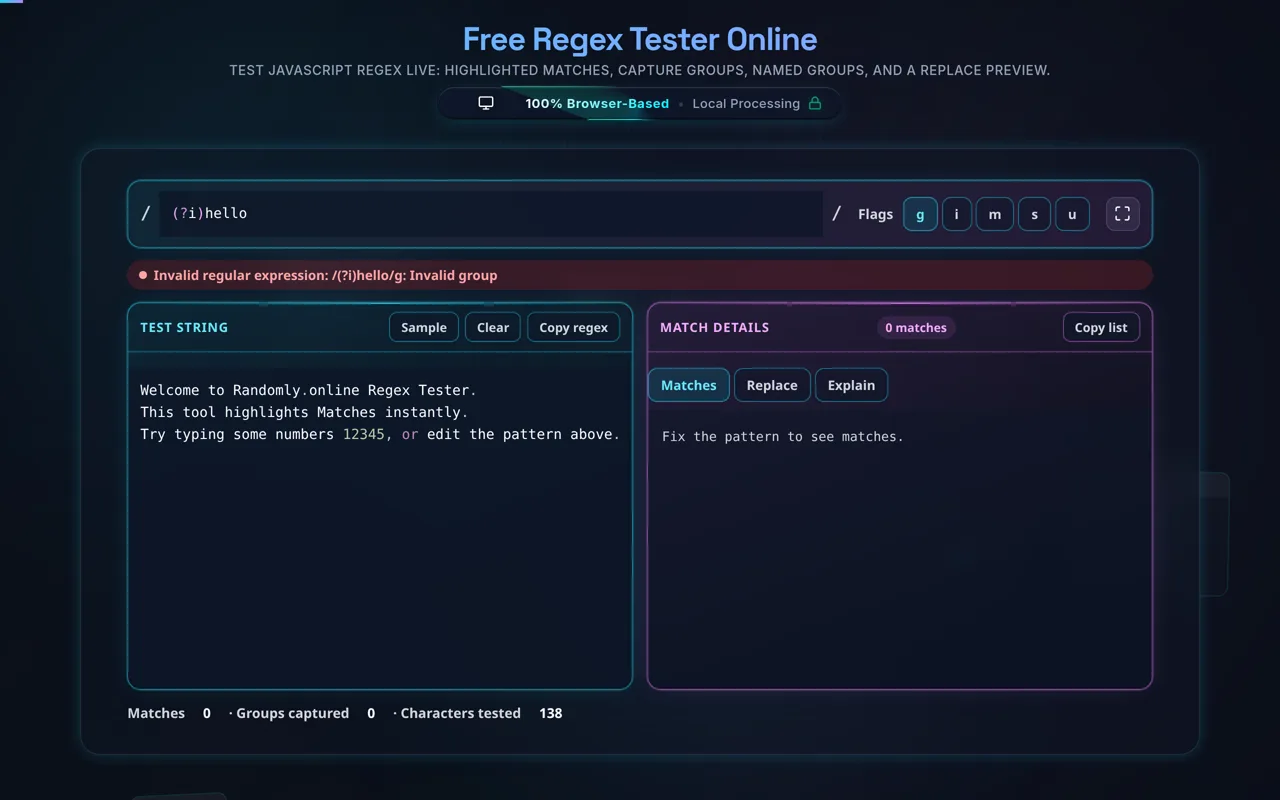
1. Write Your Pattern: In the top panel, enter your regular expression in the editor. As you type, the syntax highlighter will color-code structural components such as brackets, parentheses (capture groups), character classes, and quantifiers. If you type an invalid pattern (like an unclosed parenthesis), a red error bar will immediately appear below the editor, specifying the syntax issue so you can correct it without losing context.

2. Configure the Engine Flags: Next to the pattern editor, you will find toggles for common regex flags: g (global search for all matches), i (case-insensitive), m (multiline mode for anchors), s (dotall mode), and u (unicode support). Check or uncheck these to change how the regex engine evaluates your string.

3. Provide Test Input: Paste the text you want to evaluate into the large bottom-left text area. The system will process large chunks of text efficiently. Matches will instantly light up with distinct background colors. Capture groups inside a match will be subtly separated so you know exactly which part of the text corresponds to which grouped condition in your regex.

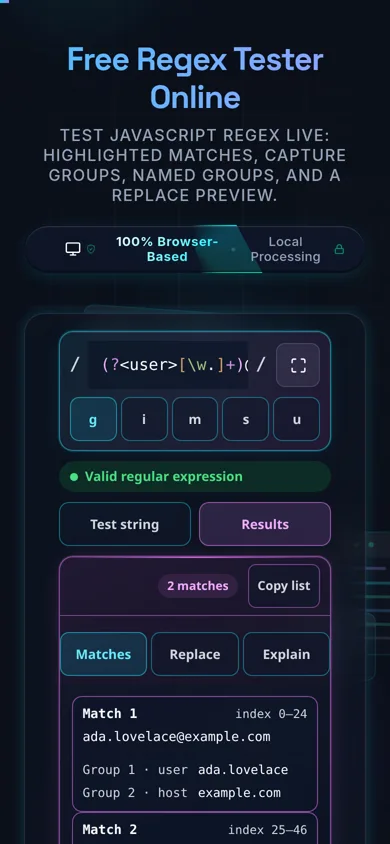
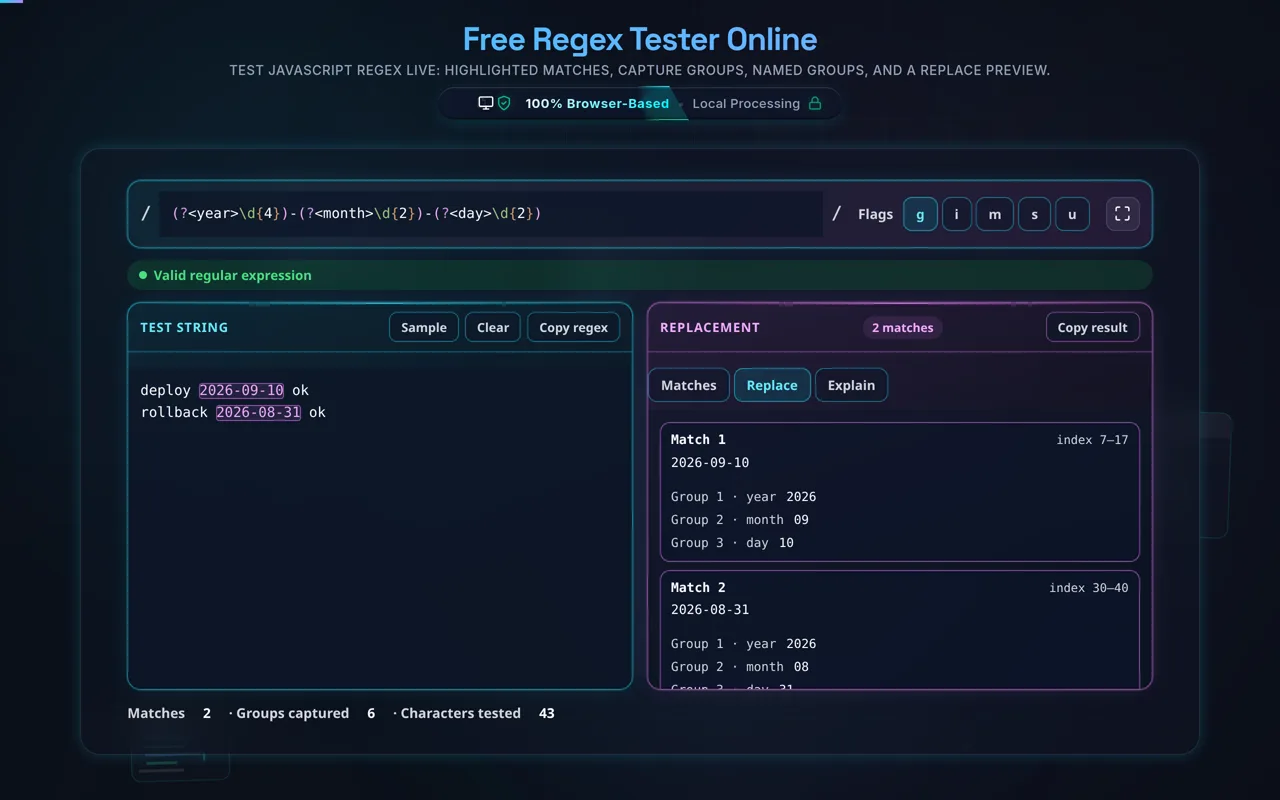
4. Analyze Results & Replacements: On the bottom-right panel, toggle between the tabs. The Match Details tab lists every individual match, showing its index position, length, and a breakdown of all captured groups. Switch to the Replacement tab to type substitution strings (e.g., $1-$2) and immediately view the transformed output text. This is highly useful for refactoring tasks, similar to how our JavaScript Formatter helps structure code.

Common Queries about Regex Testing

What are Regular Expressions and why do I need a tester?

A Regular Expression (often abbreviated as Regex or RegExp) is a sequence of characters that specifies a search pattern. These patterns are heavily utilized by search algorithms, text processing engines, and input validation scripts. Because regex syntax relies heavily on dense combinations of special characters (like \w+, (?=...), or [^a-z]), it can become extremely difficult for humans to read and predict accurately. A tester tool provides a visual interface where you can safely construct a pattern, provide sample text, and immediately see what gets matched. Instead of running a script repeatedly and checking the console output, you get real-time visual feedback, drastically cutting down debugging time.

How do capture groups work and how can I replace them?

Capture groups are created by wrapping a portion of your regular expression in parentheses, such as (\d{4})-(\d{2})-(\d{2}) to match a date format like YYYY-MM-DD. When the regex engine finds a match, it also saves the exact string that matched inside each set of parentheses. In our tool, you can see these distinct groups listed sequentially in the "Match Details" panel. To utilize them in the "Replacement" tab, you reference them using a dollar sign followed by their numerical order (e.g., $1 for the year, $2 for the month). For example, entering $2/$3/$1 in the replacement input would transform "2024-12-31" into "12/31/2024". If you're working with encoded URLs, you might also want to check our URL Encoder Decoder.

Is my data secure when using this Regex Tester?

Yes, absolutely. One of the core principles of Randomly.online's developer toolset is privacy. This Regex Tester is built using modern browser APIs, meaning the regular expression evaluation engine runs 100% locally on your machine using JavaScript. When you paste large blocks of text, proprietary code snippets, database dumps, or sensitive logs into the Test String input, none of that data is ever sent to an external server. Everything remains inside your browser session, ensuring zero data transmission risk. For further data privacy when manipulating sensitive text, you can pair this tool with our offline Base64 Encoder tool.