Precision Color Conversion for Modern Web Development
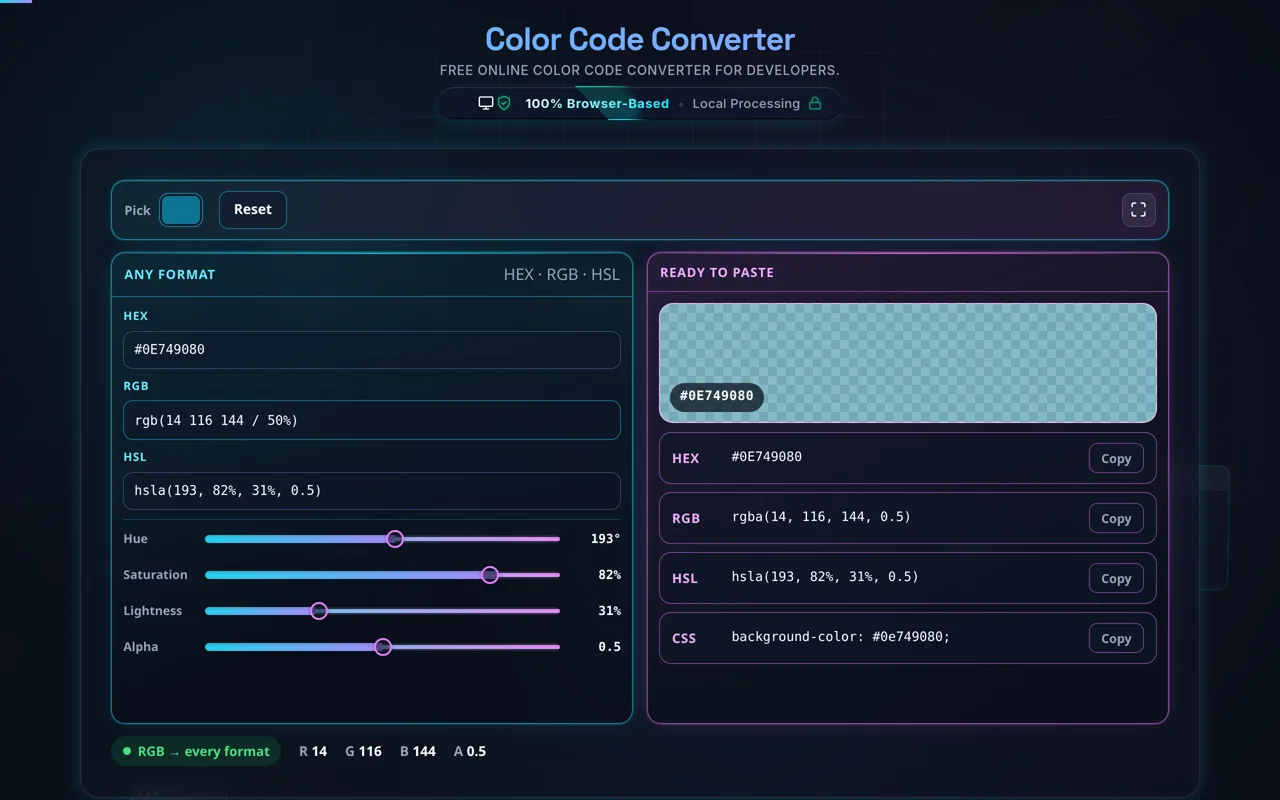
In the high-stakes world of modern web design and software engineering, managing color consistency is paramount. Our Color Code Converter provides a centralized, high-performance workspace designed to handle the intricate requirements of design systems. Whether you are translating a CSS design block or adjusting individual channel values for dynamic UI components, this tool offers instantaneous bidirectional updates between HEX, RGB, and HSL formats.
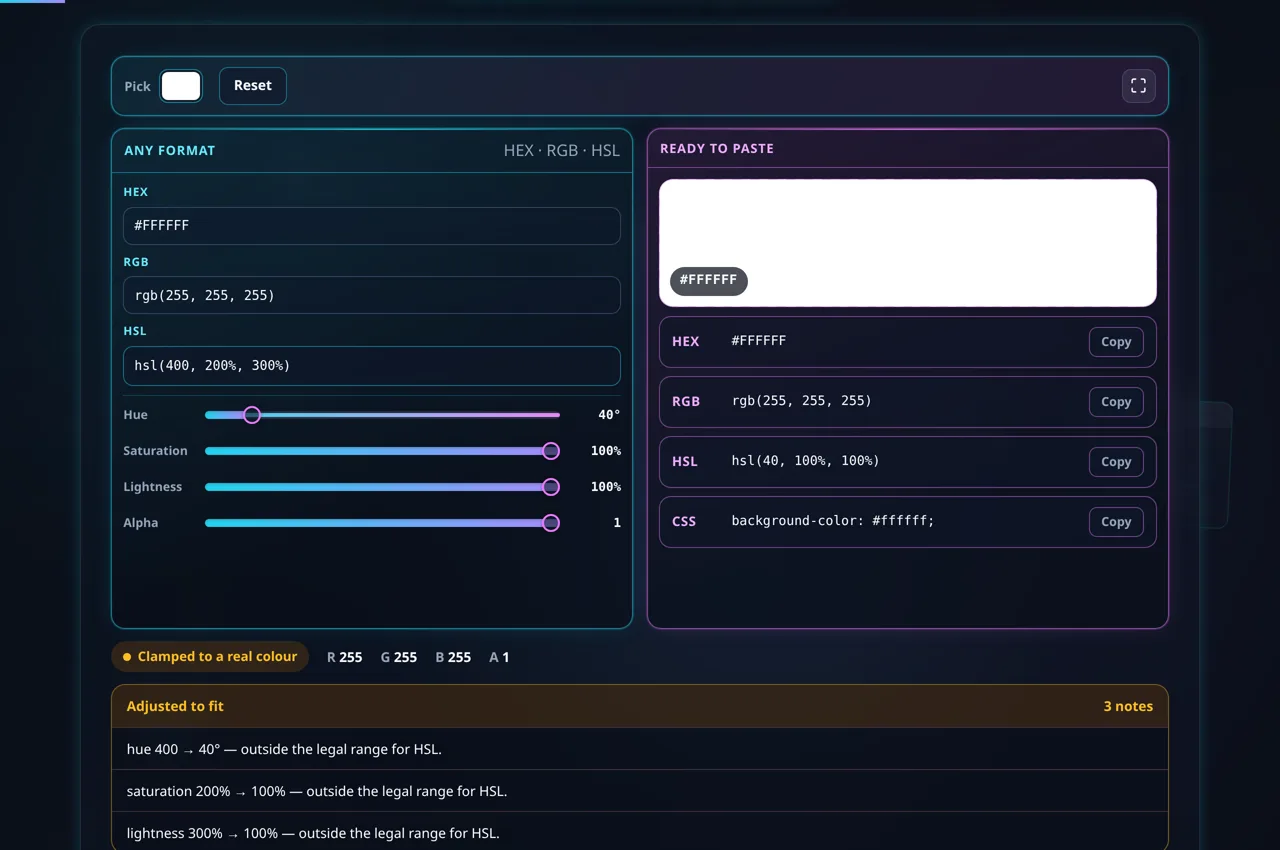
Understanding color systems like RGB (Red, Green, Blue) and HSL (Hue, Saturation, Lightness) is essential for creating accessible and visually appealing interfaces. While HEX is a favorite for static styles, HSL is often preferred by developers for its intuitive handling of brightness and saturation. Our converter bridges this gap by providing a live visual preview and numeric validation to ensure your codes always adhere to W3C standards. This prevents common errors such as out-of-range values or malformed hexadecimal strings that can break your HTML layout rendering.
The interface is optimized for speed and reliability, processing all data locally on your device. This ensures that your brand colors and design choices remain private, never leaving your browser. With integrated alpha channel support, you can fine-tune transparency for modern glassmorphism effects or subtle overlays, instantly generating the necessary RGBA or HSLA code for your production-ready CSS files.
How to Master the Color Code Converter
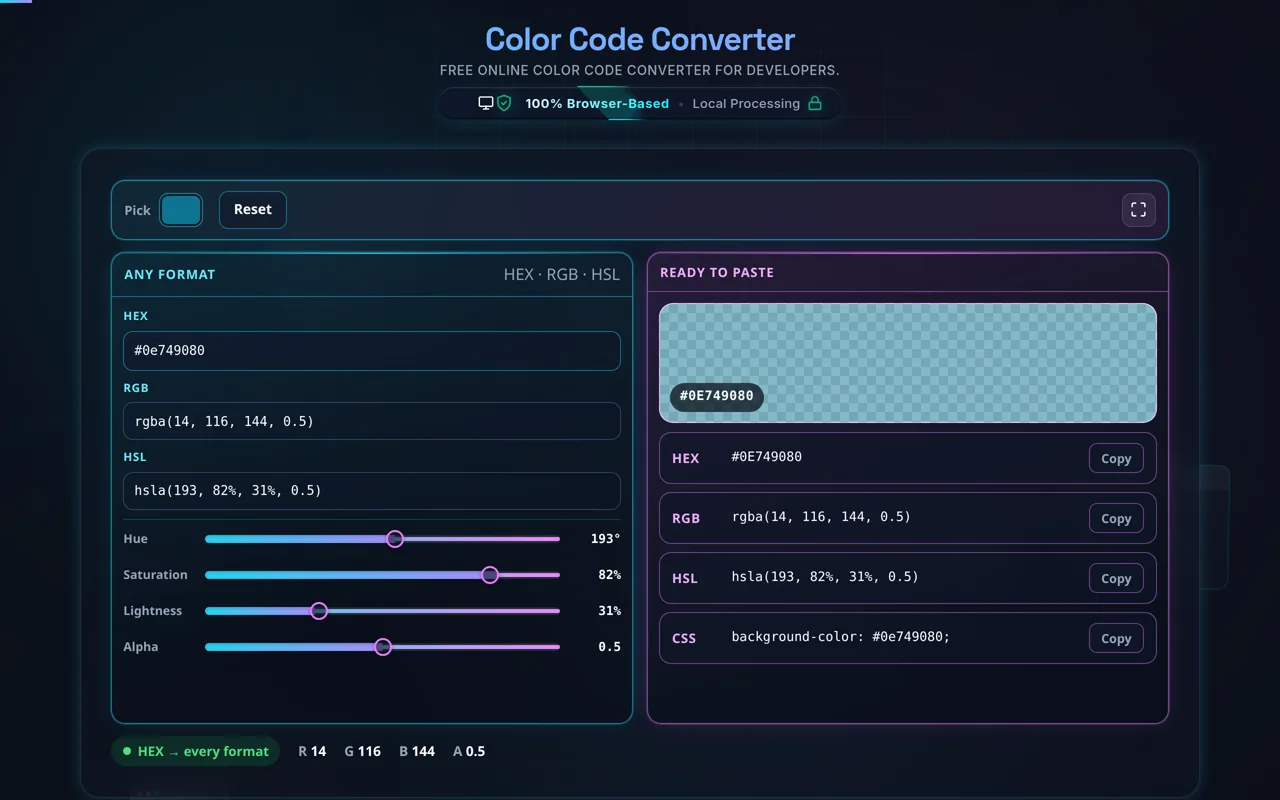
To begin, simply paste any color value into its respective field. If you have a HEX code from a design tool like Figma or Photoshop, paste it into the HEX input. The tool will automatically strip leading '#' characters if necessary and immediately update the RGB and HSL equivalents. This real-time synchronization allows you to see how a specific shade of blue translates across different technical representations without refreshing the page.
For fine-tuning, utilize the interactive sliders below the input fields. The 'H' slider cycles through the 360-degree color wheel, while 'S' and 'L' adjust the intensity and lightness. The 'Alpha' slider is particularly useful for developers working with minified CSS where compact transparency values are needed. As you slide, the visual preview bubble changes dynamically, allowing for rapid iteration on hover states or brand accents.
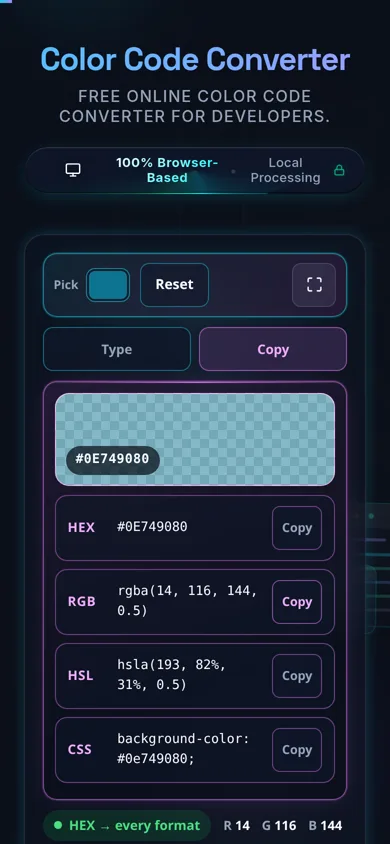
Once you are satisfied with the color, use the 'Copy' buttons adjacent to each field. These buttons copy the exact string formatted for use in code. For example, copying the RGB value provides a string like "rgb(255, 0, 0)", ready to be pasted directly into your stylesheet. This workflow minimizes manual typing and significantly reduces the chance of syntax errors in your development cycle.
Frequently Asked Questions
HEX (Hexadecimal) is a base-16 representation of RGB values, commonly used in web development because of its concise nature. RGB defines color through intensities of Red, Green, and Blue, reflecting how computer screens generate light. HSL is an alternative representation that models color based on human perception. Hue represents the base color, Saturation defines the richness, and Lightness controls the brightness. Developers often find HSL easier to manipulate for generating shades or tints of a single base color.
Using our converter, you can see these mathematical relationships in real-time. For instance, increasing the Lightness in HSL will clearly show the corresponding increase in the underlying RGB channel values. This educational aspect is invaluable for junior developers learning JavaScript UI logic where dynamic color generation might be required based on user input or system state.
Yes, full alpha channel support is integrated into the conversion engine. By adjusting the Alpha slider, you can generate RGBA and HSLA strings. The tool detects when a color is not fully opaque and switches the output format automatically. This is essential for modern web design patterns like "glassmorphism" or when layering text over busy background images converted via our image tools.
When the Alpha value is 1.0, the tool defaults to standard HEX, RGB, and HSL. Once the value drops below 1.0, it provides the 8-digit HEX (HEXA) and the respective functional notations. This ensures your code remains clean while still supporting the complex transparency needs of high-end design projects.
A visual preview serves as a vital sanity check for designers and engineers. Sometimes, a numeric value can be technically valid but visually different than expected due to input typos. By providing a large, clear color bubble, you can instantly verify that the converted values match your intended palette. This is especially helpful when dealing with "web-safe" colors or when checking the contrast of text elements.
Furthermore, our preview pane updates the CSS 'background-color' code snippet. This allows you to visualize how the color will appear as a block element on a webpage. Combining this tool with others like the Unix Timestamp Converter or formatting tools creates a comprehensive ecosystem that streamlines the entire web creation process.