About the Advanced Password Generator
In modern cybersecurity, relying on weak or easily guessable passwords is the leading cause of unauthorized access and data breaches. The Advanced Password Generator by Randomly.online is a developer-grade security workspace meticulously engineered to solve this problem. It allows users to create highly customized, cryptographically strong passwords and memorable passphrases with absolute precision and privacy.
Operating entirely on the client-side within your browser, this tool ensures zero server communication. No passwords, configurations, or personal data are ever transmitted, stored, or logged. By leveraging the browser's native Web Crypto API (crypto.getRandomValues()), it guarantees true randomness and unpredictability, preventing the patterns often found in basic Math.random() generators.
Beyond simple password creation, this workspace acts as an educational tool for security consciousness. The integrated live entropy indicator analyzes your active character pool and password length, calculating the theoretical entropy bits in real-time. This provides instant feedback on the cracking resistance of your generated string against brute-force attacks. Whether you are an administrator provisioning hundreds of system credentials via the bulk generation feature, or a general user needing a secure yet memorable phrase for a master password vault, this secure utility scales to meet stringent security policies.
Generating Standard Passwords
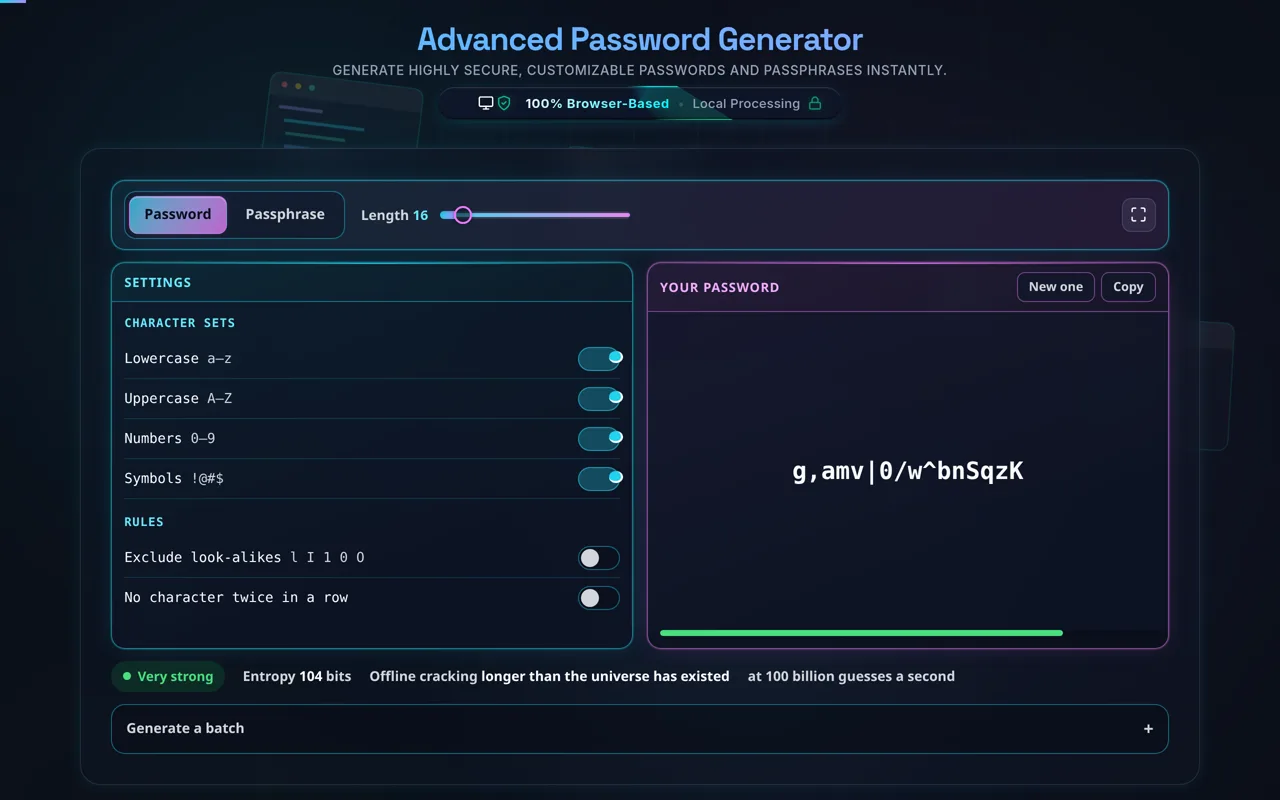
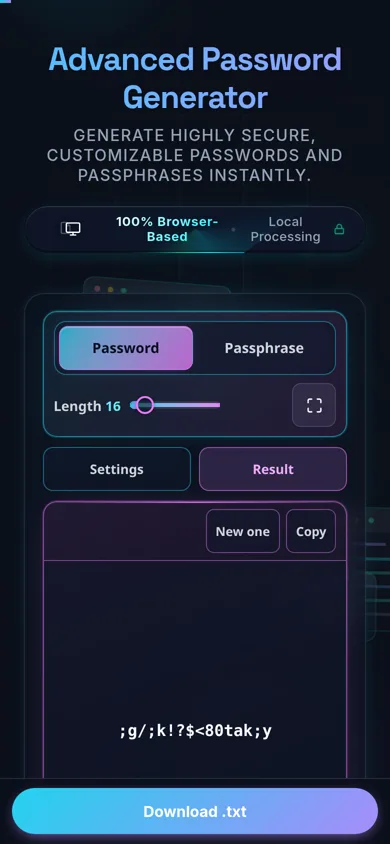
By default, the workspace opens in "Password" mode. Use the slider to define your desired length. Security best practices recommend a minimum of 16 characters for critical accounts. Toggle the character sets—lowercase, uppercase, numbers, and symbols—to match the specific requirements of the service you are securing.
For enhanced readability, activate the Advanced Rules. The "Exclude Ambiguous" rule removes characters like uppercase 'O', zero '0', lowercase 'l', and uppercase 'I', preventing transcription errors. If a system prohibits consecutive characters, the "No Repeated Characters" rule enforces maximum diversity. Every interaction instantly regenerates the password, providing immediate visual feedback and updated entropy metrics.
Generating Passphrases
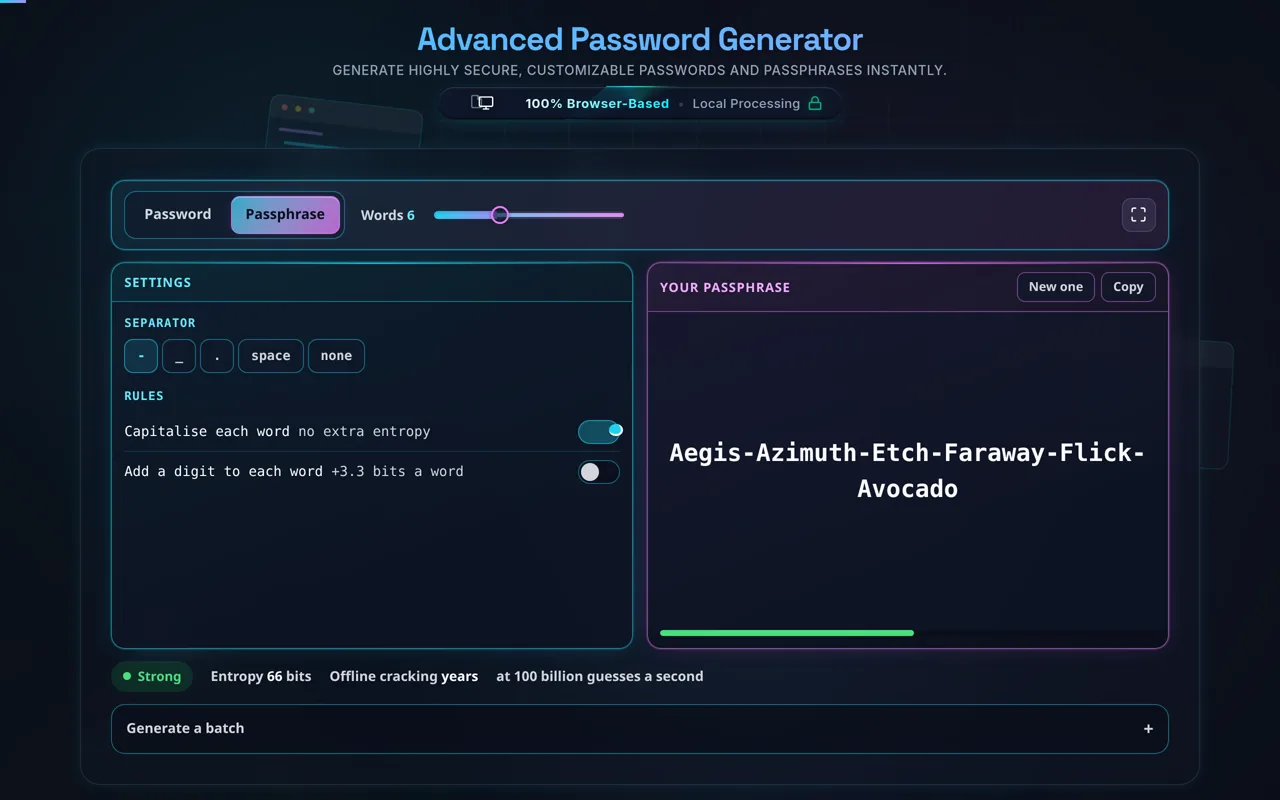
Switch to "Passphrase" mode for creating long, human-readable secrets ideal for master passwords or crypto wallets. Adjust the word count slider (4-6 words recommended) and select a separator. You can optionally enforce capitalization and embed random numbers to satisfy complex password policies while retaining memorability.
Bulk Generation and Export
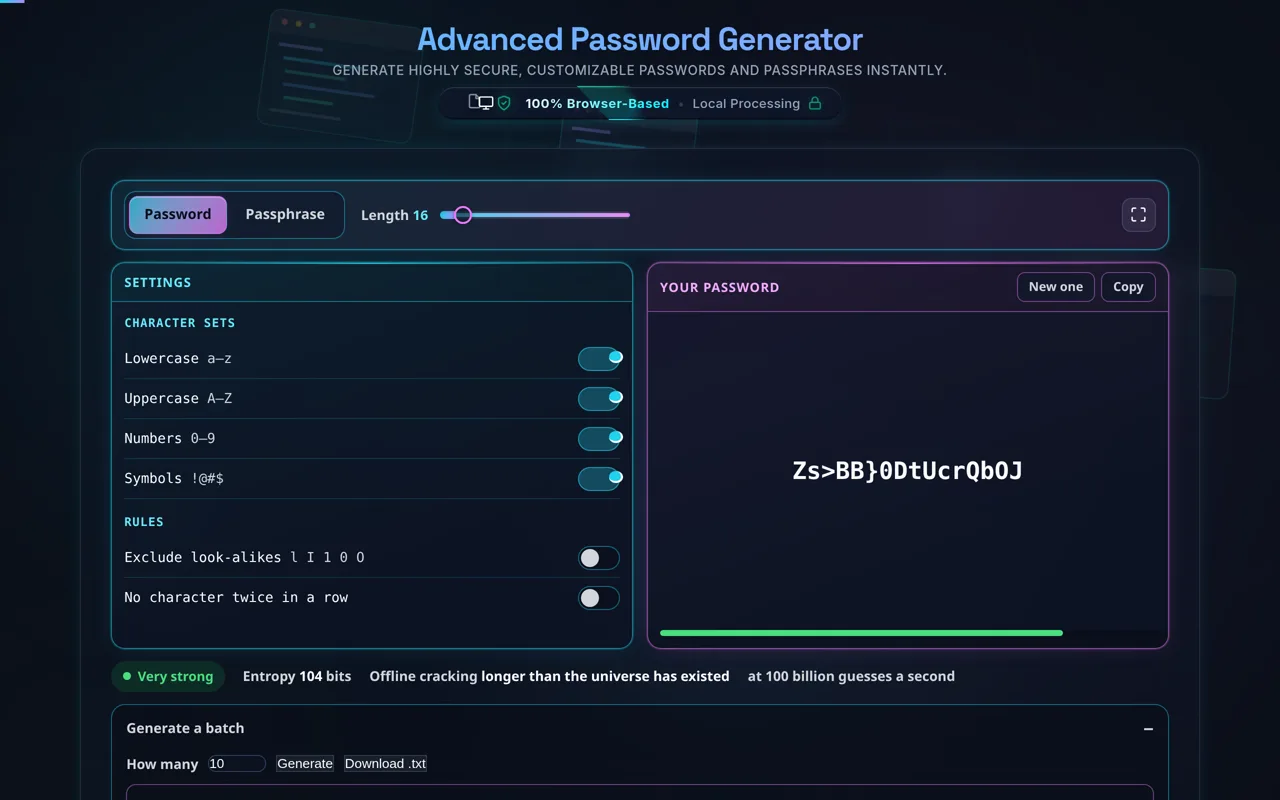
If you need credentials for multiple environments or users, click the "Bulk Generator" button. Specify the quantity, and the tool will instantly output a list of unique passwords strictly adhering to your current configuration. You can easily copy the entire batch or download it securely as a local .txt file for offline distribution. For generating unique identifiers, consider pairing this with our UUID Generator.
1. Is it safe to use an online password generator?
The safety of an online generator depends entirely on its architecture. Unlike poorly constructed tools that process data on a remote server, the Advanced Password Generator on Randomly.online is entirely client-side. This means the HTML, CSS, and JavaScript are downloaded to your browser, and the actual generation happens locally on your machine. We use the cryptographic window.crypto API, ensuring robust randomness. Since there are no network requests sending your generated passwords back to our servers, it is functionally equivalent to running a secure offline application. You can even disconnect your internet after loading the page, and the tool will continue to function flawlessly.
2. What does "Entropy Bits" mean and why does it matter?
Password entropy is a mathematical measure of how unpredictable a password is, typically calculated in "bits." It measures the size of the haystack a hacker must search through to guess your password via a brute-force attack. The formula considers the length of the password and the size of the character pool (e.g., combining 26 lowercase, 26 uppercase, 10 numbers, and 30 symbols yields a pool of 92 characters). An entropy score below 50 bits is generally considered weak and vulnerable to modern GPU-accelerated cracking. A score between 60-80 bits provides moderate to strong protection, while anything over 100 bits is considered cryptographically secure and practically immune to brute-force attacks for millennia. Our live meter helps you visually gauge this strength before you commit to a password.
3. Passwords vs. Passphrases: Which is better for security?
Both methods can achieve exceptional security, but they serve different user needs. A traditional password (e.g., qW8$#vP2!xLz) relies on high character complexity within a shorter string. It provides high entropy per character but is difficult for humans to memorize, making it ideal for machine-to-machine authentication or when using a secure password manager. A passphrase (e.g., Correct-Horse-Battery-Staple) achieves high entropy purely through length by combining random dictionary words. Because it is much longer, the total entropy easily exceeds that of a shorter, complex password, with the added benefit of being memorable. Passphrases are highly recommended for master passwords to vaults, computer logins, or encryption keys.