Beautify your SQL — readable and private
An SQL Formatter re-lays-out a messy query so each major clause — SELECT, FROM, WHERE, JOIN, GROUP BY, ORDER BY — sits on its own line with consistent indentation and tidy keyword case. This one runs entirely in your browser: it never runs your query, and your SQL is never uploaded.
A complex query crammed onto one line is painful to read and review. An SQL formatter fixes that by putting each major clause on its own line — SELECT, FROM, WHERE, JOIN, GROUP BY, HAVING, ORDER BY — indenting subqueries and JOIN conditions, and standardising keyword case so the structure of the query is obvious at a glance.
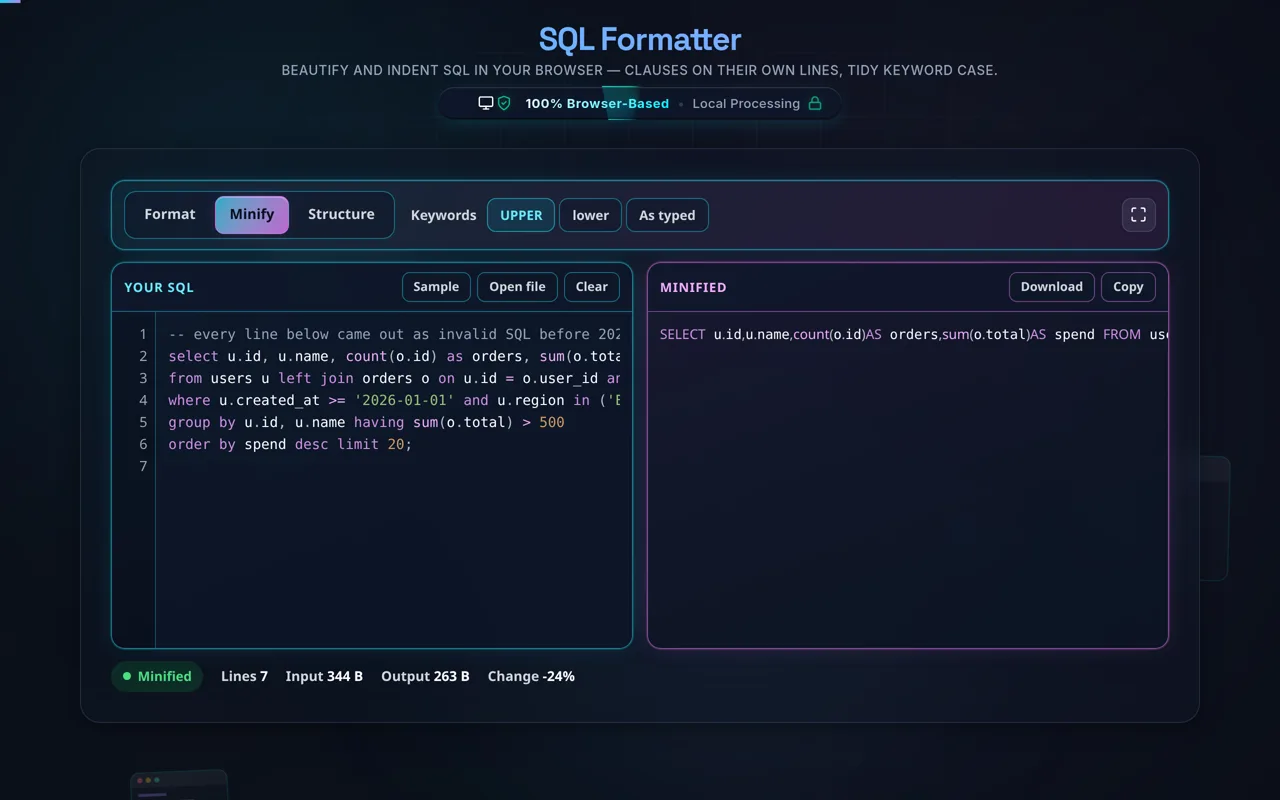
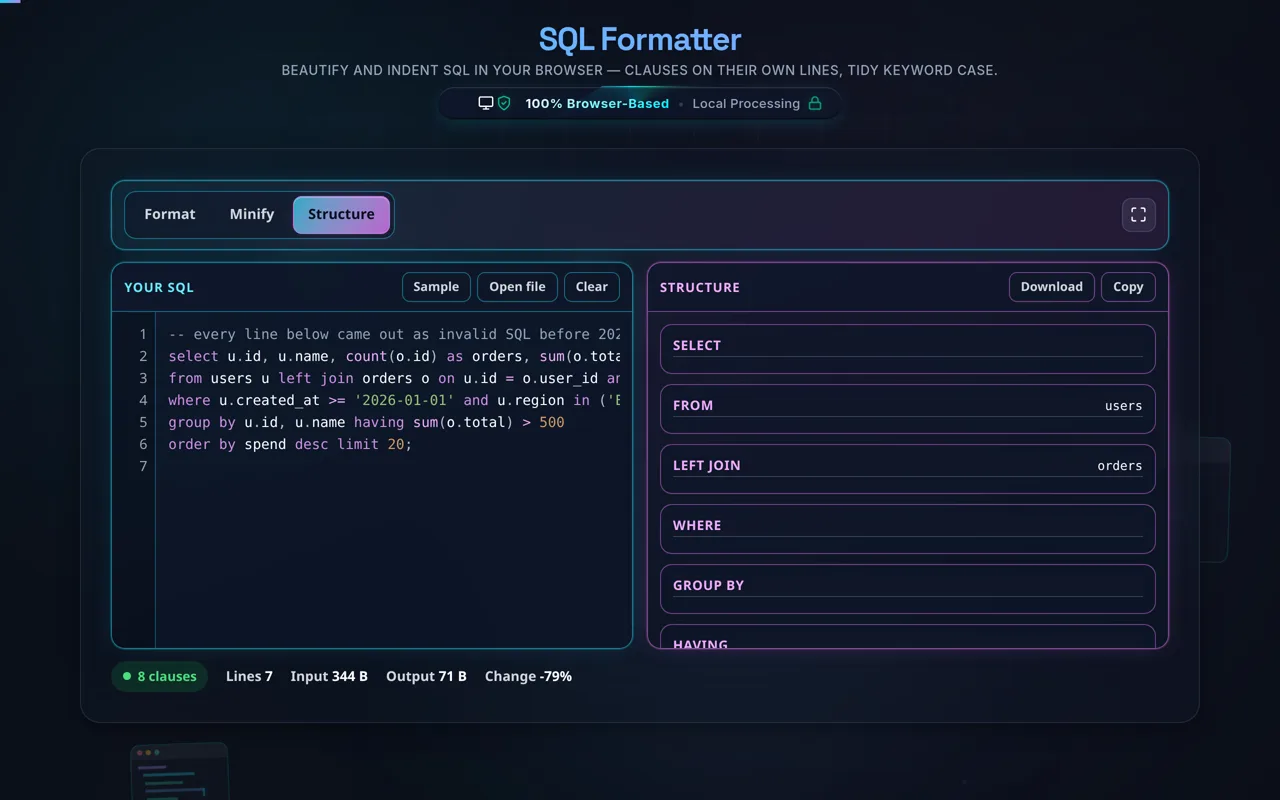
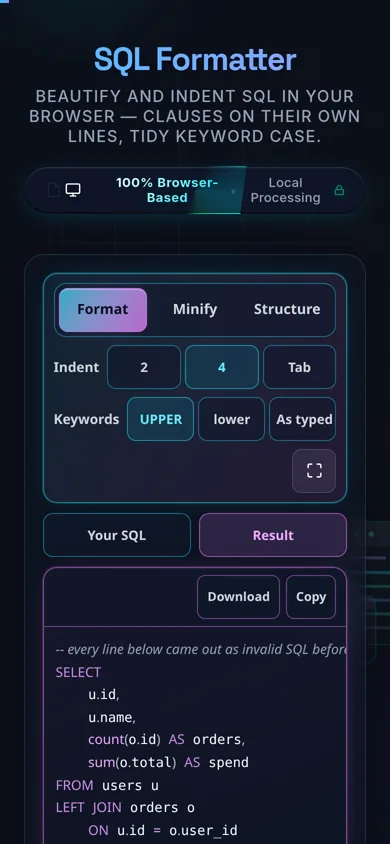
Paste your SQL or load a local .sql file, choose your indentation (2 spaces, 4 spaces or a tab) and a keyword case (UPPERCASE is traditional, because it makes the clauses stand out), and the query is re-laid-out as you type, with highlighting. Minify compacts it back to one line per statement, and Structure lists the clauses and the tables the query touches. Copy or download whichever you need.
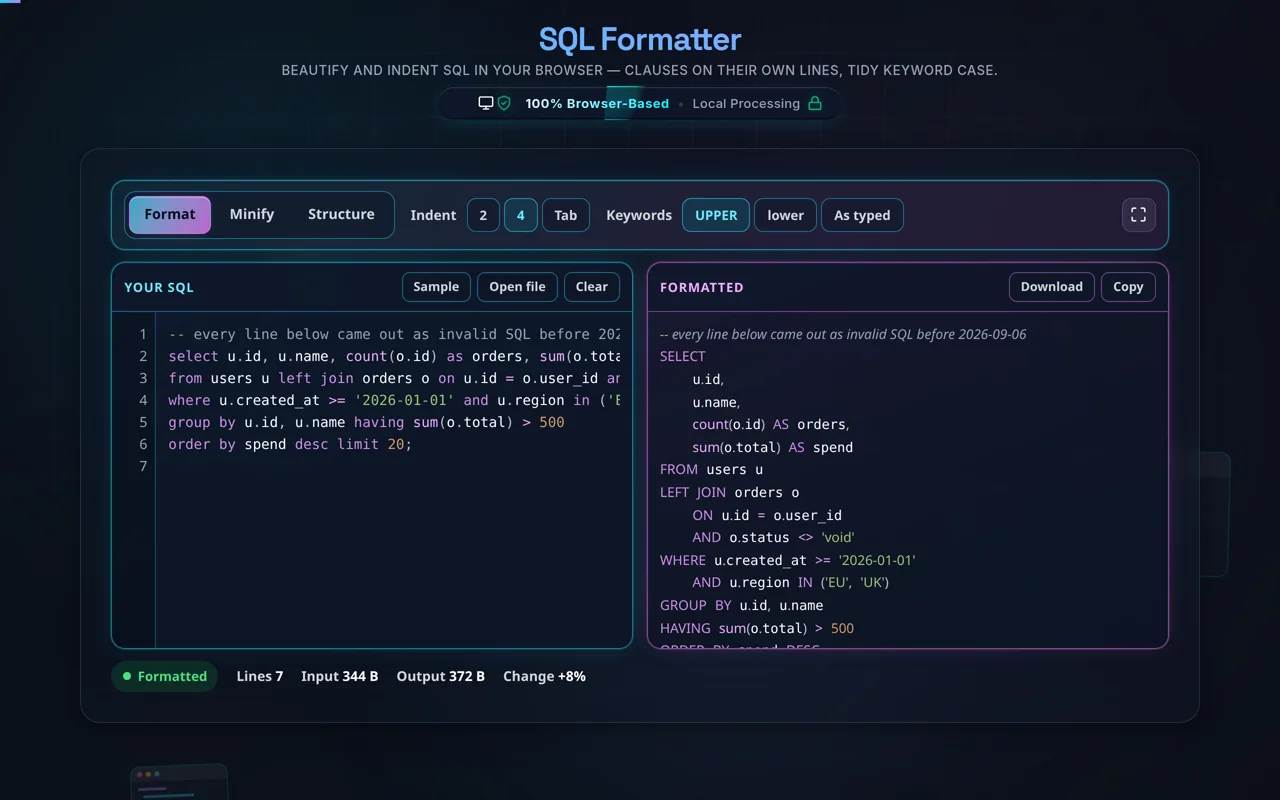
Everything you typed comes back. The formatter reads the query with a real tokenizer rather than a pattern match, so a qualified name (u.name, db.schema.tbl), a two-character operator (>=, <>, !=, ||, ::), a bracketed or backtick-quoted identifier ([Order Details], `table`), a bind parameter (?, :id, $1, @x) and a temp table (#tmp) all survive it unchanged. String literals and comments are copied through byte for byte and are never re-cased — a keyword inside a string stays a string.
Privacy is especially important for SQL. Queries frequently reveal table and column names, business logic, and sometimes literal values — so it matters that everything here happens in your browser. There's no server, no upload, no logging, and no tracking, and, crucially, the tool never connects to a database or executes your query — it only re-lays-out the text. It works offline once loaded, and you can verify the lack of network calls yourself.
Two honest notes. Formatting is cosmetic: it changes layout and keyword case only, never what the query does or returns. And it is a beautifier, not a validator, linter or optimiser — it will not check your SQL against a schema, resolve a column name or improve performance. It does report the three things that are wrong in every dialect: a bracket that is never closed, a string literal that is never closed, and a block comment that is never closed. Beyond those, dialects differ (MySQL, PostgreSQL, T-SQL, SQLite, Oracle) and vendor-specific syntax may be laid out conservatively rather than idiomatically — but it is never rewritten.
For related data work, see the JSON Formatter, CSV to JSON, and JSON to CSV.