Randomly.online
×
HTML Input ● Live Parser Active
Markdown Output 0 characters

Advanced HTML to Markdown Converter: The Developer's Blueprint

In the modern landscape of digital content creation, the HTML to Markdown Converter has emerged as an indispensable utility for developers, technical writers, and documentation specialists alike. Markdown's lightweight syntax provides a level of readability and portability that raw HTML simply cannot match. Our tool is engineered specifically to bridge the gap between complex web markup and the streamlined world of Markdown documentation. By employing a deterministic parsing engine, we ensure that every semantic element of your HTML—ranging from nested lists to multi-layered blockquotes—is translated with 100% structural fidelity. This allows you to migrate legacy blog posts, extract content from existing web pages, or simply clean up automated exports into a format that is ready for GitHub, Jekyll, or any modern static site generator.

One of the primary advantages of our converter is its commitment to "Privacy by Design." Unlike many online tools that transmit your data to a remote server for processing, our converter executes entirely within your browser's client-side environment. This means your sensitive code snippets, internal documentation, or personal drafts never leave your device. The conversion logic is built upon modern DOM parsing APIs, allowing it to handle massive blocks of HTML without the interface lag common in legacy regex-based converters. Furthermore, the real-time feedback loop ensures that as you paste or edit your HTML, the resulting Markdown is immediately visible, providing a sandbox-like experience for fine-tuning your content's structure. Whether you are dealing with JSON documentation or standard web articles, our tool preserves the integrity of your information while drastically reducing the time spent on manual reformatting.

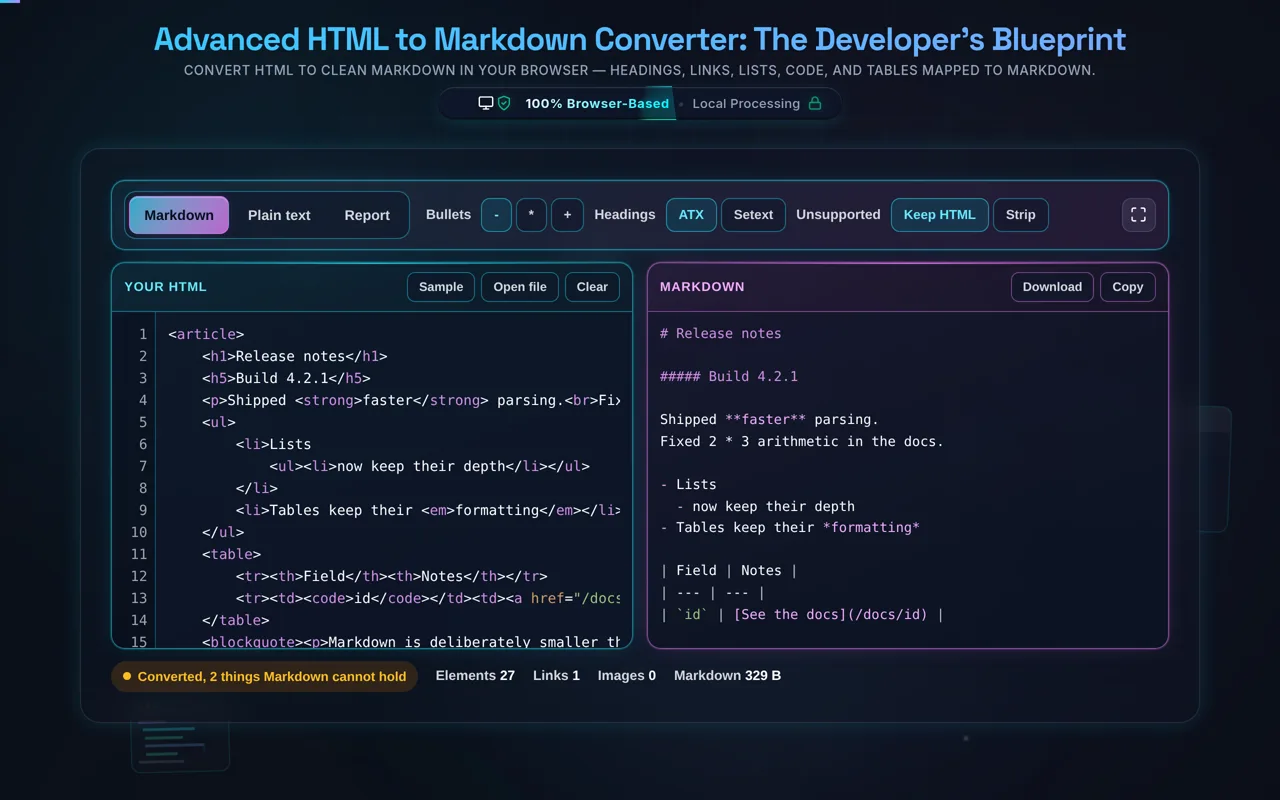
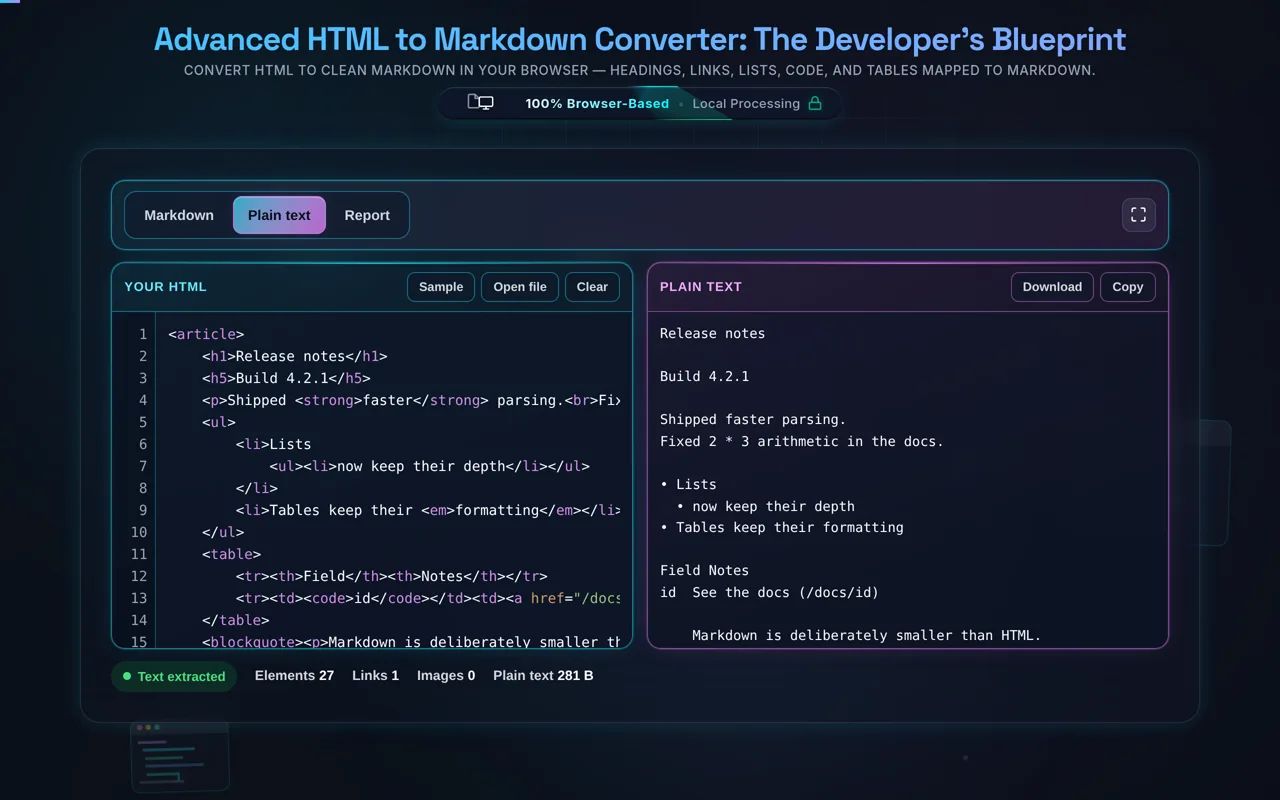
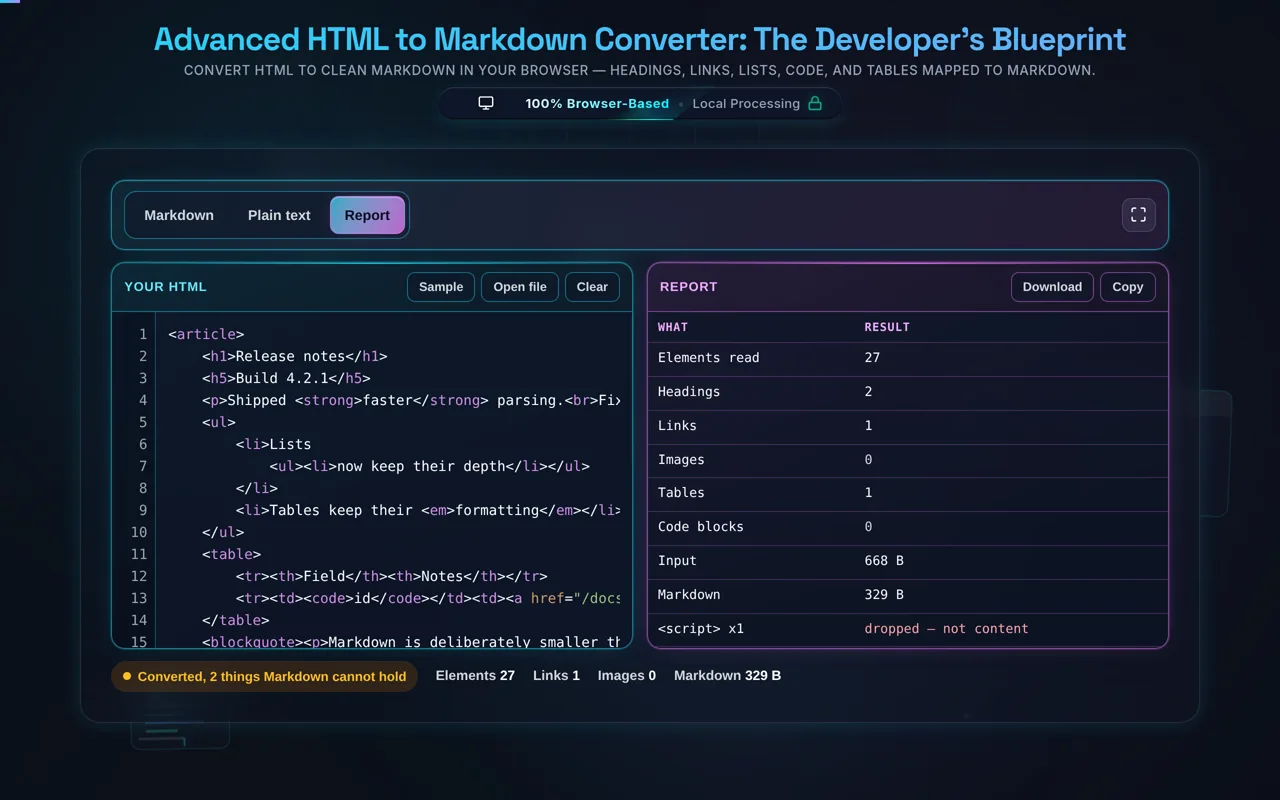
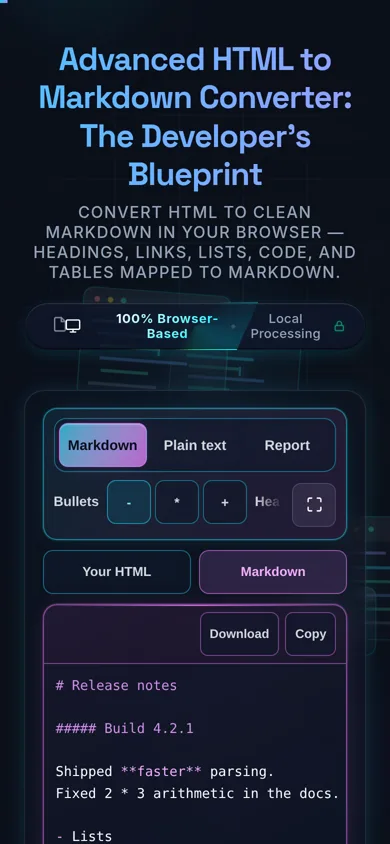
Mastering the art of content transformation begins with understanding the workflow of our HTML to Markdown Converter. The interface is purposefully designed with a dual-pane architecture to maximize developer productivity. To start, simply paste your source HTML into the left-hand editor. You will notice that the system immediately begins parsing the document object model (DOM). This isn't a simple text replacement; it's a structural analysis that identifies elements like <h1> through <h6> and maps them to the appropriate number of '#' symbols in Markdown. If your source contains complex nested lists, our engine recursively traverses the tree to ensure that indentation levels remain accurate in the output, preventing the common "flattening" issue found in inferior tools. For developers working with code snippets, the converter automatically detects <pre> and <code> blocks, wrapping them in triple backticks for clean, language-agnostic display.

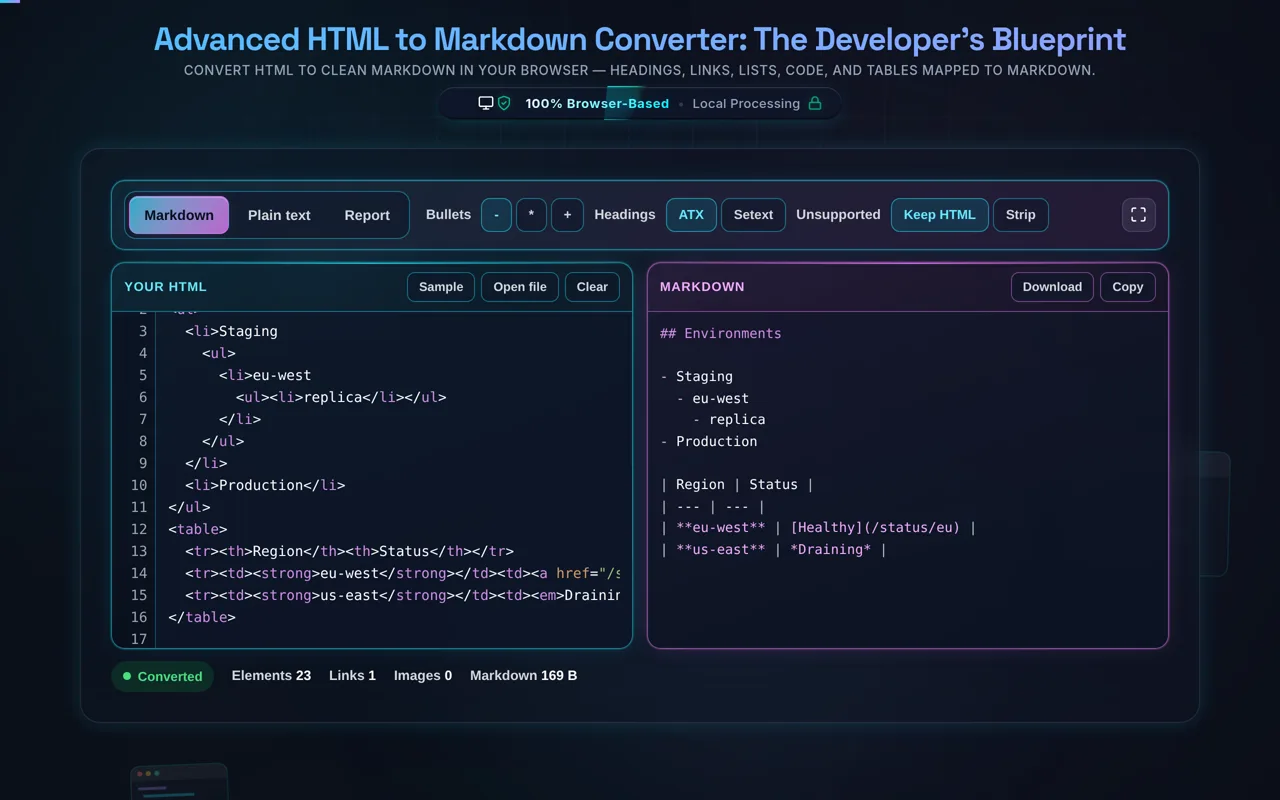
To further refine your output, consider the context of your final platform. If you are preparing content for a GitHub repository, you may want to ensure that your tables are correctly translated into GFM (GitHub Flavored Markdown) syntax. Our converter handles standard HTML tables with precision, mapping rows and cells into the pipe-and-dash format used by most modern Markdown parsers. Additionally, we've integrated contextual links for other vital developer tasks. For instance, if you find your source HTML is messy, you might first pass it through our HTML Formatter before converting it here. Once the conversion is complete, use the "Copy Markdown" button for instant clipboard access or "Download .md" for local file storage. This streamlined workflow eliminates the friction usually associated with content migration, allowing you to focus on the quality of your writing rather than the minutiae of syntax formatting.

Security and privacy are the cornerstones of the Randomly.online developer suite. We recognize that developers often work with proprietary code, internal business logic, or sensitive user-facing documentation that should never be exposed to third-party servers. To address this, our HTML to Markdown converter operates on a strictly client-side architecture. When you paste your HTML into our editor, the data resides only in your browser's local memory (RAM). There are zero API calls made to any backend server for the purpose of conversion. The transformation logic is written in highly optimized JavaScript that runs locally on your CPU. This "zero-transmission" policy ensures that your data is invisible to search engines, our web servers, and any potential malicious intermediaries. This level of security makes it the ideal choice for corporate developers who must adhere to strict data protection regulations like GDPR or CCPA while performing routine JavaScript formatting or content conversion tasks.

Beyond the absence of data transmission, we also ensure that no persistent traces are left on your local machine unless you explicitly choose to save your work. We do not use persistent cookies to store your input data, and the state of your workspace is cleared upon refreshing the page or closing the tab. This ephemeral nature of the tool provides a "clean room" environment for every session. Even when utilizing related tools like our Base64 Encoder/Decoder, the same rigorous security standards apply. You can audit the network activity in your browser's developer tools at any time to verify that no content is being sent outbound. In an era where "free" online tools often monetize user data, our commitment is to provide high-quality, professional-grade utilities that respect the fundamental right to privacy for every member of the global developer community.

One of the most significant challenges in HTML to Markdown conversion is the handling of non-linear or deeply nested elements. Many basic converters fail when they encounter <div> soup or heavily nested unordered lists. Our engine, however, utilizes a recursive tree-walking algorithm. When the parser encounters a <ul> or <ol>, it doesn't just look for <li> children; it recursively looks for further lists within those items, maintaining a depth counter to apply the correct amount of space-based indentation in the resulting Markdown. This ensures that your document hierarchy is preserved, making it fully compatible with tools like Pandoc or static site generators. Tables are handled with equal care; our parser extracts headers (<th>) and data cells (<td>) to construct the pipe-and-dash table structure favored by GitHub and GitLab. If a cell contains further HTML formatting like bold or italic tags, those are seamlessly converted into their Markdown equivalents within the table grid.

Furthermore, we understand that HTML often contains semantic tags that don't have a direct 1:1 Markdown equivalent, such as <section>, <article>, or <span>. Our converter employs a "pass-through" strategy for these elements: it extracts the inner content while discarding the wrapper tag if it doesn't contribute to the visual structure, thereby cleaning up the "noise" often found in WordPress or CMS-exported HTML. Images (<img>) and hyperlinks (<a>) are mapped precisely, including alt text and title attributes where available. For those working with diverse media types, you might also find our Image to Base64 tool useful for embedding assets directly. By treating the HTML as a living DOM rather than just a string of text, we provide a robust conversion that handles the complexities of modern web markup while producing the cleanest possible Markdown output for your next project.