Randomly.online
×

JWT Decoder

Paste your JWT here

Invalid JWT format. Please ensure it has 3 parts separated by dots.

Header
{}
Payload
{}
Signature
No token detected

Why Secure JWT Decoding Matters

In the modern landscape of web development, JSON Web Tokens (JWT) have become the gold standard for stateless authentication. However, debugging these encoded strings often forces developers to rely on online tools that transmit sensitive data to external servers. Our JWT Decoder changes that dynamic by operating entirely within your browser's local environment. By ensuring that your Base64 encoded strings are never uploaded, we provide a fortress of privacy for your authentication headers. This is especially critical when handling production tokens that might contain sensitive user IDs, roles, or custom claims. Understanding the structure of a JWT—comprised of a header, payload, and signature—is the first step toward building secure applications.

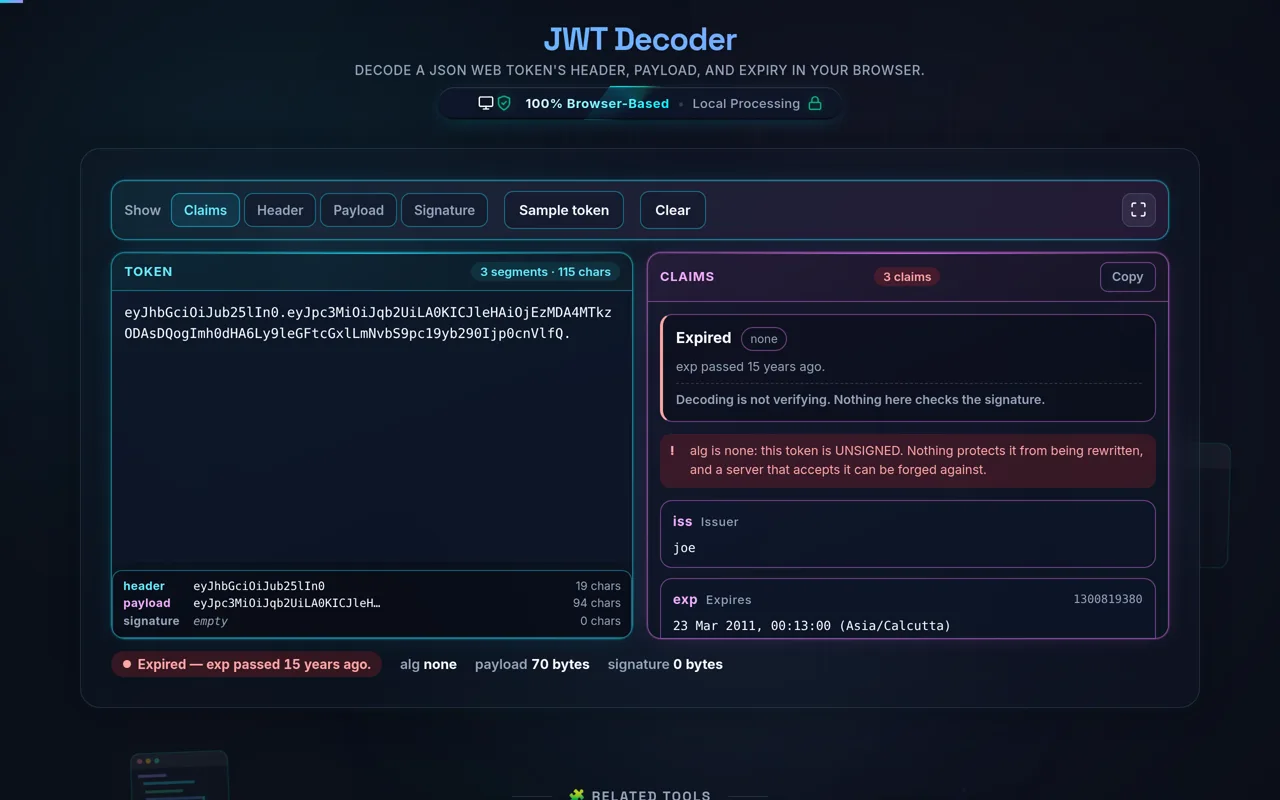
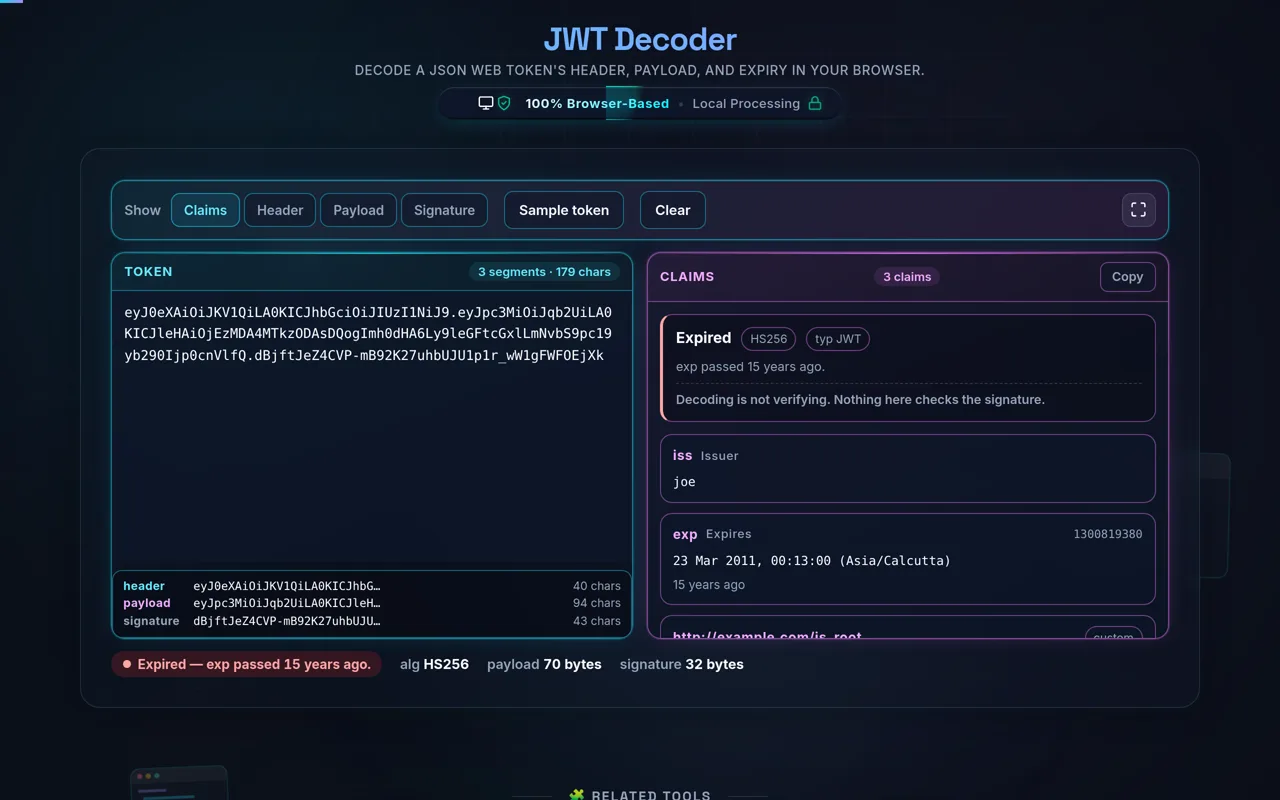
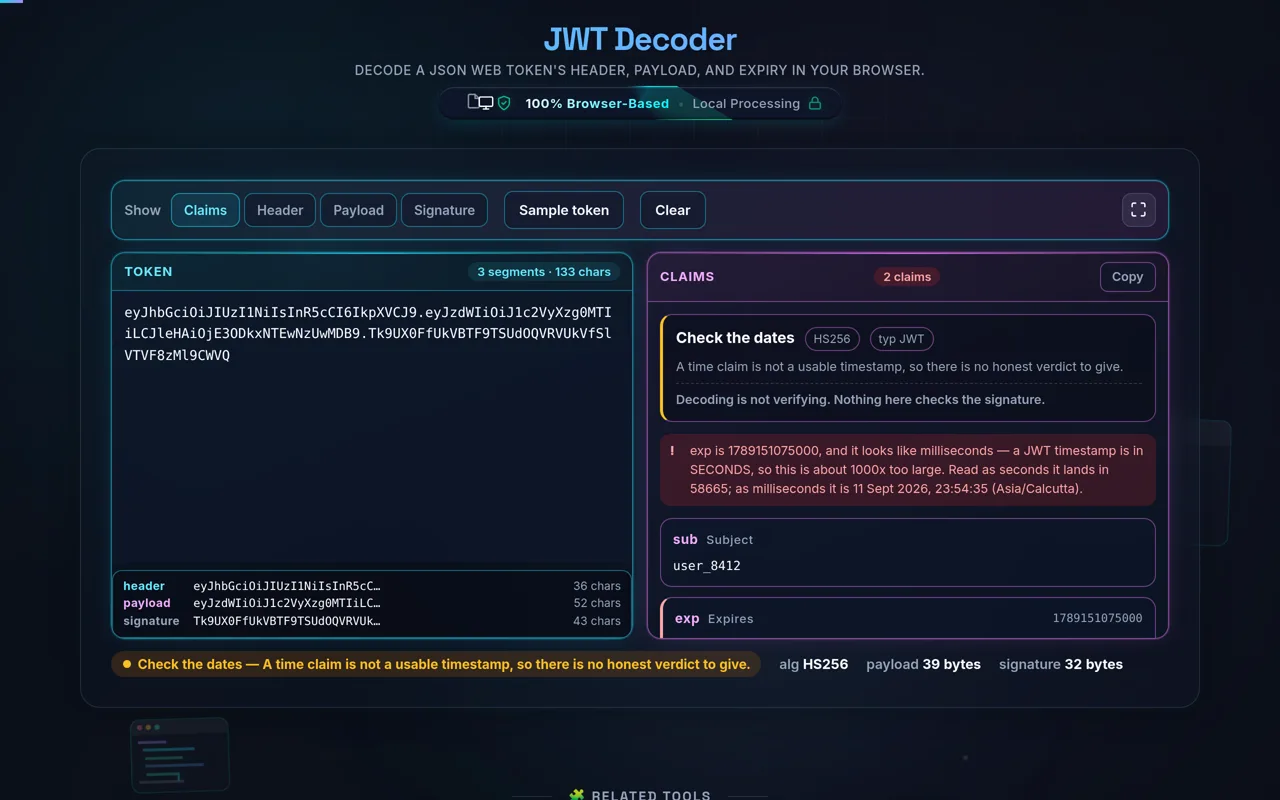
Beyond simple decoding, our tool acts as a comprehensive claims inspector. It automatically identifies common standard claims like 'exp' (expiration), 'iat' (issued at), and 'iss' (issuer), converting them into human-readable formats instantly. This saves developers the manual effort of calculating Unix timestamps or using a separate timestamp converter. With syntax highlighting and immediate validation, you can spot malformed tokens or expired sessions in milliseconds. Whether you are troubleshooting an OAuth2 flow or verifying the claims of a user session, this workspace is designed to be your primary, safe, and fast debugging companion.

How to Use the JWT Inspector

Using our JWT Decoder is designed to be as frictionless as possible. Simply copy the full JWT string from your application’s network tab or logs and paste it into the provided input area. The tool immediately triggers a client-side parsing logic that splits the string by its period delimiters. Unlike other tools, we don't require you to click "Decode" or "Submit"; the interface updates in real-time as you type or paste. If the token is valid, the header and payload sections will populate with neatly formatted JSON, while the signature section will display the raw hash. This instant feedback loop is essential for rapid debugging of authentication middleware or identity provider integrations.

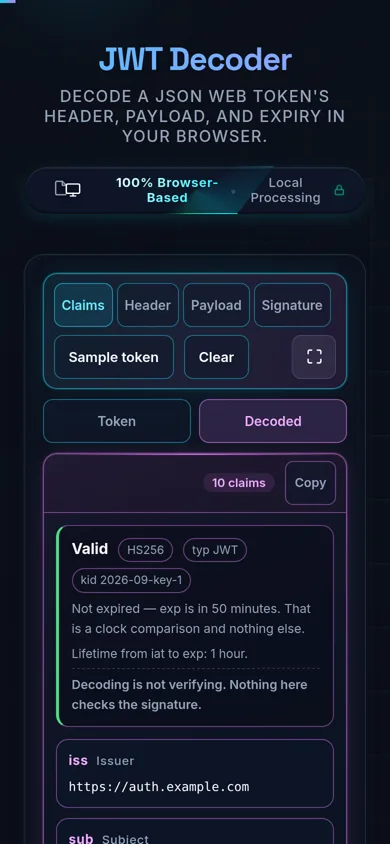
Once decoded, you can use the metadata panel to check the token's validity. If the 'exp' claim is present, the tool will compare it with your system time and display a clear "Valid" or "Expired" status. For complex payloads with nested objects, the structured JSON view ensures that you can collapse or expand sections to focus on what matters. You can also utilize the "Copy" buttons to extract the formatted JSON for use in your documentation or JSON validation tools. If you need to clear your workspace for a new session, the "Reset" button ensures no trace of the previous token remains in your UI, maintaining the clean, focused environment necessary for professional development tasks.

A JSON Web Token (JWT) is a compact, URL-safe means of representing claims to be transferred between two parties. The token consists of three distinct parts separated by dots: the Header, the Payload, and the Signature. The Header typically consists of two parts: the type of the token, which is JWT, and the signing algorithm being used, such as HMAC SHA256 or RSA. The Payload contains the claims, which are statements about an entity and additional data. Finally, the Signature is used to verify that the sender of the JWT is who it says it is and to ensure that the message wasn't changed along the way. Using tools like our decoder helps you visualize these segments without needing to understand the underlying Base64URL encoding manually.

Yes, security and privacy are the core pillars of our JWT Decoder. Unlike many online tools that send your data to a backend server for processing, our decoder works 100% client-side. This means that the moment you paste a token into the input field, the decoding logic is executed by your own browser's JavaScript engine. Your token never leaves your machine. This approach prevents potential exposure of sensitive authentication secrets or user data to third parties. We recommend that developers always use client-side tools for debugging production tokens to maintain compliance with data protection standards. For further security, you can even use our tool while offline once the page has loaded, ensuring zero network activity during your debugging session.

A JWT might be flagged as invalid for several reasons. The most common issue is a malformed string; a standard JWT must contain exactly two dots separating the three parts. If you've accidentally missed a character during copying or included white spaces at the start or end, the decoder will fail to parse the Base64URL segments correctly. Additionally, the segments themselves must be valid Base64URL encoded strings. If the payload is corrupted or uses non-standard encoding, the JSON parser will throw an error. Our tool provides precise error messages to help you identify which part of the token is problematic. If you are generating tokens manually, you might want to cross-check your logic with a JSON formatter to ensure the source data is valid before encoding.