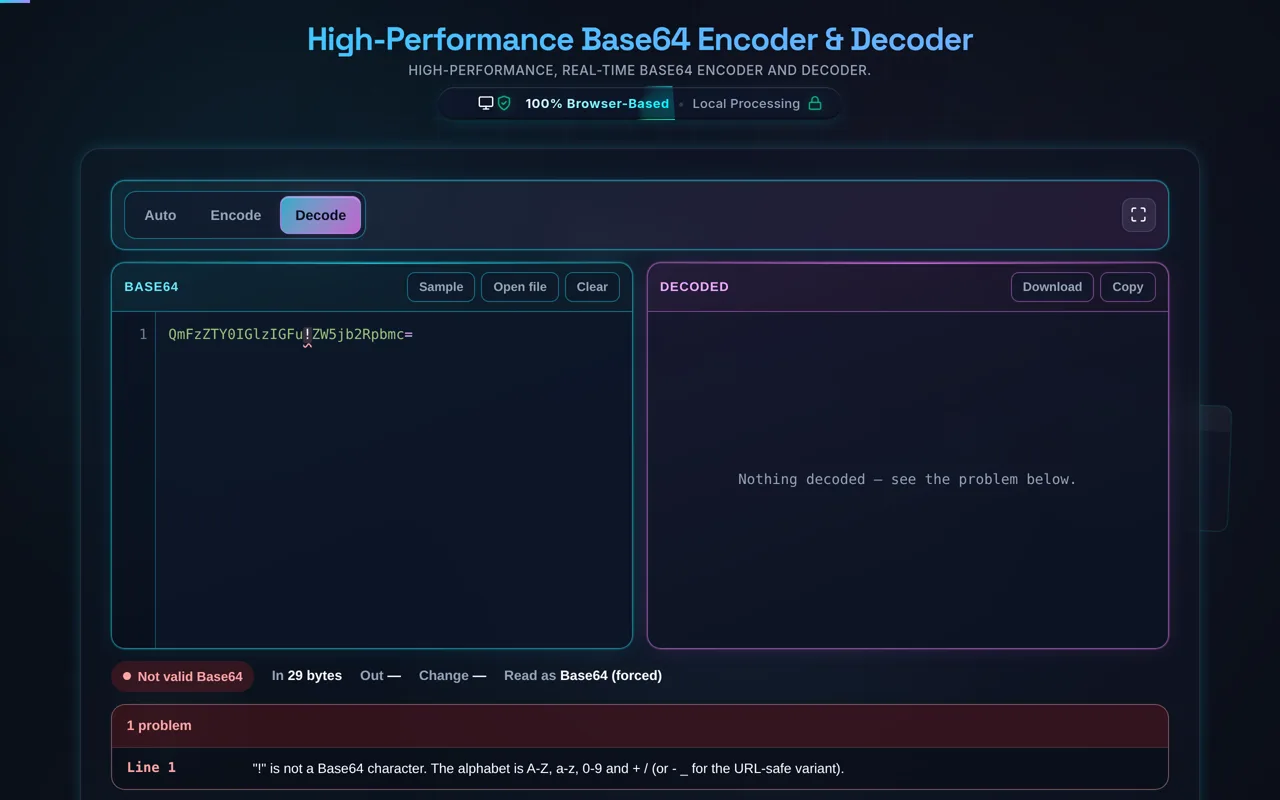
Deep Dive into Base64 Encoding
What is Base64 encoding and why is it used in modern web development?
Base64 is a fundamental binary-to-text encoding scheme utilized across computer networks to represent complex binary data (like images, compiled documents, or encrypted sequences) as a printable string of ASCII characters. The "64" refers to the specific alphabet used: 26 uppercase letters, 26 lowercase letters, 10 digits, and two additional symbols (usually + and /). When systems transfer data over protocols originally designed for plain text—most notably SMTP for email, or legacy HTTP configurations—transmitting raw binary data can lead to corruption because special control characters might be misinterpreted by routing systems.
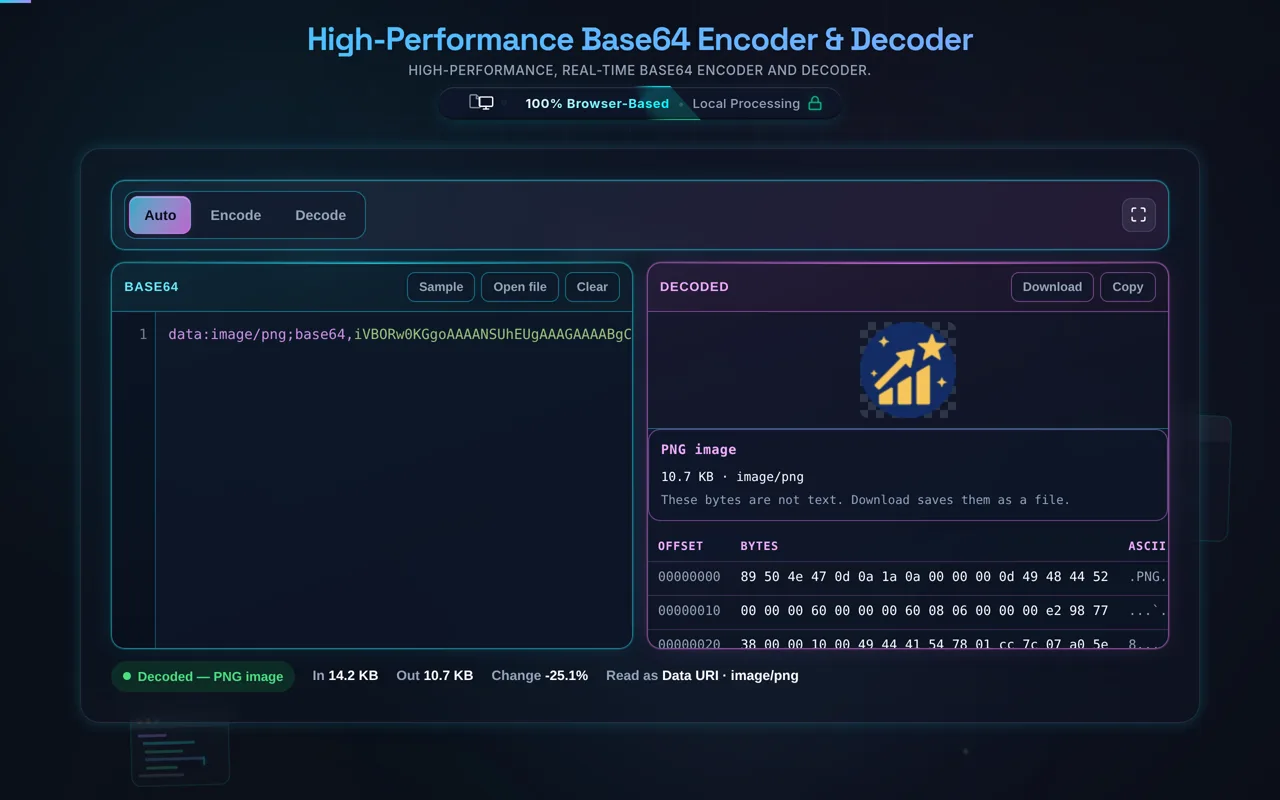
In modern web development, Base64 is heavily utilized for embedding assets directly into source code to optimize load times. For example, instead of forcing a browser to make a separate HTTP request to fetch a small icon, a developer can Base64 encode the image and embed it directly into the CSS file using a Data URI (background-image: url(data:image/png;base64,...)). This reduces the number of initial server handshakes, improving perceived page load speeds. Furthermore, it is the structural foundation for JSON Web Tokens (JWT), where the header and payload claims are Base64Url encoded to safely traverse HTTP headers during API authentication processes. While incredibly useful, developers must account for the ~33% size overhead introduced during the mathematical conversion process, which is why it is generally reserved for small payloads.
How does URL-safe Base64 differ from standard Base64 encoding?
Standard Base64 encoding relies on an alphabet that includes the plus (+) and forward slash (/) characters, with the equals sign (=) utilized as a padding suffix to guarantee the final string length is a multiple of four. While this standard is universally accepted in environments like email MIME formatting or internal data serialization, it presents significant structural conflicts when the encoded data needs to be transmitted via web URLs or RESTful API endpoints. In the context of a URL, the + character is interpreted by web servers as a literal space, and the / character acts as a path delimiter demarcating directory structures.
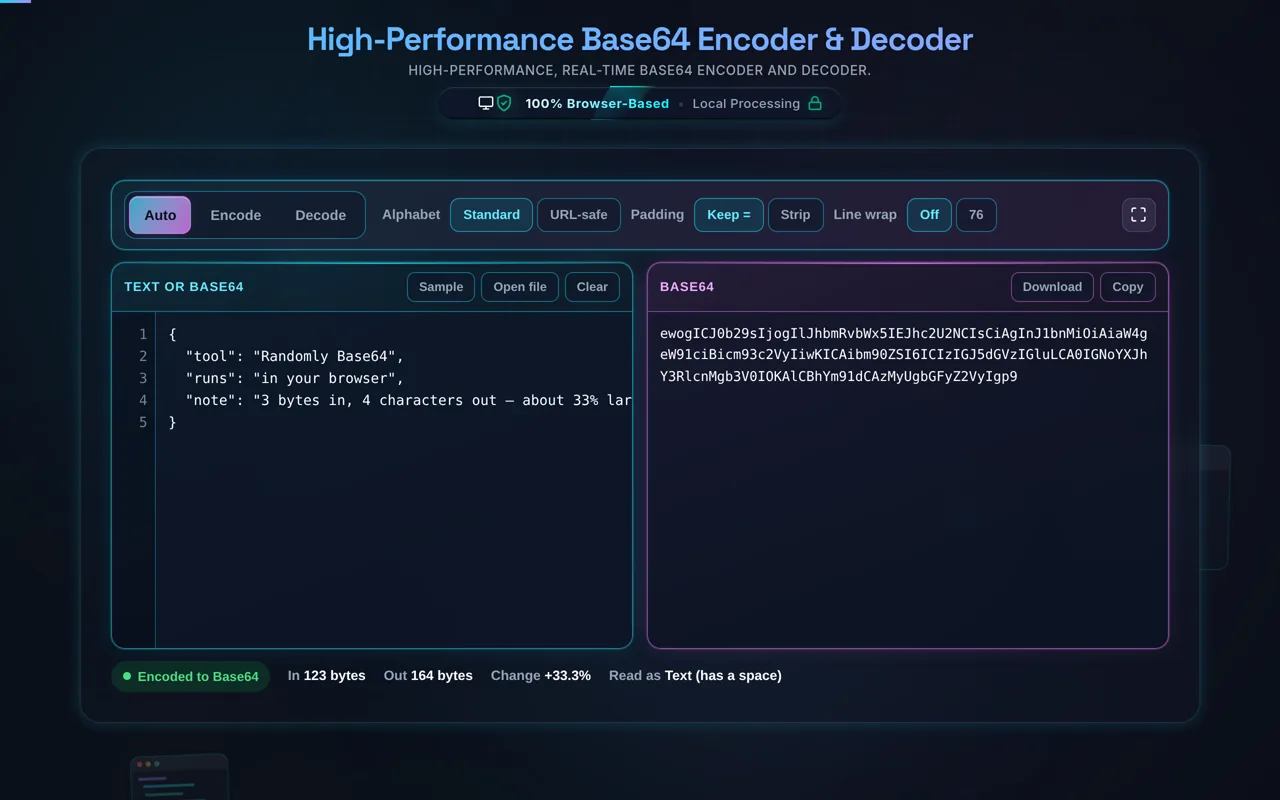
To safely transmit Base64 encoded strings within query parameters or URL paths, developers utilize "URL-safe Base64" (often standardized in RFC 4648). This variant applies a simple character substitution algorithm: every + is replaced by a hyphen (-), and every / is replaced by an underscore (_). These replacement characters are inherently safe for URLs and do not trigger unexpected server-side parsing behavior. Additionally, URL-safe implementations often strip the trailing = padding characters entirely, as they are non-essential for programmatic decoding and take up unnecessary space. Our tool includes a one-click toggle to automatically perform this URL-safe translation, ensuring your payloads are immediately ready for network routing without manual regex cleanups.
Is Base64 encoding a secure method for encrypting sensitive data like passwords?
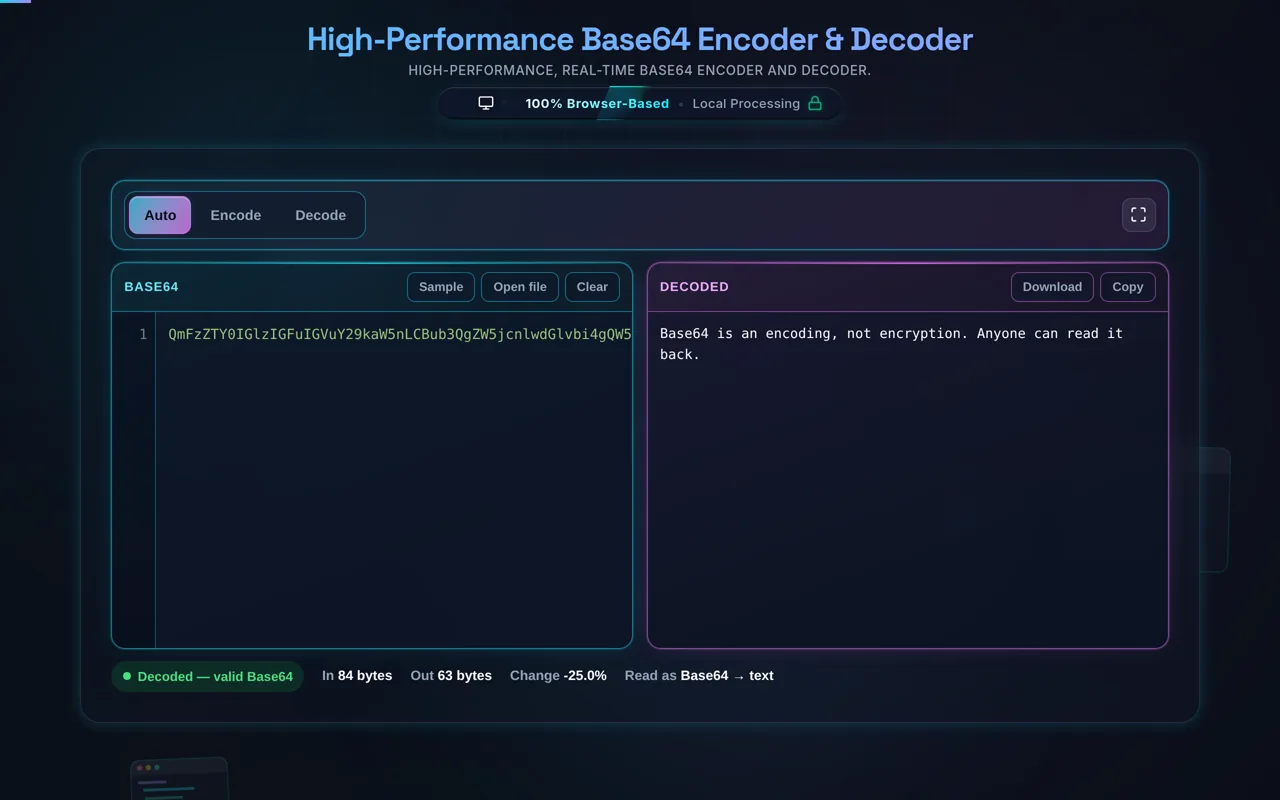
A critical and surprisingly common misconception among novice developers is conflating "encoding" with "encryption". Base64 encoding provides absolutely zero security, confidentiality, or cryptographic protection for sensitive data. It is purely a format translation tool—translating data from a binary format into a textual format. The algorithm used to perform this translation is universally public, deterministic, and identical across all systems globally. Consequently, anyone who intercepts a Base64 encoded string can instantly decode it back to its original state using standard library functions like atob() or tools exactly like the one provided on this page.
If you are handling sensitive user information—such as account passwords, financial data, or personal identification details—you must never rely on Base64 to obscure it. Instead, you must implement strong cryptographic processes. For storing passwords in a database, the data should be run through a secure, salted, one-way hashing algorithm like bcrypt, Argon2, or SHA-256 (which you can test via our Hash Generator). For transmitting sensitive data between systems, it must be encrypted using strong symmetric or asymmetric ciphers (like AES or RSA) over a secure TLS/HTTPS connection. Base64 is only utilized *after* the cryptographic process is complete; the resulting encrypted binary payload is then Base64 encoded so it can be safely appended to a JSON API response or text file without corruption. Security requires mathematics, not just translation.