Randomly.online
×

Text to Binary Converter

Instant bidirectional transformation between characters and 8-bit binary code.

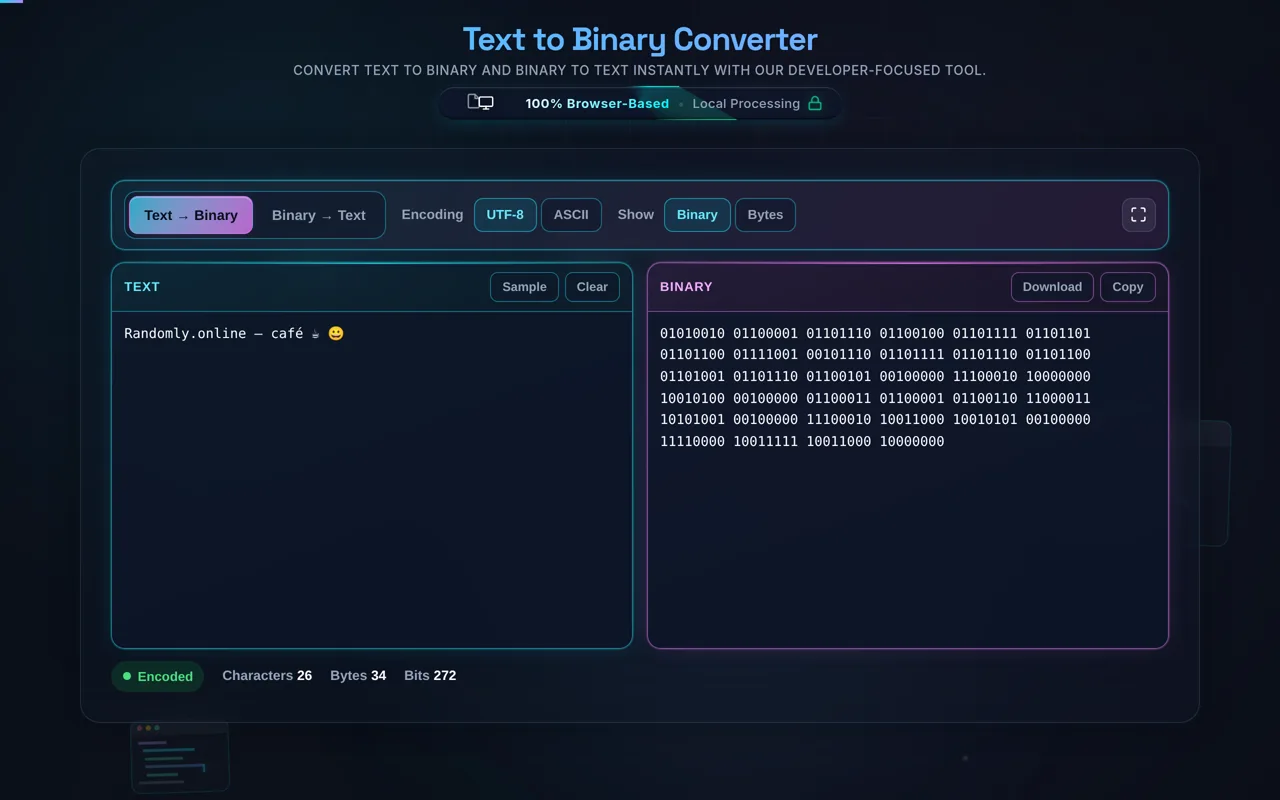
Input Text

Real-time: Ready

Binary Output

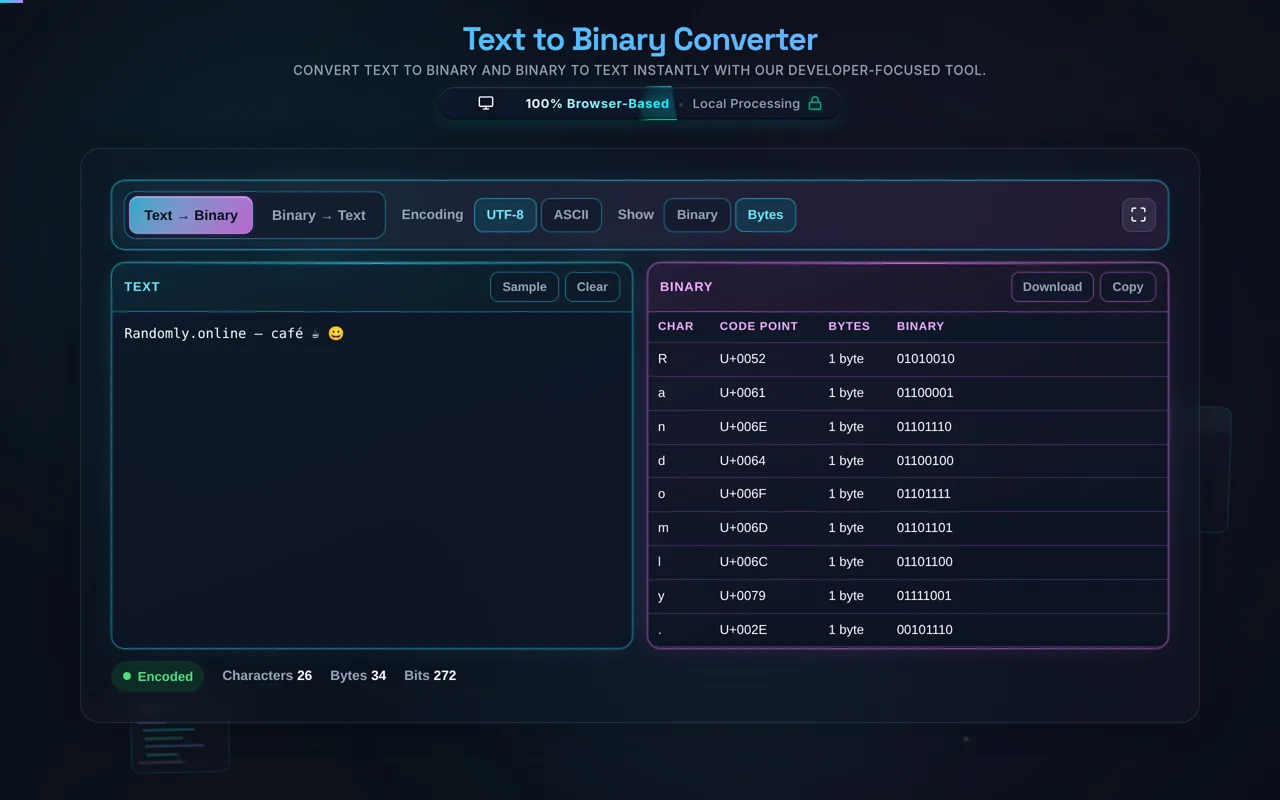
Character Inspection

Character Code Point Binary (8-bit)
Type something to see details...

Professional Text to Binary Conversion Tool

Welcome to the ultimate Text to Binary Converter on Randomly.online, a workspace engineered for developers, educators, and curious minds. Binary representation is the bedrock of modern computing, where every letter, digit, and symbol is translated into a sequence of zeros and ones. Our tool simplifies this complex translation by providing an instant, dual-pane environment. Whether you are debugging a protocol, learning about character encoding, or simply needing to encode a message for a project, this converter offers high-fidelity results based on standard 8-bit mapping.

Unlike basic converters, our platform handles large blocks of text with ease. By utilizing highly optimized client-side JavaScript, we ensure that your data never leaves your device, providing a secure and private experience. You can switch between different encoding standards like ASCII and UTF-8 to see how character codes shift. This is particularly useful when working with international characters or emojis that require multi-byte representation. Our interface also includes a unique character inspection panel, allowing you to visualize the relationship between a glyph, its decimal code point, and its binary equivalent.

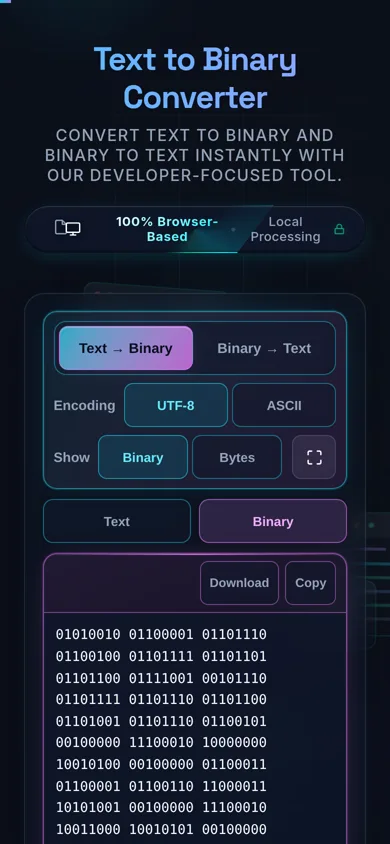
Using the Text to Binary Converter is intuitive and designed for maximum productivity. To start, simply type or paste your content into the "Input Text" panel on the left. The tool automatically detects your keystrokes and generates the corresponding binary output in the right panel. Each character's binary value is separated by a space, which significantly improves readability for human analysis. This is much faster than using a JSON Minifier or other heavy tools when you just need a quick bitwise check.

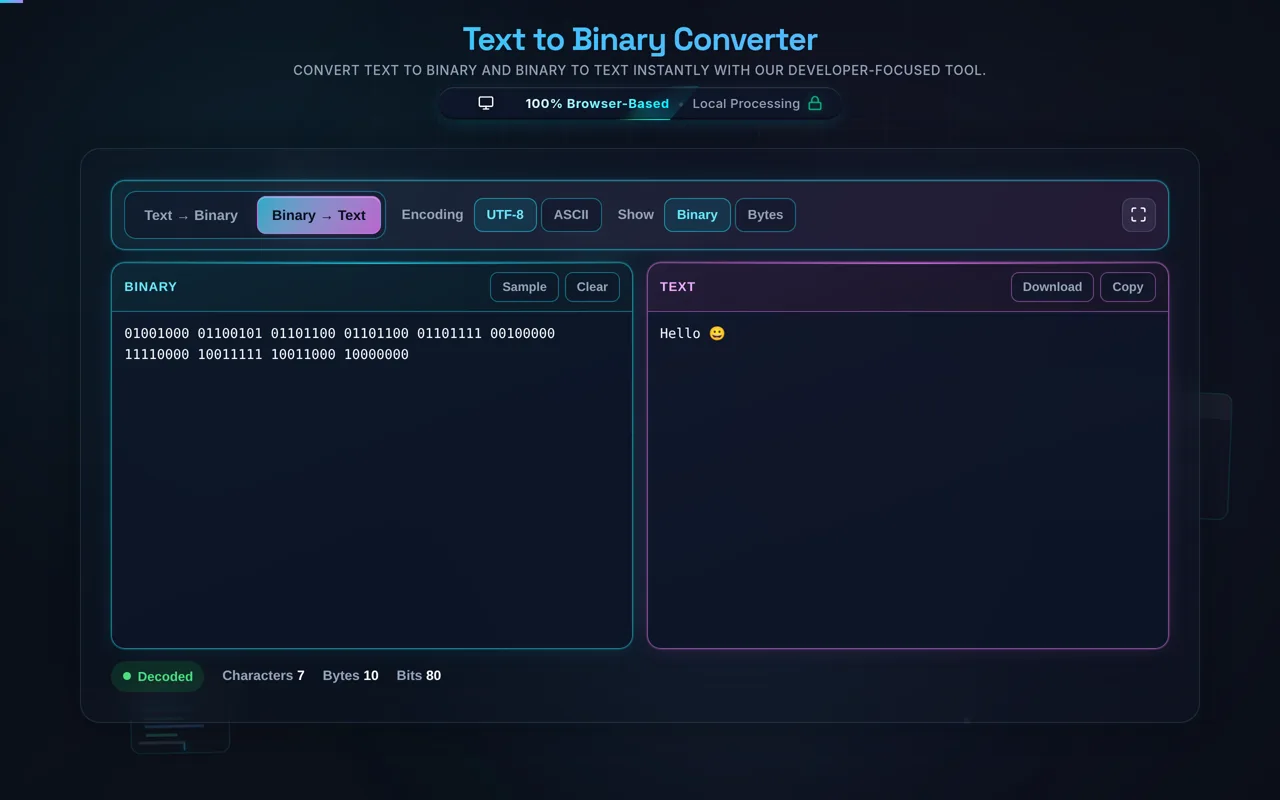
If you have a binary sequence (e.g., 01001000 01001001) and want to know what it says, click the "Reverse" button. The panels will swap roles, allowing you to paste binary and see the plain text instantly. For those needing to save their work, we provide a one-click "Download" button that exports the binary result as a .txt file. The "Copy" button uses secure clipboard APIs to ensure your result is ready for pasting into your IDE or documentation. This workflow is ideal for developers who might be alternating between this tool and our Regex Tester to validate data patterns.

What is the difference between ASCII and UTF-8 Binary?

ASCII (American Standard Code for Information Interchange) is a 7-bit character set that includes 128 characters, primarily for the English language. In our converter, we pad these to 8 bits (one byte) for consistency. UTF-8 is a variable-width encoding that can represent every character in the Unicode standard. For basic English letters, ASCII and UTF-8 binary codes are identical, but for accented characters, non-Latin scripts, or emojis, UTF-8 uses multiple bytes. Our tool allows you to observe these differences in the character inspector, which is essential for developers handling global data.

Is my data safe when using this online converter?

Absolutely. Security is a core pillar of Randomly.online. This converter runs entirely on your browser's "main thread" using local logic. This means no text or binary data is ever sent to a server for processing. This "offline-first" approach ensures that even sensitive information like passwords (though you should use our Password Generator for creating them) or proprietary code snippets remain strictly on your machine. You can even use the tool after the page has loaded without an active internet connection.

Why are binary codes separated by spaces?

Standard binary streams can be extremely difficult to read without delimiters. By default, our converter adds a space between every 8-bit block (one byte). This helps you identify individual characters quickly. For example, the word "Hi" is clearly shown as "01001000 01101001" rather than a confusing string of sixteen bits. This educational feature is highly appreciated by students learning computer science fundamentals and developers who need to verify specific byte headers in a file stream, much like how you might verify a JWT Decoder output.