Introduction to Code Diffing
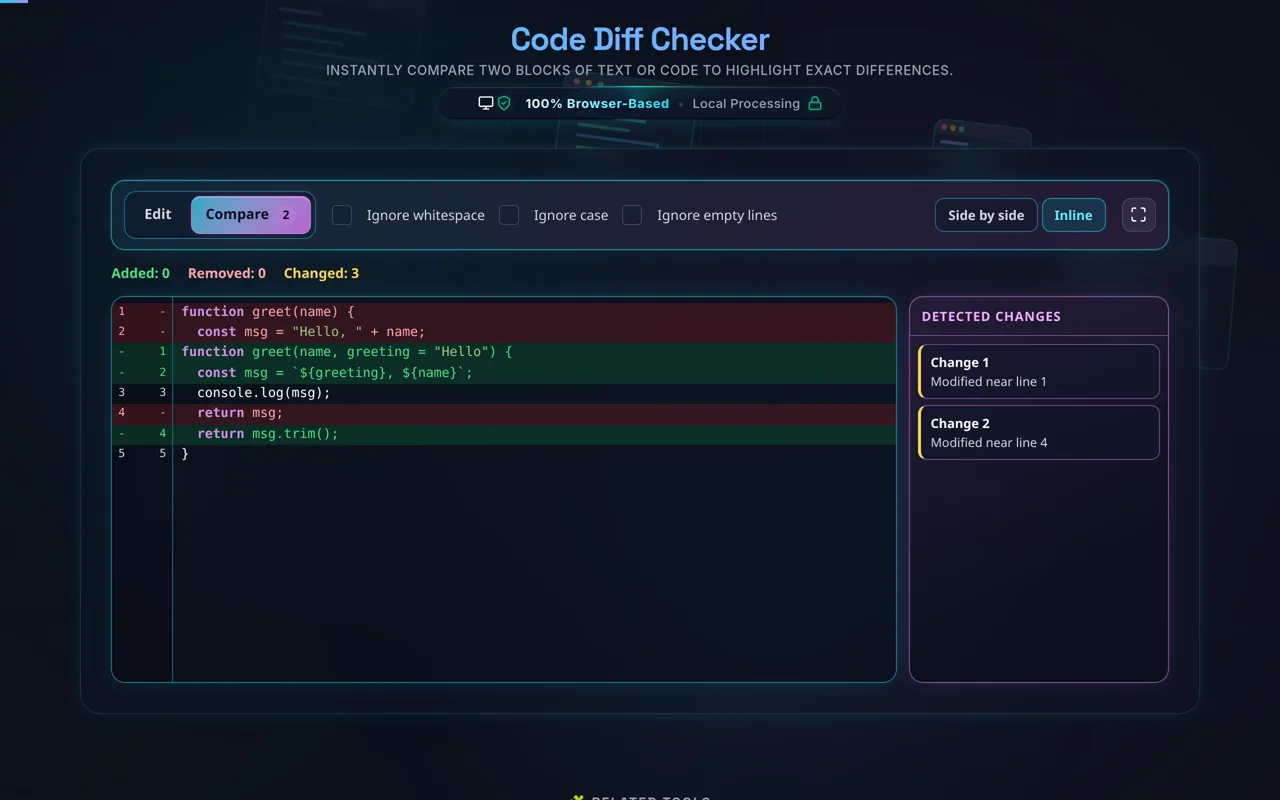
Direct answer: A code diff checker compares two versions of text or code and marks every line that was added, removed or changed. Paste the original into the left pane and the modified version into the right, then switch to Compare: removed lines are marked red, added lines green, and unchanged lines are left plain. This one runs entirely in your browser, so nothing you paste or upload is sent to a server.
A diff tells you what actually changed between two versions of a file. That is the question behind most code review, most bug hunts, and most "why did this stop working" afternoons — and reading two files side by side by eye is a bad way to answer it. Version control systems like Git, Subversion and Mercurial all compute diffs for the same reason: a change you cannot see is a change you cannot check.
This tool does the same job for text you have not committed yet, or never will. Two config files from two servers. An API response before and after a deploy. A paragraph you rewrote and want to compare against the draft. The comparison is line by line, with syntax colouring, so a one-character change in the middle of a long file is somewhere you can find rather than somewhere you have to look for. Output from another tool works too — paste what a JSON Formatter gives you against the raw server response and the structural difference is immediate.
Formatting-only changes are worth checking for their own sake. When you refactor a script, tidy a stylesheet with a CSS Formatter, or compress front-end files with an HTML Minifier, the thing you want to prove is that nothing but whitespace moved — and "Ignore whitespace" turns that into a yes or no rather than a squint. It runs entirely in your browser: proprietary code, credentials in a config file and unpublished writing are all compared on your own machine, and none of it is sent anywhere.
If the only question is whether two files are identical at all, a diff is more machinery than you need — a Hash Generator answers that in one line, and you come here when the answer is no and you need to know where. Red marks a line that was removed, green a line that was added, and matching rows sit opposite each other so a replaced line and its replacement line up. The Detected changes rail lists each changed block, so on a long file you jump between differences instead of scrolling for them.
How to Use the Code Diff Checker
Five steps, and the tool starts comparing before you finish the second one.
Step 1: Add your original text
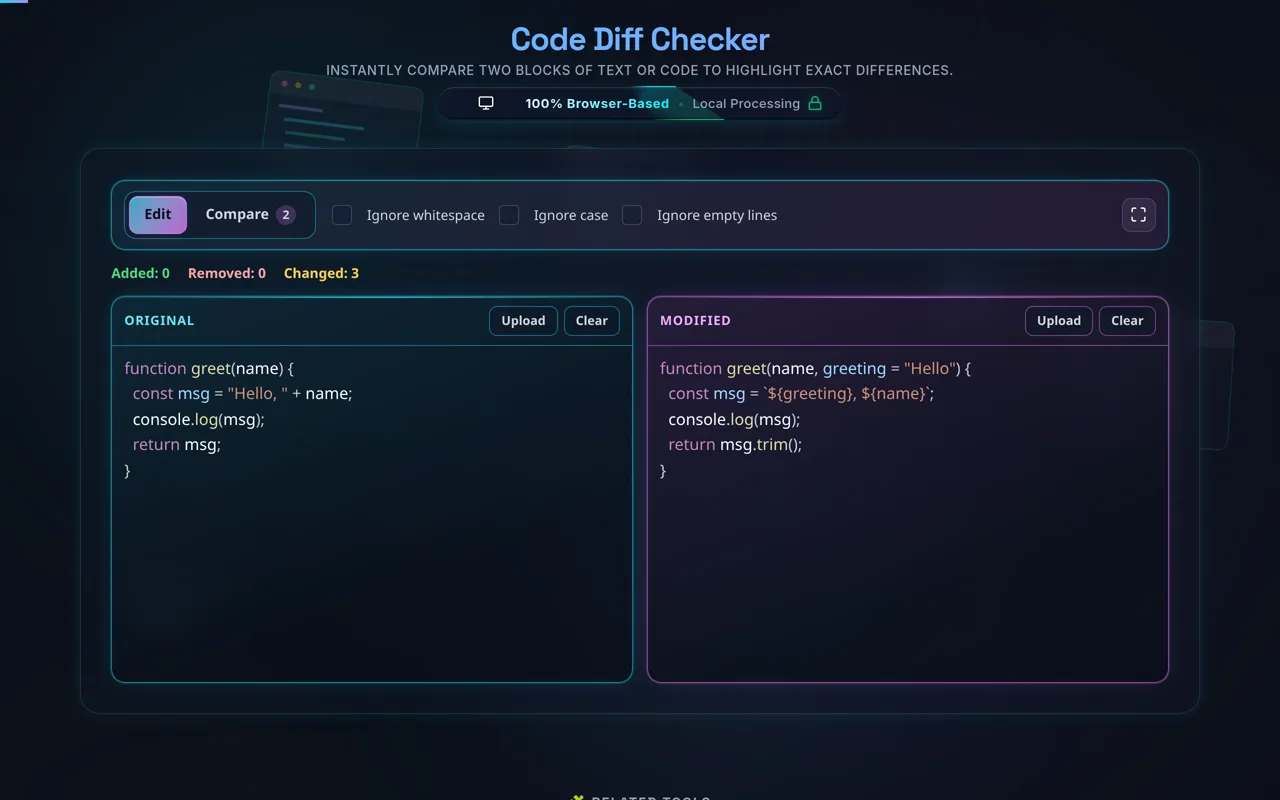
Start by filling the Original pane on the left — the cyan-edged one — with the baseline version of your code or text. You can paste straight from your IDE, or use its "Upload" button to read a local text file. If you are examining decoded web tokens or strings from a Base64 Encoder Decoder, paste the raw output in directly. The engine begins comparing as you type.
Step 2: Add your modified text
Fill the Modified pane on the right — the magenta-edged one — with the version you are comparing against. The two colours stay the same on every tool on this site: cyan is what you put in, magenta is what came out of the change, so you never have to work out which half you are reading.
Step 3: Adjust comparison settings
Use the checkboxes in the bar above the panes. Toggle "Ignore whitespace" if you only care about logic changes rather than indentation fixes. Select "Ignore empty lines" to condense the view, or "Ignore case" if you are comparing SQL queries — say your hand-written version against what an SQL Formatter produced — or any text where capitalisation is irrelevant. These settings filter out the noise so you can focus on the functional differences.
Step 4: Switch to Compare
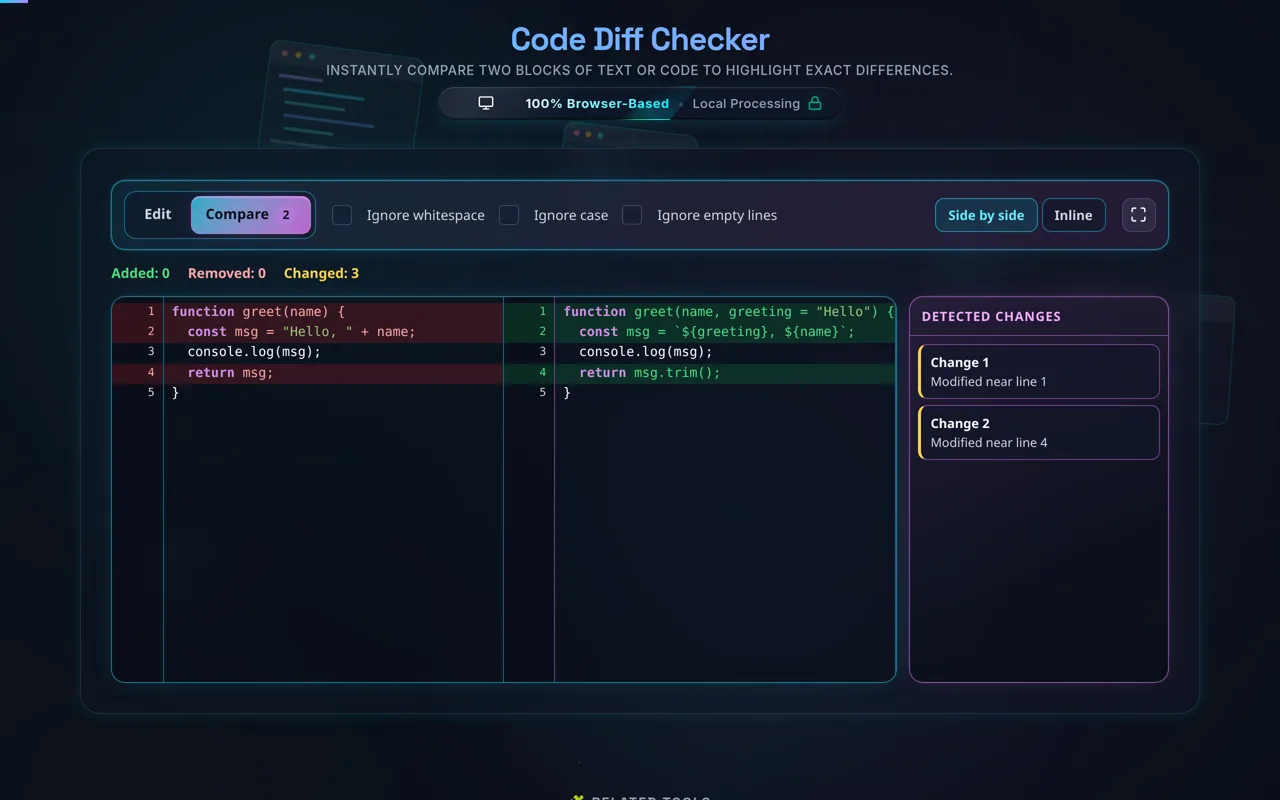
The "Compare" tab carries a live count of how many blocks have changed, so you can see there is something to look at before you leave the text. Select it and the diff takes over the same box the panes were in; "Edit" takes you straight back. Red marks lines removed from the original, green marks new additions, and unchanged lines are left plain. Both halves scroll together, so a long XML Formatter payload stays aligned line for line.
Step 5: Choose a view and jump between changes
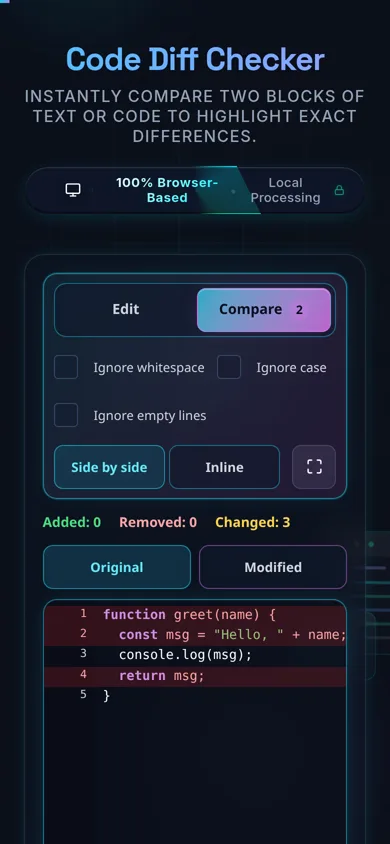
"Side by side" keeps the classic two-pane comparison; "Inline" stacks the removed and added lines into one document, which is often easier to scan in a single pass. The "Detected changes" rail on the right lists every changed block in order — click one and the view scrolls to it with a brief highlight. On a phone the two halves become tabs rather than columns.