JavaScript Formatter
Instantly beautify, validate, and inspect your JavaScript code. Runs entirely in your browser with zero server data transfer.
Related Developer Tools
About the JavaScript Formatter
Welcome to the ultimate JavaScript Formatter, a developer-focused environment designed to instantly clean, beautify, and validate your raw JS code. As JavaScript continues to dominate web development, maintaining readable and consistent code syntax is critical for both solo developers and massive engineering teams. Whether you're debugging an obfuscated script, standardizing a poorly indented module, or simply looking to organize your functions, this online formatter ensures your code adheres to professional ECMAscript styling guidelines.
Our tool leverages advanced client-side parsing engines to process your data directly within the browser. This means that unlike legacy server-side tools, your proprietary logic, sensitive algorithms, and hardcoded API keys never leave your machine. Zero data is transmitted, guaranteeing complete privacy and security.
Beyond simple spacing fixes, this editor provides a robust validation indicator that flags syntax errors—like missing brackets, unmatched parentheses, or trailing commas—in real-time. For a holistic code overview, the built-in Structure Inspector visualizes your file's architecture, extracting class definitions and function signatures to help you navigate massive files with ease. If you frequently handle cross-language formats, you might also find our JSON Formatter and CSS Formatter extremely helpful in your daily workflow.
How to Use the Formatter
Using the JavaScript Formatter is designed to be frictionless, requiring no installation or account creation. Here is a step-by-step guide to mastering the workspace:
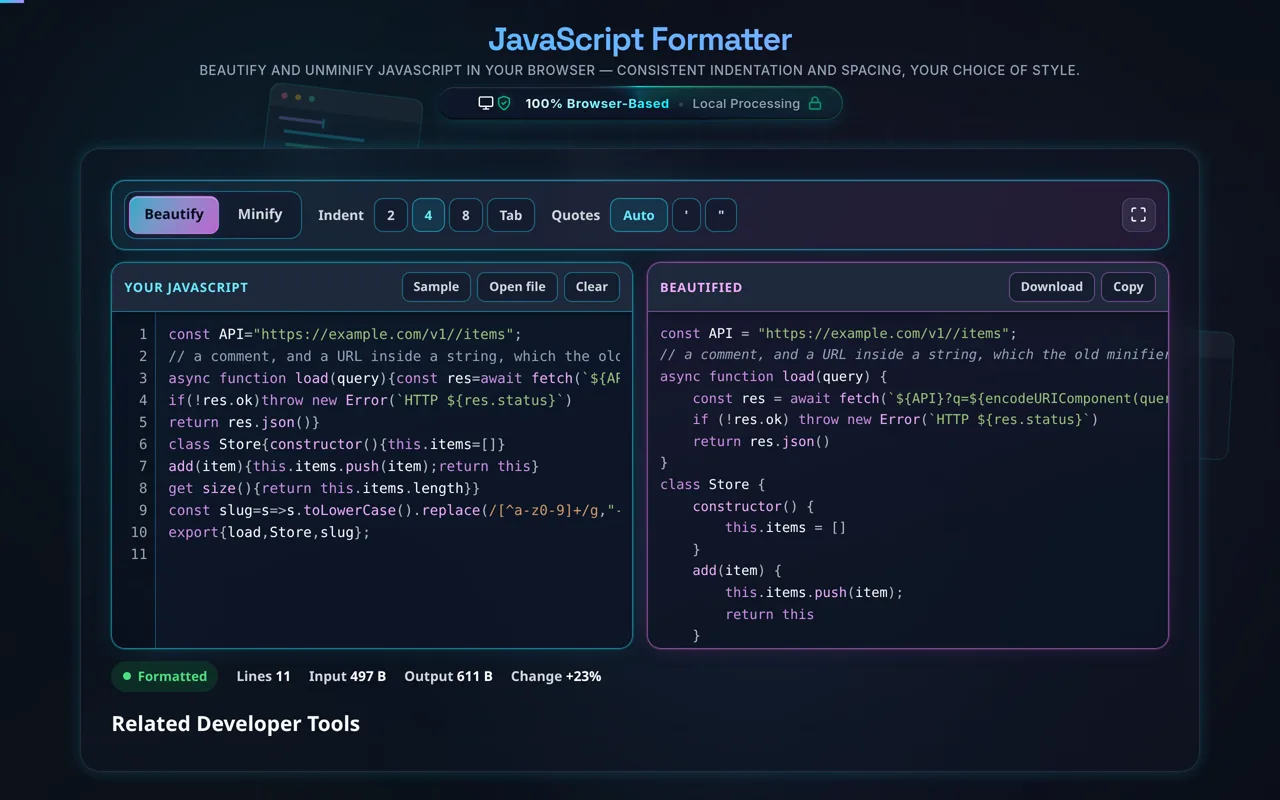
- Input your Code: Paste your unformatted, minified, or messy JavaScript directly into the left "Raw JavaScript" pane. The tool will automatically detect input changes and trigger the formatting engine.
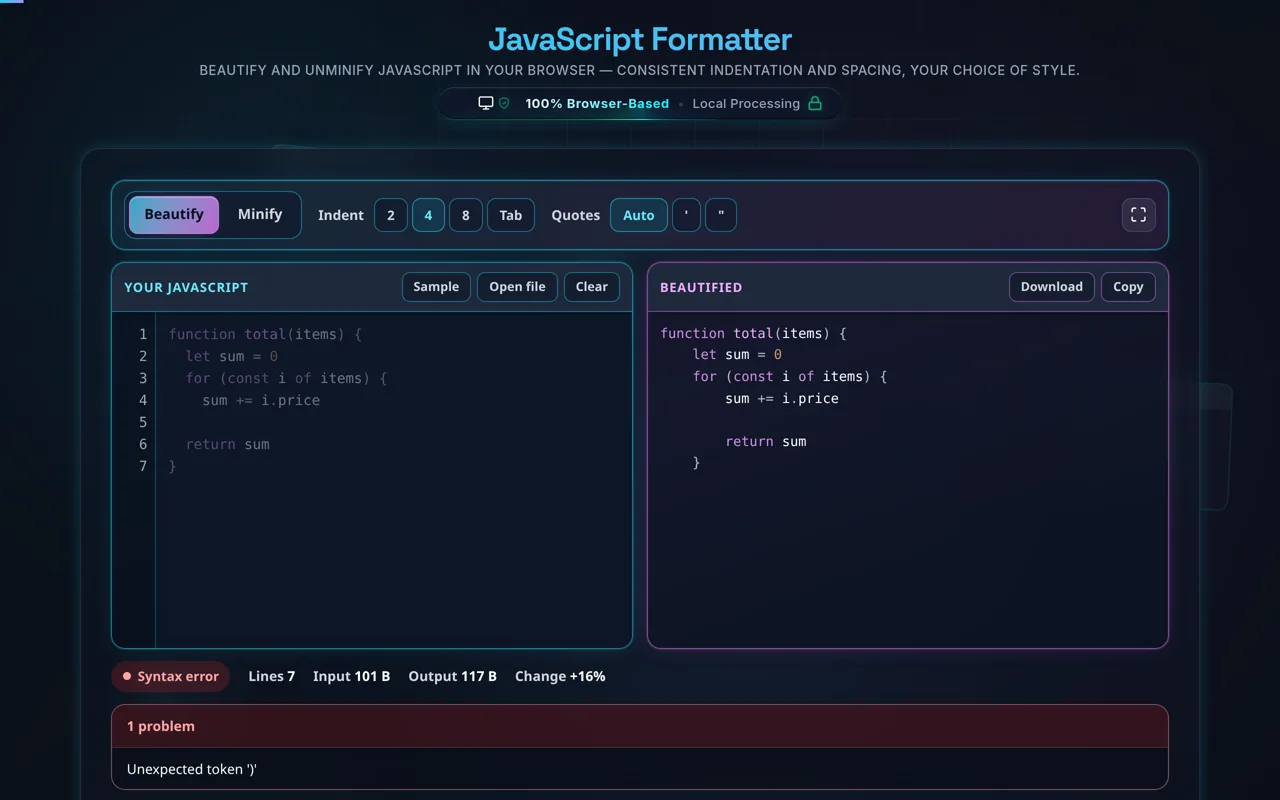
- Real-time Formatting: As long as the code contains valid syntax, the right "Formatted Output" pane will instantly update with beautified code. If an error is present, a red validation warning will appear in the panel header, helping you pinpoint logical flaws before execution.
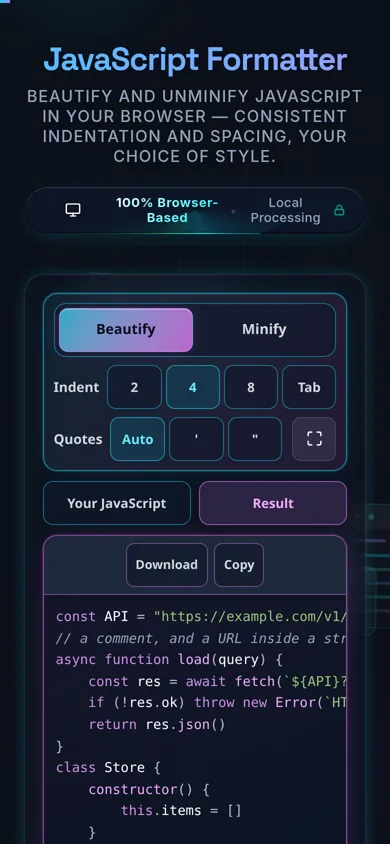
- Adjust Configuration: Use the top toolbar to customize the output. You can choose between 2 spaces, 4 spaces, or Tab characters for indentation. You can also force quote styles (Single or Double) depending on your project's linting rules.
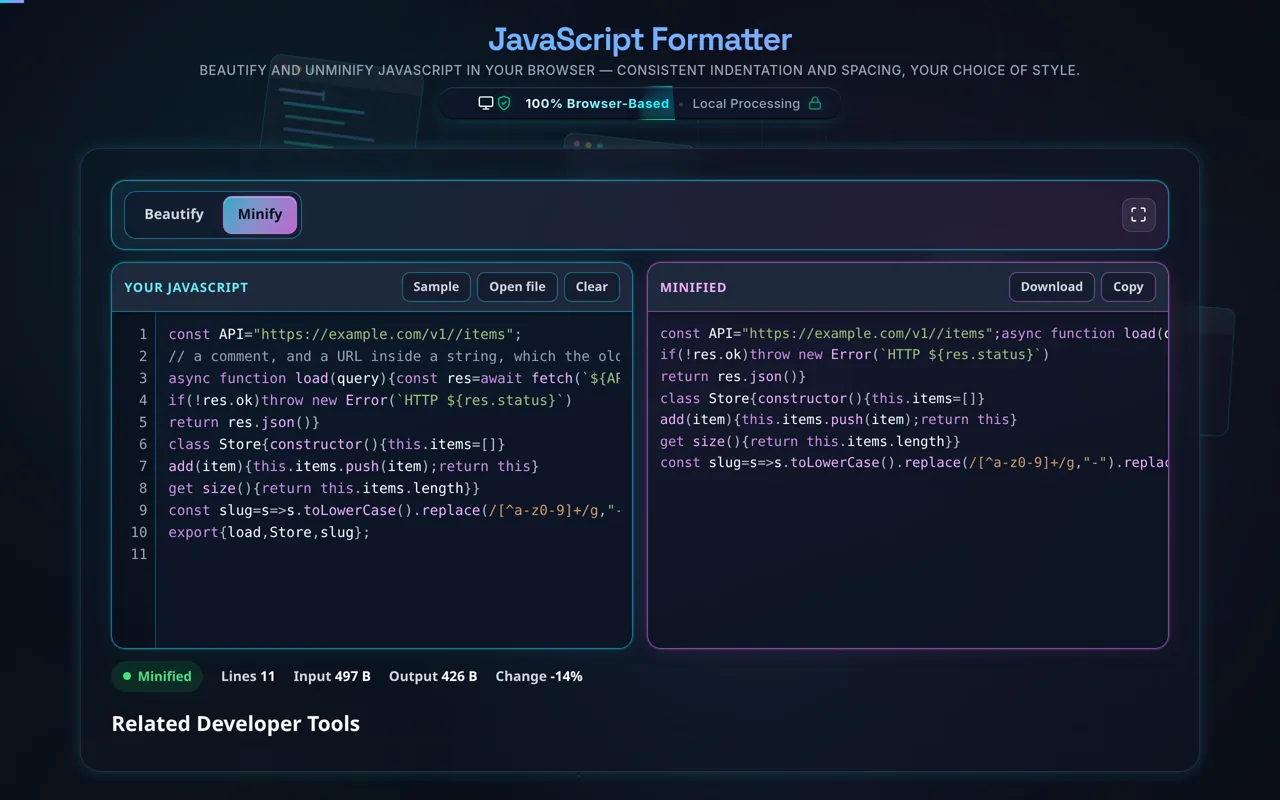
- Toggle Minification: Need to shrink your payload for production? Switch the mode dropdown from "Beautify" to "Minify". This applies a basic structural compression, removing unnecessary whitespace and comments, similar to our dedicated JavaScript Minifier.
- Inspect Architecture: Click "Show Structure" to open a slide-out panel that scans your document for function and class declarations, offering a clickable bird's-eye view of your logic.
- Export: Once satisfied, use the "Copy Output" button to instantly move the code to your clipboard, or click "Download" to save it locally as a
.jsfile.
This streamlined process is designed to act as an on-the-fly IDE replacement when you're away from your main development environment or just need a quick fix before committing code.
Frequently Asked Questions
Our formatter uses a combination of modern browser APIs and safe compilation techniques to validate your JavaScript syntax in real-time. When you paste code, the engine attempts to parse the structure (similar to how an Abstract Syntax Tree or AST operates) before applying indentation rules.
If there is a fatal syntax error—such as an unclosed curly brace, a missing parenthesis in an if statement, or an invalid token—the built-in validator catches the exception and immediately updates the status indicator from "Ready" to an "Error" state. Unlike some strict linters that block all operations, our formatting engine makes a "best effort" to organize the code even if it's partially broken, allowing you to visually locate the missing bracket more easily. By keeping the validation loop entirely on the client side, you get millisecond-level feedback, making it an excellent companion tool to a Code Diff Checker when hunting down bugs introduced in recent commits.
Yes, the workspace includes a "Mode" toggle in the toolbar that allows you to switch seamlessly between "Beautify" (for human readability) and "Minify" (for production compression). When Minify is selected, the engine strips away unnecessary line breaks, spaces, block comments, and inline comments to reduce the overall file size footprint.
However, it is important to note that this is a structural minifier. It does not perform deep variable mangling (e.g., changing myLongVariableName to a) or dead-code elimination (tree-shaking) like a dedicated build tool such as Webpack, Rollup, or Terser would. For quick scripts, web plugins, and lightweight functions, this minification is perfect for reducing network payloads. If you need dedicated compression algorithms, consider integrating standard build pipelines. For basic text transformations, this tool functions similarly to our HTML Formatter and minifier equivalents.
Absolutely. Security and data privacy are the core architectural principles behind this developer workspace. Every single operation—from syntax highlighting and indentation formatting to structure inspection and minification—is executed 100% locally within your browser's client-side memory.
We do not use backend APIs to process your code. Your JavaScript, which may contain proprietary business logic, sensitive database schemas, hardcoded environment variables, or private API credentials, is never transmitted across the network. There are no database logs, no server-side caches, and no analytics tracking of your input data. This deterministic, offline-first approach ensures that you can safely paste corporate-level code without violating strict data compliance and security policies. If you are handling sensitive authentication data, we recommend using similar safe client-side tools like our JWT Decoder or Base64 Encoder.