Beautify your HTML — cleanly and privately
An HTML Formatter re-indents messy or minified HTML according to its nesting depth, adding consistent line breaks and spacing so the structure is readable. This one runs entirely in your browser — your HTML is never uploaded — and it preserves whitespace-sensitive tags like <pre> and <script>.
Whether you've copied markup from "View Source", exported a minified template, or hand-edited a messy file, an HTML formatter makes it readable again. It re-indents your HTML so each element sits at the right depth for its nesting, adds sensible line breaks, and highlights the syntax — turning a wall of tags into a clear, browsable structure.
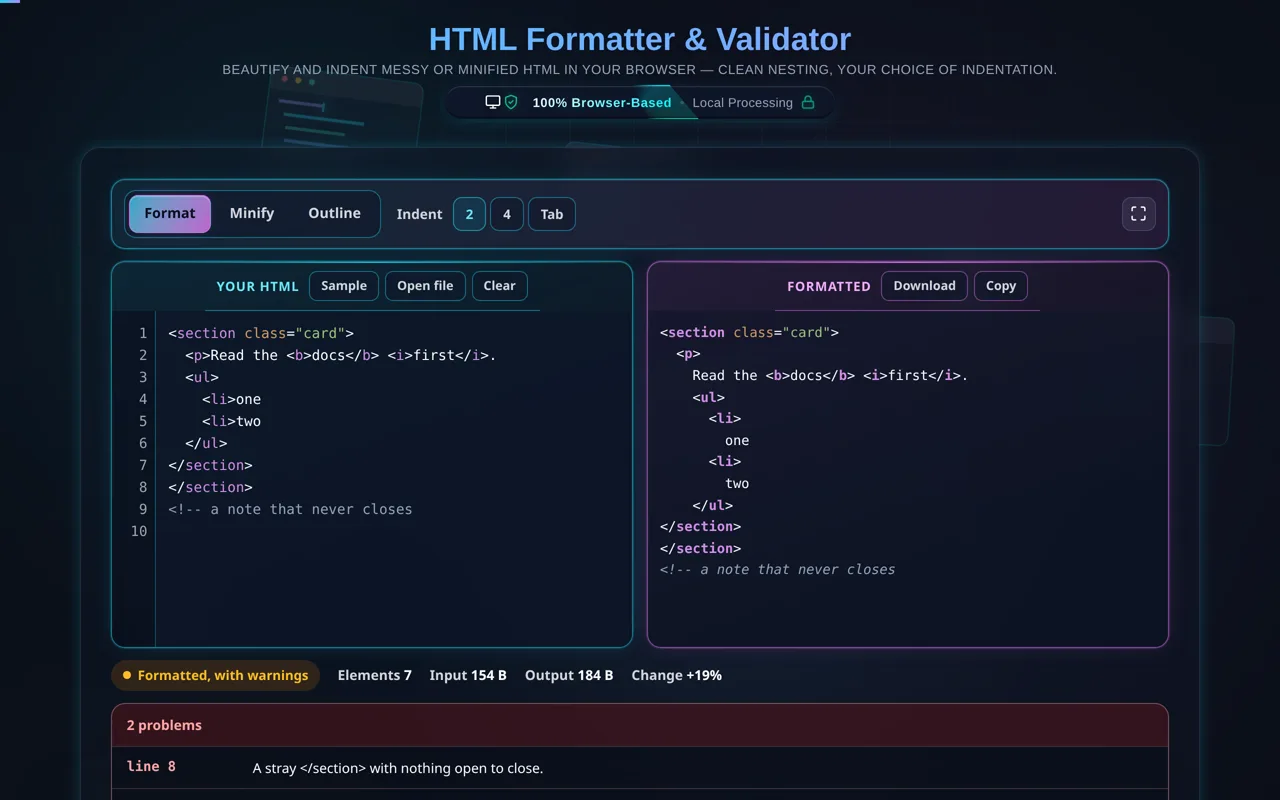
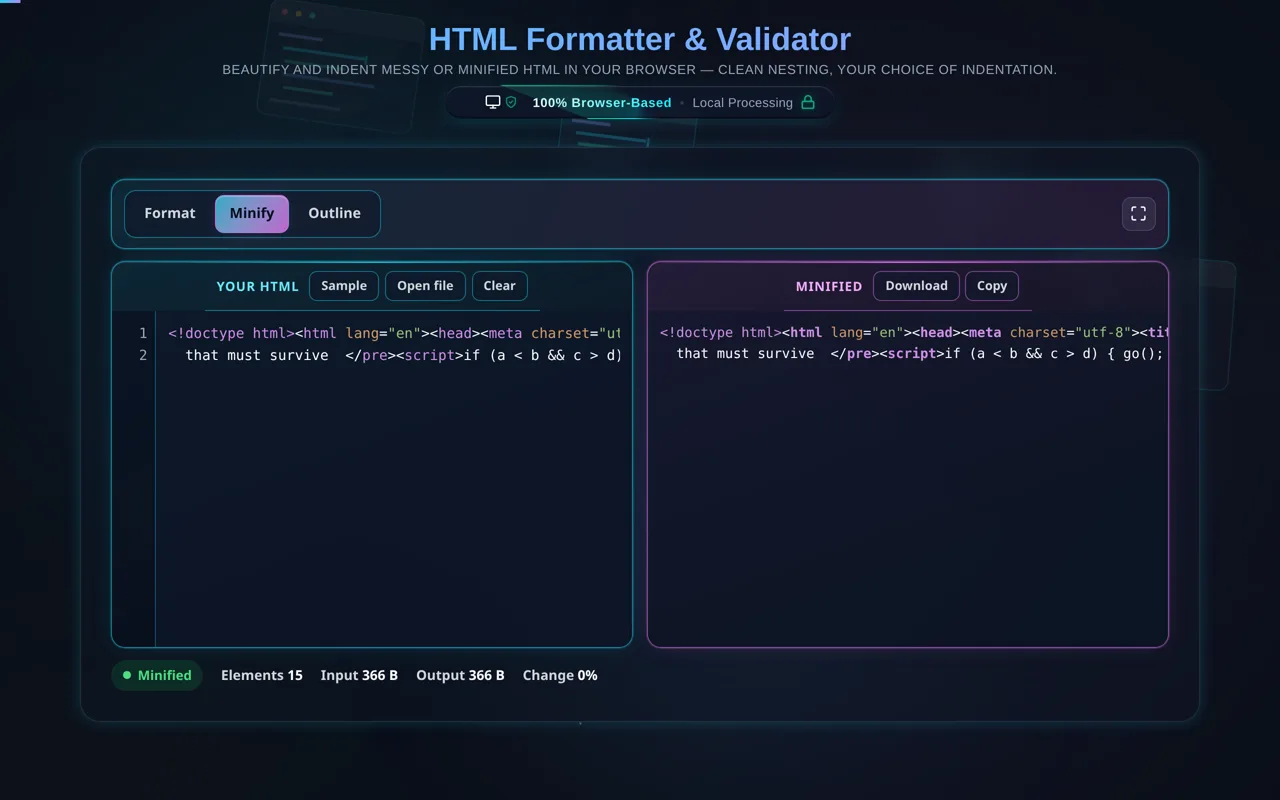
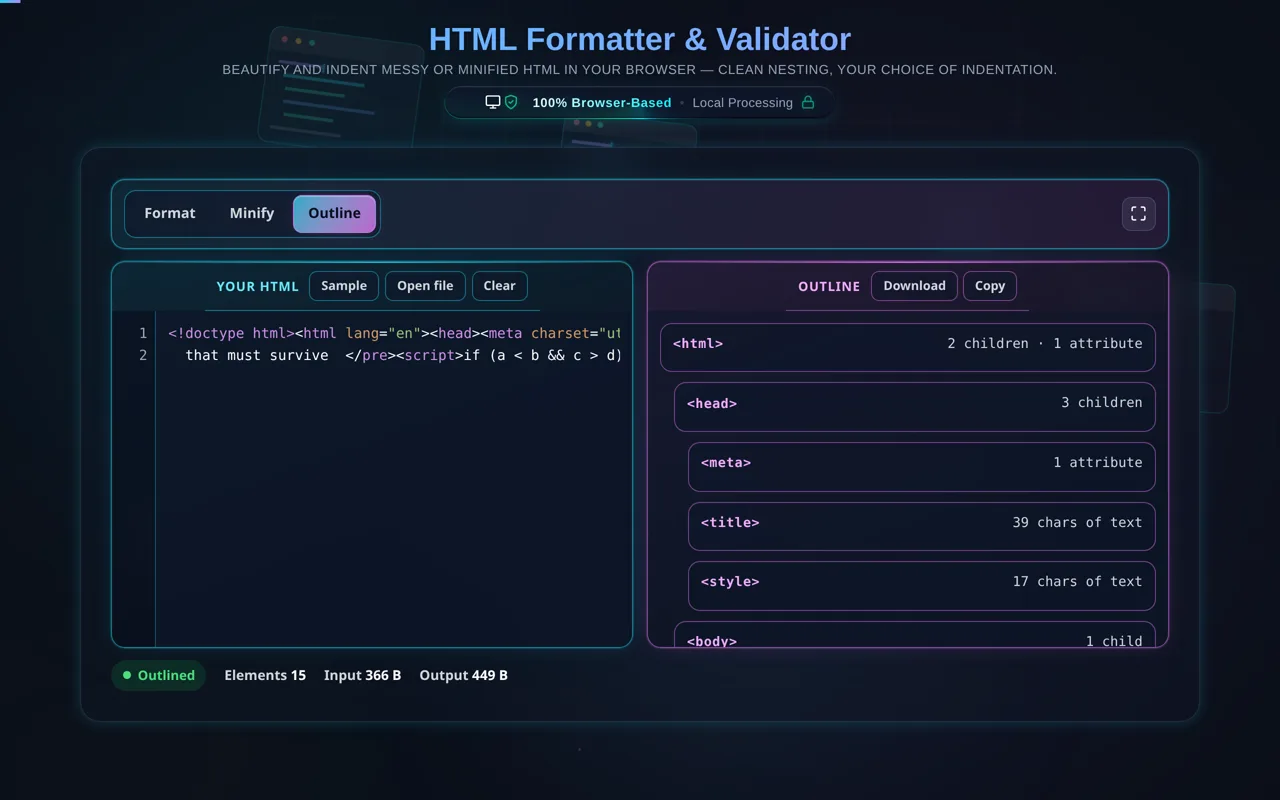
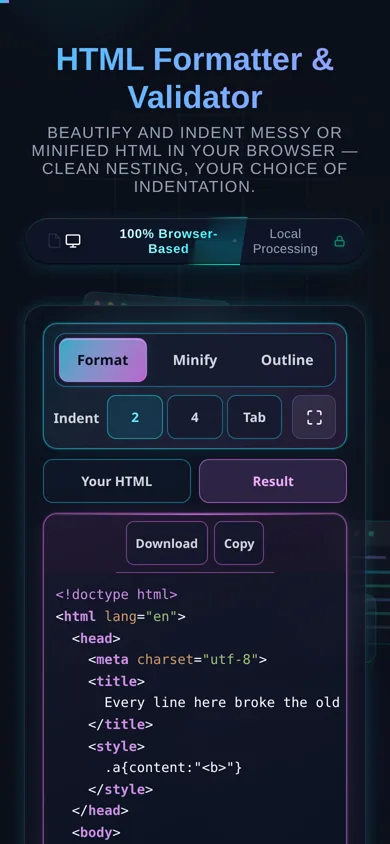
Paste your HTML or load a local file, pick your indentation (2 spaces, 4 spaces or a tab), and it is re-laid-out as you type — there is no Format button. Minify collapses it again for a quick size check, Outline lists the document as a tree of elements with a child, attribute and text count against each, and a problem list under the panes names any unclosed element, stray end tag or unclosed comment with the line it is on. It handles void elements correctly (<img>, <br>, <input>, <meta>, <link> don't get a spurious closing indent), and it preserves the contents of whitespace-sensitive tags — <pre>, <textarea>, and the code inside <script> and <style> — so beautifying never changes how your page actually renders. When you're done, copy or download the result, or flip to minify.
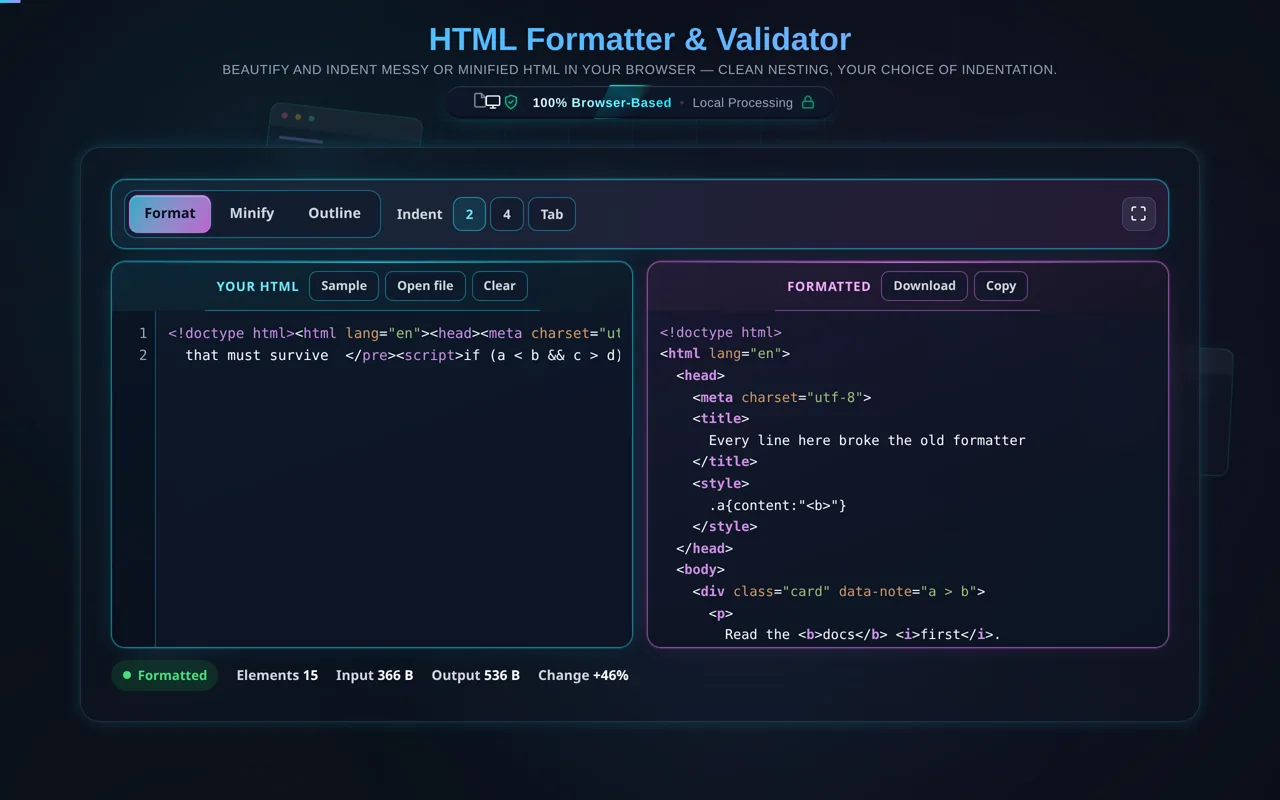
A space beside an inline tag is a word space. That is the rule most formatters get wrong, and breaking it is how <b>docs</b> <i>first</i> comes back rendering as one word. This one reads the document with a real tokenizer, so a > inside an attribute value does not end a tag, a < b inside a script is not markup, and a run of inline content stays on the line it was written on. <pre> and <textarea> come back byte for byte.
As with every tool here, privacy is the point. All formatting happens in your browser — there's no server, no upload, no logging, and no tracking of your markup. Developers paste proprietary page source, internal templates, and email HTML; here that content never leaves your device, and the tool keeps working offline once loaded.
Two honest notes. First, formatting is purely cosmetic: it changes whitespace and indentation, not what the browser renders. Second, this is a beautifier, not a validator or linter — it won't check accessibility, flag standards violations, or "repair" fundamentally broken markup; it lays out whatever you give it as cleanly as it can.
For the reverse, see the HTML Minifier; to convert markup to Markdown, HTML to Markdown; and for stylesheets and scripts, the CSS Formatter and JavaScript Formatter.