Format, validate, and explore JSON — privately
A JSON Formatter turns messy or minified JSON into clean, readable text by applying consistent indentation, and validates it against the JSON specification — flagging the first syntax error. This one runs entirely in your browser, so your JSON is never uploaded, and it works offline.
JSON is everywhere in modern development — API responses, config files, logs — but it's often delivered minified onto one line, or hand-edited into something that won't parse. A JSON formatter fixes both problems: it pretty-prints the JSON with consistent indentation so you can actually read it, and it validates it against the JSON spec, pointing you to the first syntax error with its line and column.
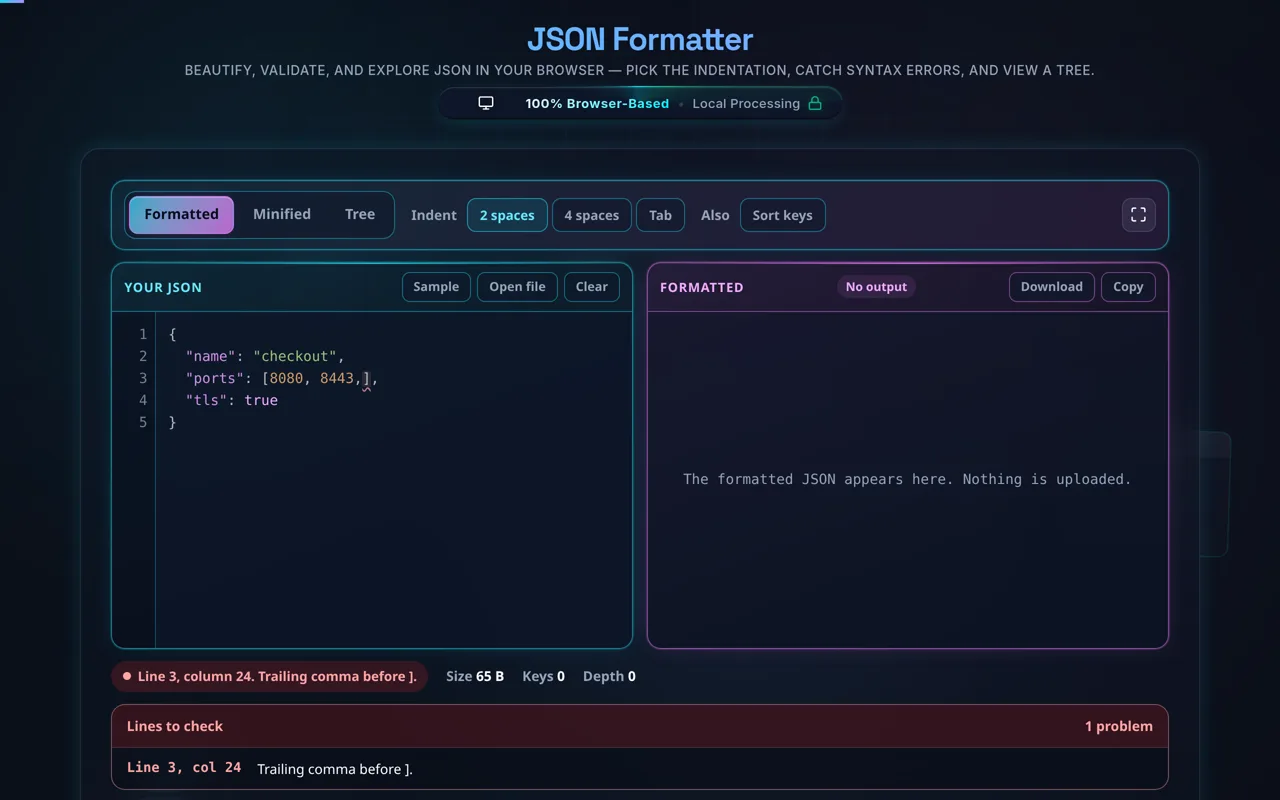
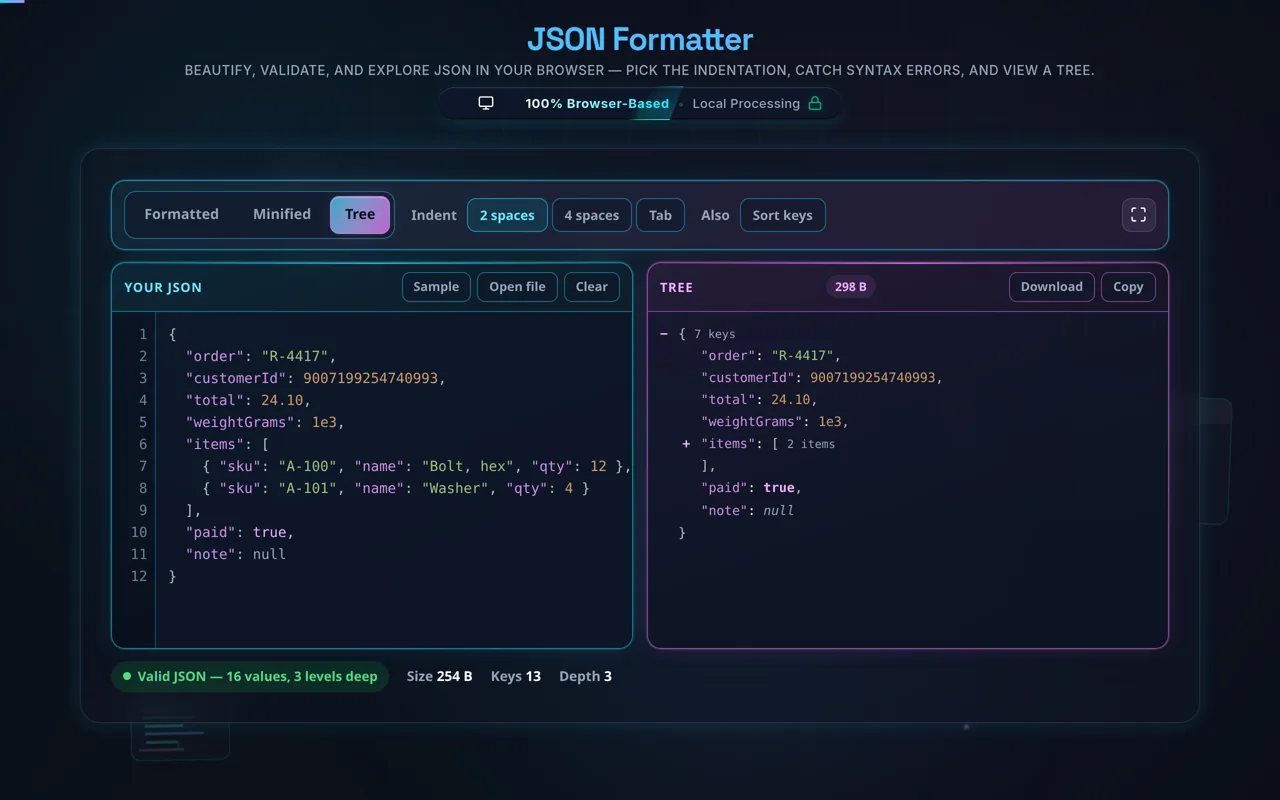
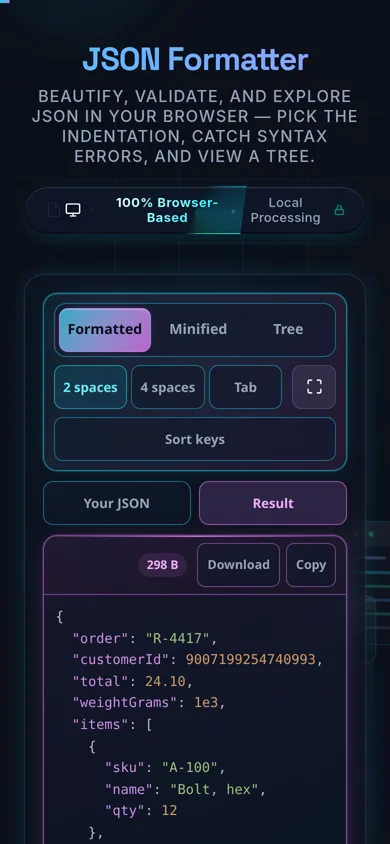
Paste your JSON or load a local file, choose your indentation (2 spaces, 4 spaces, or a tab), and the tool reformats it instantly with syntax highlighting. If something's wrong — a missing comma, an unclosed bracket, a stray quote — you get a clear message and location instead of a silent failure. A collapsible tree view lets you expand and collapse nested objects and arrays to navigate large structures, and you can minify, copy, or download the result in a click.
The thing that sets this tool apart is privacy. Everything happens in your browser using JavaScript — there's no server, no upload, no logging, and no tracking of your content. That matters because developers routinely paste sensitive JSON: internal API payloads, credentials, customer data. Here, that data never leaves your device, and the tool keeps working offline once the page has loaded. You can confirm it yourself in your browser's network tab.
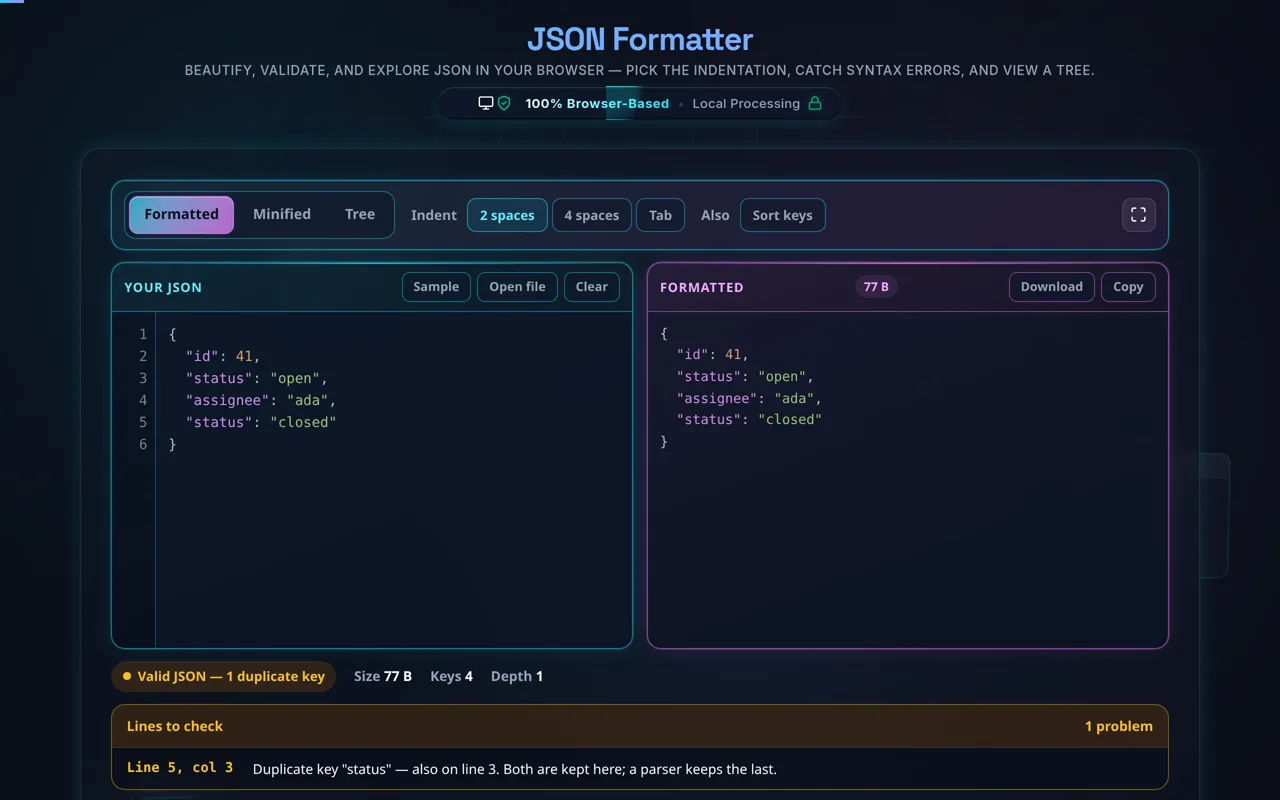
A couple of honest notes. Formatting is cosmetic — it changes whitespace (and key order, if you sort keys), not the meaning of your data. And standard JSON is strict: it has no comments and no trailing commas, so if your "JSON" includes those (common in config files like JSONC), the validator will correctly flag them. A duplicate key is neither a syntax error nor nothing: the document stays valid, both copies are kept in the output, and the duplicate is listed with its line.
Need related tools? See the JSON Validator, JSON Minifier, and CSV to JSON.
Need JSON to write assertions against? The mock REST API on QA Playground answers with the status code and delay you ask for.