×

Unix Timestamp Converter Tool

Current Unix Timestamp (Seconds)
Loading...
Timestamp to Date
Local Time
-
UTC Time
-
ISO 8601 Format
-
Date to Timestamp
Timestamp (Seconds)
-
Timestamp (Milliseconds)
-

Unix Timestamp Converter & Epoch Calculator

Welcome to the ultimate developer-focused Unix Timestamp Converter. Time manipulation is a cornerstone of software engineering, database management, and API integration. Whether you are debugging server logs, converting JSON data payloads, or building robust time-based logic, understanding and converting epoch time quickly is essential. This bidirectional tool runs entirely in your browser, ensuring maximum privacy and zero latency.

A Unix timestamp (also known as Epoch time) represents the number of seconds that have elapsed since January 1, 1970, at 00:00:00 UTC (Coordinated Universal Time), not counting leap seconds. It is a widely accepted standard across Unix-like operating systems, JavaScript frameworks, and database architectures because it is independent of time zones. However, reading a 10 or 13-digit number is impossible for humans. That's where our tool steps in, providing instant conversion from timestamps to localized human-readable dates, and vice versa.

Our tool uniquely supports automatic detection between seconds and milliseconds. In environments like PHP or MySQL, timestamps are traditionally handled in seconds (10 digits). Conversely, modern frontend frameworks and JavaScript's native Date.now() API utilize milliseconds (13 digits). If you are also working with encoded data formats during your debugging sessions, you might find our Base64 Encoder/Decoder equally useful to streamline your workflow.

How to Use the Timestamp Converter

Step-by-Step Guide for Converting Timestamps and Dates

Converting a Timestamp to a Date:
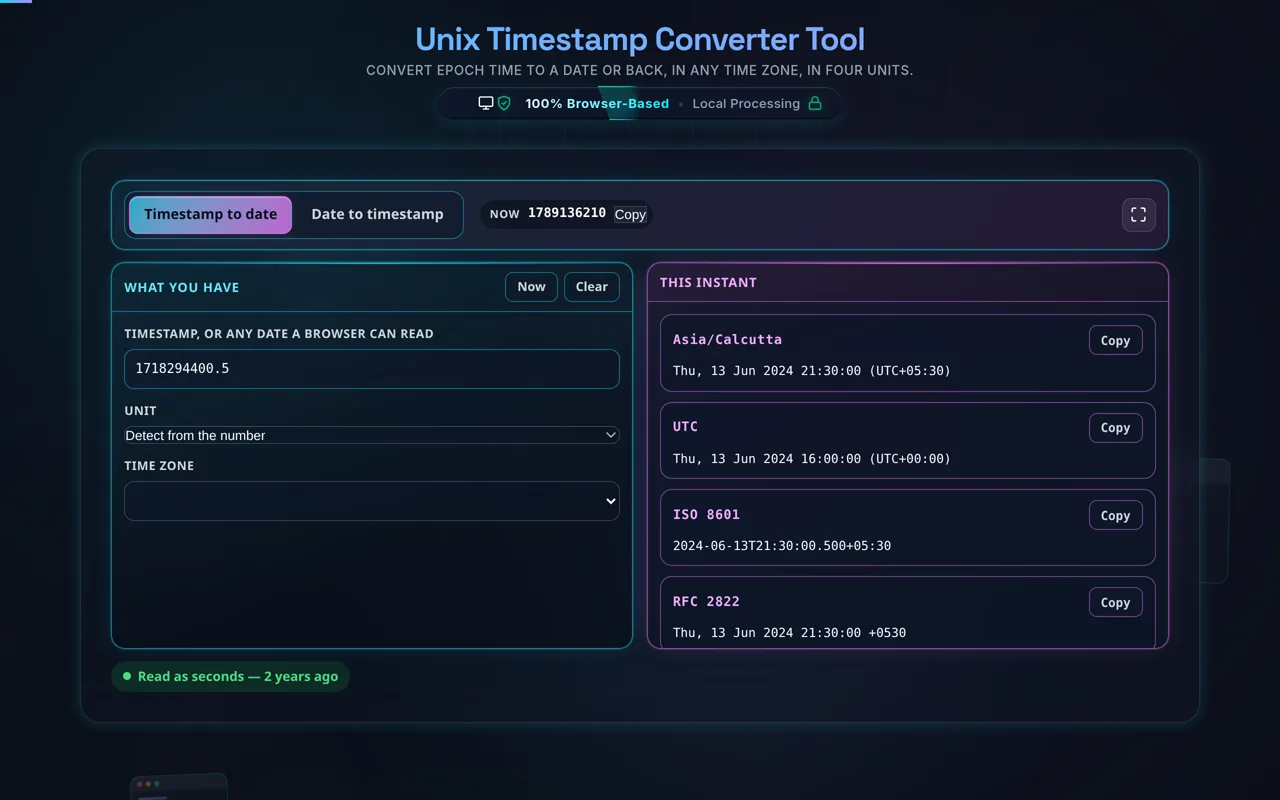
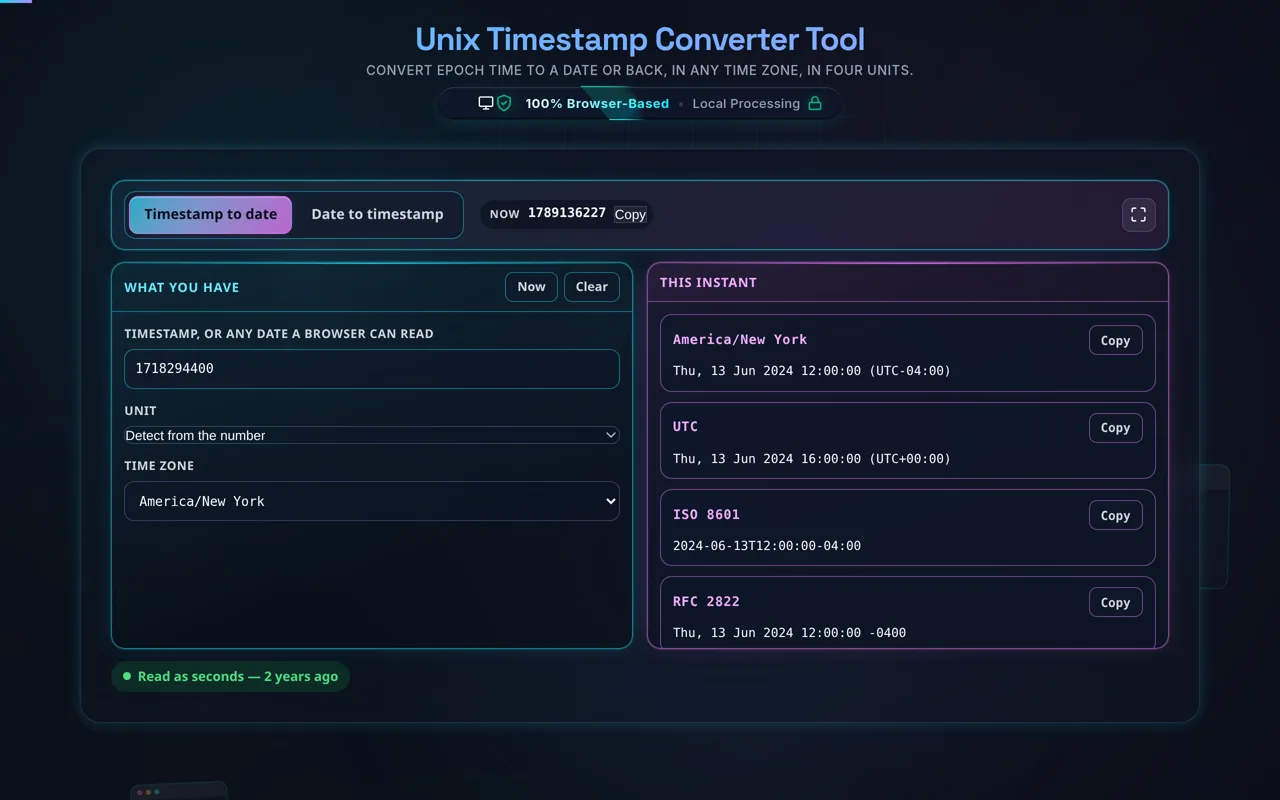
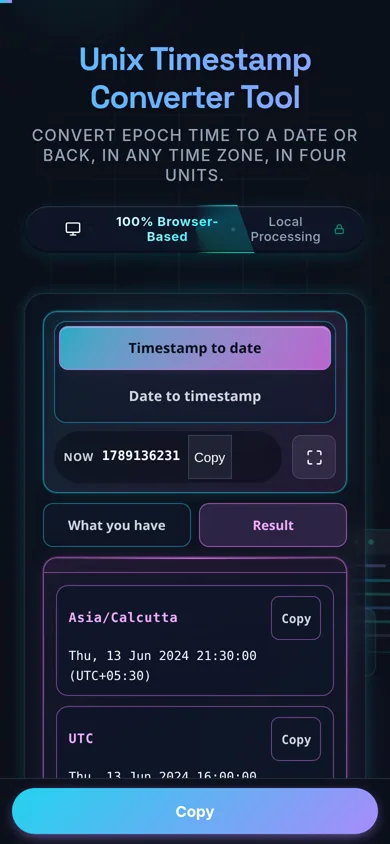
Navigate to the left panel (or the first tab on mobile devices). Paste your epoch integer into the "Unix Timestamp" field. The tool will instantly parse the value. By default, the system auto-detects whether the input is in seconds or milliseconds based on its length. If you have a non-standard timestamp, use the dropdown to manually force the interpretation. The results will immediately populate below, showing your local system time, UTC time, and the standardized ISO 8601 string.

Converting a Date to a Timestamp:
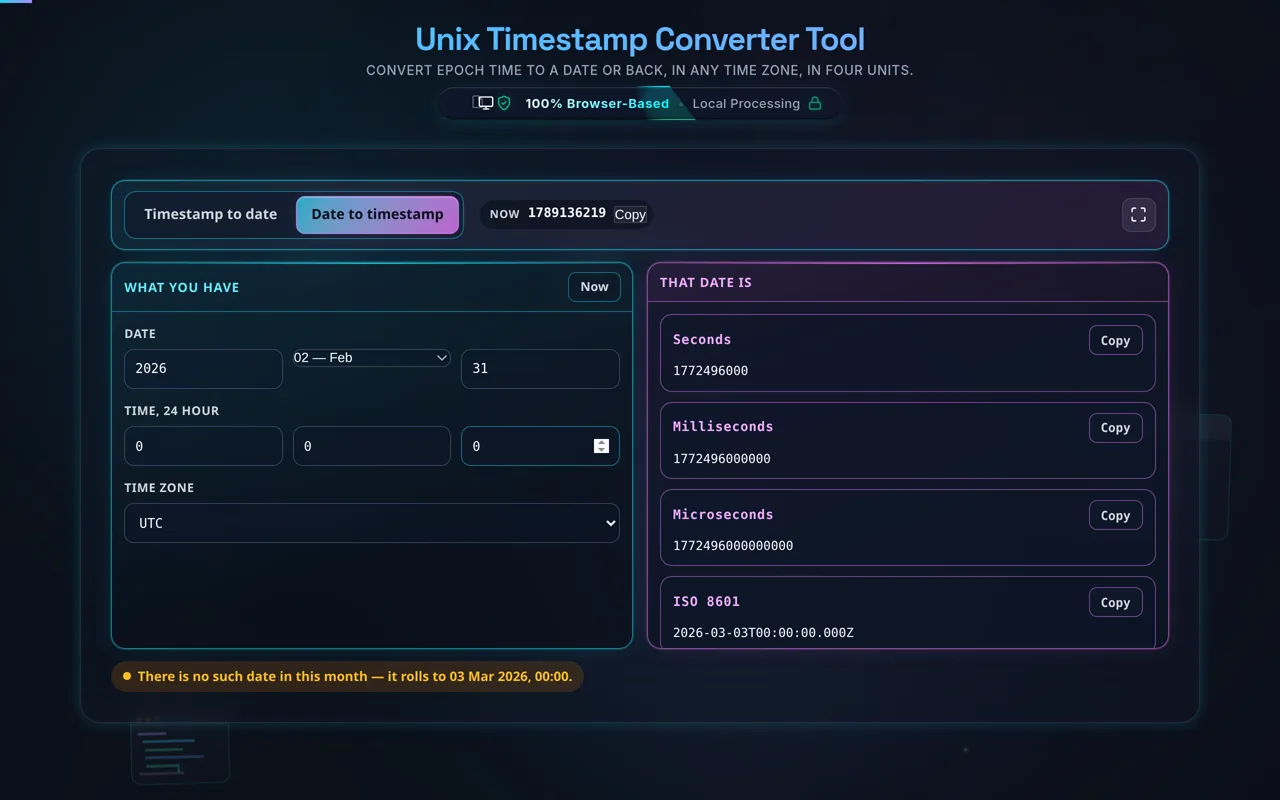
Use the right panel (or the second tab on mobile devices). Input your desired year, month, day, hour, minute, and second. As you modify any of these values, the tool calculates the corresponding Unix timestamp in real-time. You can toggle the "Time Zone Override" to dictate whether the inputs represent your local time zone or strict UTC/GMT.

Using the Live Clock:
At the top of the workspace, you will find a live clock displaying the current Unix time in seconds. This is exceptionally useful for generating an immediate timestamp to insert into a database query or an API test. Simply click the "Copy" button to grab the current epoch value instantly.

Frequently Asked Questions (FAQ)

What is the difference between a 10-digit and 13-digit Unix timestamp?

The core difference lies in the precision of the time measurement. A 10-digit Unix timestamp measures time in seconds. This format is historically the standard for Unix-like operating systems, server-side languages like PHP, and many relational databases like MySQL. For example, a timestamp of 1609459200 represents exactly January 1, 2021.

A 13-digit timestamp measures time in milliseconds (thousandths of a second). This higher precision format is the default standard in JavaScript, Java, and modern web APIs. If you call Date.now() in a browser console, it will return a 13-digit integer. When converting between systems, failing to account for this difference is a common source of bugs (e.g., resulting in dates in the year 1970 instead of the current year). Our converter automatically detects the length and applies the appropriate multiplier, ensuring accurate conversion regardless of your stack. If you handle a lot of JavaScript, you might also enjoy our JavaScript Formatter to keep your code clean.

Are Unix timestamps affected by time zones or daylight saving time?

No. One of the greatest advantages of using Unix time is its absolute immunity to time zones and Daylight Saving Time (DST) shifts. A Unix timestamp is an absolute point in time, anchored strictly to Coordinated Universal Time (UTC). When the clock strikes midnight in London, the epoch timestamp is exactly the same as it is in Tokyo, New York, or Sydney at that exact moment.

Time zones and DST only come into play when the timestamp is rendered into a human-readable format. When our tool displays the "Local Time" result, it is reading your browser's internal time zone offset rules to convert that absolute UTC timestamp into your local visual representation. If you need to calculate the exact offset between different global regions, consider using our dedicated Time Zone Offset Finder. Storing timestamps in your database ensures that your application logic remains globally consistent, regardless of where your servers or users are located.

What happens during the Year 2038 problem (Y2K38)?

The Year 2038 problem (often abbreviated as Y2K38) is a computing issue that will affect software relying on a 32-bit signed integer to store Unix timestamps. Because a 32-bit signed integer has a maximum value of 2,147,483,647, the timestamp will overflow on January 19, 2038, at 03:14:07 UTC. When this integer overflows, it will wrap around to a negative number, causing older systems to mistakenly interpret the date as December 13, 1901.

Modern software infrastructure has largely migrated to 64-bit architectures, which can safely store timestamps well into the billions of years, effectively solving the issue. Our Unix Timestamp Converter uses JavaScript's native double-precision 64-bit float system, meaning it can safely parse, calculate, and display dates far beyond the year 2038 without any calculation overflow errors. It is a highly reliable tool for testing future-dated cron jobs, expiration tokens, or long-term scheduling applications.