JavaScript Minifier
Instantly compress and optimize your JS code with client-side processing.
About Our JavaScript Minifier
Welcome to the ultimate developer-focused workspace designed specifically for the fast, safe, and efficient compression of JavaScript code. Modern web development relies heavily on JavaScript, but transferring large, unoptimized scripts can significantly increase page load times, waste bandwidth, and severely harm your site's search engine rankings. Our JavaScript Minifier automatically eliminates these performance bottlenecks by removing unnecessary characters from your source code without altering its functional behavior.
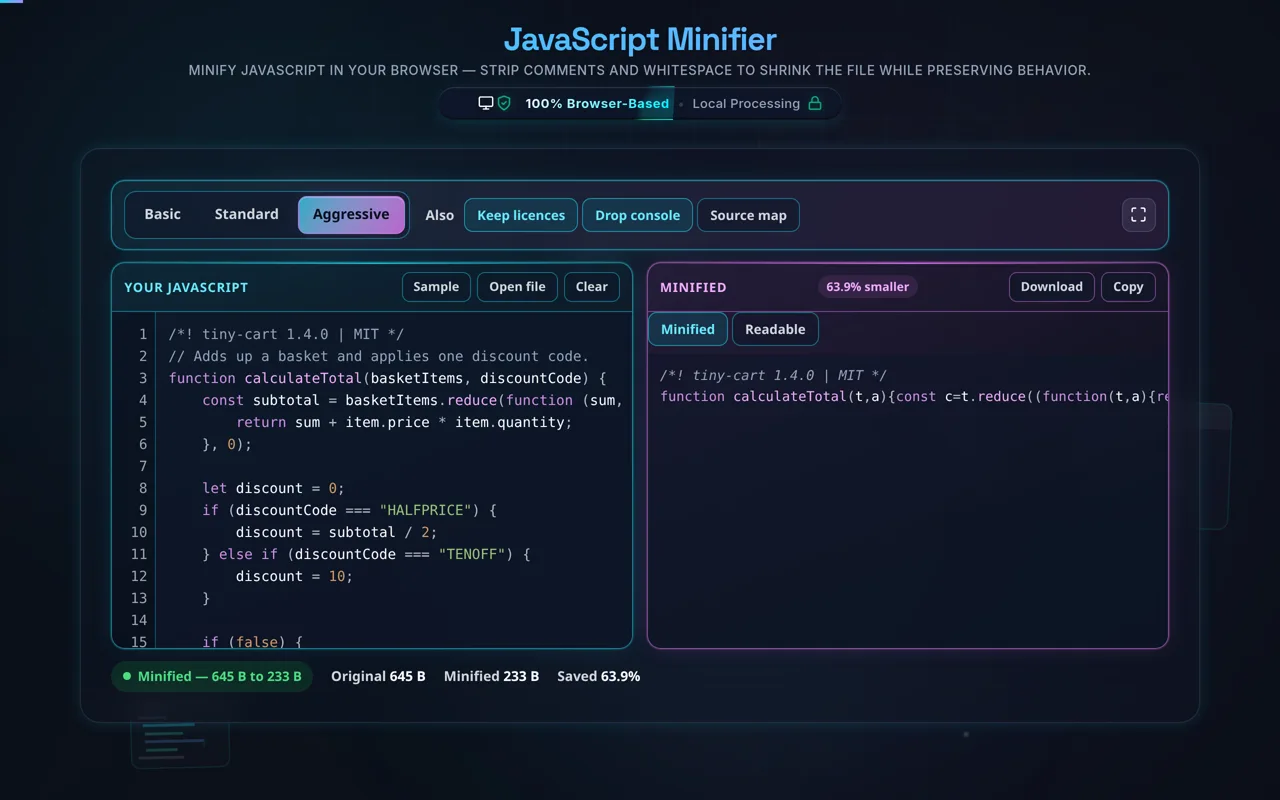
This tool utilizes a robust, deterministic client-side processing engine. Unlike older web tools that transmit your proprietary code to a remote server, our minifier operates entirely within your browser window. When you paste your scripts into the left panel, the engine immediately begins its workâsafely preserving critical string literals, regular expressions, and syntactic structures while stripping out redundant spaces, tabs, line breaks, and developer comments. For a complete optimization workflow, developers frequently pair this tool with our CSS Minifier and HTML Minifier.
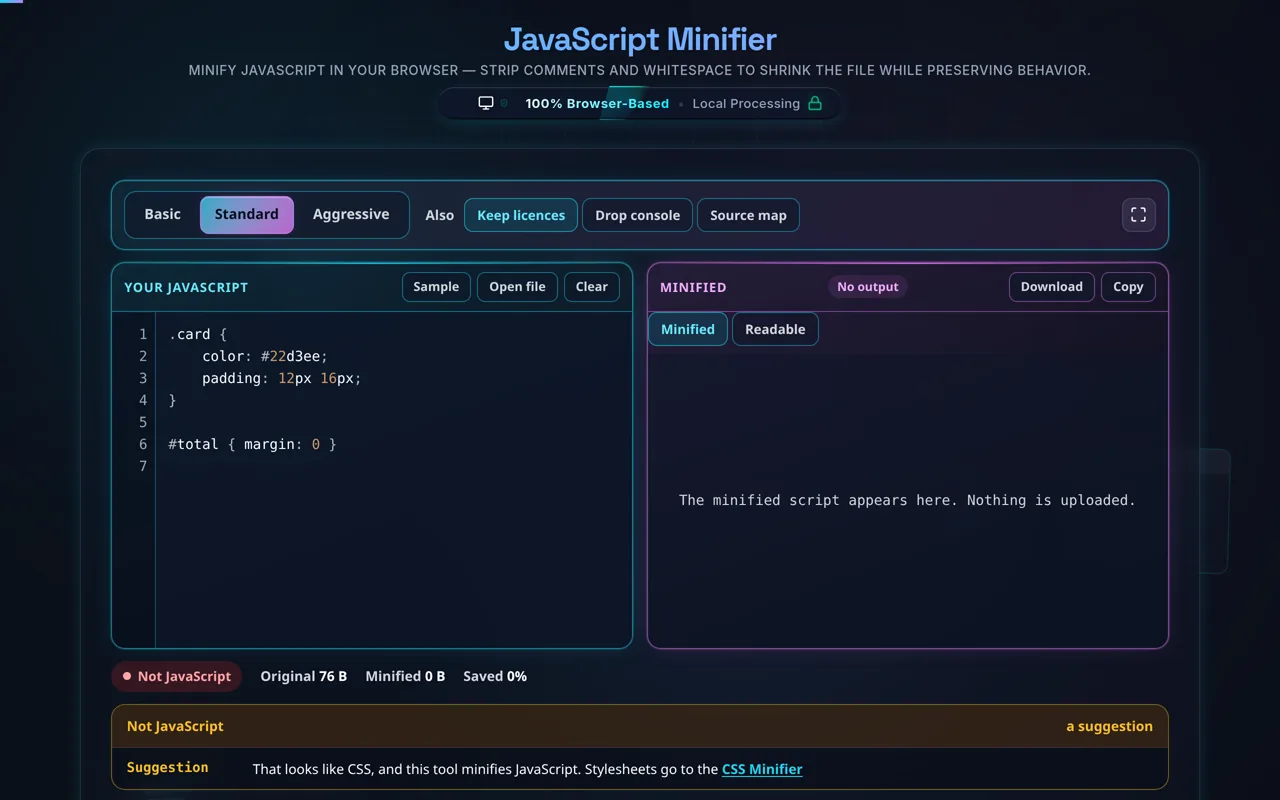
Furthermore, the dual-pane interface features real-time syntax highlighting and instantaneous syntax validation. If there is an unmatched brace or a missing parenthesis in your raw input, the validation indicator immediately flags the error, preventing broken code from reaching your production environment. Whether you are prepping a massive single-page application for deployment or just shrinking a tiny utility script, this tool provides the exact size comparison and savings calculations you need. Ensure your code is flawless before minification by checking it against our JSON Validator and debugging complex matching patterns with our Regex Tester.
How to Use the JavaScript Compressor
Optimizing your code for production is remarkably straightforward with our real-time interface. Follow these simple steps to safely minify your JavaScript and improve your application's loading speed instantly.
Step 1: Input Your Code. Begin by typing, pasting, or dragging your raw JavaScript code directly into the left-hand input panel. Our custom editor layer provides instant syntax highlighting, making it easy to read your variables, strings, and comments. If your code is poorly formatted to begin with, you might want to run it through our JavaScript Formatter first to ensure structural integrity.
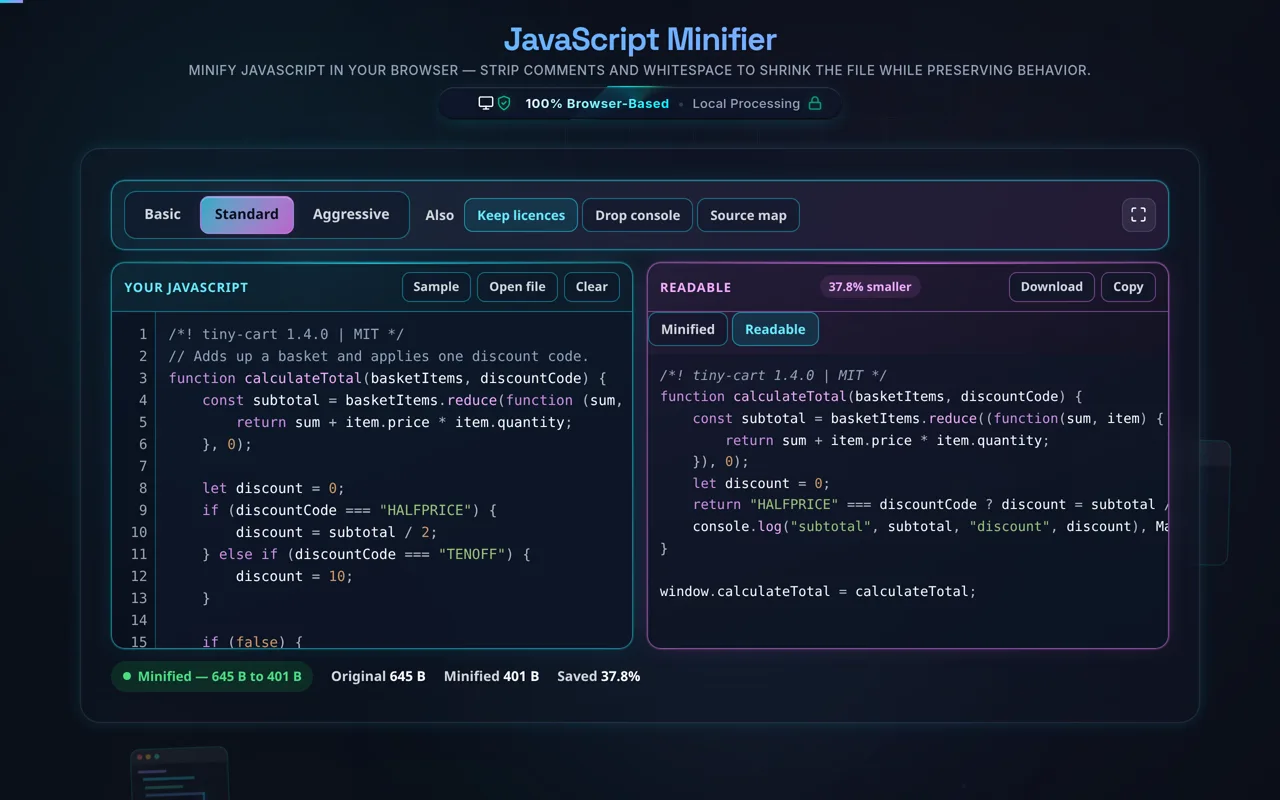
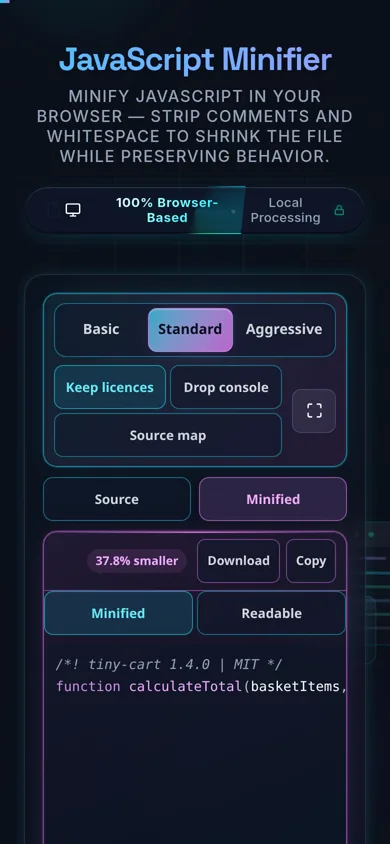
Step 2: Configure Advanced Options. Above the editor panels, you will find toggles for specific compression behaviors. By default, the tool is set to remove all comments and collapse all redundant whitespace. If you need to retain copyright notices or licensing information, you can uncheck the "Remove Comments" box. The engine dynamically updates the output pane the moment you change these settings.
Step 3: Review and Validate. As you input your code, the tool continuously validates the syntax using safe evaluation techniques. Look at the status badge above the input pane: a green indicator means your code is structurally sound, while a red indicator flags a syntax error that needs to be resolved. Concurrently, the statistics panel calculates your exact byte savings, showing you the reduction percentage.
Step 4: Export Your Output. Once minified to your satisfaction, retrieve your code from the right-hand panel. You can manually highlight and copy the text, click the instant "Copy" button for your clipboard, or hit the "Download" button to save the result directly as a .min.js file to your device, ready for immediate deployment alongside assets compressed by our JSON Minifier.
Frequently Asked Questions
JavaScript minification is the process of safely removing all unnecessary characters from source code without changing its functionality. Developers write code with lots of whitespace, indentation, descriptive variable names, and explanatory comments to make it readable and maintainable for human beings. However, web browsers do not need these formatting elements to execute the code. Minification strips out these spaces, line breaks, and comments, resulting in a significantly smaller file size.
This process is absolutely necessary for modern web performance optimization. Smaller files require less bandwidth to transmit over the network, which dramatically reduces the initial load time of your web applications. Faster load times directly improve user experience, reduce bounce rates, and are a heavily weighted factor in search engine ranking algorithms. By minifying your scripts, alongside utilizing tools like our CSS Minifier, you ensure your website meets professional performance standards.
Yes, it is entirely secure. We understand that JavaScript files often contain proprietary business logic, sensitive algorithmic implementations, or unreleased application features. That is why our JavaScript Minifier is architected to operate 100% locally within your web browser using client-side processing techniques.
When you paste your code into our editor, it is never transmitted to an external server, saved in a remote database, or stored in cloud logs. All syntax highlighting, error validation, and minification algorithms run directly on your device's local CPU and memory. Once you close the browser tab or hit the reset button, the data is completely gone. Because there is zero server communication required for the compression process, you can safely use this tool for enterprise-grade, confidential codebases without violating strict data privacy or non-disclosure agreements. If you deal with sensitive data strings, you might also find our secure Base64 Encoder/Decoder highly useful.
No, a properly designed minifier will not break your logic. One of the most common fears developers have regarding minification is the accidental destruction of critical string formatting or complex regular expressions. Our minifier utilizes an intelligent, multi-pass parsing logic that identifies and isolates string literals (enclosed in single quotes, double quotes, or backticks) and standard regex patterns before it attempts to modify any surrounding whitespace or comments.
This isolation guarantees that spaces inside your user-facing text strings remain untouched, and complex, character-sensitive regex boundaries are perfectly preserved. Furthermore, the built-in real-time validation indicator immediately executes a syntax check on the raw input; if your original code contains syntax anomalies, the tool will warn you before generating the output. If you ever run into specific pattern matching issues before minifying, we highly recommend prototyping your patterns using our dedicated Regex Tester to ensure they are valid.