Convert Markdown to HTML — privately
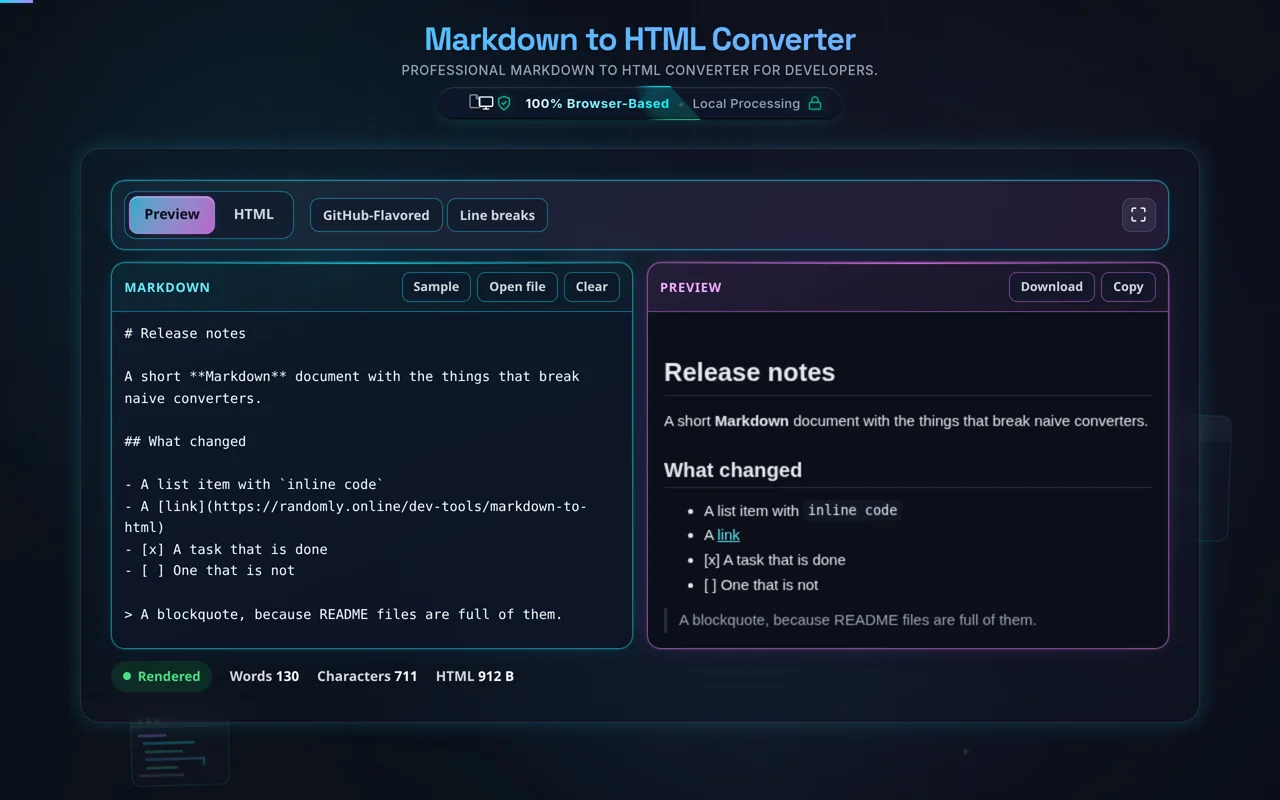
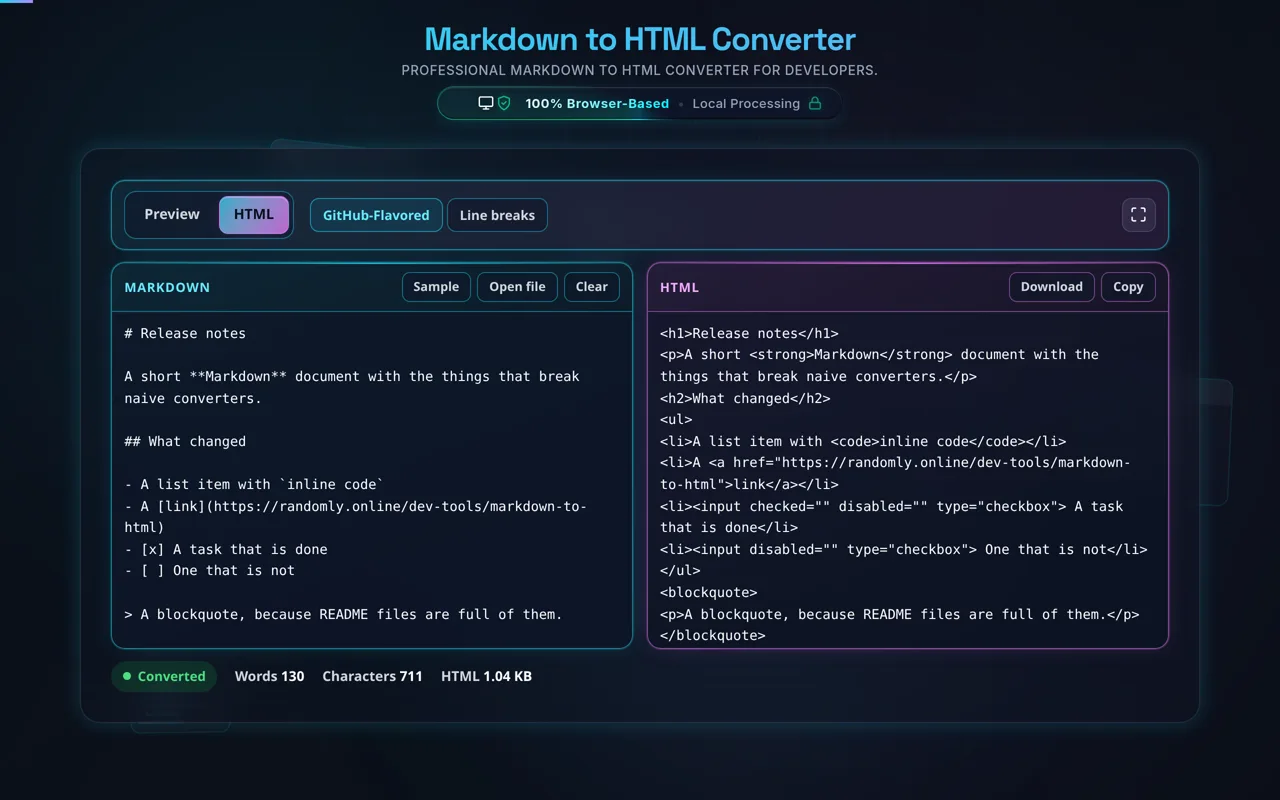
Markdown to HTML parses your Markdown and renders each element to semantic HTML — headings to <h1>, **bold** to <strong>, links, lists, code, and GitHub-Flavored tables. This one runs entirely in your browser with a live preview, so your Markdown is never uploaded.
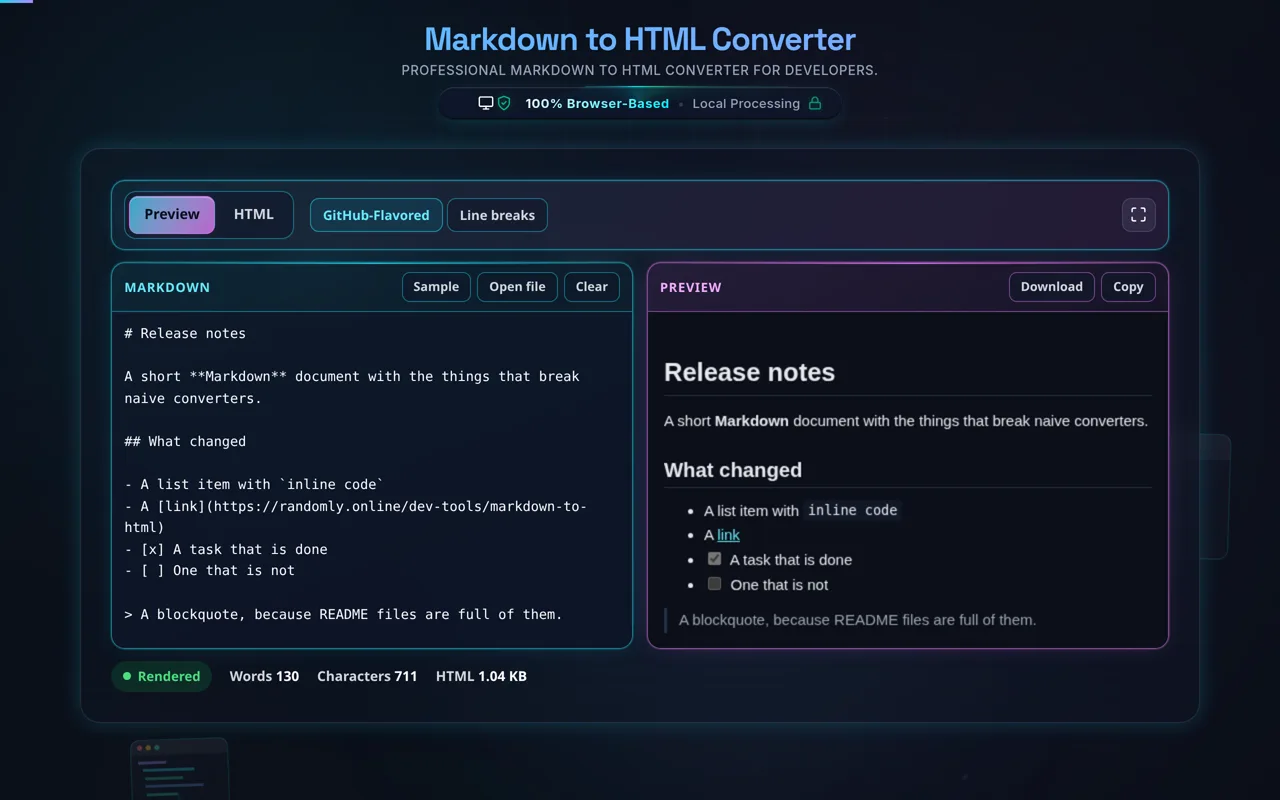
Markdown is good to write; the web reads HTML. This converter sits between the two. # headings become <h1> to <h6>, **bold** becomes <strong>, *italic* becomes <em>, [text](url) becomes an anchor,  becomes an image, lists become <ul> and <ol>, and a fenced block becomes <pre><code> carrying the language you named after the fence. GitHub-Flavored Markdown is on by default, which adds tables, task lists (- [ ]), strikethrough (~~text~~) and autolinks; the button in the bar turns it off for strict CommonMark.
Paste or type and the preview redraws as you go, so you can see the document rather than the markup. The segment above it swaps that preview for the HTML itself, and Copy and Download hand over the same bytes either way. Line breaks is the other switch: with it off, two lines with no blank line between them join into one paragraph the way Markdown specifies, and with it on each one starts on its own line, which is how most chat and issue trackers behave.
Privacy is the point. Everything runs in your browser — no server, no upload, no logging. Drafts, internal docs and private notes are the normal input for a tool like this, and none of it leaves the device. Once the page has loaded it works offline.
The preview cannot run what you paste. Markdown lets raw HTML through, so a README from a stranger can carry a <script> or an onerror attribute, and a preview that simply drops the parsed HTML into the page runs it there. This one renders into a sandboxed frame with scripts disabled and no access back to this page, so the thing you are inspecting cannot touch the tool you are inspecting it with.
Two honest caveats. First, the HTML you copy is not sanitised — that is deliberate, because a README's inline HTML is usually the reason it was written that way, and stripping it would hand you a different document. The sandbox protects the preview; it does not clean the output. If the Markdown came from somewhere you do not control, sanitise before you embed. Second, the output is structure, not styling: it carries no CSS and will look like wherever you paste it. The preview here uses its own small stylesheet purely so the document is readable.
For the reverse, see HTML to Markdown; to tidy the output, the HTML Formatter, or the HTML Minifier to shrink it.