Shrink your HTML — carefully and privately
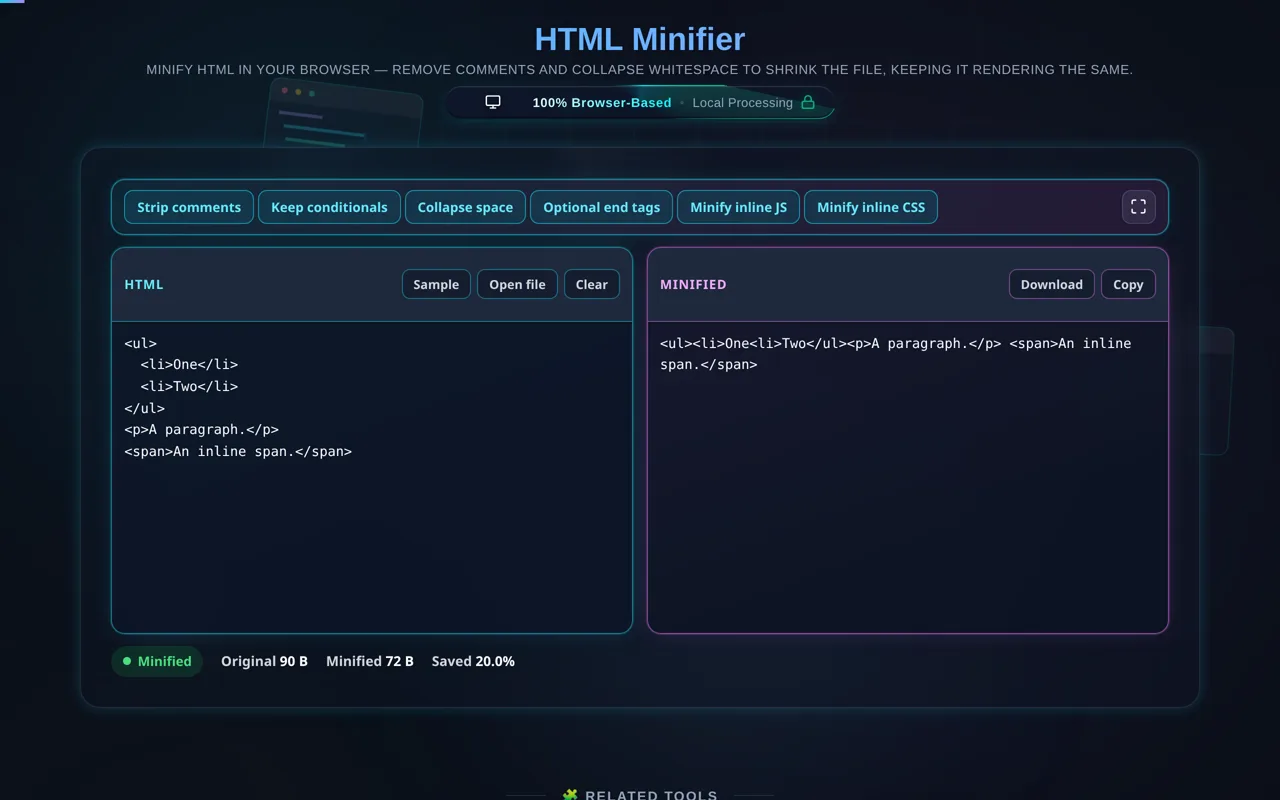
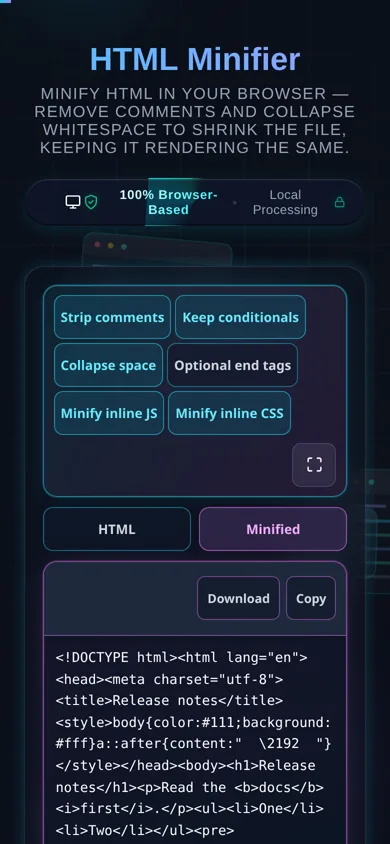
An HTML Minifier shrinks an HTML file by removing comments and collapsing insignificant whitespace, while keeping it rendering the same. This one runs entirely in your browser — your HTML is never uploaded — and it preserves whitespace-sensitive tags like <pre> and <script>, showing how many bytes you save.
Smaller HTML means faster page loads and less bandwidth. An HTML minifier reduces file size by removing comments and collapsing runs of whitespace (indentation and line breaks between tags) that the browser doesn't need — without changing what the page renders.
Paste your HTML or load a local file, choose your options (remove comments, collapse whitespace, optionally keep conditional comments), and the tool minifies it and shows the size before and after with the percentage saved. The contents of <pre> and <textarea> are never touched — whitespace is what they are for — and <script> and <style> are left exactly as written unless you turn their own switch on. Then Copy or Download; to go the other way, the HTML Formatter re-indents it.
Privacy is central. Minifying happens in your browser — no server, no upload, no logging, no tracking. You can minify proprietary templates and internal markup without any of it leaving your device, and the tool works offline once loaded.
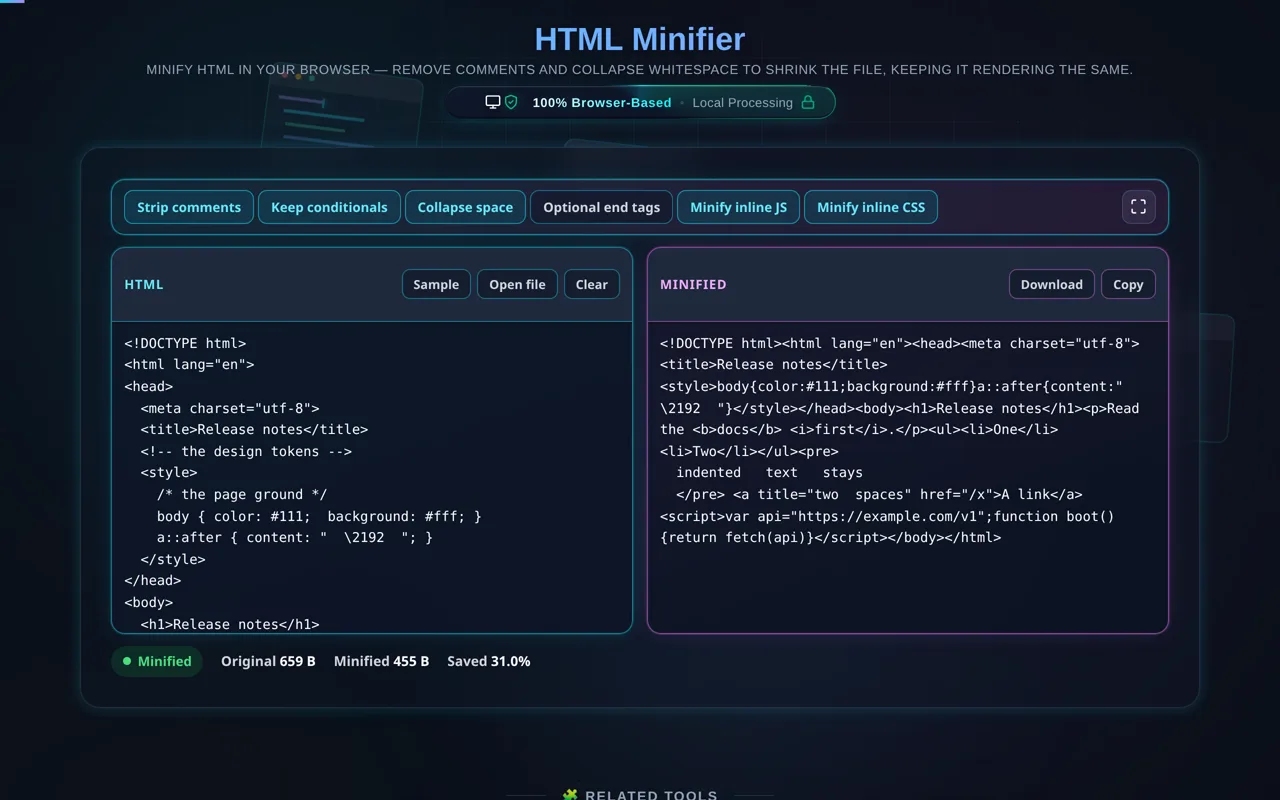
The engine reads the document rather than pattern-matching it. A minifier written as a handful of regular expressions cannot tell a // that starts a comment from the one in https://, cannot tell a run of spaces in your markup from a run of spaces inside an attribute value, and cannot tell that a < b inside a <script> is not a tag. This one walks the source character by character, so raw-text elements, attribute values and comments are each their own thing before anything is removed. Inline JavaScript goes through Terser — the same engine the JavaScript Minifier uses, loaded only when there is a script to minify — and inline CSS through a scanner that knows a /* inside a string is not a comment.
The whitespace rule, exactly. A run of whitespace between two block-level tags is removed; a run next to an inline element — <a>, <span>, <b>, <img> — is collapsed to a single space and kept, because that space is a word space and removing it joins two words together. Drop optional end tags is off by default, and when it is on an end tag is only removed where the HTML spec says it may be omitted: </li> before another <li>, </p> before a block-level tag, never </p> before a <span>, which would put the span inside the paragraph instead.
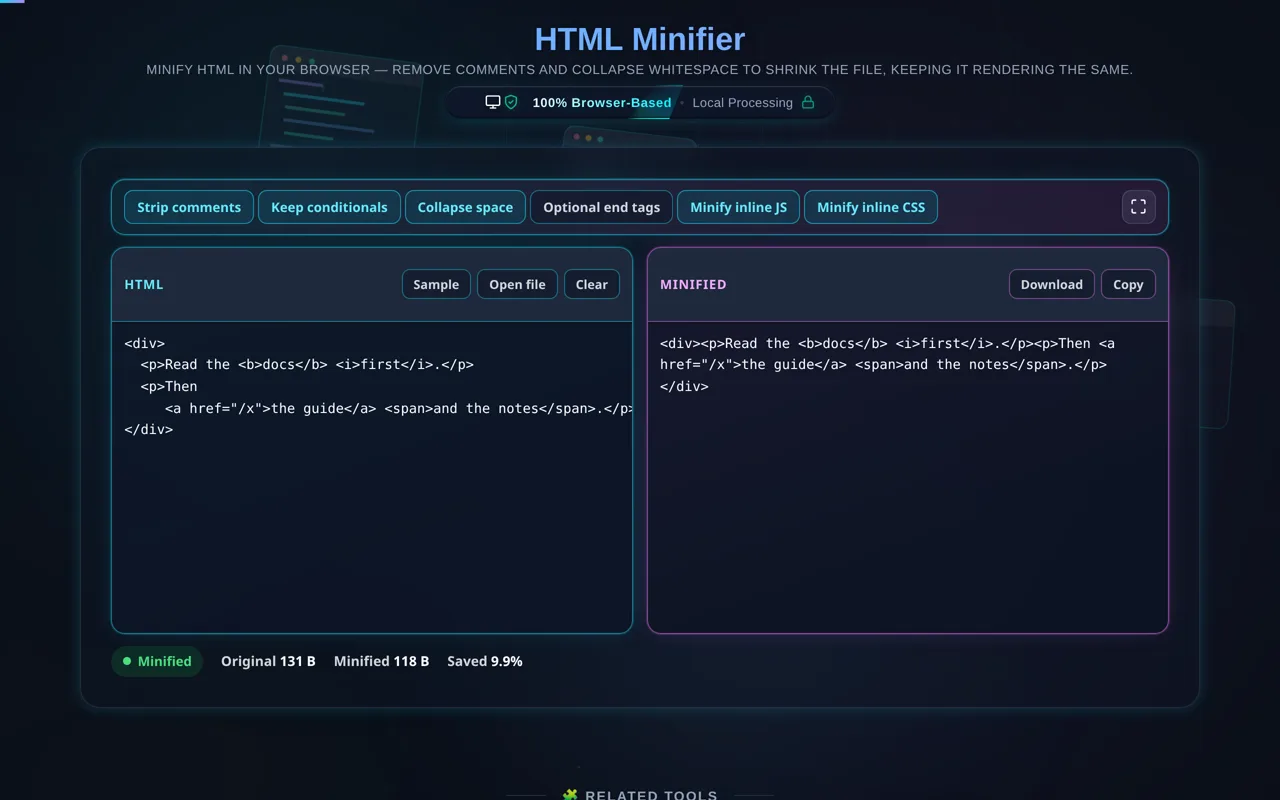
Now the important honesty. Unlike JSON, HTML whitespace can be significant: the space between inline elements like <a>, <span>, or <img> often affects visible spacing. A minifier that collapses it too aggressively can subtly change your layout. This tool is conservative, but you should still test the minified output on your page before shipping. Also, it's a minifier, not a bundler — it won't inline assets, bundle modules or tree-shake, and Terser runs here without mangling, so your variable names survive. And for transport, server compression (gzip/brotli) usually saves more than HTML minification alone, though the two stack.
For the reverse, see the HTML Formatter; for stylesheets and scripts, the CSS Minifier and JavaScript Minifier.