Professional Lorem Ipsum Generation for Modern Workflows
Direct answer: This lorem ipsum generator builds placeholder text in your browser from a 101-word Latin vocabulary. Choose paragraphs, sentences, words or list items, say how many, and take the result as plain text, as <p>/<li> markup, or as a flat JSON array of strings. Sentences are assembled from one to three comma-separated clauses, so a paragraph reads like prose at a glance instead of like a word list. Nothing is generated on a server and nothing is sent anywhere.
Placeholder text has one job. It fills a layout so the design can be judged on spacing, line length and hierarchy instead of on the words, which is why lorem ipsum is Latin and why it is garbled Latin — a reader's eye slides off it. This generator keeps that property and adds the four shapes a build actually needs: paragraphs for a body column, single sentences for headlines and tooltips, a run of words for a button label, and short fragments for a nav list. It pairs with the HTML formatter when you paste the markup somewhere, and with the JSON formatter when the array becomes a fixture.
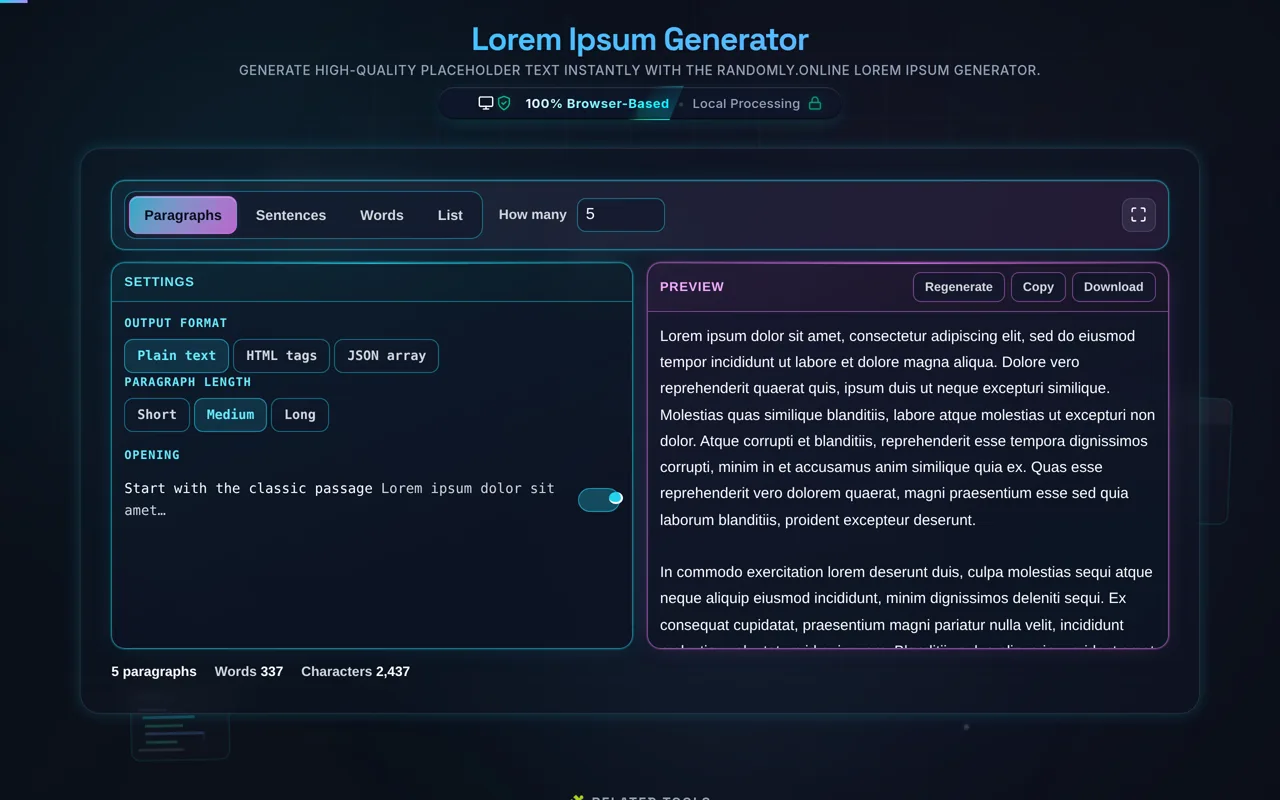
The text is generated, not pasted from a fixed passage. Each sentence is one to three clauses joined by commas, five to eighteen words long, drawn from a 101-word vocabulary, and no word ever follows itself — which is what stops a paragraph from reading as a list of Latin. Length is a control. Short paragraphs run two to four sentences, medium four to seven, long eight to thirteen; a list item is two to five words, because a nav label is not a paragraph. The count is capped at 1,000 units, and a thousand long paragraphs came out at about 847,000 characters in roughly 40 milliseconds with no request leaving the page.
Choose your Generate by mode
Four shapes, and they are different shapes rather than different lengths of the same one. Paragraphs fill a body column. Sentences are for headlines, tooltips and table cells. Words gives you a run of microcopy for a button label or a placeholder attribute. List makes short fragments of two to five words, which is the shape of a nav label — not a paragraph with a bullet in front of it.
Set the quantity
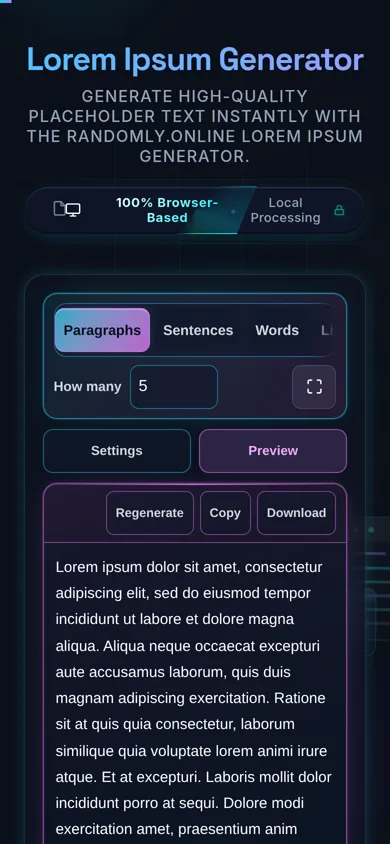
The How many field counts units of whatever mode you picked: five paragraphs, five sentences, five words, five list items. It accepts 1 to 1,000, and typing more than that corrects the field and says so on the stat line rather than quietly giving you a thousand. A thousand long paragraphs is about 847,000 characters and takes roughly 40 milliseconds, all of it in this tab.
Pick your output format
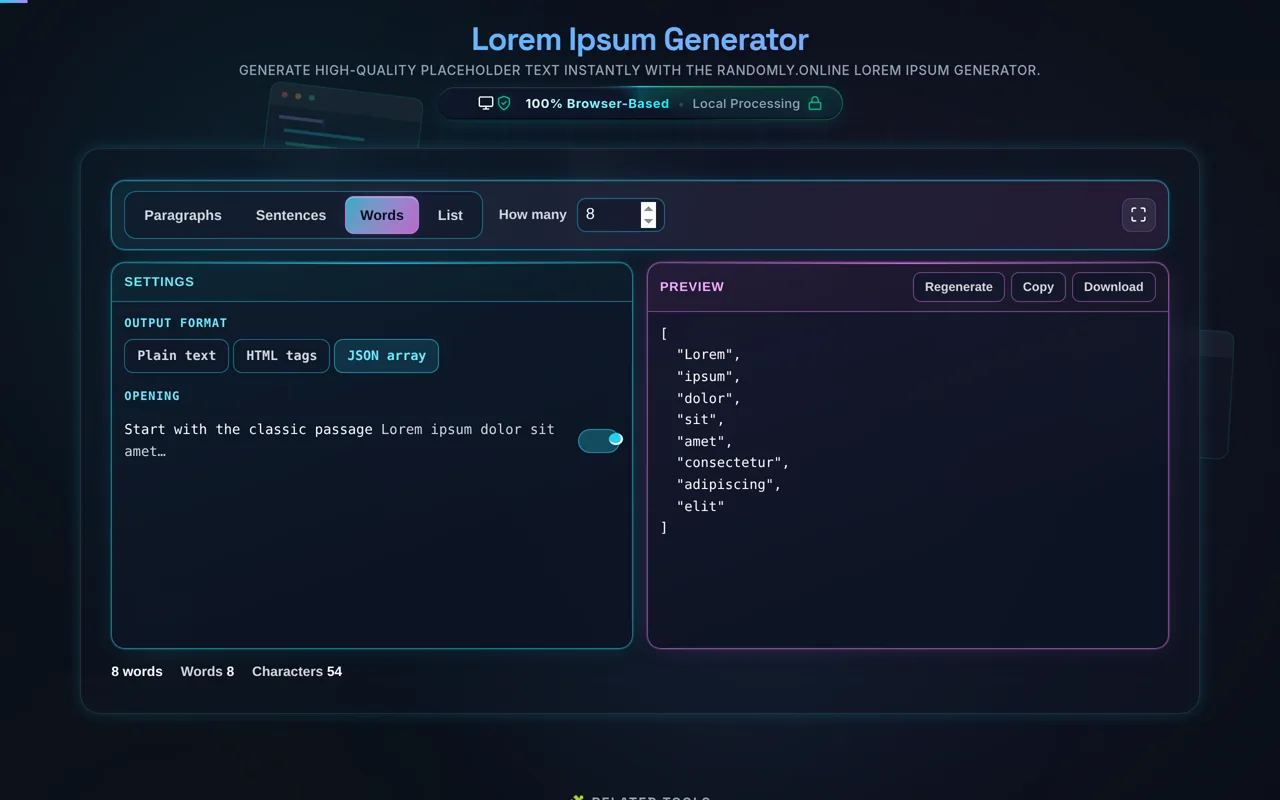
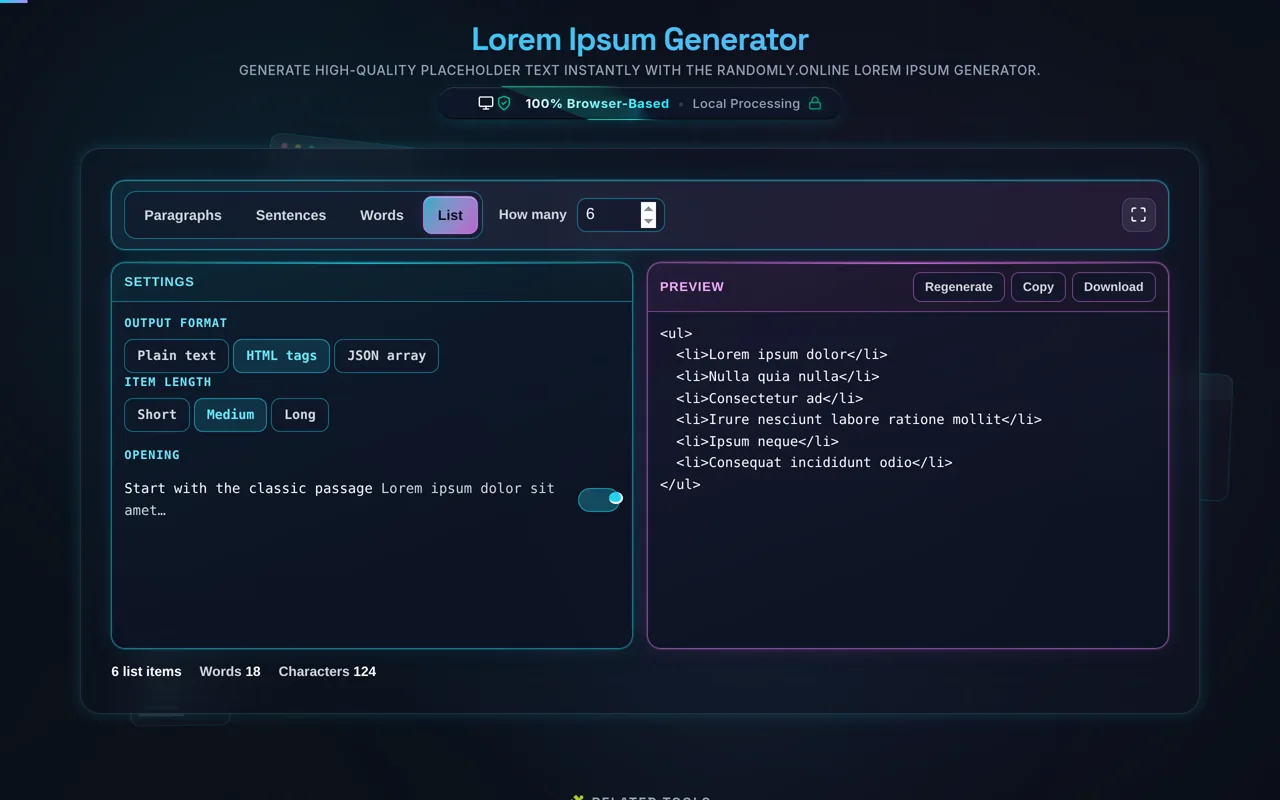
Plain text for a paste into a design tool or a mockup. HTML tags wraps paragraphs and sentences in <p>, a run of words in a single <p>, and list items in <li> inside a <ul>. JSON array gives you a flat array of strings for a fixture file, a mock response or a seed script. The word and character counts under the panes count the text, never the markup around it.
Adjust the extras
Start with the classic passage opens with the real thing — "Lorem ipsum dolor sit amet, consectetur adipiscing elit, sed do eiusmod tempor incididunt ut labore et dolore magna aliqua." Turn it off for a run with no fixed opening, which is what you want when you need several placeholder blocks that do not all begin identically. Paragraph length sets how many sentences a paragraph runs: two to four, four to seven, or eight to thirteen. In List mode the same control sizes the item instead.
Copy, download, or regenerate
Copy puts the current output on your clipboard. Download saves it, and the file follows the format — .txt, .html or .json. Regenerate draws a fresh sample at the same settings, which is the fastest way to see whether a layout survives text it was not tuned against.