Beautify your CSS — cleanly and privately
A CSS Formatter re-lays-out messy or minified CSS so each rule sits in its own block with one declaration per line and consistent spacing around braces, colons, and semicolons. This one runs entirely in your browser — your CSS is never uploaded — and it indents nested at-rules like @media.
Minified stylesheets and hurried edits are hard to read and harder to debug. A CSS formatter fixes that: it puts each selector block on its own lines, places one declaration per line, and applies consistent spacing around braces, colons, and semicolons — turning a compressed string into a clear, scannable stylesheet.
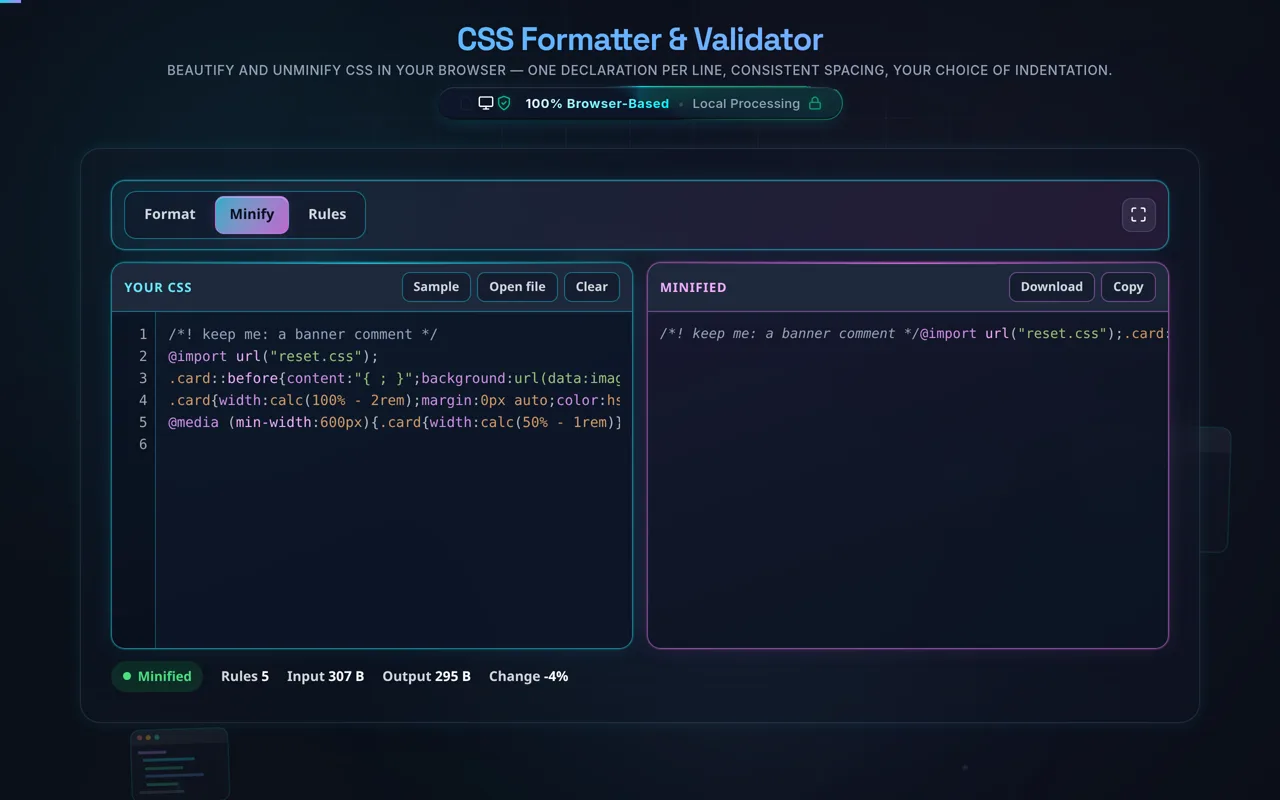
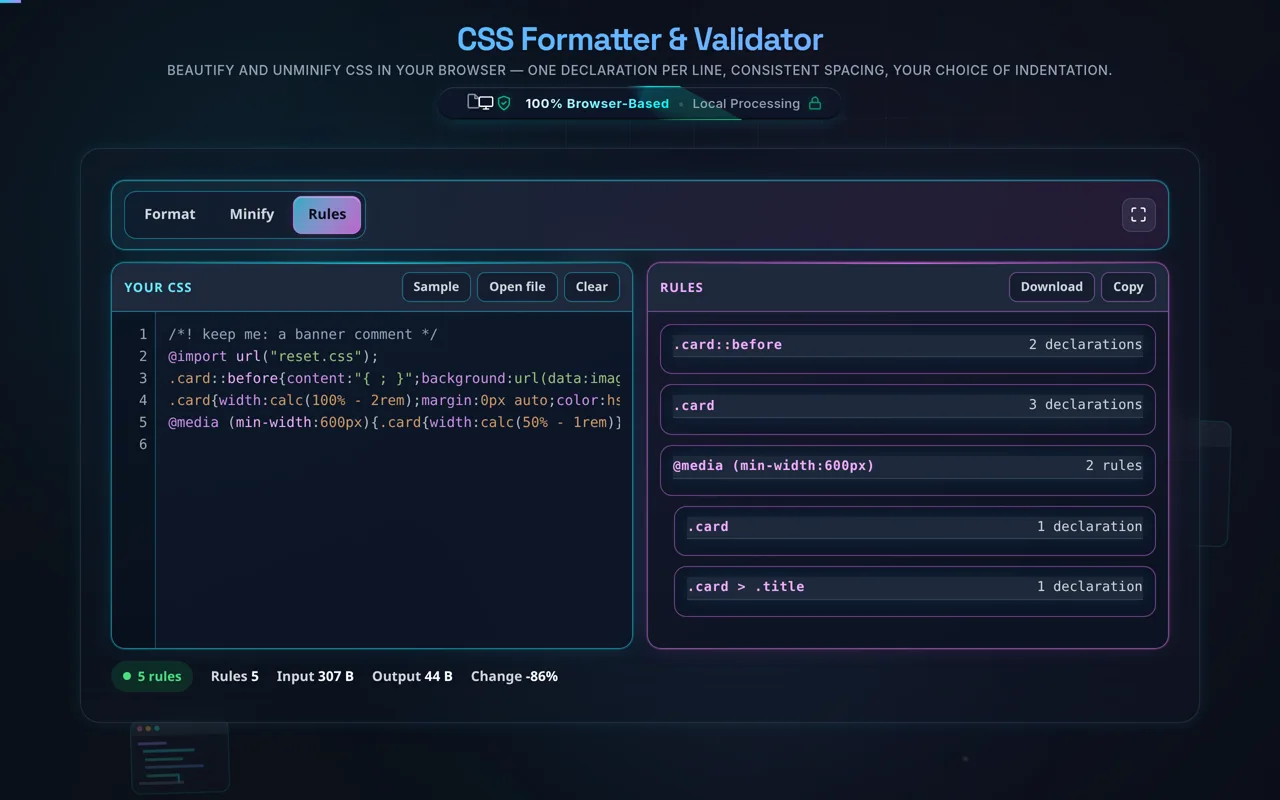
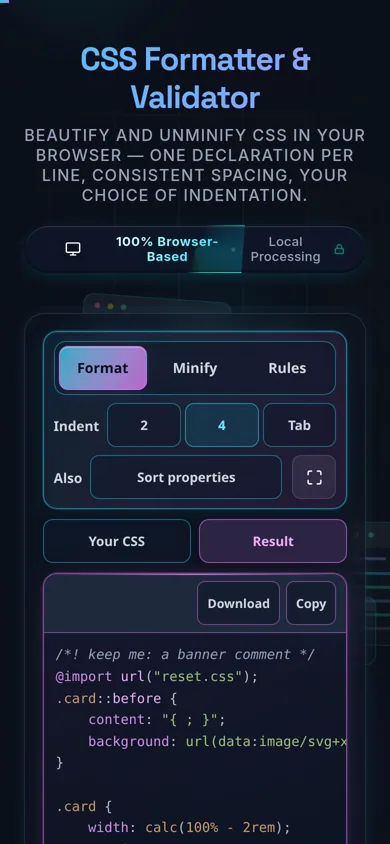
Paste your CSS or load a local .css file, choose your indentation (2 spaces, 4 spaces or a tab), and it is re-laid-out as you type, with highlighting. Nested at-rules — @media, @supports, @keyframes — are indented to the right depth, and comments are preserved. Minify compacts it for production, and Rules lists the stylesheet's selectors as a tree with a declaration count against each, which is the fastest way to see the shape of a file you did not write.
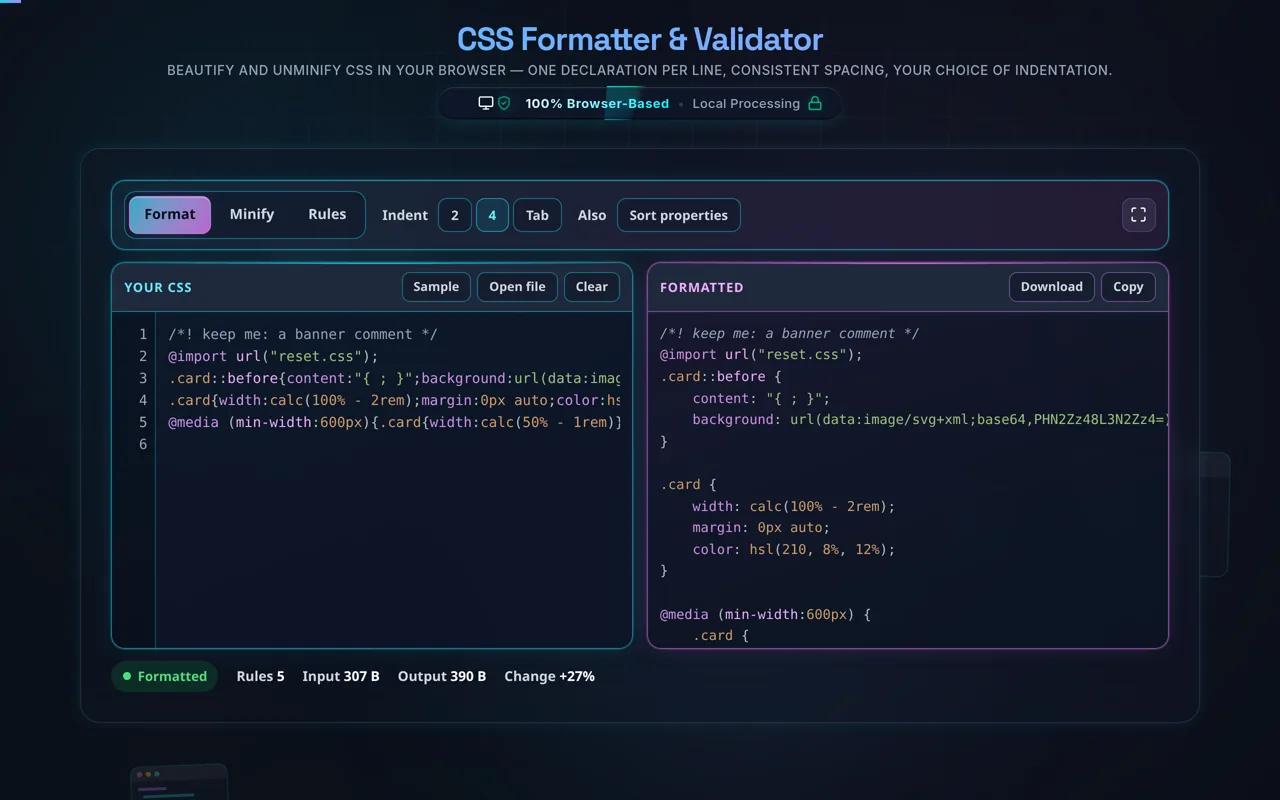
What is inside a string stays inside it. The formatter reads the stylesheet with a real tokenizer, so content: "{ ; }" is a value rather than a block that opens and a declaration that ends, and url(data:image/png;base64,…) is one token rather than two declarations split at its first semicolon. Comments come through byte for byte, a /*! banner survives a trip through Minify, and the whitespace calc() needs around its + and - is never removed, because calc(100%+2px) is not valid CSS.
Like every tool here, it's built around privacy. All formatting happens in your browser — there's no server, no upload, no logging, and no tracking of your stylesheet. Developers regularly paste proprietary CSS or minified vendor code; here it never leaves your device, and the tool works offline once loaded.
Some honest limits. Formatting is cosmetic: it changes whitespace and layout, not which rules apply, the cascade, or specificity — your styles behave identically. It's a beautifier, not a linter or autoprefixer: it won't add vendor prefixes, remove unused rules, or flag errors. And it targets plain CSS — if you paste SCSS or LESS, preprocessor-specific syntax (nesting, variables, mixins) may not format perfectly, since those are compiled languages rather than CSS.
For the reverse, see the CSS Minifier; for markup and scripts, the HTML Formatter and JavaScript Formatter; and to convert color values, the Color Code Converter.