Epoch Time, Both Ways, in One Tool
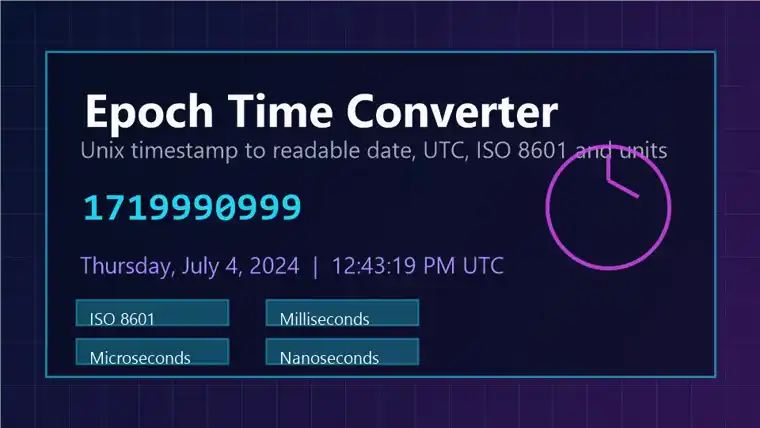
Epoch time is a count of seconds since the start of 1970 — a plain number that systems, logs, and APIs use to record an instant without any time zone attached. Working with it usually means going both directions: reading a number out of a log into a date you can understand, then building a number to send back. This converter puts both on one screen.
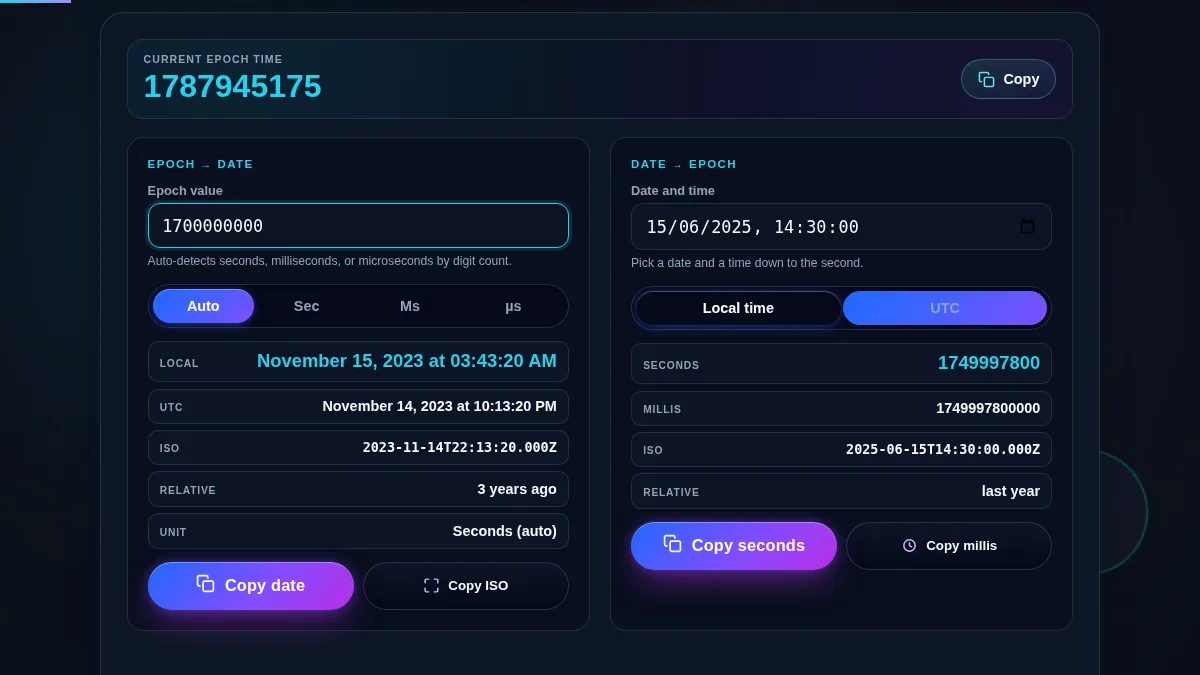
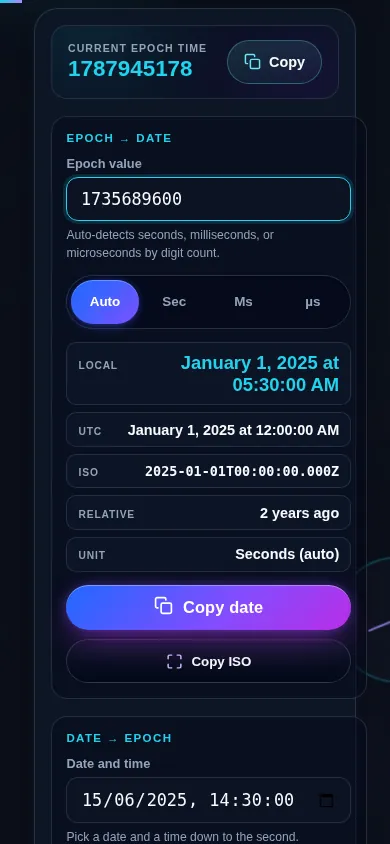
The left panel takes an epoch value and shows the date in local time and in UTC, with the ISO 8601 string and a relative "time ago". It auto-detects whether the number is in seconds (10 digits), milliseconds (13), or microseconds (16), and you can override that. The right panel takes a date and time and returns the epoch value in seconds and milliseconds, with a Local time or UTC choice for which instant the date points at. A live current-epoch clock runs across the top as a reference for either side.
Everything is computed in your browser. Nothing you enter is sent anywhere, and every value has a copy button. If you only need one direction, the Timestamp to Date Converter and the Date to Timestamp Converter each do that job on their own page.