Preferences
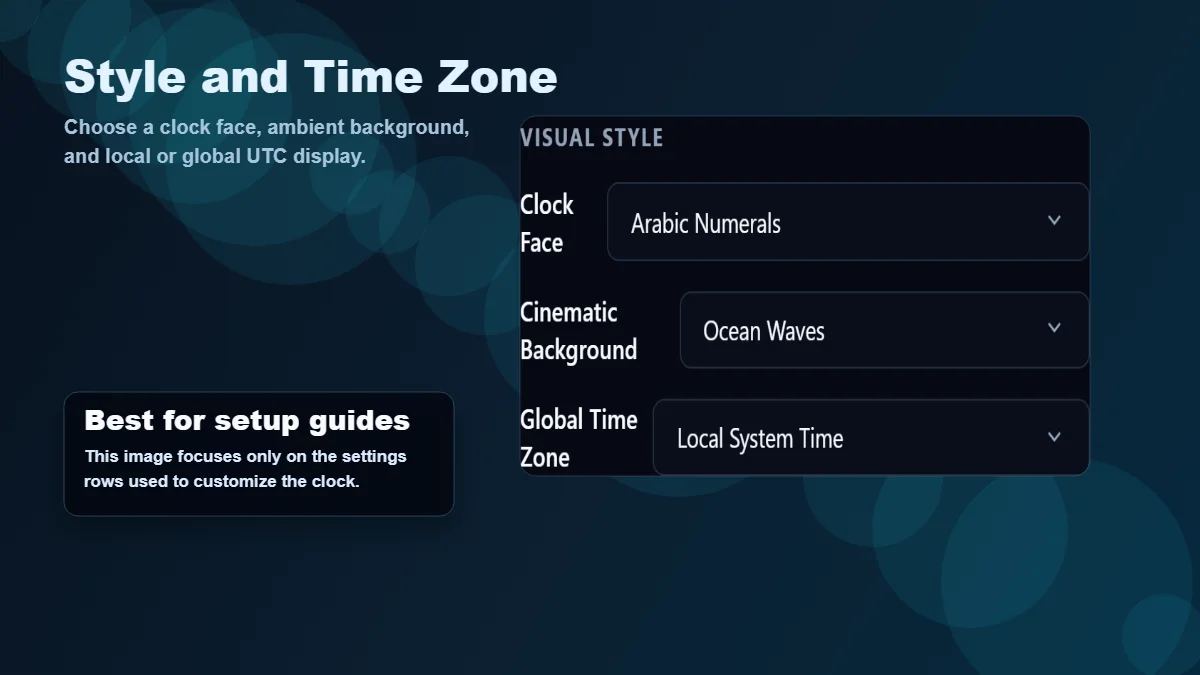
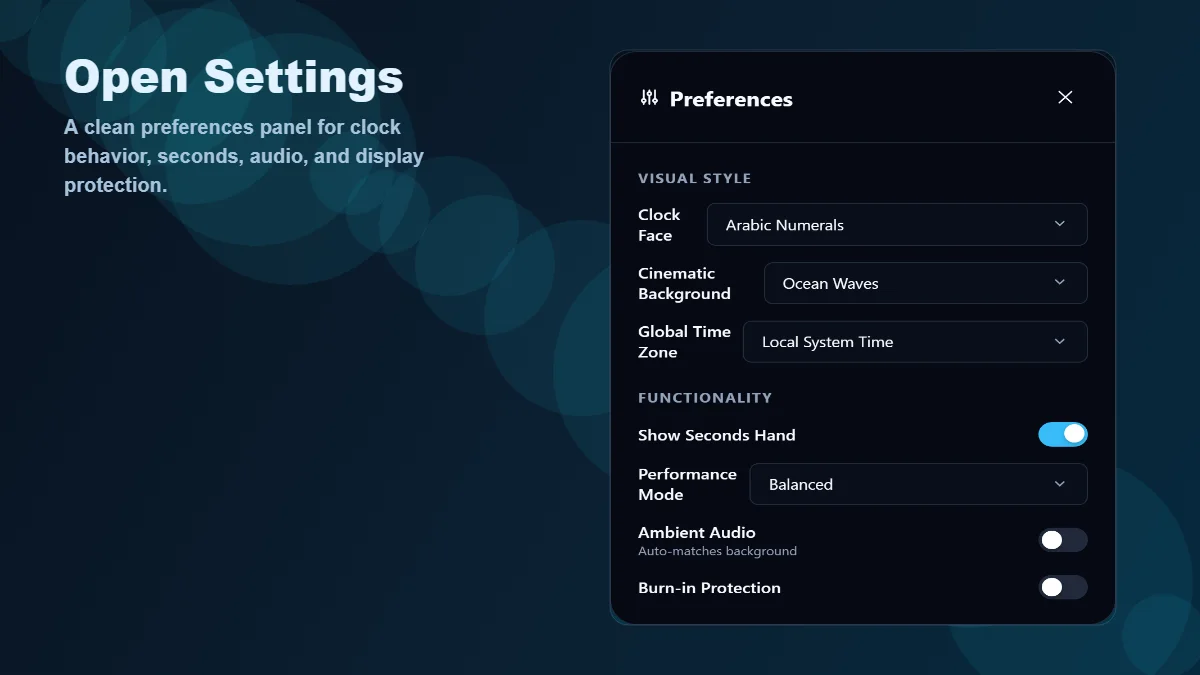
Visual Style
Clock Face
Arabic
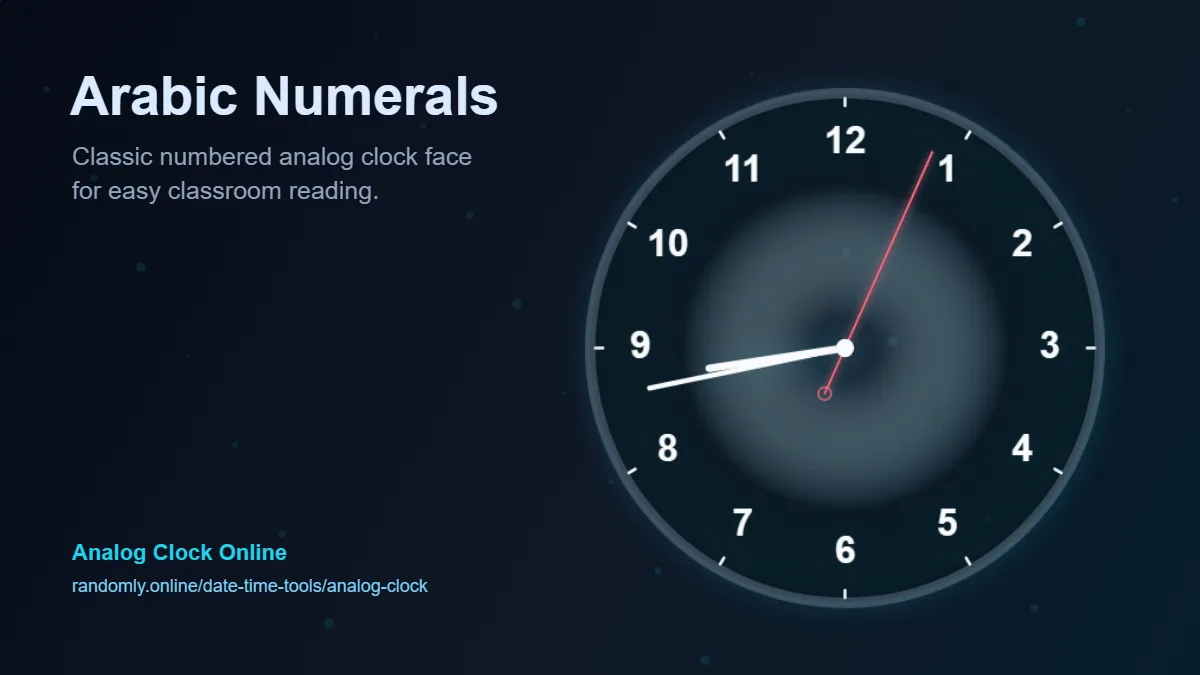
- Arabic Numerals
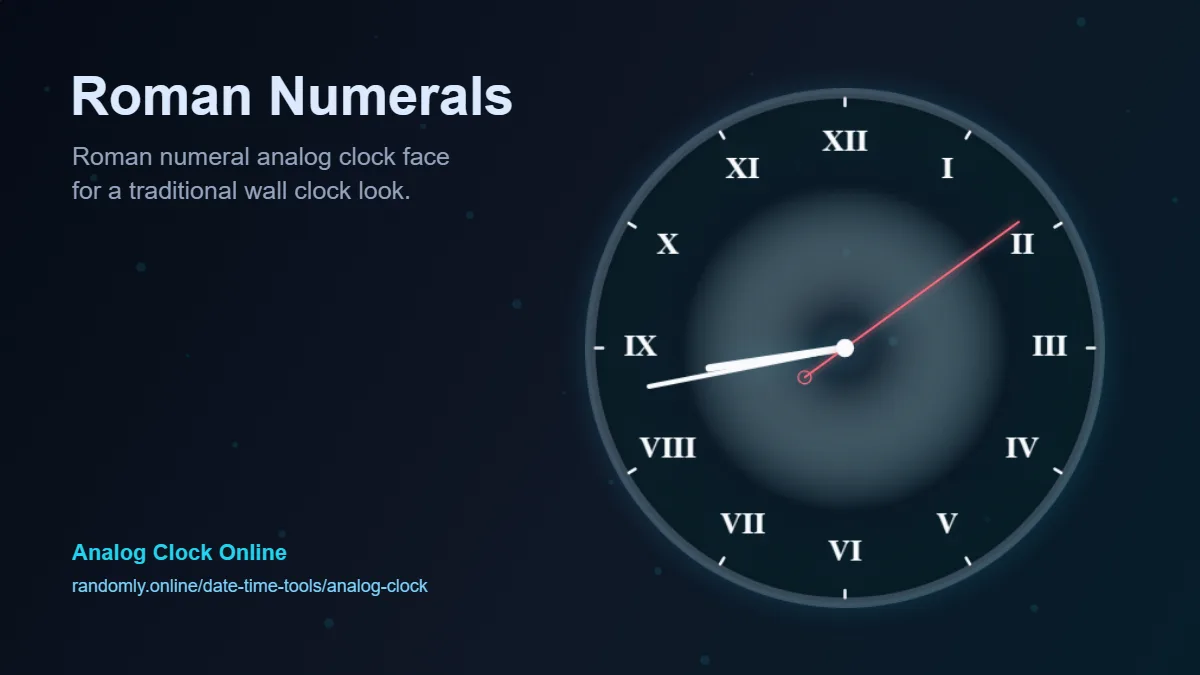
- Roman Numerals
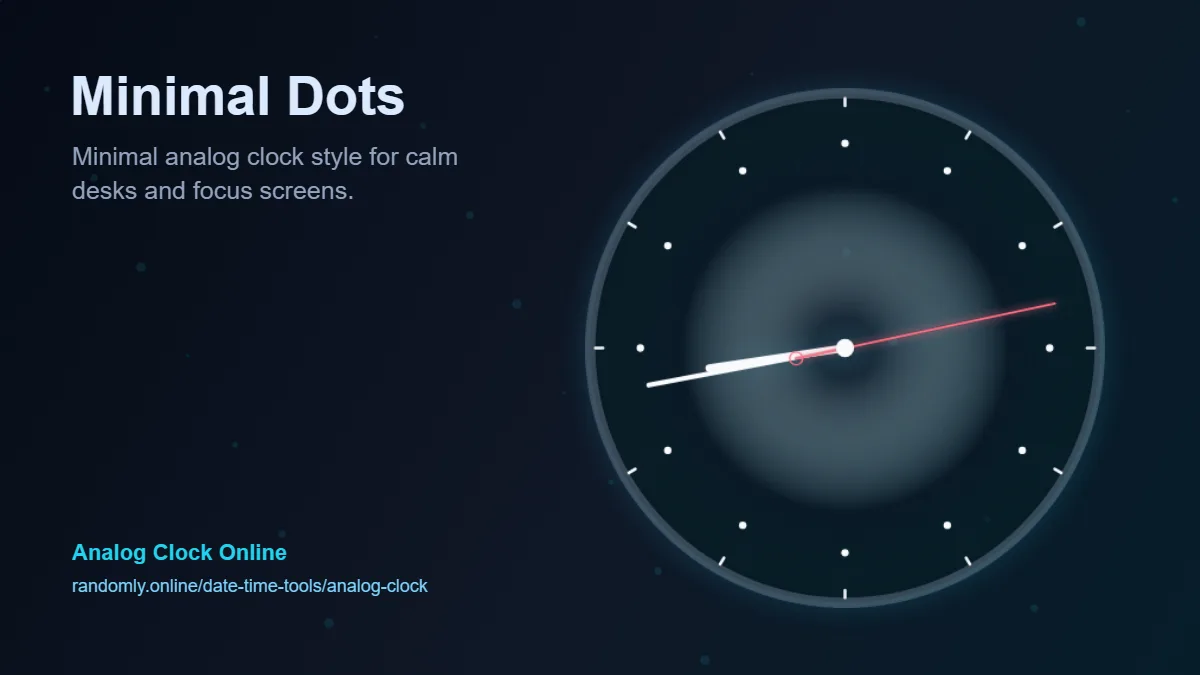
- Minimal Dots
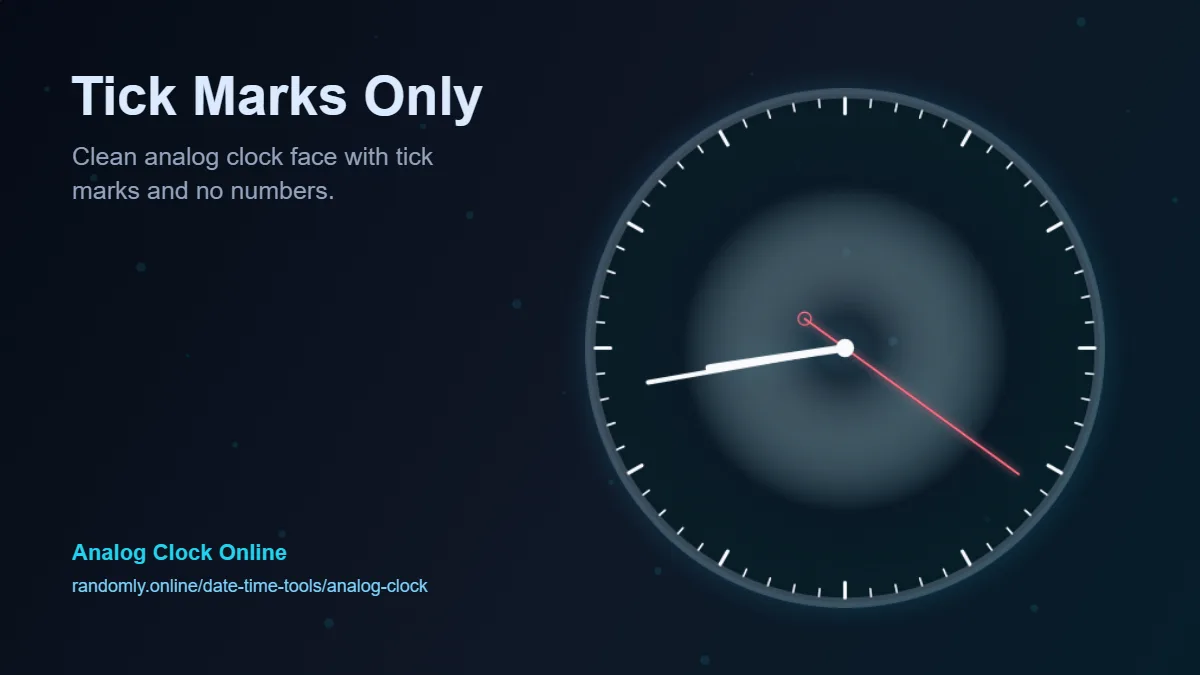
- Tick Marks Only
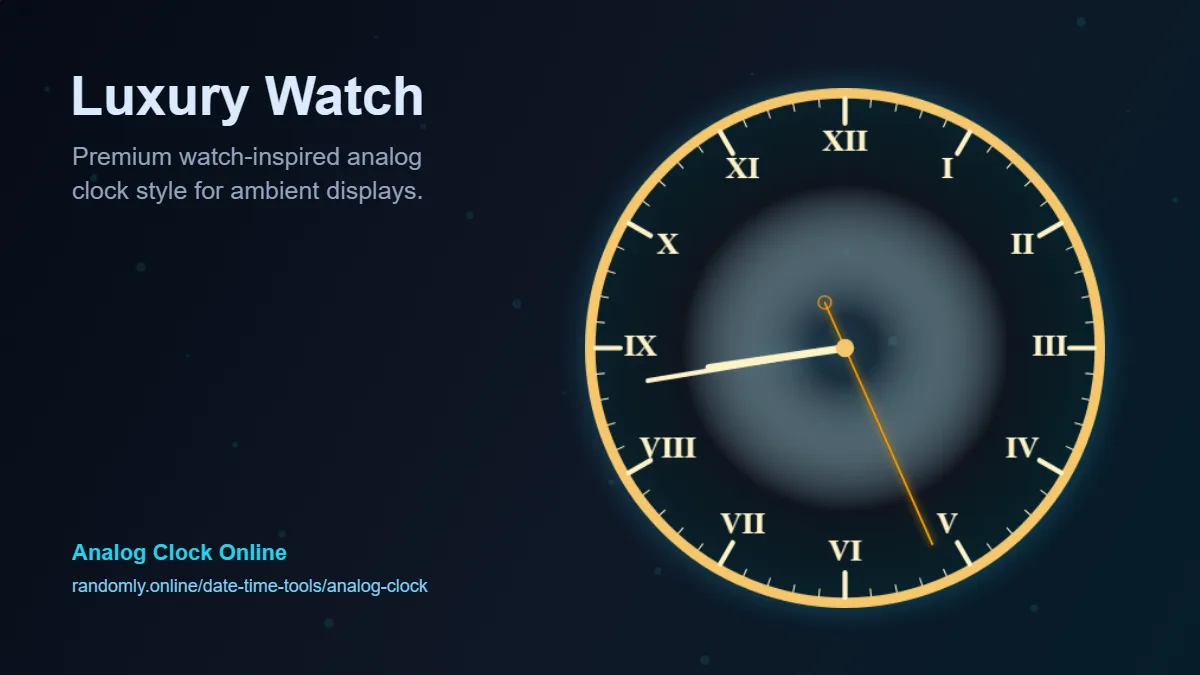
- Luxury Watch
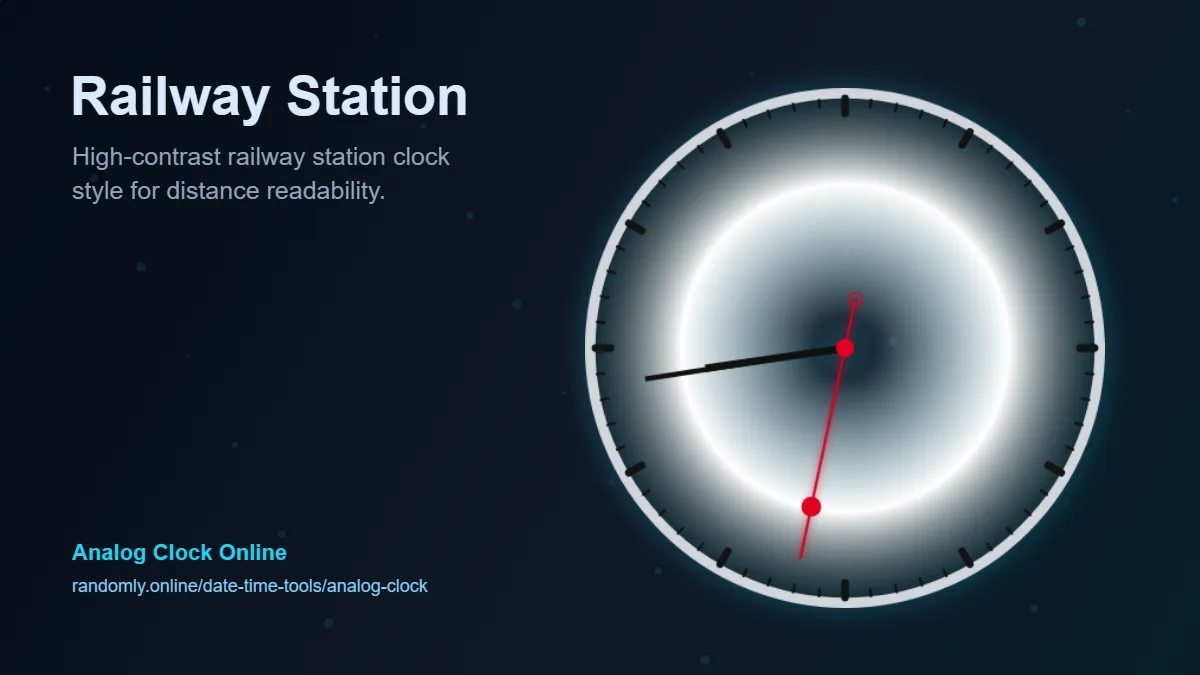
- Railway Station
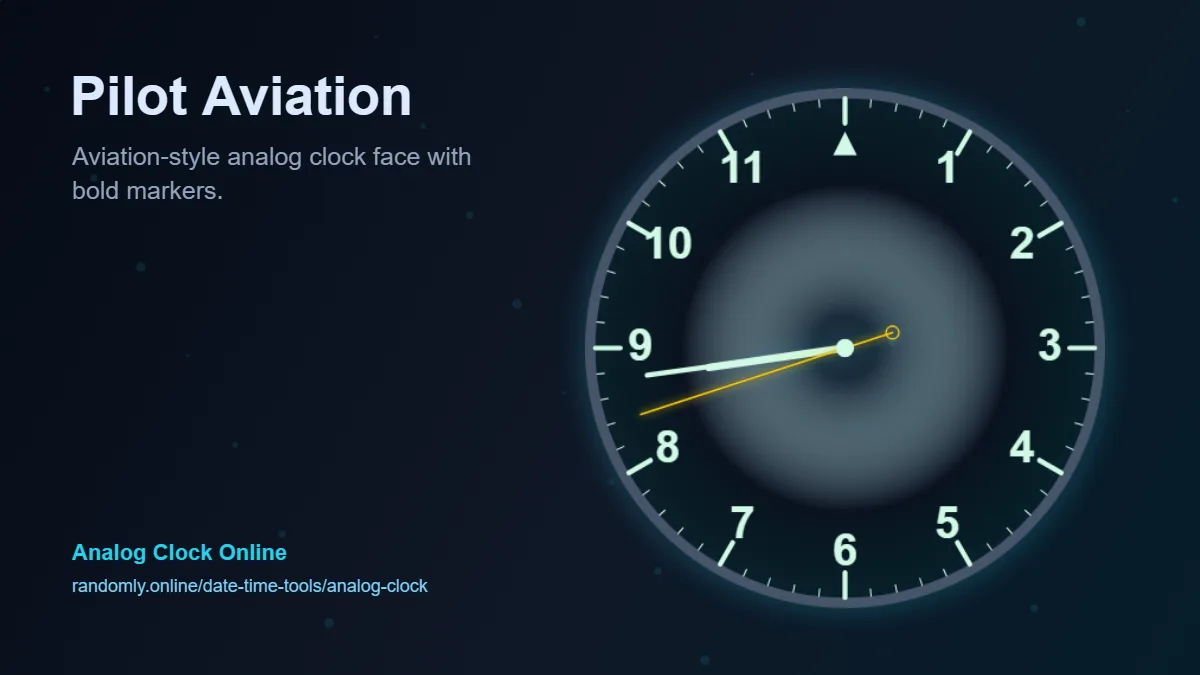
- Pilot Aviation
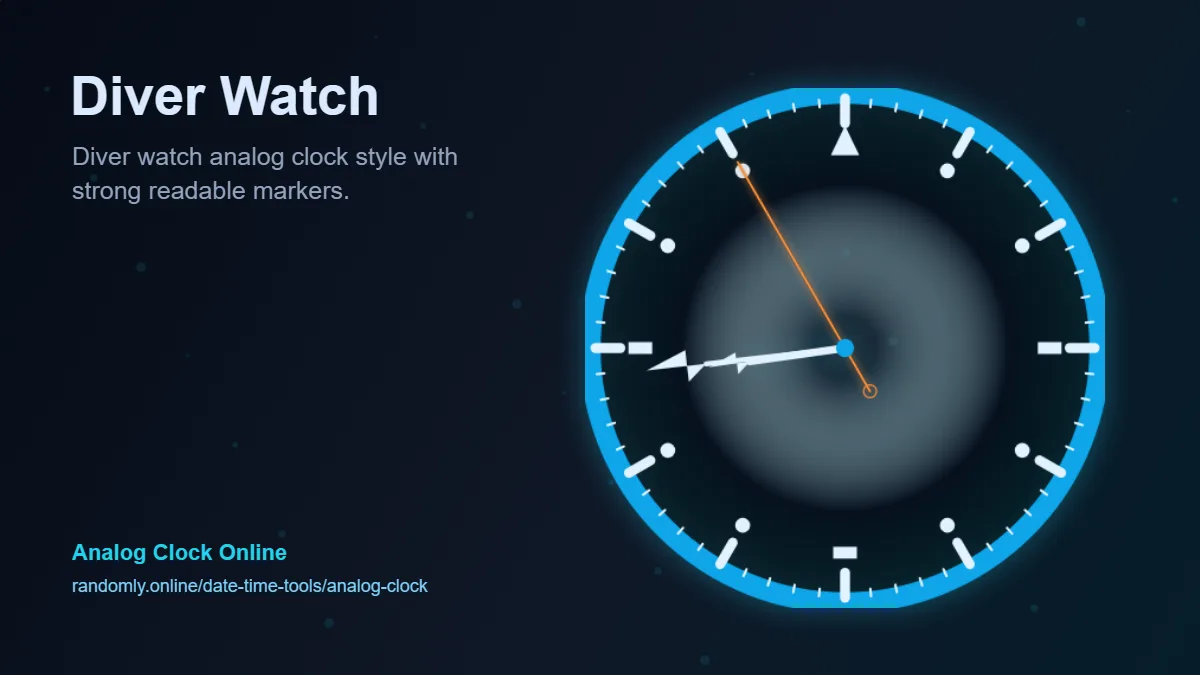
- Diver Watch
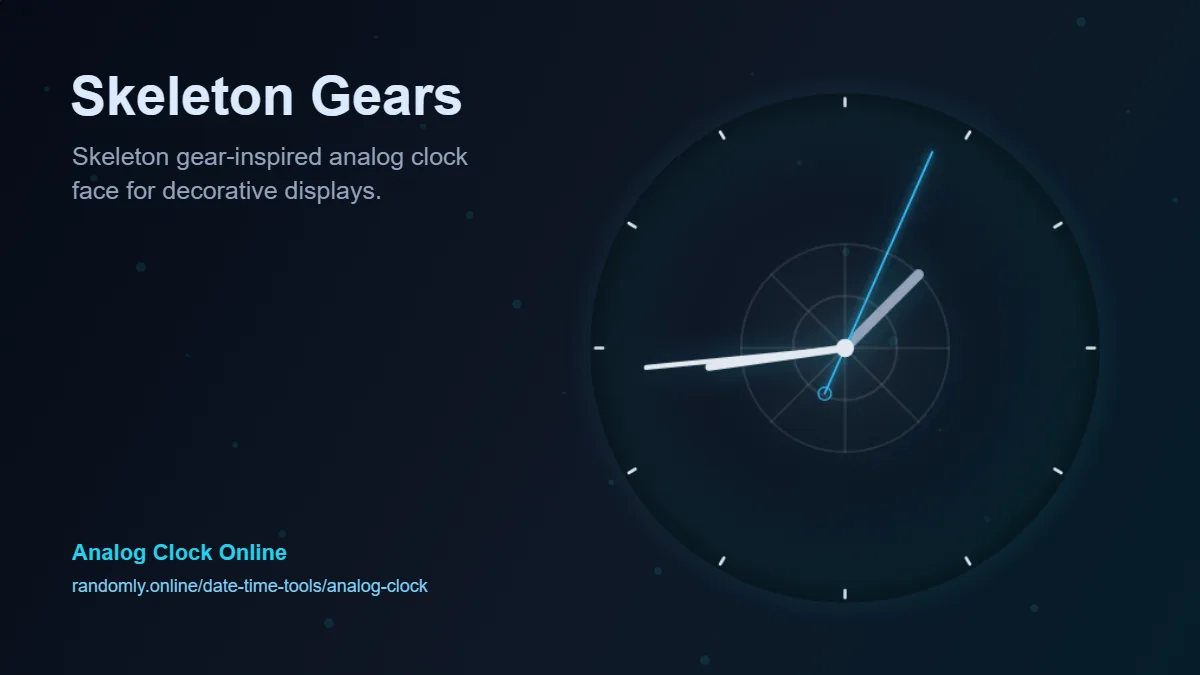
- Skeleton Gears
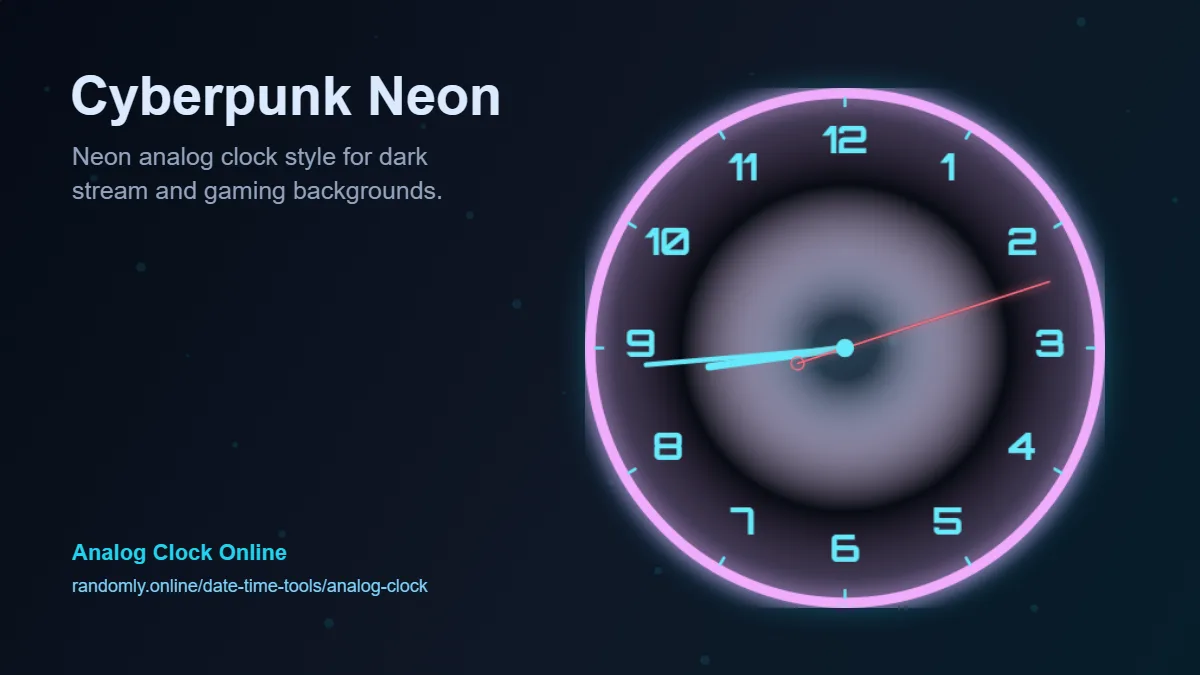
- Cyberpunk Neon
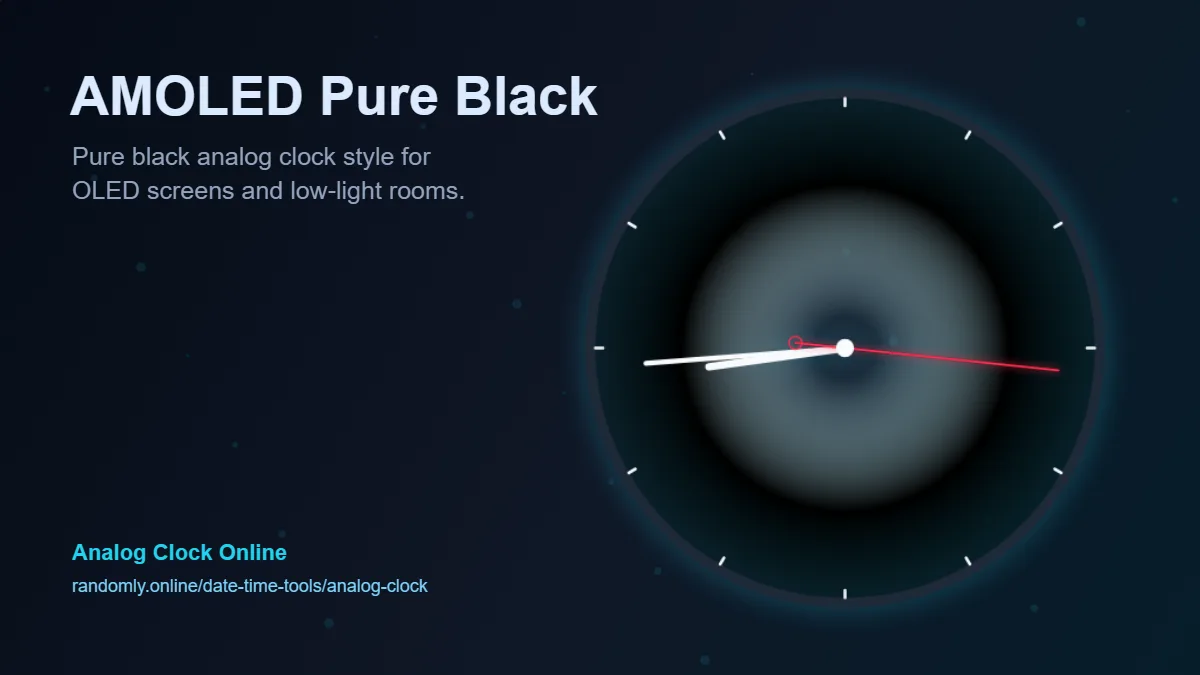
- AMOLED Pure Black
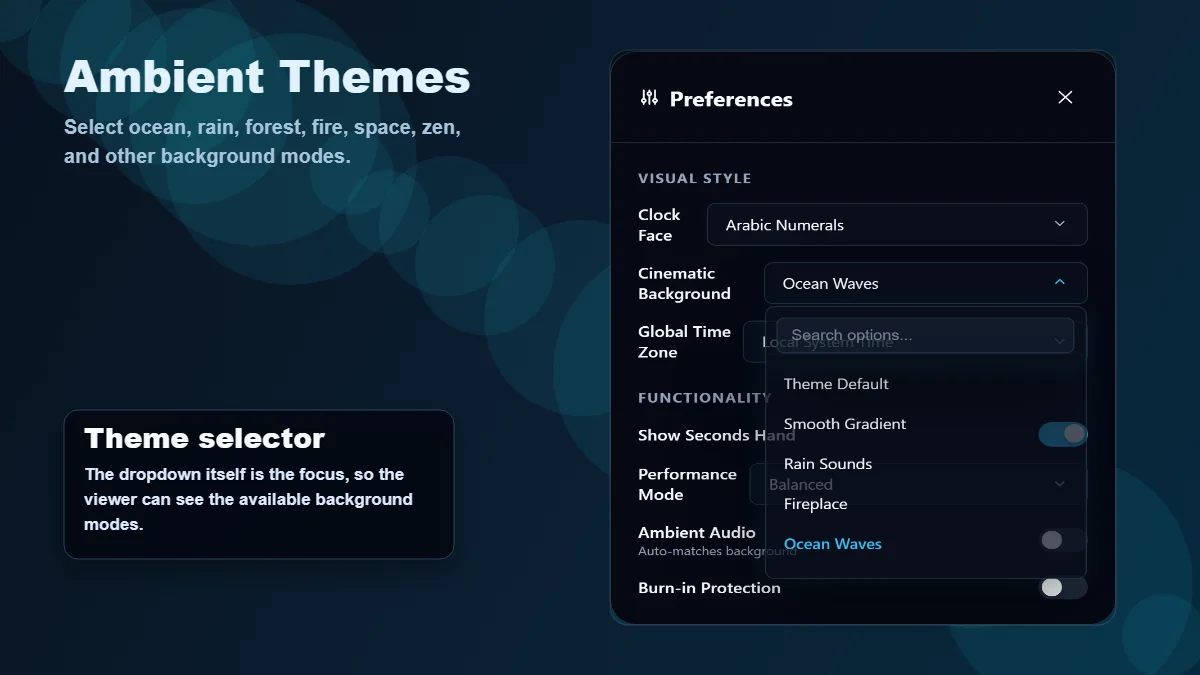
Cinematic Background
Ocean Waves
- Theme Default
- Smooth Gradient
- Rain Sounds
- Fireplace
- Ocean Waves
- Thunderstorm
- Forest Birds
- Snowfall
- Deep Space
- Neon City
- Digital Matrix
- Medieval Castle
- Desert Night
- Zen Garden
Global Time Zone
Local System Time
- Local System Time
- UTC-12:00 - Baker Island
- UTC-11:00 - American Samoa
- UTC-10:00 - Honolulu
- UTC-09:30 - Marquesas Islands
- UTC-09:00 - Alaska
- UTC-08:00 - Pacific Time
- UTC-07:00 - Mountain Time
- UTC-06:00 - Central Time
- UTC-05:00 - Eastern Time
- UTC-04:00 - Atlantic Time
- UTC-03:30 - Newfoundland
- UTC-03:00 - Buenos Aires
- UTC-02:00 - South Georgia
- UTC-01:00 - Azores
- UTC+00:00 - London / UTC
- UTC+01:00 - Central Europe
- UTC+02:00 - Eastern Europe
- UTC+03:00 - Moscow / East Africa
- UTC+03:30 - Tehran
- UTC+04:00 - Dubai
- UTC+04:30 - Afghanistan
- UTC+05:00 - Pakistan
- UTC+05:30 - India / Sri Lanka
- UTC+05:45 - Nepal
- UTC+06:00 - Bangladesh
- UTC+06:30 - Myanmar / Cocos
- UTC+07:00 - Thailand / Vietnam
- UTC+08:00 - China / Singapore
- UTC+08:45 - Eucla
- UTC+09:00 - Japan / Korea
- UTC+09:30 - Central Australia
- UTC+10:00 - Eastern Australia
- UTC+10:30 - Lord Howe Island
- UTC+11:00 - Solomon Islands
- UTC+12:00 - New Zealand / Fiji
- UTC+12:45 - Chatham Islands
- UTC+13:00 - Tonga / Samoa
- UTC+14:00 - Line Islands
Functionality
Performance Mode
Balanced
- Low - Battery Saver
- Balanced
- 60 FPS High