Randomly.online

Time Validator

Professional real-time time string analysis and validation

--:--:-- --
Waiting for input...

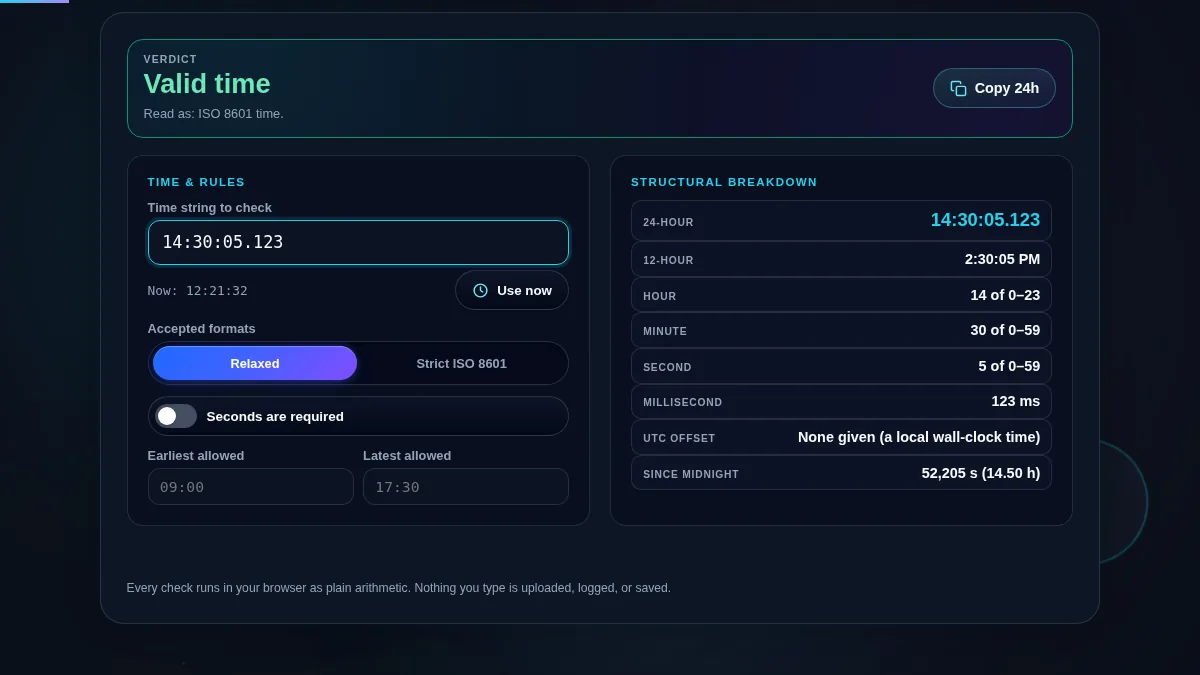
Structural Breakdown

Hour-
Minute-
Second-
Ms-
Offset-

The Ultimate Precision Time Validator

In the modern digital landscape, time formatting is more than just a aesthetic choice; it is a critical component of data integrity, system synchronization, and user experience. Our Time Validator is engineered to serve as an authoritative, developer-grade resource for anyone working with temporal strings. Whether you are debugging a complex ISO 8601 string or simply checking the current state via a World Clock, this tool provides instant, deterministic feedback. It uses a custom-built parsing engine that evaluates every character as you type, distinguishing between hours, minutes, seconds, and complex timezone offsets.

One of the primary challenges in time validation is the sheer variety of global standards. From military time to the relaxed shorthand used in casual scheduling, the rules for "valid" can vary. Our interface bridges this gap by offering both Strict Mode and Relaxed Mode. Strict mode enforces rigid structures defined by international standards like the ISO Week Date Converter, perfect for back-end developers ensuring API compatibility. For creative professionals, validating the exact time of capture in Image Metadata is just as important as the syntax of the string itself.

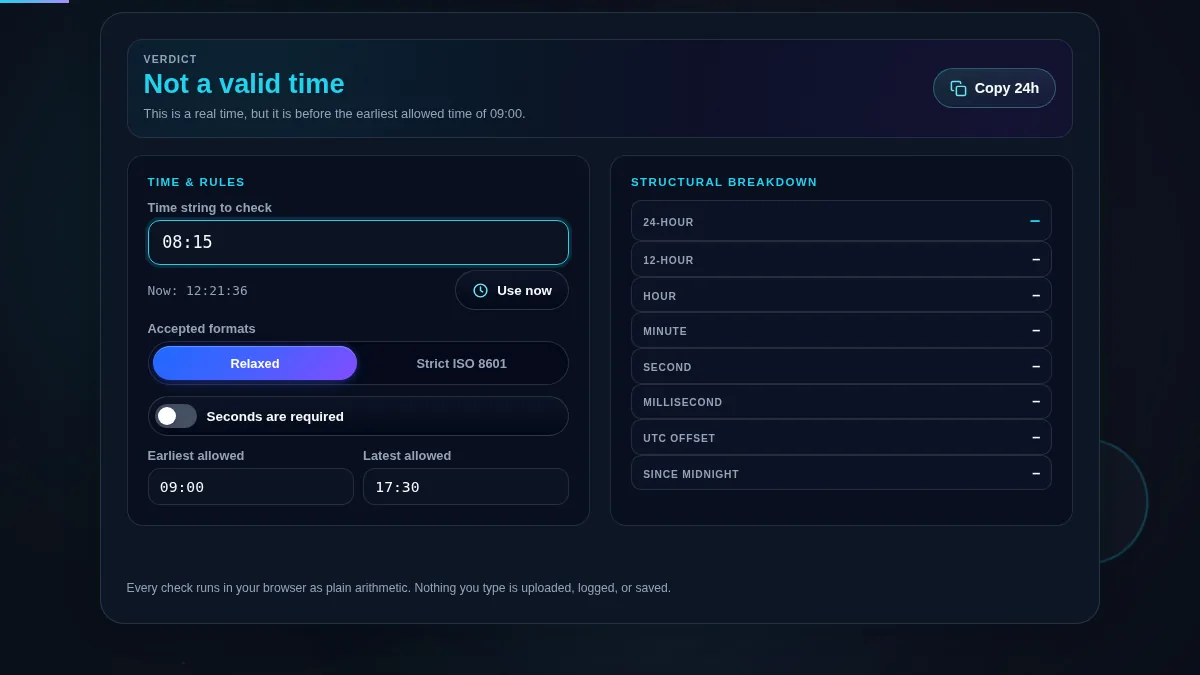
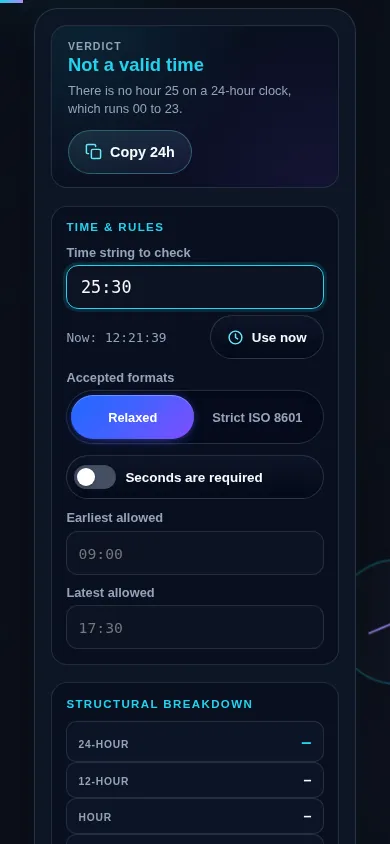
Beyond simple syntax checking, this tool performs logical validation. It understands that 25:00 is an impossible hour and that 61 seconds is invalid unless a leap second is explicitly handled. It provides a visual structural breakdown that reveals how the engine is interpreting your input. This is an essential utility for anyone aiming to eliminate "Invalid Date" errors from their projects forever.

How to Use the Time Validator

To begin using the Time Validator, simply click into the main input field. As you start typing, the engine immediately begins its analysis. You do not need to press "Submit"; the interpretation updates dynamically. For a standard 24-hour check, type "14:45." If you need to fix the visual presentation of these times in other contexts, consider using a Date Format Converter for better interoperability across different programming environments.

For professional development needs, you can leverage the Strict Mode toggle. This mode is particularly useful when you need to ensure that a time string follows the ISO 8601 format precisely. This is often necessary when synchronizing local system logs with global standards using a UTC to Local Time Converter. If your input lacks a required component based on your settings, the reasoning panel will explain exactly what is missing.

Can I validate timestamps extracted from documents or logs?

Yes, this tool is frequently used to debug timestamps found in system logs or exported reports. If you have a document with messy time formatting, you can Extract text from PDF to isolate the time strings and then paste them here for individual validation. This ensures that the data you are about to process is logically sound. For HR professionals, this is particularly helpful when double-checking entries for a Time Card Calculator to prevent payroll errors.