Date Format Converter: One Value, Every Format
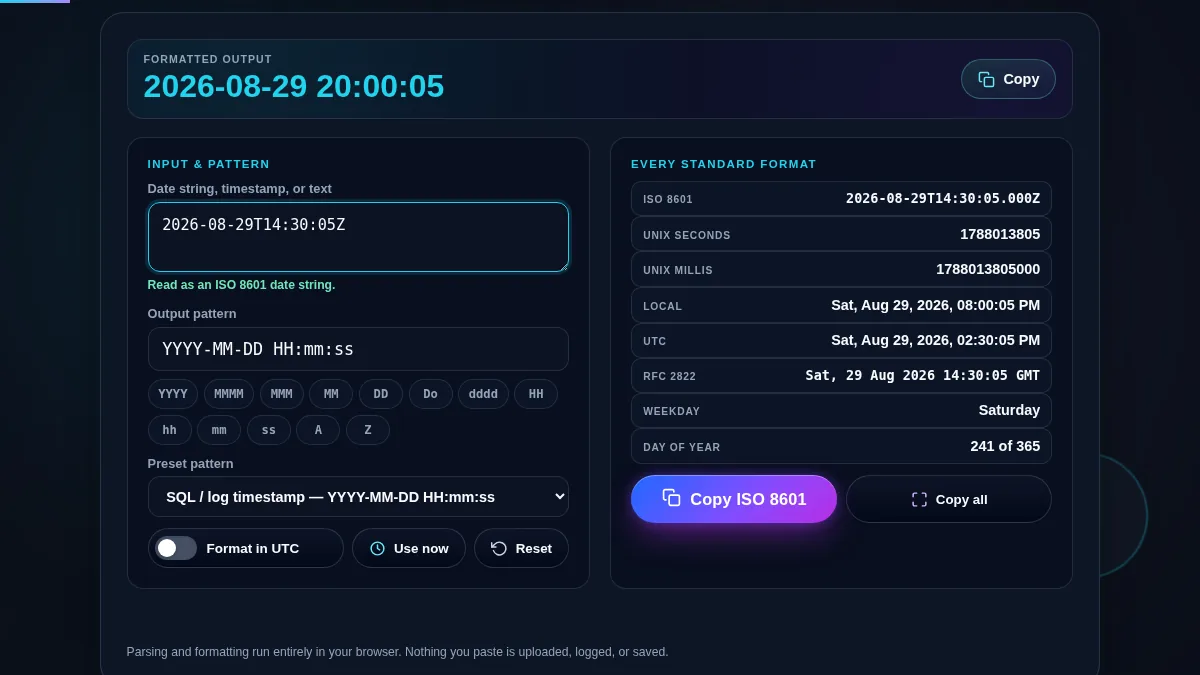
Dates arrive in whatever shape the system that wrote them preferred. A log line gives you 1756480200, an API gives you 2026-08-29T14:30:00Z, an export gives you 29/08/2026 14:30, and the report you have to file wants Saturday, August 29th 2026. This date format converter takes any of those, tells you which one it recognised, and hands the same instant back in the format you actually need.
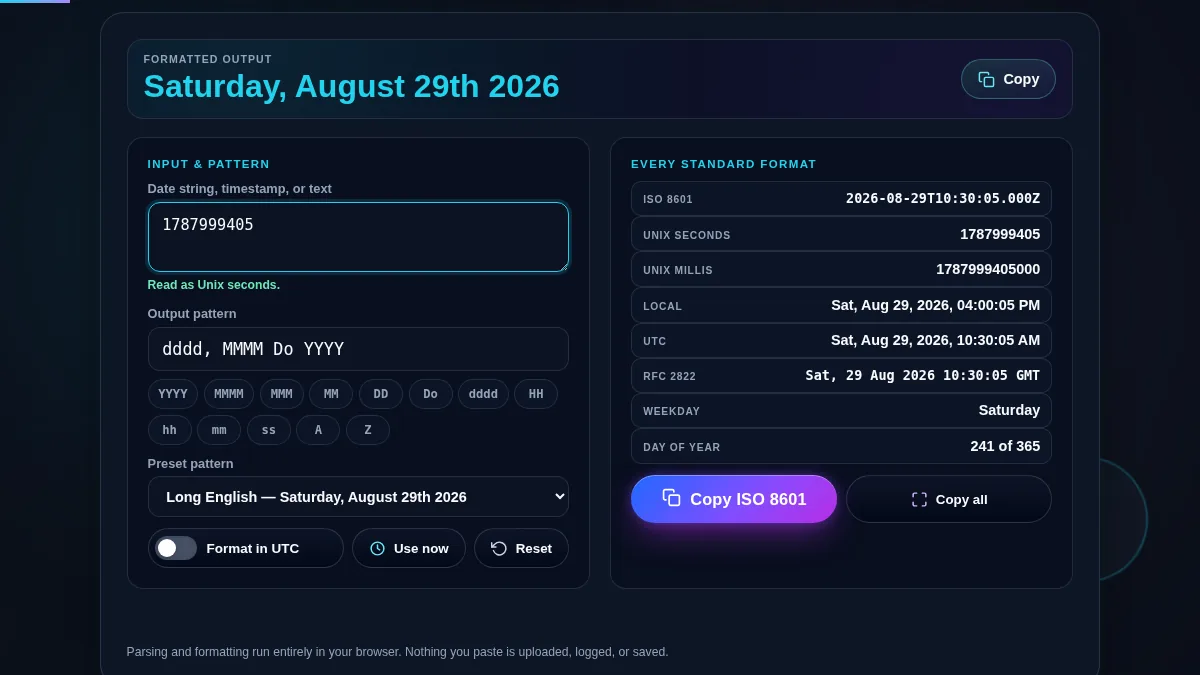
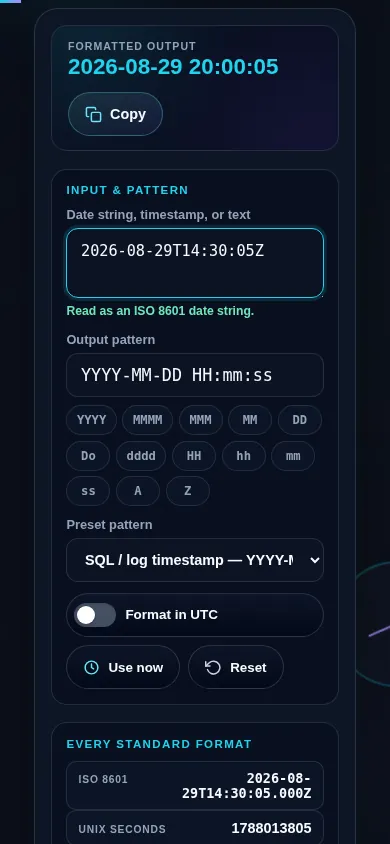
Paste a value on the left and the tool parses it immediately. The line under the input names what it found — an ISO 8601 string, an RFC 2822 string, Unix seconds, milliseconds or microseconds, or ordinary date text — so a wrong result is never a silent one. On the right, the same instant appears as ISO 8601, epoch seconds and milliseconds, readable local and UTC text, RFC 2822, the weekday, and the day of the year.
The pattern field is the part most converters leave out. Build an output format from thirteen one-click tokens, or start from a preset and edit it: SQL timestamps, US and European ordering, long English dates, and filename-safe stamps are all one selection away. If you want a fixed pattern with your own separators rather than a paste-and-read workflow, the Custom Date Formatter is the sibling tool; to check whether a value is a legal date at all, use the Date Validator.