Date Validator đź“…
Batch Results
Related Time Tools
Introduction to Intelligent Date Validation
In the digital age, date formatting is one of the most persistent challenges for developers and data analysts alike. Whether you are dealing with legacy databases, user-generated forms, or API integrations, the variety of date strings—ranging from ISO 8601 to regional standards like MM/DD/YYYY—can lead to significant data corruption if not handled correctly. Our Date Validator is designed to solve this ambiguity by providing a focused, zero-distraction interface that evaluates any date string instantly as you type. If you need to measure the gap between two specific entries, the Time Duration Calculator provides an excellent secondary check.
Unlike standard validators that simply check if a string "looks" like a date, our engine parses the underlying structure to detect format patterns, time zones, and separators. It ensures that logical impossibilities, such as February 29th on a non-leap year or the "31st of June," are flagged immediately. By using tools like the Leap Year Checker in conjunction with this validator, you can guarantee 100% accuracy in your time-based calculations. For business use cases, checking against the Working Days Calculator helps verify project timeline feasibility.
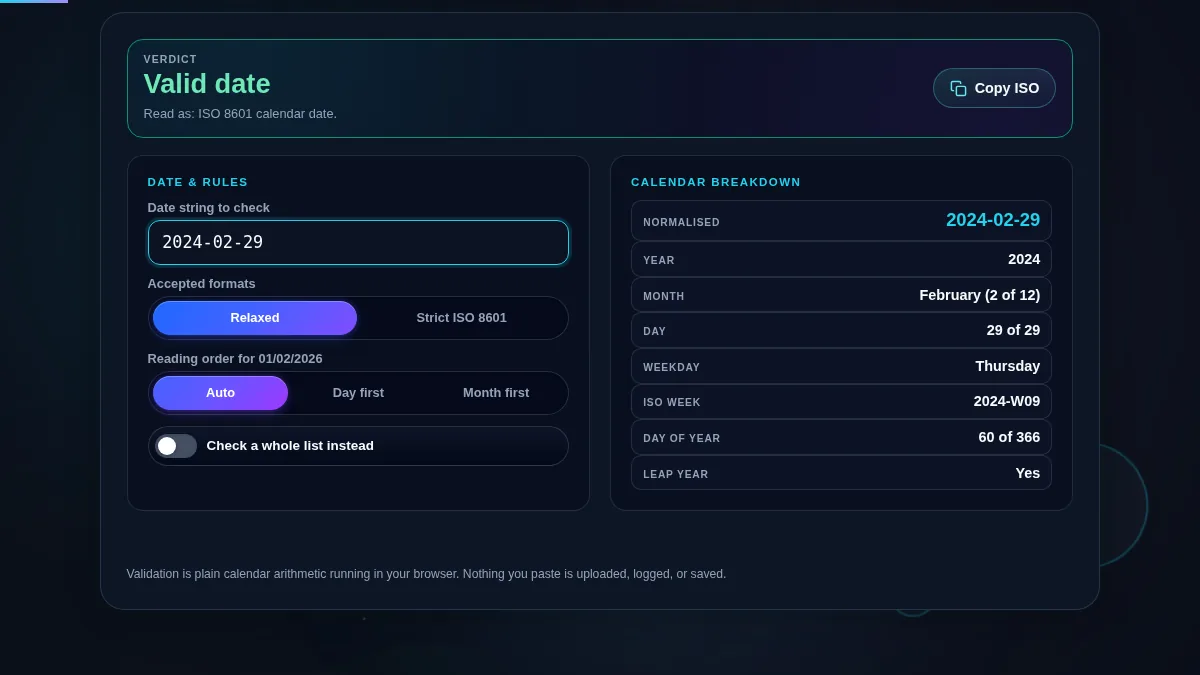
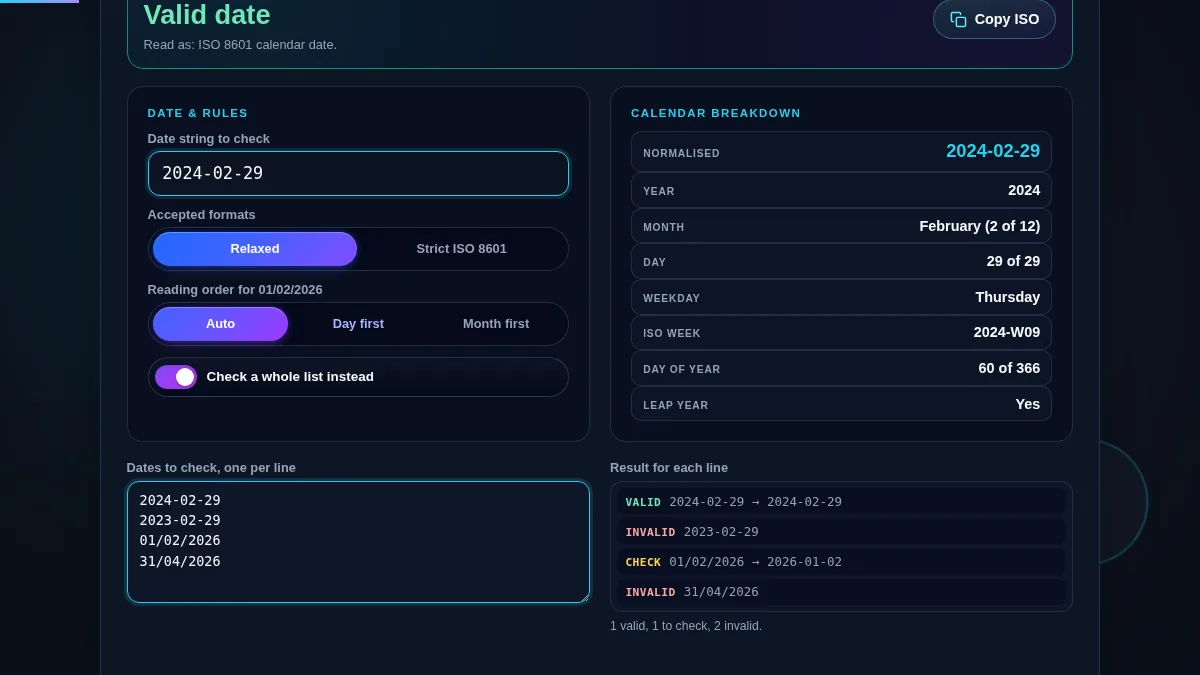
Using the Date Validator is straightforward yet powerful. Start by typing your date string into the primary input field. The engine will instantly update the status indicator and break down the components. If you have a large list of dates from a CSV or log file, toggle Batch Mode to validate multiple entries simultaneously. If you are extracting strings from documents first, you might find the Extract text from PDF tool helpful to get the raw text ready for validation.
For more specific requirements, use Strict Mode to enforce ISO 8601 standards (YYYY-MM-DD), which is the industry standard for data interchange. If you are validating regional dates, the locale selector allows you to force interpretations like DD/MM/YYYY (common in Europe) versus MM/DD/YYYY (common in the US). This prevents the "ambiguous date" trap where 01/02 could be January 2nd or February 1st.
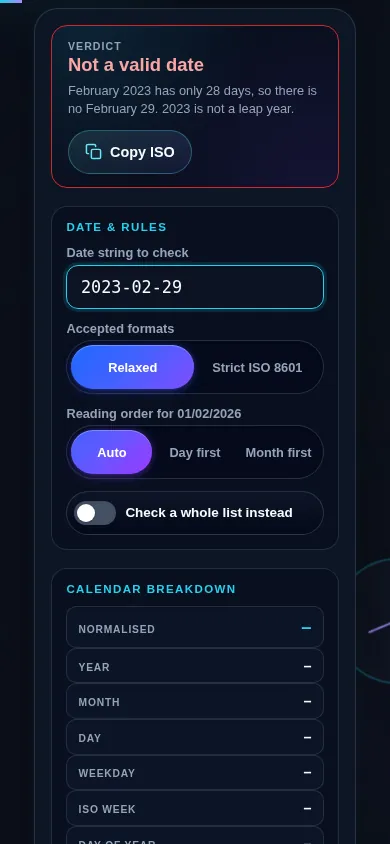
A date is logically impossible when the syntax is correct, but the calendar rules do not allow for that specific combination. The most famous example is February 29th. Our engine checks the year component against leap year algorithms (divisibility by 4, 100, and 400) to ensure validity. Other examples include months like April, June, September, and November having only 30 days; an input of "September 31st" will be flagged as invalid. If you are cleaning up legacy data, a Date Format Converter can help normalize these strings into a valid standard.
Beyond simple day-month checks, logical validation includes year ranges and time overflow errors. If you are calculating intervals, you might also find the Date Difference Calculator useful for verifying that start dates do not exceed end dates.
ISO 8601 is the international standard for representing dates and times. It uses a YYYY-MM-DD format which is lexicographically sortable, meaning a simple alphabetical sort will also put the dates in chronological order. This is vital for database indexing and file naming. Our Date Validator’s Strict Mode ensures that your input follows this pattern precisely, including optional time zones and 'T' separators.
Using non-standard dates in software can lead to locale-mismatch errors. For instance, converting a standard date to a Julian Date or a Military Time format requires a solid, validated foundation.