×
☀️

📅 Custom Date Formatter

Format Composer

Click tokens below to build your custom format...

Live Preview

Custom Format Result
---
ISO 8601 Standard
---

Batch Mode

Precision Custom Date Formatting for Modern Workflows

In the evolving landscape of global data management and precise development, the ability to handle date and time values with surgical accuracy is not just an advantage—it is a baseline requirement. The Custom Date Formatter serves as an advanced, fully client-side workspace designed to eliminate the ambiguity of traditional date parsing. By providing a live, interactive token-based construction engine, we empower users to design outputs visually, bypassing the need to memorize complex, language-specific formatting tokens. Whether you are generating reports that require a time zone converter or cleaning up a legacy dataset, this tool ensures that your results are deterministic, beautifully structured, and perfectly padded.

Beyond string generation, the platform bridges the gap between human-readable displays and machine-ready API structures. By providing parallel previews, you can compare a user-friendly display string against a strict ISO 8601 standard or an absolute Unix timestamp converter transformation in real time. This immediate feedback loop is critical in preventing the subtle errors that often plague date logic. Our comprehensive approach ensures that every character is exactly where it needs to be, prioritizing performance and high contrast UI accessibility.

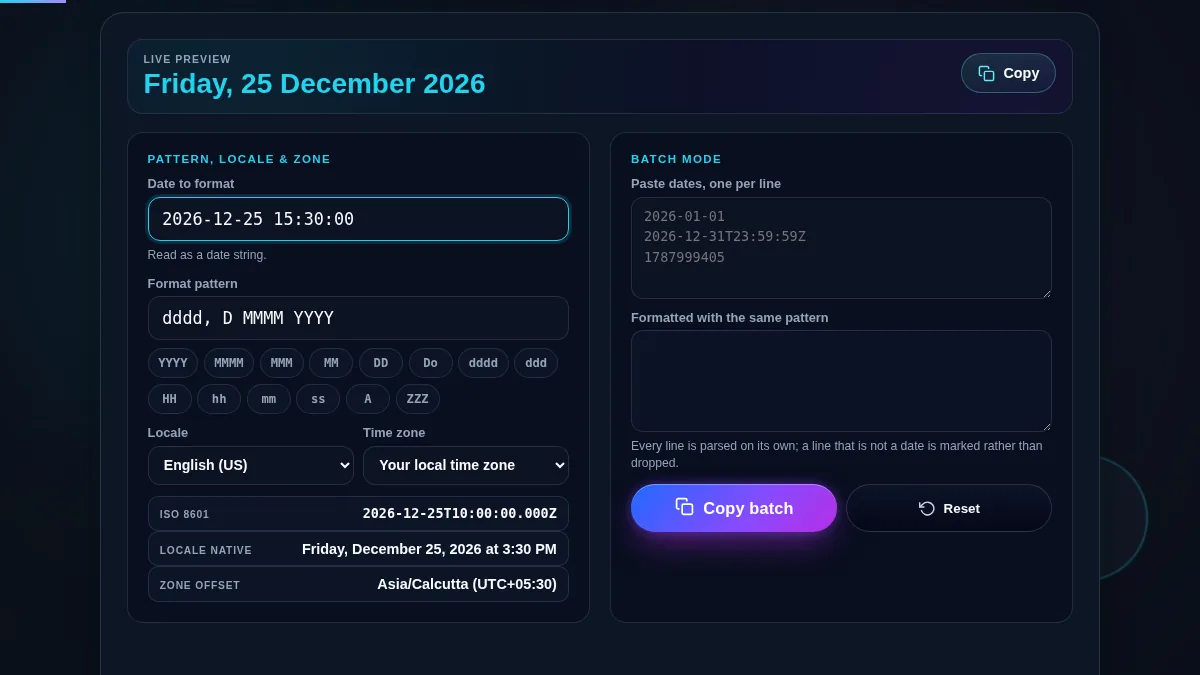
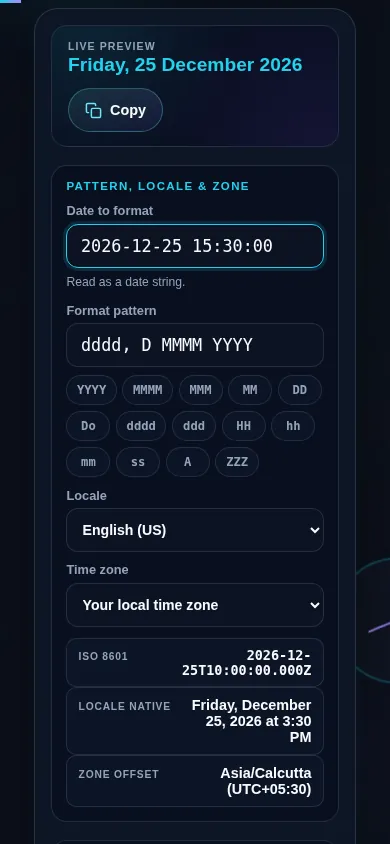
Mastering the Custom Date Formatter begins with establishing a reference anchor. Use the "Smart Parse" input field to enter any recognizable date string. Once entered, the engine immediately stabilizes this into an internal representation shown in the live preview. Next, move to the Format Composer shelf. Each pill-shaped button represents a specific temporal token: "YYYY" for full years, "MMMM" for full month names, and so on. Clicking these tokens instantly injects them into your active format layout.

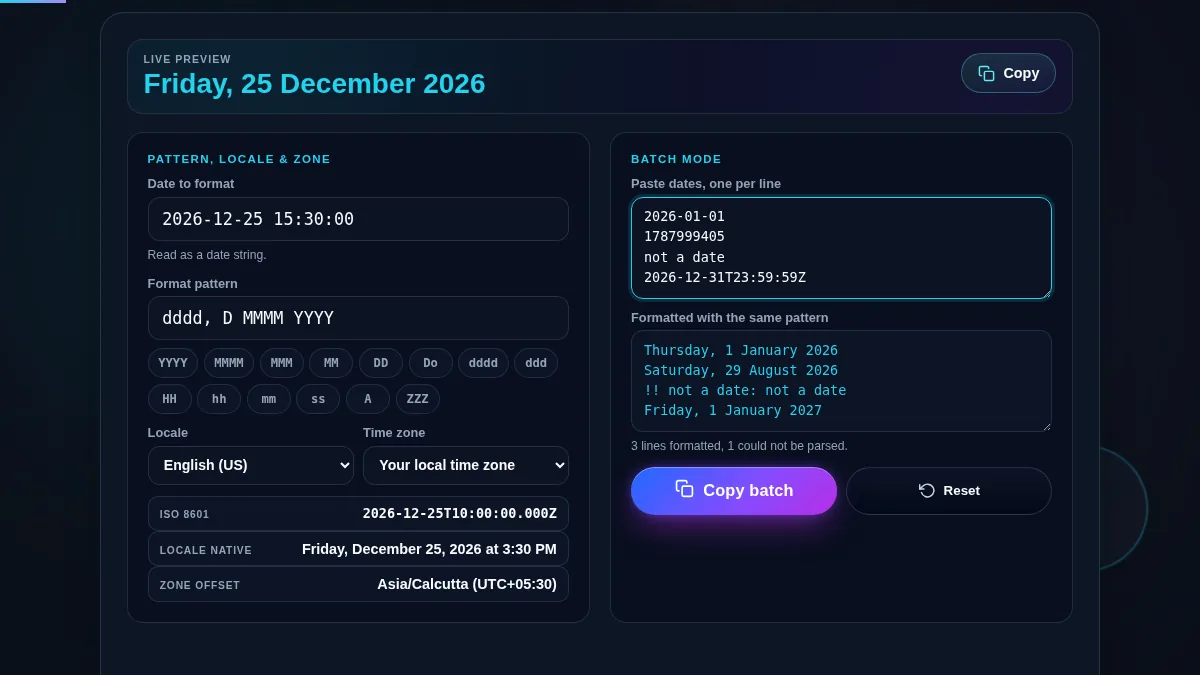
For extensive data cleanup, the platform includes a powerful Batch Mode. By pasting a list of raw date strings into the batch input area, the formatter applies your newly designed custom structure to every line simultaneously. This workflow is exceptionally useful when working with a timestamp to date converter for database migrations or standardizing CSV logs. You can intersperse literal characters—like dashes, slashes, or commas—directly in the raw pattern editor to match specific organizational guidelines. Finally, utilizing the Locale and Time Zone selectors allows you to simulate how your timestamp will render across international borders.

The core of our internationalization logic is deeply integrated with the standardized ECMAScript Internationalization API. When a user selects a specific locale—such as French or Japanese—the formatter queries the browser's native linguistic engine to retrieve the correct representations for months and days. This localized approach is significantly more robust than relying on hardcoded dictionaries. By previewing these localized strings dynamically, developers can ensure that their user interface components will scale gracefully across borders, avoiding the need for a manual time validator for every specific language requirement.

Security and privacy are central pillars in the architecture of Randomly.online. Every single operation performed within the Custom Date Formatter is executed entirely within the client-side JavaScript sandbox of your local browser. Absolutely no data is transmitted to our servers. This strict "local-first" computing model ensures maximum data security. This means that even if you are processing sensitive hire dates or proprietary schedules, the data fundamentally never leaves your machine. This architecture also results in instantaneous processing speeds, much like our Julian date converter, as computation is free from network latency.

Handling shifts requires an understanding of the relationship between local time and universal standards. Our tool allows you to select specific target time zones, which applies the correct offset to the parsed date. This is a critical step when using a UTC to local time converter to ensure that timestamps recorded on a server match the user's expected local wall clock time. Once you satisfy the visual composition requirements, you can confidently map these tokens to your back-end logic, guaranteeing that the formatting remains consistent regardless of the underlying operating system's default settings.