🔒 Local Processing. Your data never leaves your device.
Instant Results
🌐 Fully Client-Side. Runs instantly in your browser.
No Signup
⚡ No accounts. No hassle. Just open and use.
Browser Based
🚀 Works right in your browser. No installs, no downloads.
Direct Answer
What Is the Current Date and Time Tool?
The Current Date and Time tool is a browser-based live clock that shows your current local date, local time, timezone, UTC offset, Unix timestamp, Unix milliseconds, and ISO 8601 UTC value. It is useful when you need copy-ready time data for logs, reports, meetings, API testing, calendar notes, or support tickets.
Overview
Check the Current Date and Time Without Guesswork
A meeting note, server log, calendar invite, support reply, or API payload can require a different version of the same moment. One person may need the current time now in 12-hour format, another may need UTC, and a developer may need the current Unix timestamp in seconds or milliseconds. This page keeps those outputs visible together so you can copy the exact format without manual conversion.
The dashboard detects your browser timezone, displays your local date and UTC offset, and updates every second. It also shows the day of year, ISO week, day of week, ISO 8601 UTC string, and Unix timestamp outputs. If you are comparing times across places, use the World Clock, Time Zone Converter, or UTC to Local Time Converter after checking the current local reference.
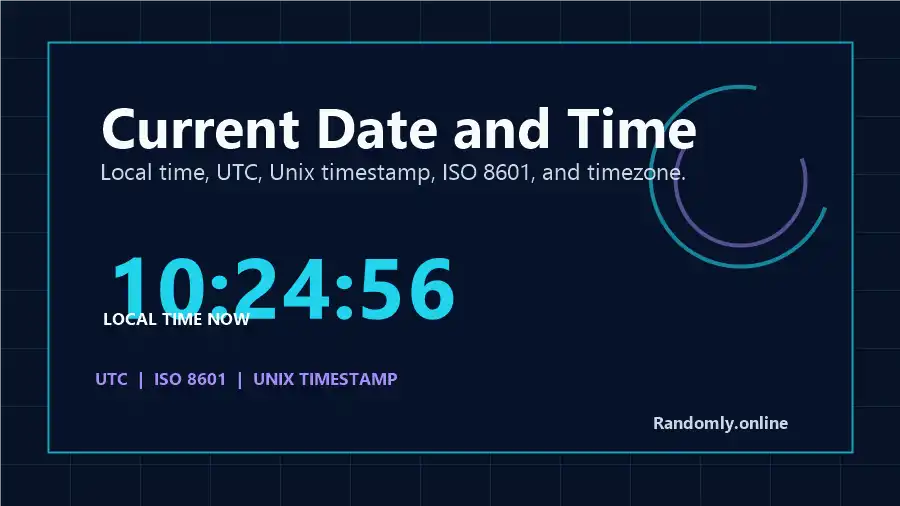
The Current Date and Time dashboard keeps local time, UTC, timezone, Unix timestamp, ISO 8601, and copy actions in one browser-based workspace.
How It Works
How the Live Clock Calculates Each Output
The page reads the current instant from your device clock, then formats that same instant into several practical outputs. Local time uses your browser locale and detected timezone. UTC output uses the universal time reference. Unix timestamp seconds are calculated from the number of milliseconds since the Unix epoch, which is January 1, 1970 at 00:00:00 UTC.
Modern browsers expose date and timezone formatting through JavaScript date and internationalization APIs. The page uses those browser capabilities to show local formats, UTC strings, ISO 8601 strings, and timezone names. If your computer or phone clock is wrong, the page will reflect that local device time, so check your operating system clock before using the result for time-sensitive logs or official scheduling.
Output Guide
Understanding the Current Time Outputs
Output
What it means
Best use
Local time
Your current clock time in the timezone detected by your browser.
Meetings, personal reminders, calendar notes.
UTC
The same moment shown in Coordinated Universal Time.
Global handoffs, aviation-style references, server work.
Open the page and the dashboard immediately shows your current date, day, local time, timezone name, and UTC offset. Use this first row as your local reference before copying a timestamp or comparing it with another timezone.
Copy the format your task needs
Use 12-hour or 24-hour time for human messages, Unix timestamp seconds for APIs and logs, Unix milliseconds for JavaScript, and ISO 8601 UTC for JSON, reports, or technical handoffs. The quick actions can copy a full summary or only the current Unix timestamp.
Share or save the current time
The share button uses your browser's native share panel when available and falls back to copying a summary. The calendar action creates a small local .ics file, which is useful when you need to save a timestamped note without uploading data.
Examples
Real Ways to Use This Page
Developer debuggingCopy the current Unix timestamp before checking a log line, webhook payload, cache entry, or API response.
Remote meeting notesCopy local time and UTC together so teammates in different regions can confirm the same moment.
Reports and recordsUse ISO 8601 UTC when a spreadsheet, ticket, or incident report needs a clean machine-readable time.
Daily planningCheck day of year, week number, and current date before using the Date Difference Calculator.
Accuracy And Privacy
Accuracy, Timezones, and Local Processing
The live clock depends on your device's system clock. Most phones and computers keep that clock synchronized automatically, but a manually changed system time will affect the displayed result. Timezone names and date formatting come from the browser environment, so daylight saving behavior follows the timezone data available to your operating system and browser.
Your current date, timezone, copied timestamp, and share text are processed locally in your browser. Randomly.online does not require a login and does not upload the values you copy. For technical background, see MDN Web Docs for Date.now(), MDN Intl.DateTimeFormat, and the IANA Time Zone Database.
FAQ
Current Date and Time FAQ
What is the current date and time tool?
It is a live browser clock that shows your local date, local time, timezone, UTC offset, Unix timestamp, and ISO 8601 UTC value in one place. It is built for quick reference, copy-ready output, and practical time checks.
How accurate is this current time now?
The display reads your device clock and refreshes every second. It is as accurate as the clock on your computer or phone, which usually synchronizes with network time through your operating system.
Why does my current time differ from another website?
A difference usually comes from your device clock, selected timezone, daylight saving rules, or a page that shows UTC instead of local time. This page shows local time and UTC together so the difference is easier to spot.
How do I copy the current Unix timestamp?
Use the Copy Unix Timestamp action or the copy button next to the Unix timestamp output. Copy seconds for many APIs and logs, or milliseconds when the receiving system is JavaScript-based.
What is the difference between local time, UTC, and ISO 8601?
Local time is the date and clock time in your detected timezone. UTC is a global time reference. ISO 8601 is a standardized date-time string format commonly used in APIs, databases, logs, and reports.
Does this current date and time tool work offline?
Yes. After the page loads, the live clock, date breakdown, timestamp output, copy buttons, and calendar file action run in your browser. Offline accuracy depends on your device clock.
Is my time or timezone data uploaded?
No. The current date, timezone, timestamp, and copied outputs are calculated locally in your browser. You do not need to upload anything, install software, or create an account.
Still have questions?
Contact us if you want another current time format, export option, or timezone feature added.