Excel Serial Date Converter

Turn an Excel serial number into a calendar date and back, in both the 1900 and 1904 date systems.

100% Browser-Based Local Processing

How this conversion works

The relation

The working, for the value on screen

    No file is read anywhere on this page — the arithmetic runs on what you type. Serial 60 returns no date on purpose: Excel prints it as 1900-02-29 and that date has never existed.

    Excel serial numbers worth knowing

    SerialDateWhat it is

    Privacy Focused

    Local Processing. The values you enter never leave your device.

    Instant Results

    Fully Client-Side. Runs instantly in your browser.

    No Signup

    No accounts. No API keys. Just open and use.

    Browser Based

    No installs, no sign-ups, no conversion limits.

    What is an Excel serial date?

    An Excel serial number is a count of days. Serial 1 is 1900-01-01, serial 45292 is 2024-01-01, and serial 2958465 is 9999-12-31, the last date Excel can store. Anything after the decimal point is the time of day, so .5 means noon. This converter reads a serial as a date and a date back as a serial, in both the 1900 system Windows Excel uses and the 1904 system inherited from early Mac versions. Those two sit 1,462 days apart, which is why a workbook written in one and opened in the other shows every date four years and a day out. Serial 60 is different. Excel prints it as 1900-02-29, a date that never existed, because 1900 was not a leap year at all.

    Excel does not store dates. It stores numbers and formats them to look like dates, which is why a cell can flip from 01/03/2024 to 45352 the moment its number format changes, and why pasting a date column between files sometimes leaves you holding five-digit integers.

    The count has two starting points. Serials from 61 up are measured from 1899-12-30; serials 1 to 59 are measured from 1899-12-31. One day apart, and the seam between them is serial 60.

    The 1900 leap-year bug

    1900 divides by 100 and does not divide by 400, so it is not a leap year and that February ran to 28 days. Excel disagrees. It reserves serial 60 for 1900-02-29, and every serial above 60 is therefore one higher than the honest day count.

    The reason is compatibility, not carelessness. Lotus 1-2-3 had the bug, Lotus owned the spreadsheet market, and Microsoft copied the behaviour deliberately so that files could move between the two without every date sliding by a day. It has been kept in every release since and it is documented, not pending a fix.

    What it costs in practice is narrow. Dates from 1900-03-01 onward are internally consistent with each other, so subtracting one from another gives the right number of days. Only the first 60 serials are affected, and almost nothing real is stored down there.

    1900 against 1904

    Early Mac versions of Excel counted from 1904-01-01 instead, with serial 0 sitting on the epoch itself. The gap between the two systems is 1,462 days: four years, plus the phantom leap day the 1900 system carries and the 1904 system does not. Workbooks still store which one they use.

    This is the failure the tool is most useful for. If a date column is out by four years and a day, the file was authored under one system and is being read under the other, and switching the picker above shows you both readings of the same number.

    The bridge to Unix time

    Serial 25569 is 1970-01-01, so unix_seconds = (serial − 25569) × 86400. Serial 45292 comes out at 1704067200. It is exact in both directions, and it is the relation most developers arrive here looking for.
    How to convert an Excel serial number to a date

    Pick the date system first. Everything else depends on it.

    Step 1: Pick the date system. 1900 is the default and is what Windows Excel uses.

    1900 is the default and is what Windows Excel uses. Choose 1904 only if the workbook came from classic Mac Excel or has that setting switched on.

    Getting this wrong does not produce an error, it produces dates that are all wrong by about four years, which is the failure mode this selector exists to prevent.

    Step 2: Type a serial, or type a date. Both sides are editable and either one drives the other.

    Type 45292 on the left and 2024-01-01 appears on the right; type a date on the right and the serial appears on the left.

    There is no convert button, because there is no direction to choose.

    Step 3: Read the class on the result. Every result is marked exact, quirk or refused.

    Exact means the arithmetic is reversible and nothing was lost. Quirk means Excel is wrong on purpose and you are being told which way.

    Refused means no valid answer exists, and serial 60 is the one everybody meets first.

    Step 4: Use the time of day. The fraction after the decimal point is the time.

    A whole number is midnight, .5 is midday, and 45292.5 is noon on 2024-01-01.

    If you only need the date, the fraction is safe to ignore, but rounding the serial to a whole number throws the time away permanently.

    Step 5: Convert to or from a Unix timestamp. Serial 25569 is 1970-01-01.

    A Unix timestamp is the serial minus 25569, multiplied by 86400 for seconds. The page does both directions for you.

    Use the 1900 system for this, because the arithmetic assumes it, and convert a 1904 workbook to 1900 first.

    Excel Serial Date Converter in action

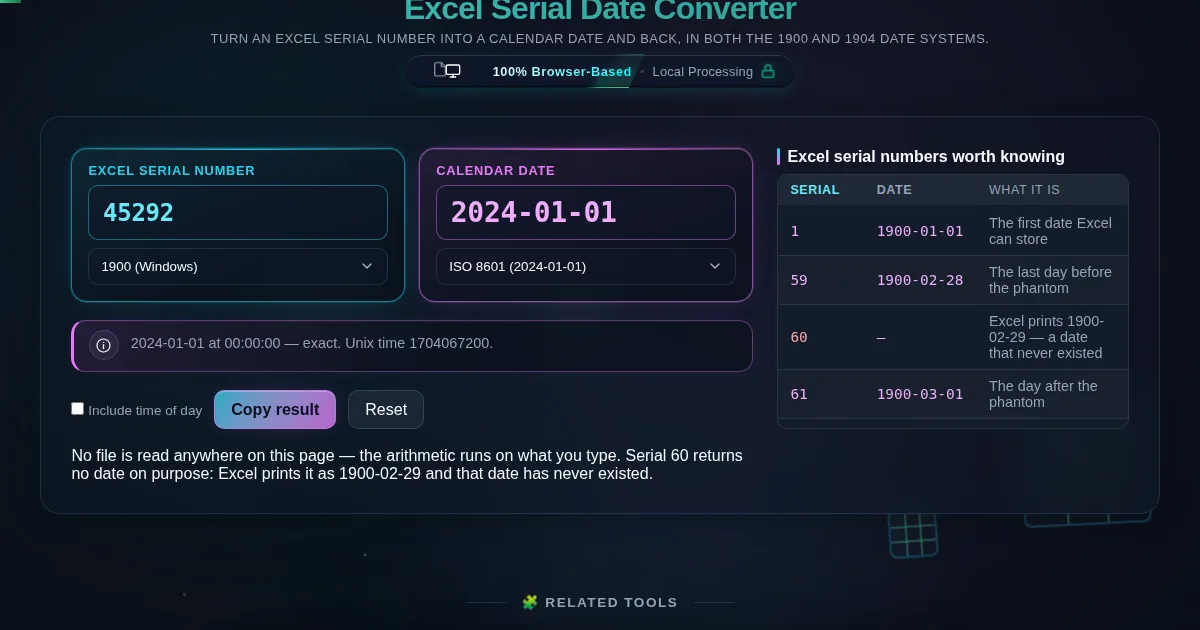
    Serial 45292 on the left reading 2024-01-01 on the right, with the note line stating the conversion is exact and Unix time 1704067200, beside a table of notable serial numbers.
    Serial 45292 resolved to 2024-01-01, with the Unix time alongside it
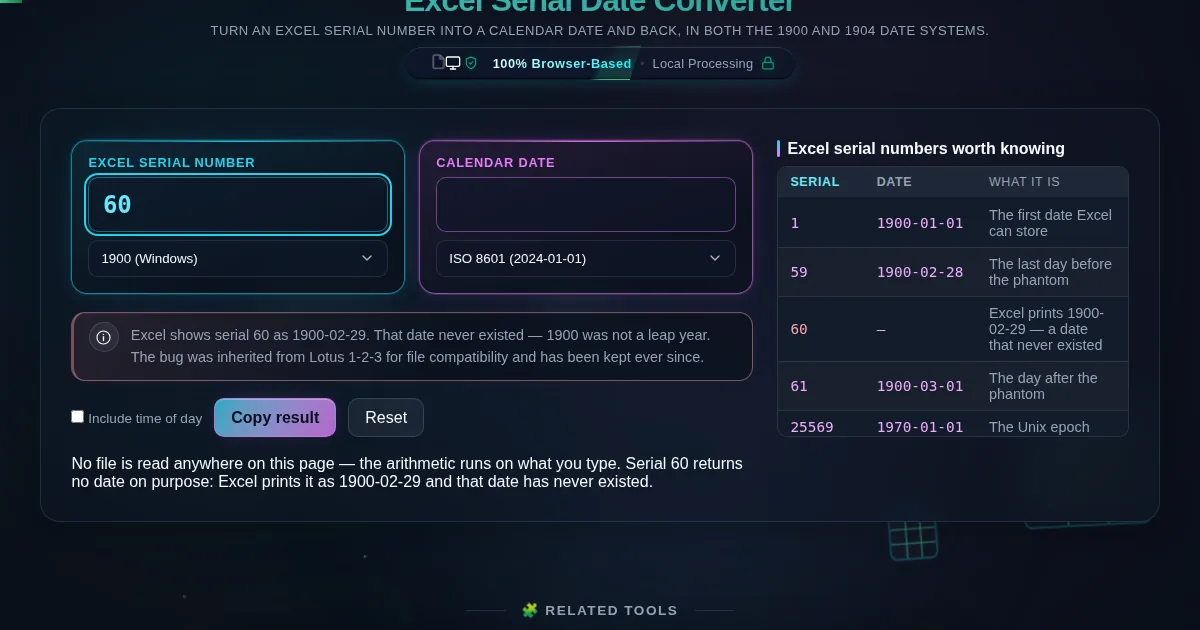
    Serial 60 entered on the left, the date field left empty, and a note explaining that Excel shows 1900-02-29 but that date never existed because 1900 was not a leap year.
    Serial 60 returns no date, and the note says why
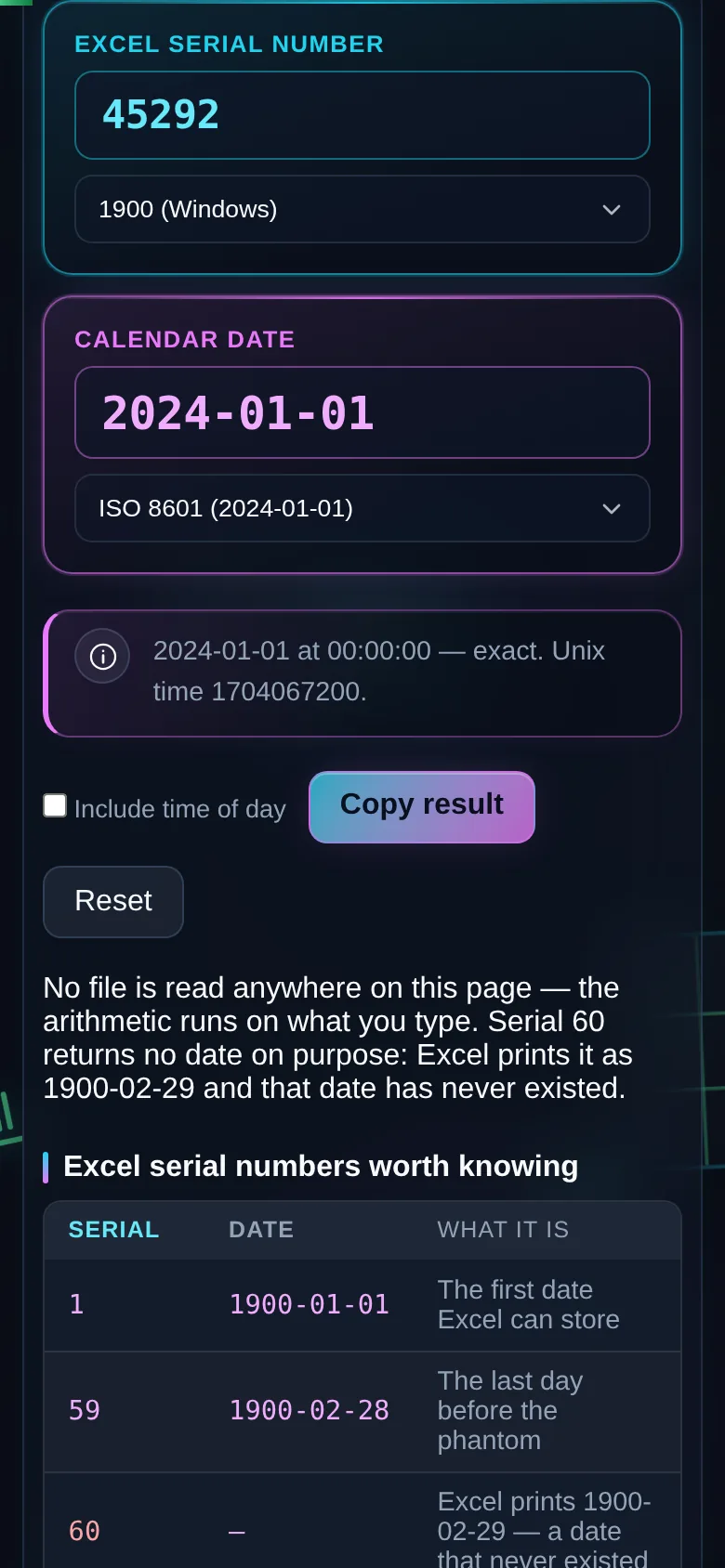
    The same converter on a 390 pixel phone screen, with the serial and date panes stacked.
    The same tool on a phone

    Frequently Asked Questions

    What is an Excel serial date?

    It is the number Excel actually stores in a date cell. Serial 1 is 1900-01-01 and serial 45292 is 2024-01-01, so a date is really a count of days from the epoch. The formatting is what makes it look like a date. Strip the format and the number shows through.

    What date is Excel serial number 45292?

    2024-01-01, in the 1900 date system Windows Excel uses. Read as a 1904 workbook the same serial is 2028-01-02, which is 1,462 days later. The 1904 epoch is the later of the two, so the same number lands further forward.

    Why does Excel show 1900-02-29 when that date never existed?

    Excel treats 1900 as a leap year. It is not: 1900 divides by 100 and not by 400, so that February had 28 days.

    Lotus 1-2-3 shipped the bug first. Microsoft reproduced it on purpose so files would move between the two products without every date shifting, and it has stayed in every version since. Serial 60 is where it surfaces. This converter returns no date for serial 60 rather than handing back a day that never happened.

    What is the difference between the 1900 and 1904 date systems?

    The 1900 system counts from 1899-12-30 and is the Windows default. The 1904 system counts from 1904-01-01, where serial 0 is the epoch itself, and came from early Mac versions.

    They are exactly 1,462 days apart, which is four years plus the phantom leap day. Save a workbook in one, open it as the other, and every date moves by that much. A column that is out by four years and a day almost always means this.

    How do I convert an Excel serial number to a Unix timestamp?

    Serial 25569 is 1970-01-01, so unix_seconds = (serial − 25569) × 86400. Serial 45292 gives 1704067200. Both directions are integer arithmetic and nothing is rounded, so the conversion reverses exactly.

    What is the largest date Excel can store?

    9999-12-31, which is serial 2958465 in the 1900 system. Above that this tool refuses rather than wrapping or truncating.

    Why is my date column showing five-digit numbers?

    The cells lost their date formatting and are showing the stored serial. Nothing is damaged. Paste one of the numbers into the left pane here to read it back, or reapply a date format in Excel.

    Does the fractional part of a serial mean anything?

    Yes. It is the time of day as a fraction of 24 hours, so .5 is 12:00:00 and .25 is 06:00:00.

    Some fractions have no exact binary form. A third of a day works out as 28799.999999999996 seconds rather than 28800, so the time is rounded to the nearest second and the line under the panes says it was rounded.

    Is serial 0 a date?

    No. Excel displays it as 1900-01-00, which is a placeholder rather than a day. There is no zeroth of January, so this converter explains that instead of inventing a date for it.

    Does this tool upload my spreadsheet?

    It never sees one. This page reads no file at all — you type a serial or a date, and the arithmetic runs in your browser. Nothing is sent anywhere, and the page keeps working with the network switched off.