Randomly.online
×
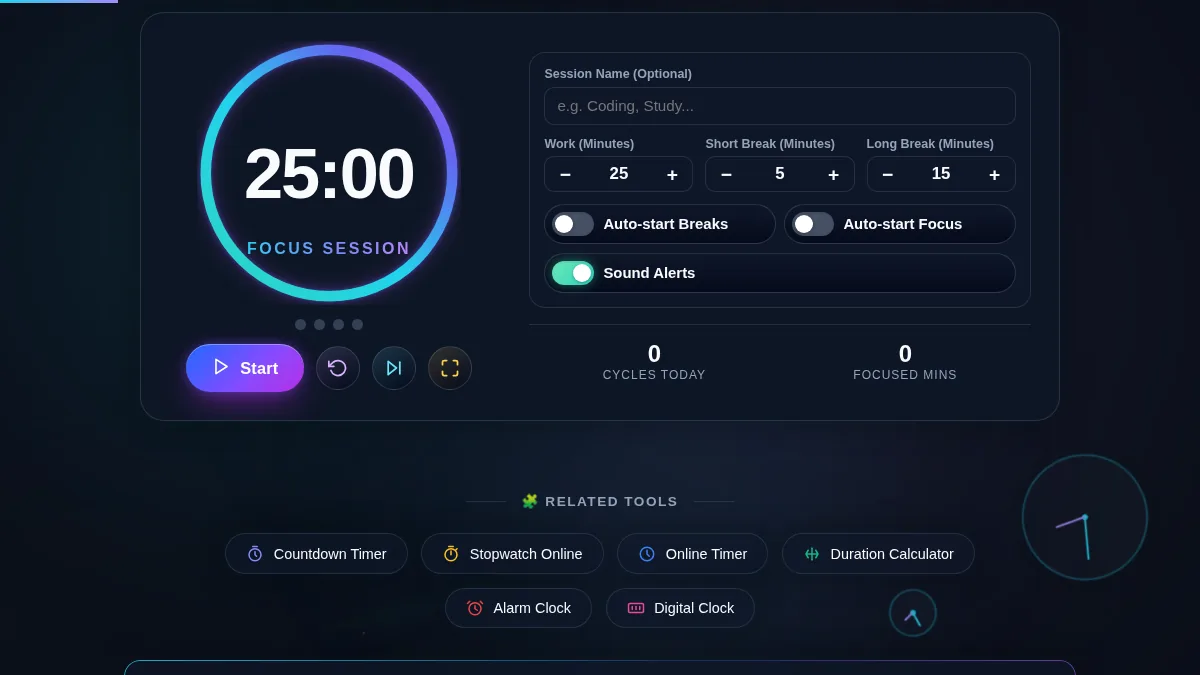
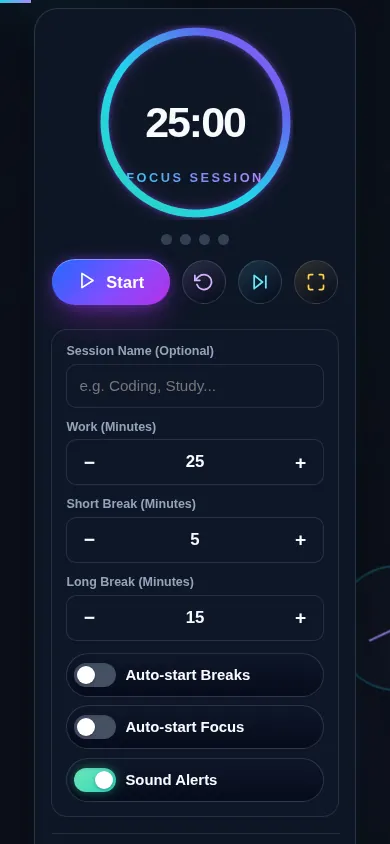
25:00
Focus Session
Auto-start Breaks
Auto-start Focus
Sound Alerts
0
Cycles Today
0
Focused Mins

Pomodoro Timer Online: Maximize Your Focus

Welcome to the ultimate online Pomodoro Timer, a precision-engineered productivity tool designed to help you conquer procrastination and sustain deep focus. Based on the globally recognized Pomodoro Technique created by Francesco Cirillo, this timer enforces a psychological rhythm of structured work sessions followed by short restorative breaks. It acts as an anchor for your attention, significantly reducing mental fatigue while maximizing output over long periods.

Our tool goes beyond a simple clock. It provides an immersive, friction-free environment running entirely in your browser without requiring annoying page reloads or server delays. For instance, if you are studying for finals or writing complex code, you can engage the distraction-free full-screen mode, which fades out all unnecessary interface elements. To perfectly tailor your rhythm, you can dynamically adjust your intervals—perhaps substituting the standard 25 minutes for a longer 50-minute deep work block using our Time Slot Generator mindset.

Tracking your momentum is effortless. The built-in session tracker continuously logs your completed cycles and focused minutes locally on your device, guaranteeing total privacy. Whether you are aiming to hit a daily quota or just organizing your upcoming deadlines, this timer helps you build an unbroken chain of productivity. By creating a clear boundary between effort and rest, it trains your brain to enter a state of flow faster and remain there longer.

Mastering the Pomodoro Technique

Using this application is intuitive and highly flexible to fit your unique workflow. Follow these steps to optimize your productivity cycles:

  1. Set Your Task: Before starting the timer, clearly define what you aim to accomplish. You can type this into the "Session Name" input to keep your objective visible during the countdown.
  2. Configure Intervals: The defaults are set to standard Pomodoro lengths: 25 minutes of work, a 5-minute short break, and a 15-minute long break. Use the scroll selectors or type directly to adjust these values to match your endurance levels. If you are preparing for a specific event, consider mapping out your day with an Event Countdown in mind.
  3. Start the Countdown: Click the prominent "Start" button. The interface will transition to minimize distractions, prioritizing the bold circular progress indicator.
  4. Respect the Timer: Work continuously until the alarm sounds. If an internal distraction arises, write it down quickly and immediately return to the task. If you prefer to count upwards instead of downwards, check out our Reverse Countdown method.
  5. Take Genuine Breaks: When the interface shifts colors, immediately stop working. Step away from your screen during short breaks. After completing four work cycles (indicated by the session dots), enjoy a longer, restorative break.

Toggle "Auto-start" settings if you prefer strict adherence without manual intervention. All your daily statistics will automatically tally at the bottom of the interface, giving you a rewarding overview of your focused efforts.

What is the Pomodoro Technique and why does it work?

The Pomodoro Technique is a time management method developed in the late 1980s. It typically breaks work into intervals—traditionally 25 minutes in length—separated by short breaks. This methodology is incredibly effective because it transforms time from an abstract, infinite resource into a concrete, measurable event. By instilling a sense of urgency, it mitigates the tendency to procrastinate. The required breaks act as a mental palate cleanser, preventing cognitive burnout and maintaining high mental agility throughout the day, which is especially useful when studying for an exam.

Can I customize the timer intervals, and is my data saved?

Yes! Absolute flexibility is a core feature of this application. While 25 minutes is the standard, many users prefer 50-minute work blocks with 10-minute breaks. You can instantly adjust the work, short break, and long break durations using the provided inputs. Furthermore, your session history, total focused minutes, and current cycle count are tracked and saved locally in your browser's localStorage. This means your data is 100% private, never sent to a server, and will be preserved if you accidentally close the tab during your day.

Does the timer sound an alarm even when running in a background tab?

Yes, the timer is built with precise client-side execution to ensure reliability. We utilize synthesized Web Audio alarms that provide a clean, audible alert when a phase transitions, even if the tab is inactive. However, modern browsers aggressively throttle background tabs to save battery. To ensure maximum accuracy, our timing logic calculates elapsed time based on system timestamps rather than relying purely on JavaScript intervals. For the absolute best distraction-free experience, we recommend utilizing the fullscreen mode to keep the timer active on a dedicated monitor.