Streamlining Global Collaboration
In today's interconnected professional landscape, coordinating across diverse geographical boundaries is no longer a luxury but a necessity. The Meeting Time Planner is engineered to bridge the gap between time zones, providing a visual workspace where complexity dissolves into clarity. Whether you are managing a remote team or aligning with executives globally, our tool offers a deterministic environment for precision scheduling. By integrating the full IANA database and our Time Zone Converter, we ensure that every city’s unique daylight saving transitions and historical offsets are accounted for, preventing common coordination pitfalls. We prioritize privacy, meaning your data remains strictly client-side while you check the Current Date & Time dashboard for immediate context.
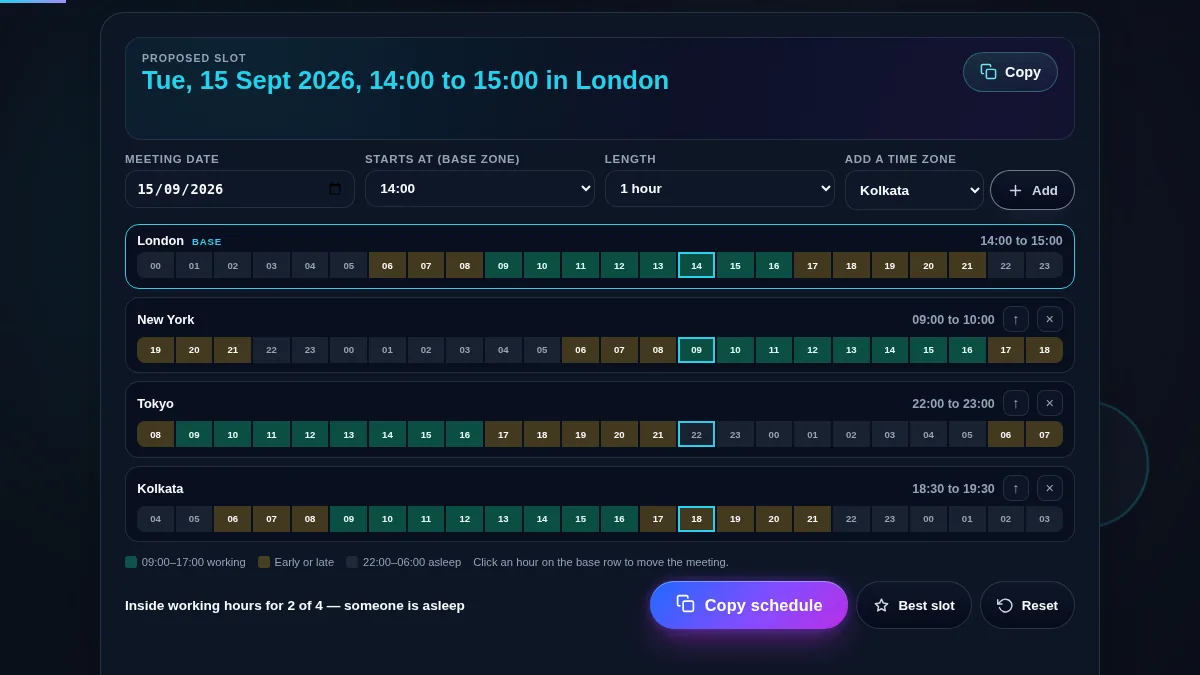
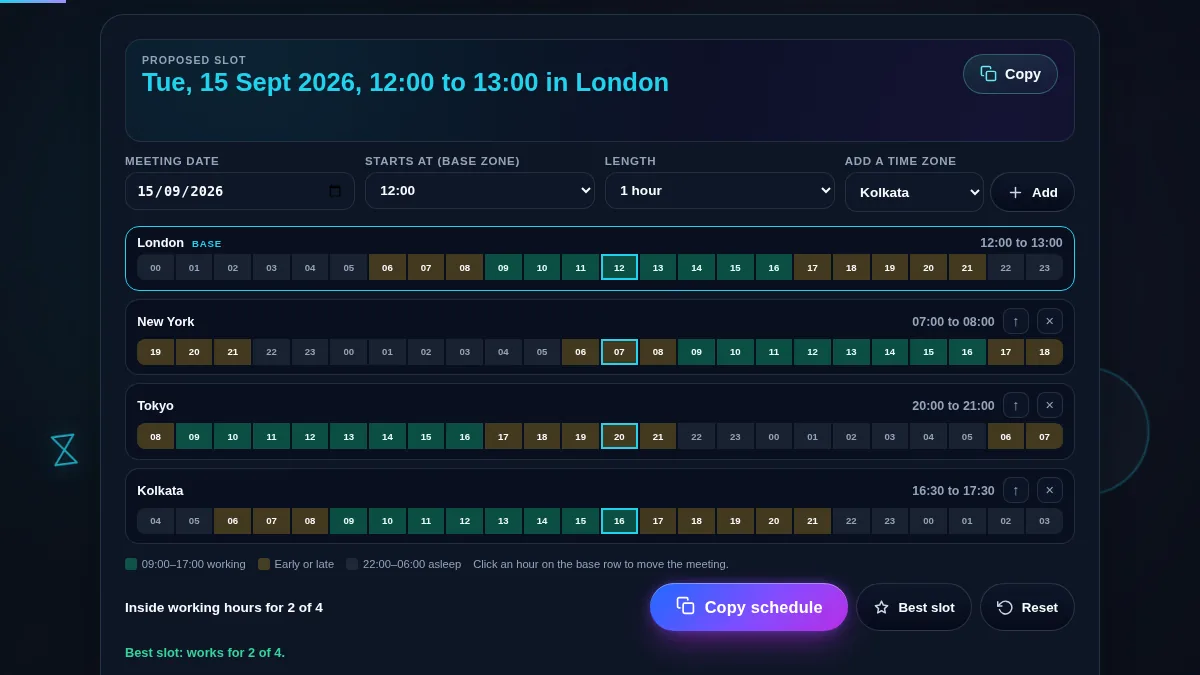
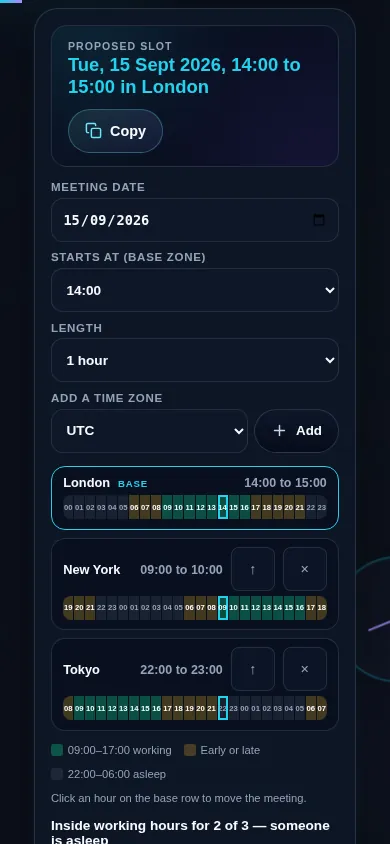
Modern workflows demand more than just a static clock; they require dynamic visualization. Our interactive 24-hour horizontal timeline allows users to see at a glance where typical working hours overlap across continents. This human-centric approach ensures that when you propose a meeting, it is respectful of everyone's personal time. By using our Time Zone Offset Finder, you can quickly identify the gap between various regions. For those managing documentation during these calls, our PDF to text converter can help extract important meeting notes from shared files instantly, bridging the gap between time and data management.
Step-by-Step Coordination
Begin by setting the primary date of your proposed meeting using the fluid date selector. This is crucial because time zone offsets can change based on Daylight Saving Time (DST) transitions. Once the date is locked, use the predictive search bar to add cities for all participants. As you add locations, individual zone cards will appear, each featuring a live digital clock. You can add as many cities as needed; the grid will automatically adapt. For those calculating shifts, the Working Days Calculator is an excellent companion to ensure your meeting falls on a standard business day.
The core of the experience is the horizontal timeline. Drag the selection overlay across the hour blocks to preview different meeting slots. You will notice that as you move the slider, the translated local times for every participant update in real-time. Once you find the perfect slot, the summary panel generates a clear confirmation strip. For more specific regional shifts, you can verify using our Daylight Saving Time Calculator to ensure accuracy across all jurisdictions during the spring or autumn transitions.
Frequently Asked Questions
Our Meeting Time Planner utilizes the comprehensive IANA Time Zone Database, which is the global standard for time zone information. Unlike simple offset calculators, our tool recalculates the specific offset for the exact date you have selected. This ensures that you never fall victim to the "one hour off" error during spring and autumn months. For quick checks on specific dates, you can use our DST Checker tool to see if a particular region has already shifted.
Yes, personalization is a key feature of our workspace. While the default visualization highlights the 09:00 to 17:00 window, the advanced participant settings allow you to define custom availability ranges. This flexibility is essential for accommodating non-traditional shifts or part-time workers. This ensures that the planner is a negotiation tool that respects the work-life balance of every team member.
Privacy is at the heart of Randomly.online. The Meeting Time Planner executes entirely client-side. This means all calculations happen locally within your browser. No participant data or meeting times are transmitted to our servers, providing extreme speed and absolute privacy. You can use the tool offline once the page has loaded, and your sensitive coordination details remain strictly between you and your browser.