Multiple Exams (Advanced Mode)
Master Your Preparation with the Exam Countdown Timer
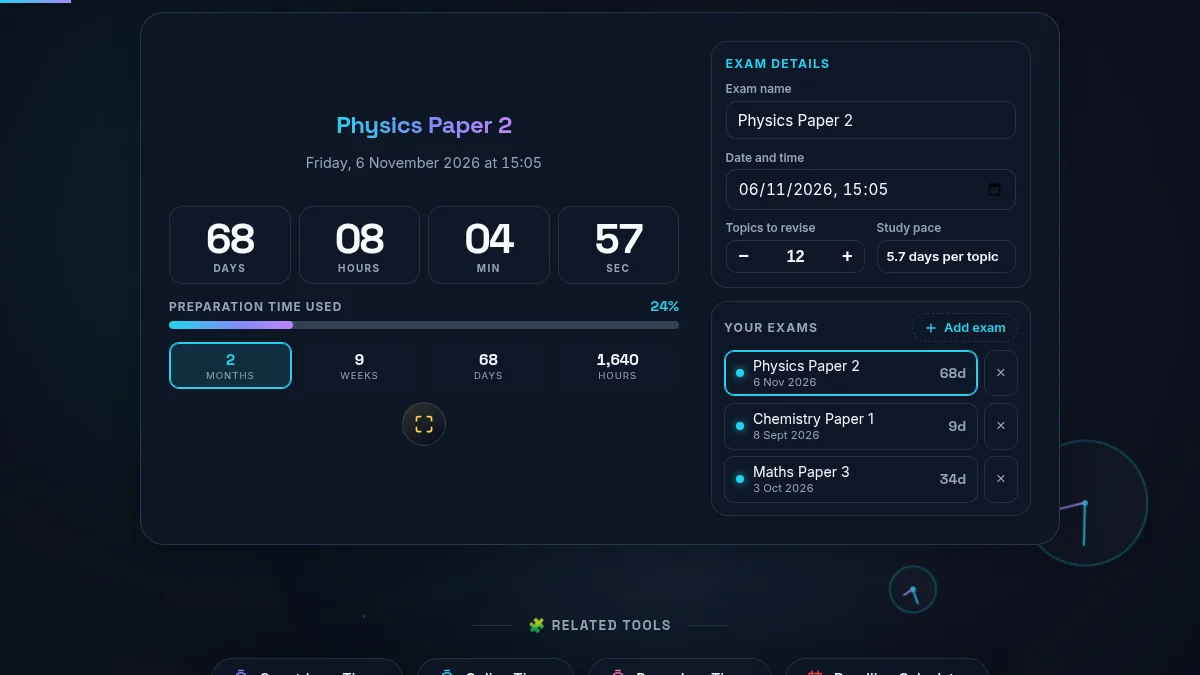
Preparing for a crucial examination requires more than just reading textbooks; it demands strategic time management and psychological readiness. The Exam Countdown Timer by Randomly.online is specifically engineered to provide a distraction-free interface that reinforces urgency and focus. Unlike standard clocks, this tool breaks down the remaining time into highly visible, segmented blocks—days, hours, minutes, and seconds—creating a clear visual anchor for your study sessions.
When studying for competitive exams or university finals, pacing is everything. Visualizing the exact time remaining can help mitigate procrastination and reduce test anxiety by transforming an abstract date into a concrete timeline. By combining a precision countdown with intelligent features like study pacing insights, this tool acts as a dedicated Deadline Calculator and timeline manager built directly into your browser.
Every aspect of this interface is deterministic and runs locally on your device, ensuring absolute privacy and zero server lag. Whether you are using it as a long-term tracker for board exams or switching into deep focus mode for a final cram session, the interface seamlessly adapts. Pair this timer with our Work Hours Calculator for comprehensive schedule planning.
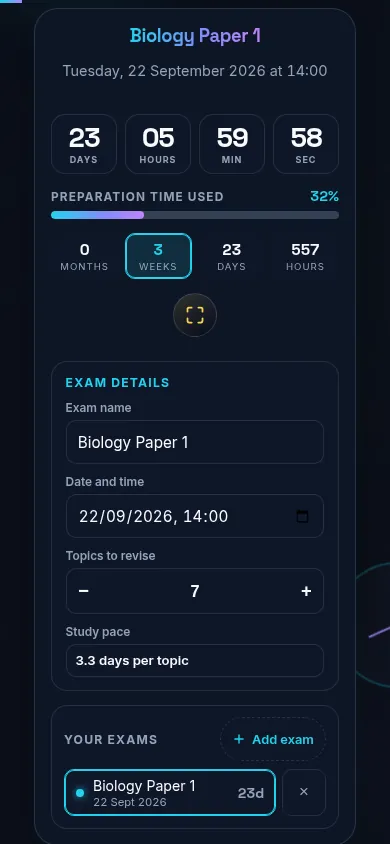
Using the Exam Countdown Timer is immediate and intuitive, requiring no account creation or complex setup. To begin, simply type your subject or test name into the large, clean text field at the top of the interface. Next, use the precision date and time selector to lock in the exact moment your exam begins. The native selector ensures smooth scrolling and eliminates input errors associated with fragile typing. You can also utilize our Time Slot Generator to break your day into smaller blocks.
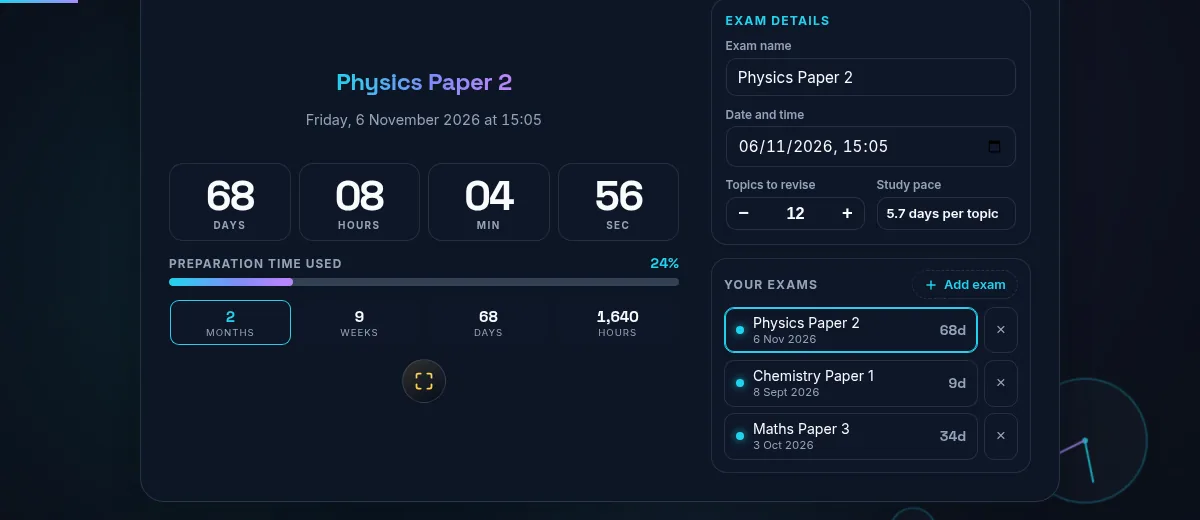
As soon as you set the target date, the high-contrast segmented timer activates instantly. Beneath the timer, you will notice a subtle progress bar. This bar calculates the elapsed time from the moment you created the countdown relative to the total time remaining until the exam. If you need absolute concentration, click the Focus Mode button. This strips away all non-essential UI elements, leaving only the countdown ticking in a full-screen, minimalist view. To manage revision phases, try a Reverse Countdown Timer.
For strategic planning, utilize the Pacing Insights row. Input the number of topics or syllabus chapters you have left to cover, and the tool will automatically calculate how many days you can allocate per topic based on the remaining time. Furthermore, the Advanced Mode allows you to stack multiple exams. If you have diagrams or notes to resize for your study board, use our Image Resizer. Your configuration is automatically saved in your browser's local storage.
Does the timer continue to run if I close the browser tab?
Yes, the tool uses standard deterministic time logic. When you set an exam date, the target timestamp is securely saved to your device's local storage. This means you can close the browser, turn off your device, and return days later; the countdown will automatically calculate the difference between the current actual time and your target time accurately. It does not rely on a background script continuously running, saving battery and resources.
How does the Study Pacing feature calculate days per topic?
The Study Pacing tool calculates your optimal study speed entirely on the client side. When you enter the number of remaining topics, the tool takes the total remaining time until your exam, converts it into days, and divides it by your topic count. This generates a realistic insight—such as "1.5 days per topic"—helping you structure your daily workload without getting overwhelmed.
What happens when the countdown reaches zero?
When the precision timer counts down to exactly zero seconds, the interface transitions smoothly into an arrival state to indicate that the examination period has commenced. The timer segments will display zeros, and the visual indicators will reflect completion. If you need to archive your digital study guides, you can use our PDF to Text converter to extract key information before the test starts.