Randomly.online
×

Time Slot Generator

Create perfectly distributed intervals for shifts, appointments, or schedules.

Generated Slots

Introduction: The Future of Efficient Scheduling

Welcome to the ultimate Time Slot Generator on Randomly.online, a professional-grade workspace meticulously engineered for high-precision scheduling. In today's hyper-connected business environment, the ability to subdivide a vast block of time into clean, manageable intervals is not just a luxury—it is a logistical necessity. Whether you are a project manager organizing collaborative meeting intervals, a clinician arranging patient sessions, or an event planner distributing workshop blocks, our tool provides a deterministic logic engine that eliminates the guesswork associated with manual time-blocking. Our interface reacts instantly to your inputs, calculating the total window availability and applying sophisticated rounding rules to ensure every second is accounted for.

The core philosophy behind our Time Slot Generator is "operational clarity." By leveraging modern client-side processing, we offer a latency-free experience where user-defined boundaries—such as start and end times—are processed through a robust interval algorithm. This system handles complex constraints, including custom buffers between sessions and the intelligent handling of truncated slots. For instance, if you define a 30-minute interval within a 2-hour-and-15-minute window, our system allows you to decide exactly how that final partial slot is handled. This level of granular control, coupled with our switchable time formats, ensures that your final schedule is professional, readable, and ready for immediate deployment into any booking or CRM system.

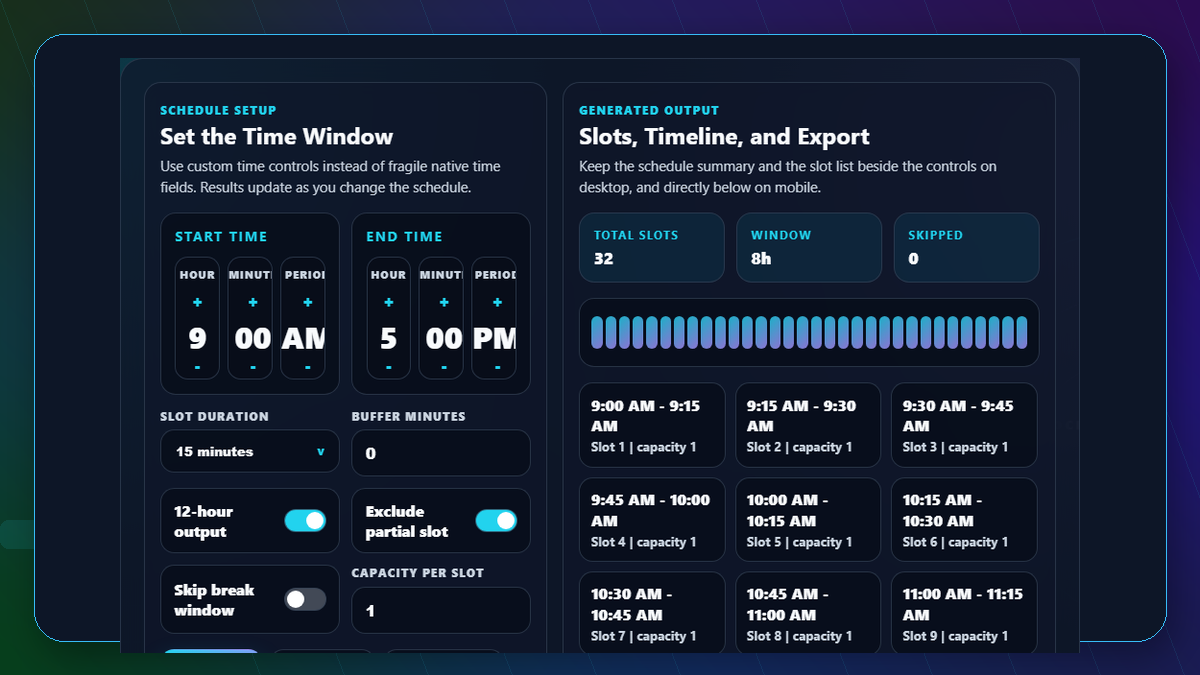
Utilizing the Time Slot Generator is an intuitive process designed for maximum speed. First, define your primary time boundary using the "Start Time" and "End Time" selectors. You can choose any window within a 24-hour cycle. Once set, navigate to the "Slot Duration" dropdown. Here, you can select standard industry increments like 15 or 30 minutes, or input a custom value for unique requirements. The system will automatically populate the visual timeline preview, giving you a horizontal representation of how the intervals occupy the available space. This visual feedback is crucial for identifying gaps or overlaps before you commit to a final list of slots.

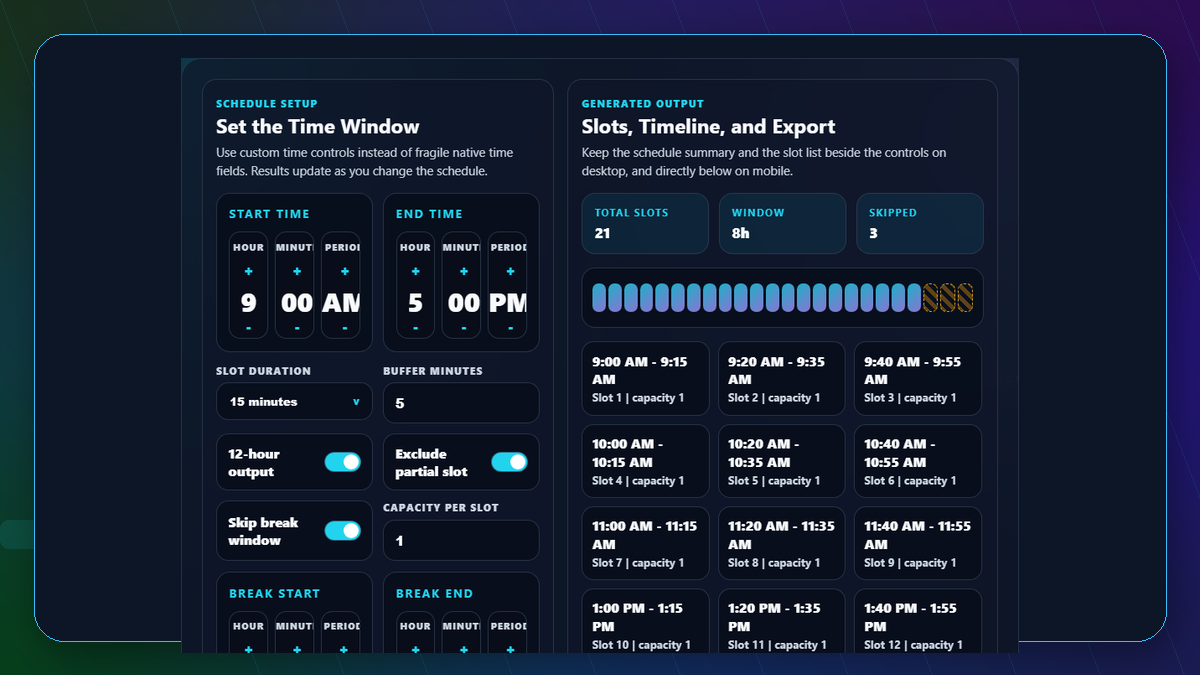
Advanced users can further refine their schedules using the filter block. The "Buffer Time" feature is particularly powerful, allowing you to automatically inject transition periods between slots—perfect for cleaning up between meetings or allowing travel time for service providers. If your total duration doesn't divide perfectly into your intervals, the "Exclude Last Partial Slot" toggle ensures that your schedule doesn't end with an incomplete session. Once your slots are perfectly configured, use the "Copy" buttons to export your data. We provide support for plain text (for emails), CSV (for Excel and Google Sheets), and structured JSON (for developers building data-driven applications). This versatility makes it the premier tool for professionals across all sectors.

Frequently Asked Questions

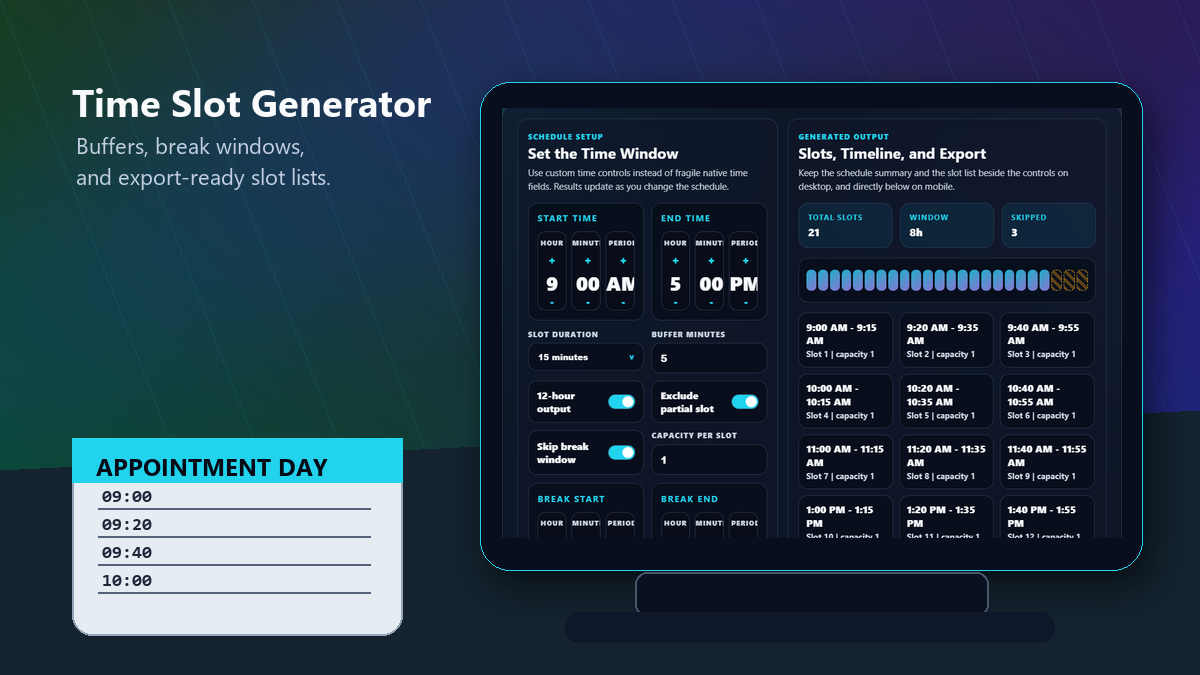
Yes, the Time Slot Generator is specifically designed to handle "inter-slot buffer times" with high precision. In a professional scheduling context, a "buffer" refers to the dead time between the end of one appointment and the start of the next. By inputting a value in the "Buffer Time" field, the system recalculates every subsequent start time based on the previous slot's end time plus the buffer duration. For example, if you have 30-minute slots with a 10-minute buffer starting at 09:00, the first slot runs from 09:00 to 09:30, and the second slot begins at 09:40 instead of 09:30. This is essential for complex work hour management where downtime is as critical as uptime.

A common issue in interval generation is the "remainder problem," where the total time window isn't a perfect multiple of the slot duration. Our Time Slot Generator addresses this through a toggleable rule called "Exclude Last Partial Slot." When enabled, the algorithm checks if the final generated interval would exceed the defined "End Time." If it does, the system suppresses that slot to maintain a clean schedule of uniform lengths. If disabled, the system will show the final slot even if it is shorter than the desired duration, which is useful for shift workers who need to fill every minute up to the closing bell. This ensures that your exported schedule is always logically sound and consistent with your specific operational policies.

Absolutely. We understand that generating time slots is often just one step in a larger workflow. To support this, our tool offers a "Bulk Generation Mode" with three primary export formats. The "Copy as JSON" feature is specifically tailored for developers and IT professionals who need to ingest time data into web applications, calendars, or databases. The JSON output provides a clean array of objects containing start and end times in a machine-readable format. For administrative tasks, the "Copy CSV" option allows you to paste data directly into spreadsheet software like Microsoft Excel or Google Sheets. Finally, the "Copy as Text" button provides a human-readable list that can be dropped into emails or Word documents. This integration capability ensures compatibility with military time systems and standard business tools alike.