Online Countdown Timer
Countdown Timer Instance
Related Tools
Introduction to The Online Timer
Welcome to The Online Timer at Randomly.online, the most versatile and precise countdown tool available on the web. In today's fast-paced world, managing time efficiently is not just a skill but a necessity. Whether you are a professional developer working on tight sprints, a home cook perfecting a delicate soufflé, or a student dedicated to the Pomodoro technique, our tool provides the accuracy and flexibility you need. Unlike standard physical clocks, our digital workspace allows for multiple concurrent timers, each operating independently with its own label and settings. This means you can track your workout intervals while simultaneously timing your laundry or a work meeting.
Our interface is designed with a "distraction-free" philosophy. We believe that when you are timing a critical task, the UI should fade into the background, leaving only the essential data visible. The bold, high-contrast digital display is optimized for distance viewing, making it perfect for gym environments or large classrooms. Furthermore, our application runs entirely on the client-side. This ensures that even if your internet connection flutters, your countdown remains steady and reliable. We utilize the browser's high-resolution timing APIs to guarantee second-level precision, providing you with a dependable partner for all your time-sensitive activities.
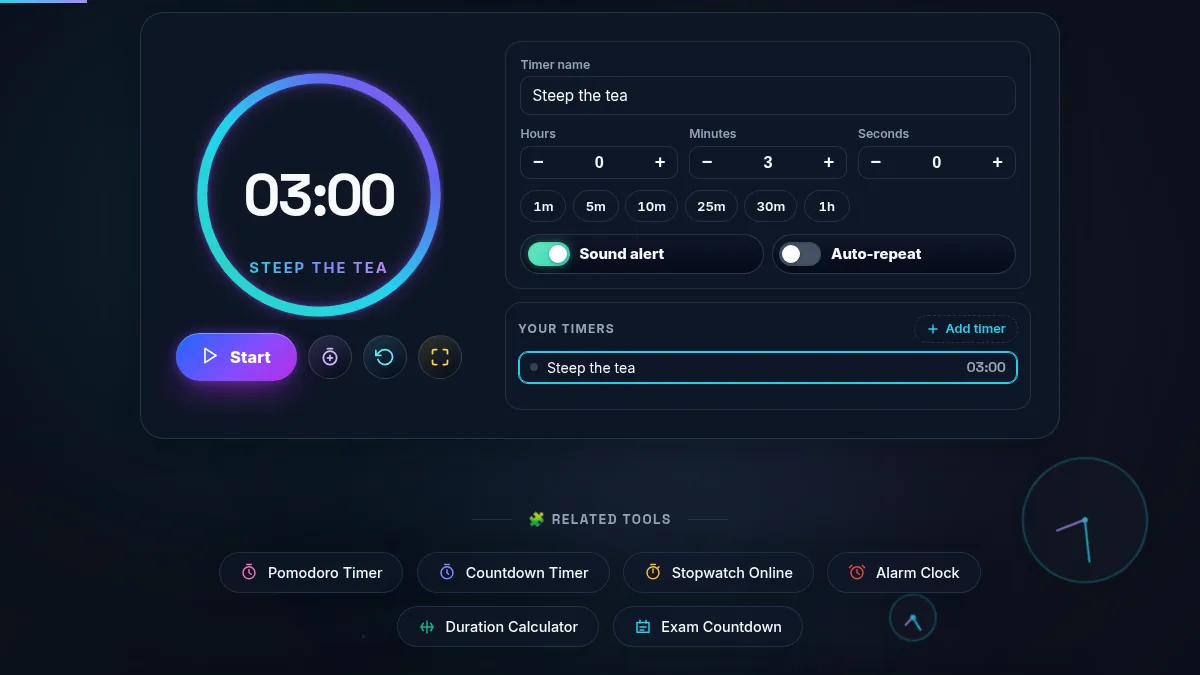
Using the Online Timer is intuitive and requires zero setup. To begin, navigate to the duration selector at the top of a timer card. You can define hours, minutes, and seconds using the scroll-based inputs or by typing directly into the fields. For convenience, we have included quick preset buttons for common intervals like 1 minute, 5 minutes, or 10 minutes. Once your duration is set, the digital display updates instantly. You don't need to click a 'submit' button; the timer is ready to go as soon as the numbers change. This streamlined workflow is designed to save those precious seconds when every moment counts.
Press the "Start" button to initiate the countdown. You will notice a smooth transition of digits and a circular progress ring that visually fills as time elapses. If you need to pause, simply click the same button (which will now show "Pause"). Resetting the timer clears the current progress and reverts to your last set duration. A unique feature of our tool is the ability to add time on the fly. By clicking the "+1m" button, you can extend your current session without stopping or restarting the countdown. This is particularly useful for workday management or kitchen tasks where things might need just a little longer than initially planned.
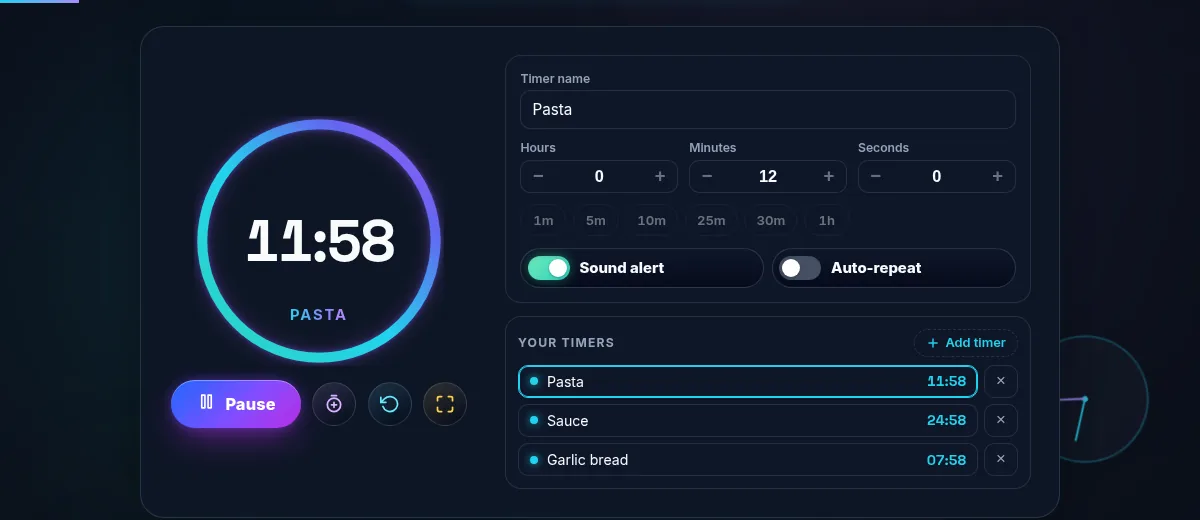
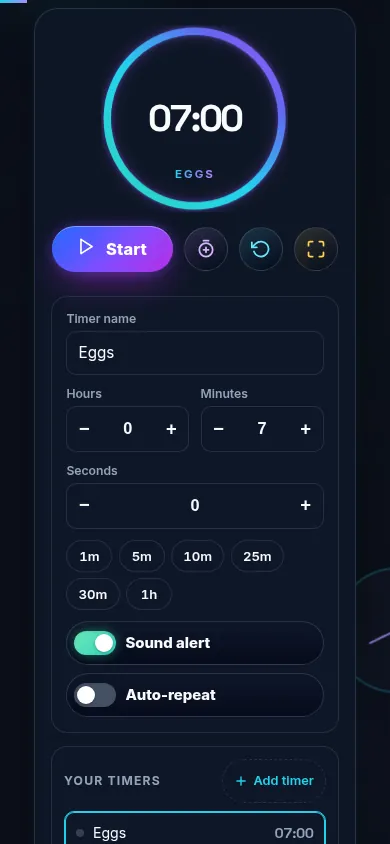
For power users, you can click "Add Another Timer" to stack multiple independent countdowns. Each card can be labeled—for instance, "Steak," "Pasta," and "Wine"—allowing you to manage complex tasks with ease. Each timer has its own unique audio notification that triggers when time reaches zero, ensuring you never miss a deadline. The responsive design ensures that whether you are on a desktop with multiple screens or a mobile device in the palm of your hand, the controls remain thumb-friendly and perfectly aligned for immediate access.
1. Is the timer accurate even if I switch browser tabs?
Yes, our Online Timer uses the browser's internal system clock and delta-time calculations rather than relying solely on simple intervals. This means that even if the browser throttles background tabs to save energy, our code compensates for any drift when you return to the page. For maximum reliability, we recommend keeping the tab active or in a visible window, but the core logic is built to handle modern browser power-management features. This level of precision is why many users prefer our tool over standard smartphone apps for international meeting coordination and precise event timing.
2. Can I use multiple timers at the same time?
Absolutely. One of the standout features of Randomly.online is the "Multiple Concurrent Timers" capability. By clicking the "+ Add Another Timer" button, you can generate as many independent countdown cards as your screen can fit. Each timer acts as a separate instance with its own state, label, and progress ring. This is ideal for multi-tasking environments such as professional kitchens, scientific laboratories, or managing different exercise sets in a fitness routine. Each timer maintains its own individual countdown, and the alerts will trigger sequentially as they finish.
3. Do I need an internet connection for the timer to work?
The Online Timer requires an initial internet connection to load the page, but once the application is loaded in your browser, the countdown logic runs entirely "on-device." There is no server communication required for the time to pass, which means your timer won't stop if your Wi-Fi drops out. All settings, labels, and durations are stored locally in your browser's memory. We prioritize your privacy and performance by ensuring zero data transmission during your timing sessions. This "client-side first" approach makes the tool extremely fast and responsive, matching the performance of a native desktop application.