Time Zone Offset Finder

Find the UTC offset, GMT offset, local time, daylight saving status, and UTC equivalent for any IANA timezone.

Use this free browser-based offset finder when you need to know whether a city is UTC-5, UTC+1, UTC+5:30, or another offset on a specific date. It is useful for meetings, logs, calendars, travel plans, and software schedules.

100% Browser-BasedLocal Processing
Calculator

Offset Inputs

Search cities or IANA names such as New York, London, Kolkata, Sydney, or America/New_York.

Result
UTC offset
-
-
Local time-
UTC equivalent-
Abbreviation-
DST status-
UTC-12Selected offsetUTC+14
Select a timezone to calculate its offset.
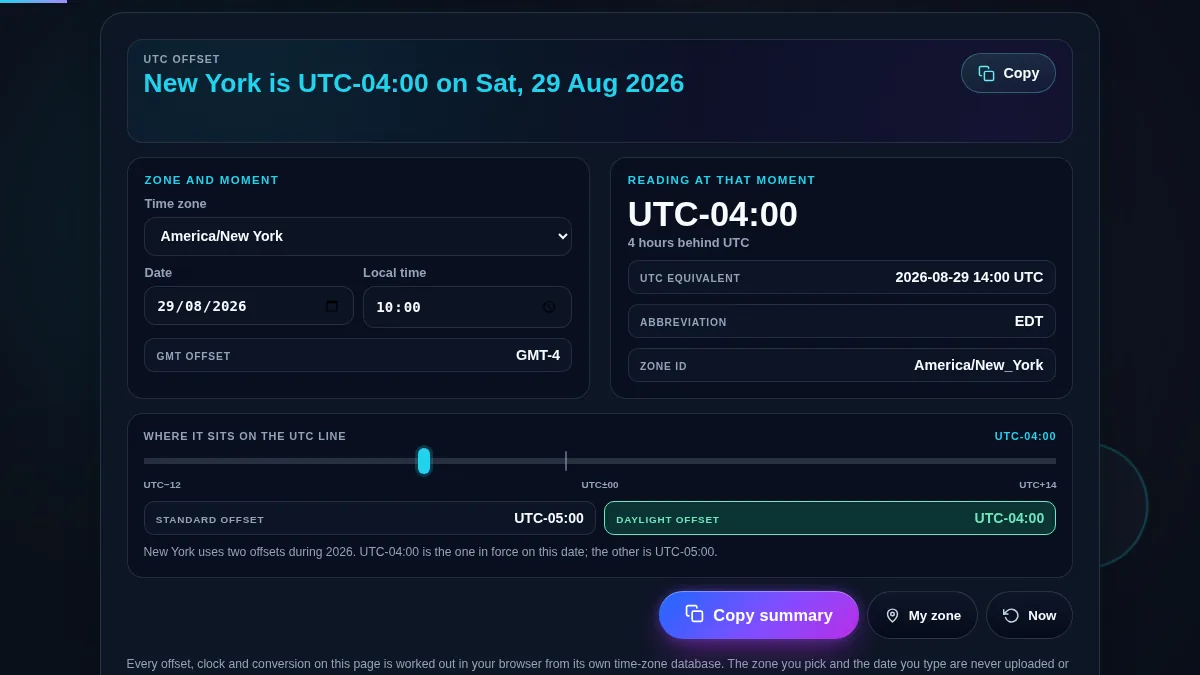
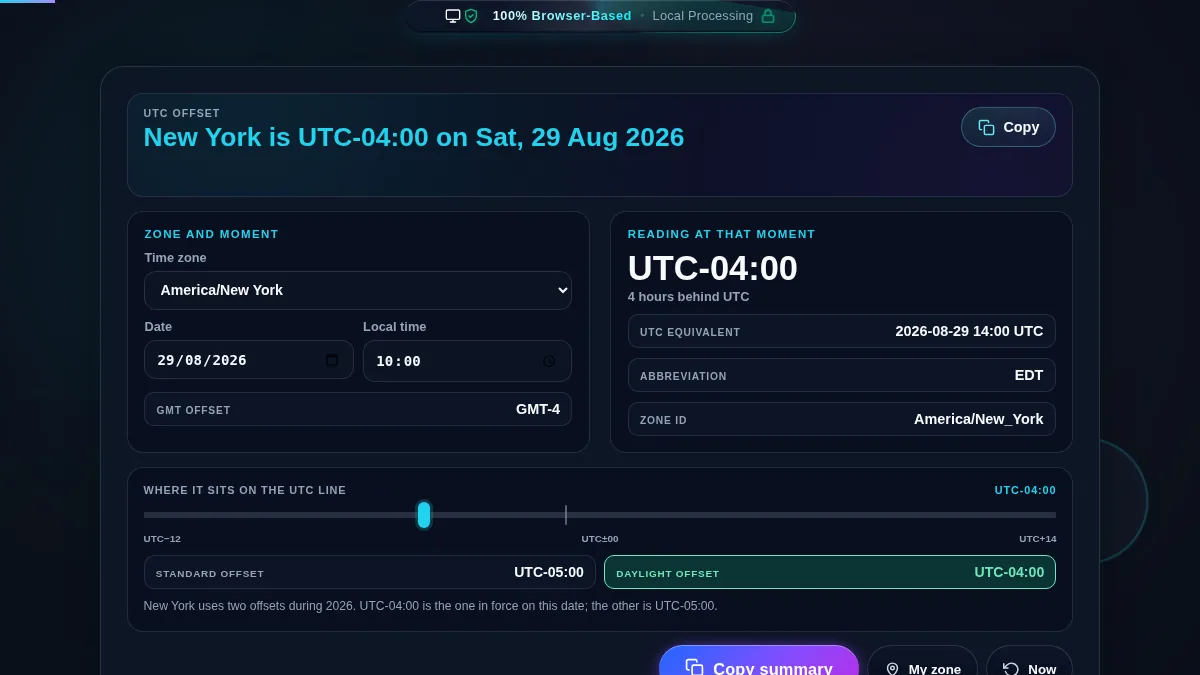
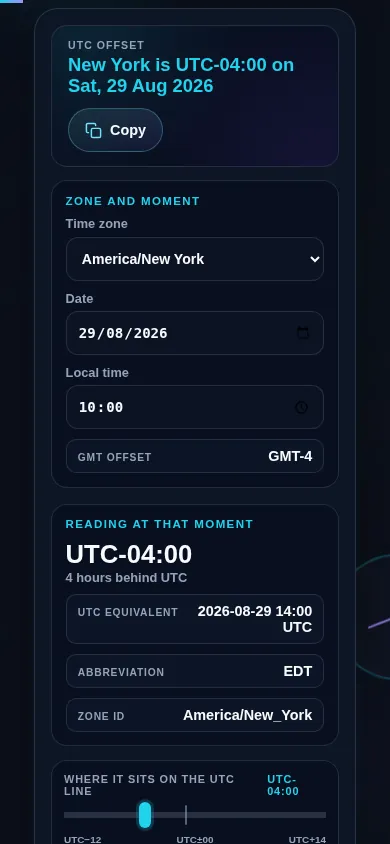
Time zone offset finder workspace showing timezone search, selected date time, and UTC offset result
The workspace keeps timezone search, date, time, UTC offset, and copyable output together.
UTC offset change diagram showing standard offset and daylight saving offset
Some regions change offset during daylight saving time, so the selected date matters.

Privacy Focused

🔒 Local Processing. Your data never leaves your device.

Instant Results

🌐 Fully Client-Side. Runs instantly in your browser.

No Signup

⚡ No accounts. No hassle. Just open and use.

Browser Based

🚀 Works right in your browser. No installs, no downloads.

Find the Right Offset for the Exact Date

A UTC offset tells you how far a local timezone is from Coordinated Universal Time. That sounds simple until daylight saving time changes the offset, a city uses a half-hour offset, or a software log needs a precise UTC equivalent.

This tool searches browser-supported IANA time zones and calculates the offset for your selected date and time. MDN documents `Intl.DateTimeFormat` timezone formatting, including offset-style timezone names, and IANA maintains the timezone rule database used across modern systems. Use this page before scheduling remote meetings, checking server timestamps, planning travel, or converting local clock time to UTC.

Why Date-Aware Offset Lookup Matters

TaskOffset FinderManual Lookup
Find current UTC offsetShows offset instantly for the selected zone.Search result may show only today's offset.
Check future datesUses the selected date and time.DST changes are easy to miss.
Use non-hour offsetsHandles offsets such as UTC+5:30 or UTC+5:45.Manual math often assumes whole hours.
Copy schedule detailsProduces a short copyable summary.Requires rewriting the result manually.

How to Use the Offset Finder

Search a timezone or city

Type a city-style term or exact IANA timezone. Choose the closest matching zone from the custom searchable dropdown.

Offsets can change by date because of daylight saving time. Set the date and time that matters for your meeting, flight, log, or deadline.

The result includes UTC offset, GMT-style offset, timezone abbreviation, DST status, local time, and UTC equivalent in a compact summary.

Frequently Asked Questions

What is a UTC offset?

A UTC offset is the difference between a local time zone and Coordinated Universal Time. For example, UTC-4 means local time is four hours behind UTC.

For practical scheduling, GMT offset and UTC offset are usually written the same way, such as GMT+1 or UTC+1. UTC is the modern time standard used for precise conversion.

A city can change offset when daylight saving time starts or ends. New York, for example, can be UTC-5 in standard time and UTC-4 during daylight saving time.

Yes. Choose a future date and time to inspect the offset that your browser's timezone rules currently know for that IANA timezone.

IANA names such as America/New_York are clearer than abbreviations because abbreviations can be reused by different regions and may change with daylight saving time.

Yes. The tool handles offsets such as UTC+5:30 and UTC+5:45 when the selected timezone uses a non-whole-hour offset.

No. The lookup runs in your browser using JavaScript and browser timezone formatting. Your timezone, date, and time inputs are not uploaded.

Timezone laws can change. If a browser or operating system has old timezone data, future or historical offset results can differ from a fully updated device.

Still have questions?

If you can't find the answer you're looking for, feel free to contact our support team.

Contact Us