Understanding Cryptographic File Hashing
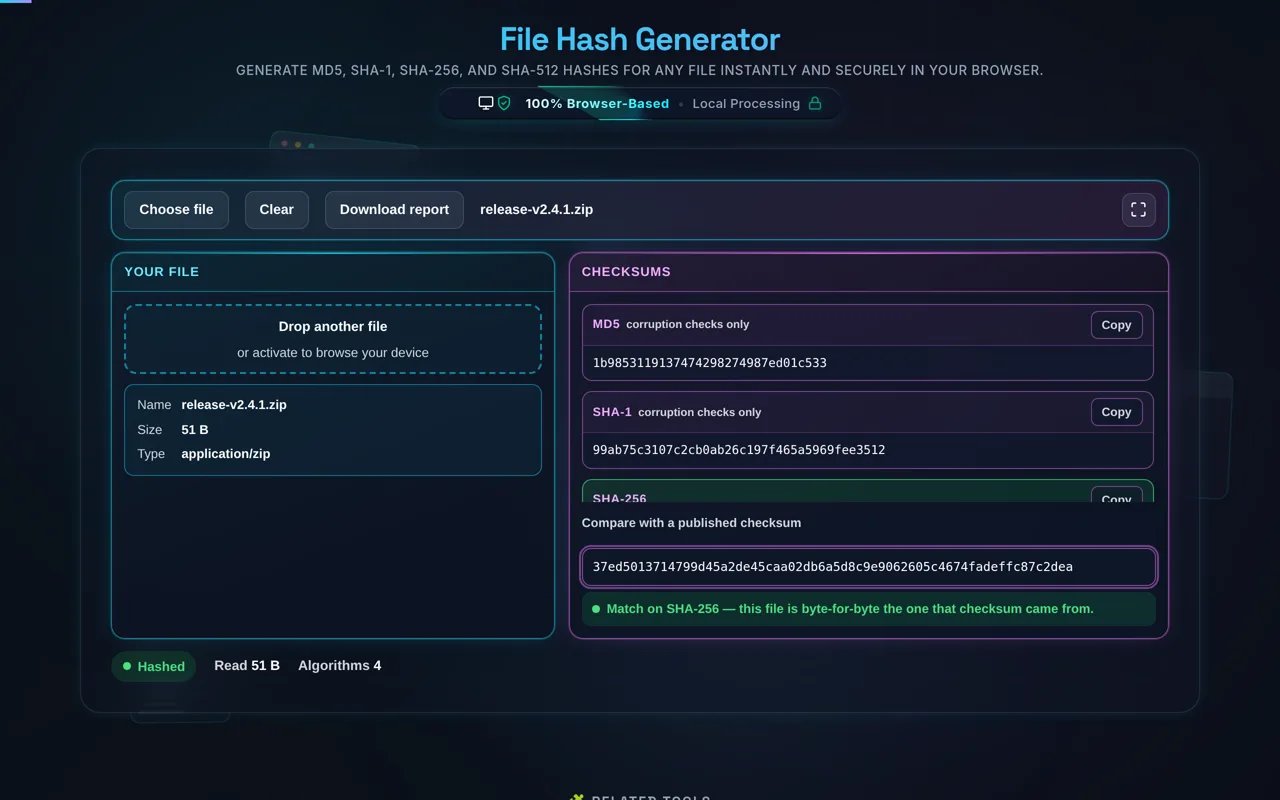
Direct answer: Drop a file on this page and it returns its MD5, SHA-1, SHA-256 and SHA-512 checksums, computed in your browser — the file is read locally and never uploaded. Paste a checksum a publisher gave you into the compare box and the tool says which algorithm it matched, or that it matched none of them. A match means the file is byte-for-byte the one that checksum came from; a mismatch means it is not.
A hash function reads a file of any size and returns a short fixed-length string. The same bytes always produce the same string, and changing a single bit anywhere in the file changes it completely — the avalanche effect. That is what makes a published checksum useful: you can compare a 4 GB download against 64 characters and know whether the two are identical.
This tool computes four at once rather than asking you to choose, because you rarely know in advance which one a publisher used. Read the one that matches theirs. MD5 and SHA-1 are broken against a deliberate attacker — a motivated adversary can build a different file with the same digest — so treat a match on either as "not corrupted in transit" rather than "not tampered with". SHA-256 and SHA-512 are the ones to rely on when the source itself might not be trustworthy. The tool labels the two weak ones in place, next to the Copy button, which is the moment it matters.
Because nothing is uploaded, the file can be one you would never put through a web service: a private key, an internal build, a signed contract. Everything runs on the Web Crypto API built into your browser, and the tool reads the file in 2 MB chunks so the tab stays responsive on a large one. The practical ceiling is your own device's memory rather than an upload cap — if a file is too big for the browser to hold, the tool says so instead of failing quietly.
Hashing sits alongside the other checks you run before trusting a file. Maintainers publish a SHA-256 beside a release so anyone can prove their copy matches the original; the same habit is worth having for a PDF you were sent, an image you converted, or a config you have just edited. If you are working with encoded payloads rather than files, the Base64 Encoder Decoder and the JWT Decoder do the equivalent job for strings, and the JSON Validator and UUID Generator cover the structures around them.
How to Use the File Hash Generator?
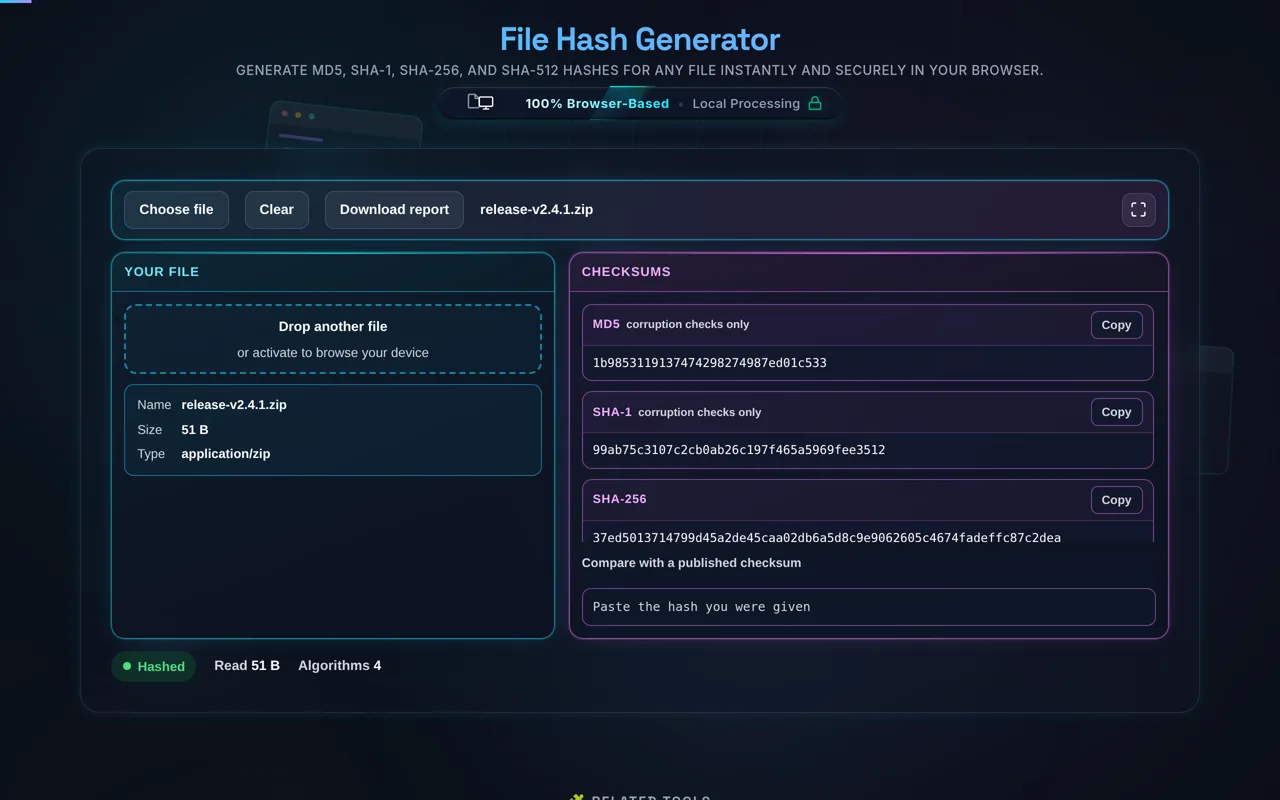
Step 1: Add the file. Drop it on the left pane or press Choose file. Hashing starts the moment the file is read — there is no Process button. On a large file a progress bar tracks both passes, and it names which one is running, because the file is read twice: once streamed in 2 MB chunks for MD5, once buffered for the three SHA digests, which the Web Crypto API cannot compute incrementally.
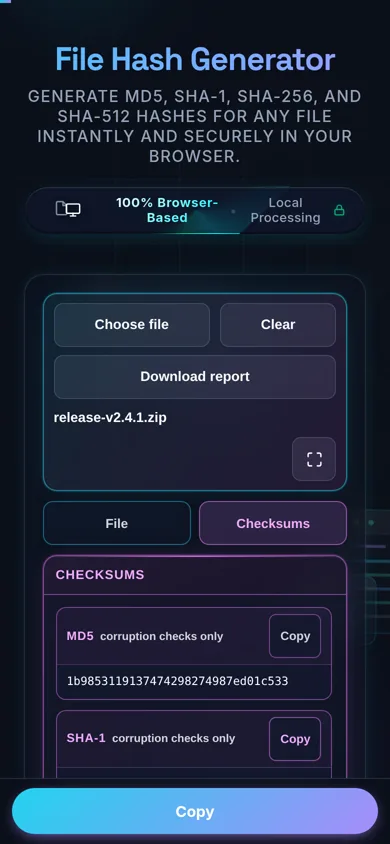
Step 2: Read the digests. All four appear in the right pane as they finish. Each has its own Copy button, and MD5 and SHA-1 are labelled in place as suitable for corruption checks only.
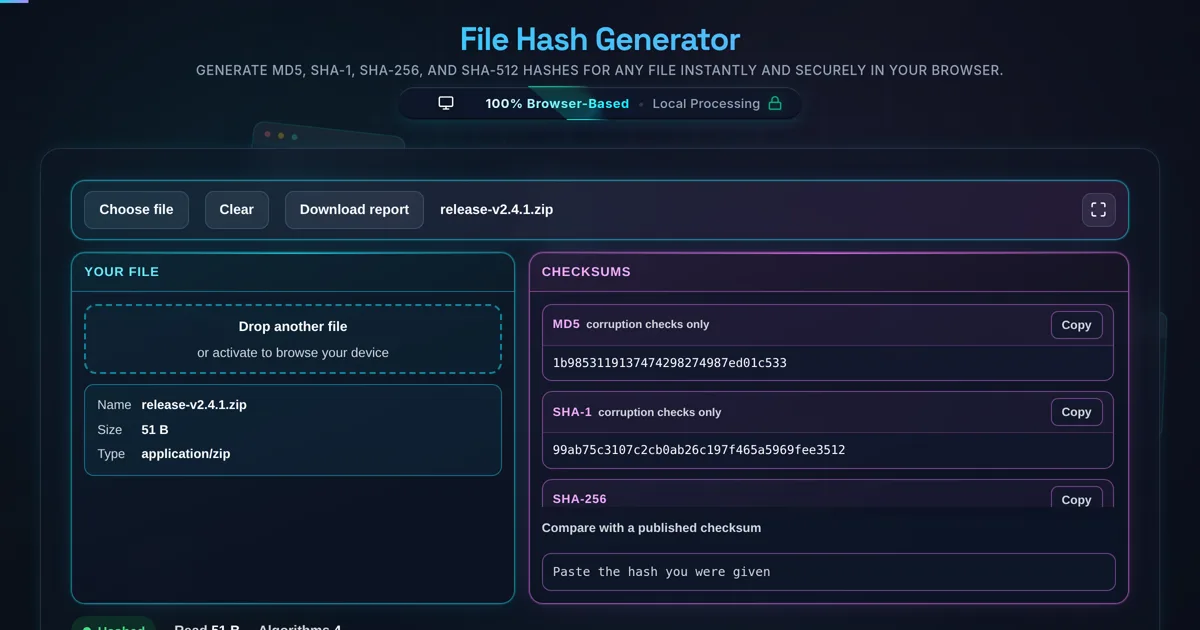
Step 3: Compare against a published checksum. Paste the hash a vendor gave you into Compare with a published checksum. The comparison is case-insensitive, and the tool names the algorithm that matched rather than saying only "match" — a match on SHA-256 is a different statement from a match on MD5, and it highlights the row so you can see which digest it was. If none of the four match, it says so.
Step 4: Keep a record. Download report saves a text file with all four digests, the file's name, size and type, and a timestamp. It is built in the page from values already on screen. The same local-only approach is what makes the Image Metadata Viewer safe to use on photographs you would not upload.