Accurately track your daily shifts, deduct unpaid breaks, compute total duration seamlessly across midnight, and estimate your gross payroll earnings.
About the Work Hours Calculator
Accurate time tracking is essential for freelancers, hourly employees, and small business owners to ensure fair compensation and maintain pristine payroll records. Our Work Hours Calculator is designed to provide an instant, frictionless, and precise method for calculating daily and weekly work durations. Whether you are logging regular 9-to-5 office hours, managing erratic freelance gigs, or calculating late-night hospital shifts, this tool adapts seamlessly to your scheduling needs.
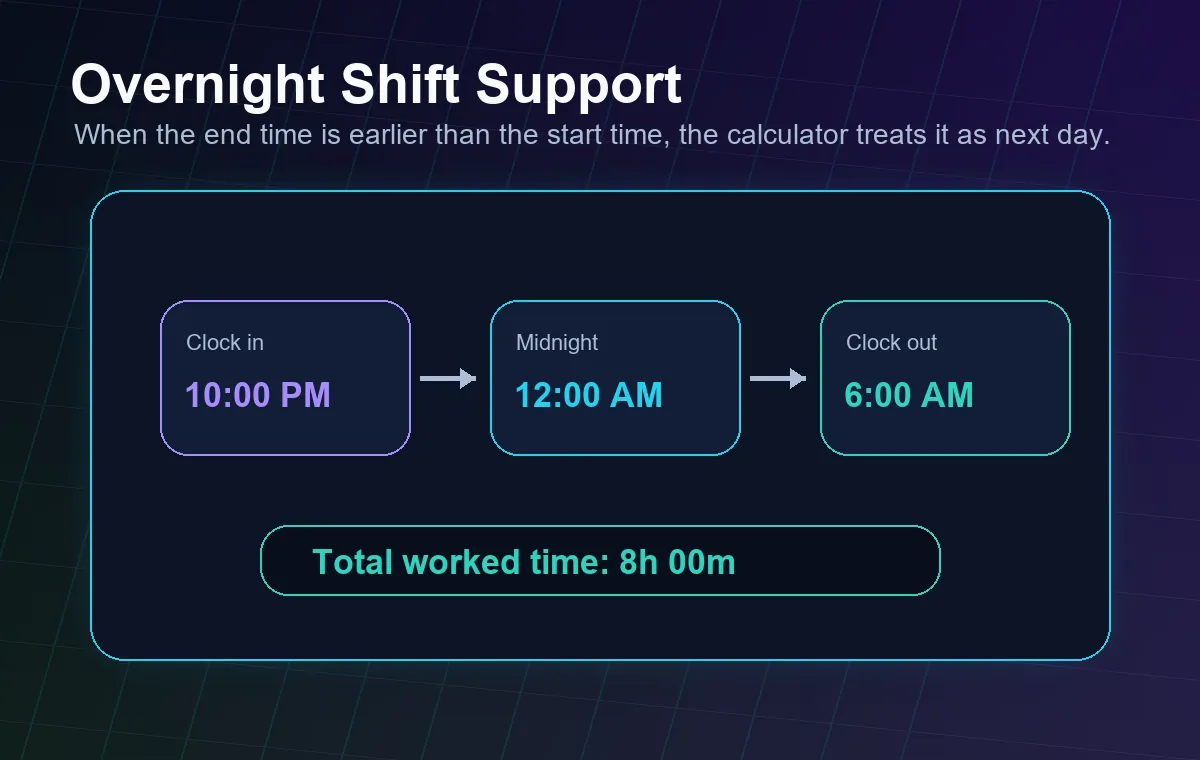
One of the most complex aspects of timecard calculation is dealing with shifts that cross the midnight boundary. Traditional manual math often results in errors when a worker clocks in at 10:00 PM and clocks out at 6:00 AM. Our sophisticated client-side algorithm automatically detects midnight crossovers, calculating the exact total duration without requiring you to split the entry across two days. This ensures continuous accuracy for night shift workers, security personnel, and gig economy drivers.
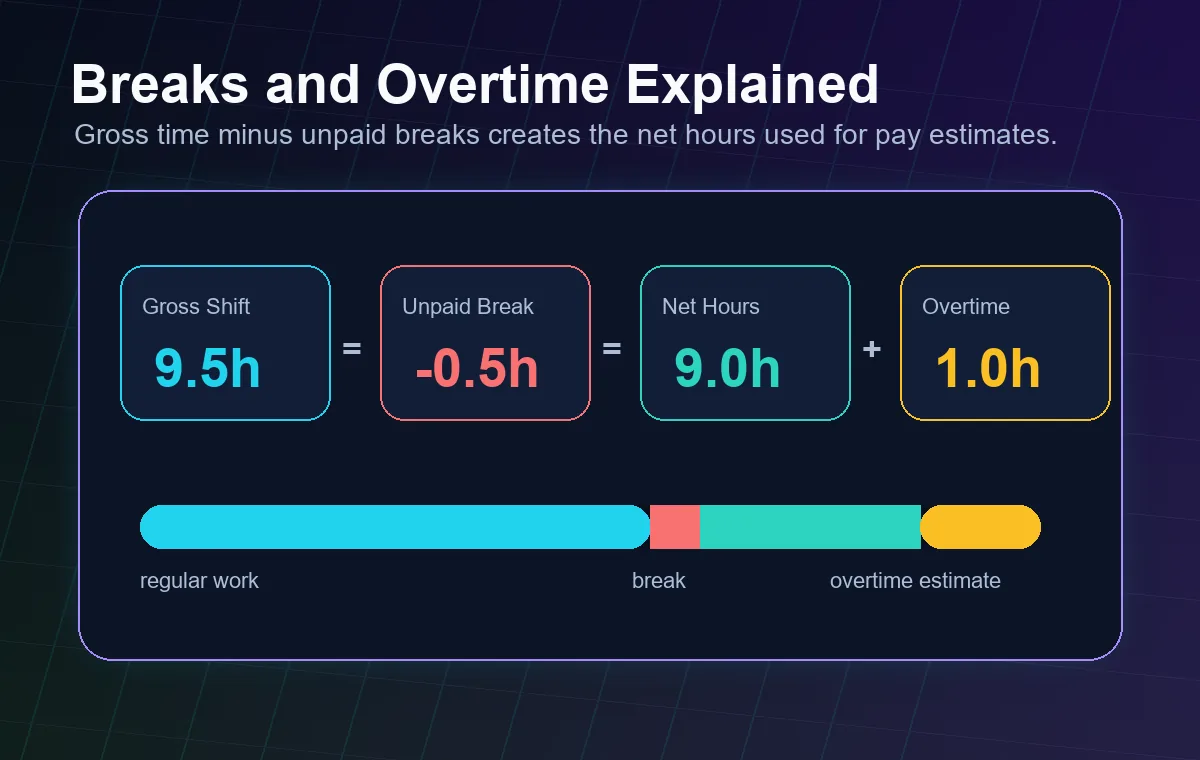
Additionally, handling unpaid downtime is effortless through our dynamic break deduction module. You can add one or multiple breaks in minutes, and the system instantly recalculates your net payable hours. For those looking to forecast their paycheck, the optional hourly rate field provides real-time gross earnings estimation based strictly on your net hours. Need to adhere to strict corporate rounding policies? Engage the advanced rounding feature to snap your calculated time to the nearest 5, 15, or 30-minute interval, perfectly aligning with standard HR protocols. You can also explore our Time Card Calculator for bulk timesheet generation.
Built with privacy and performance at its core, this tool operates 100% within your web browser. There are no server uploads, no data storage, and zero loading delays. The moment you adjust a scroll wheel or type a digit, your totals update in real-time. Experience a professional-grade time tracking solution that puts control directly in your hands.
How to Use the Timecard Calculator
Using our Work Hours Calculator is incredibly straightforward, offering both simple daily logging and comprehensive weekly tracking capabilities. Follow these steps to generate accurate timesheets effortlessly.
Step 1: Enter Your Shift Times
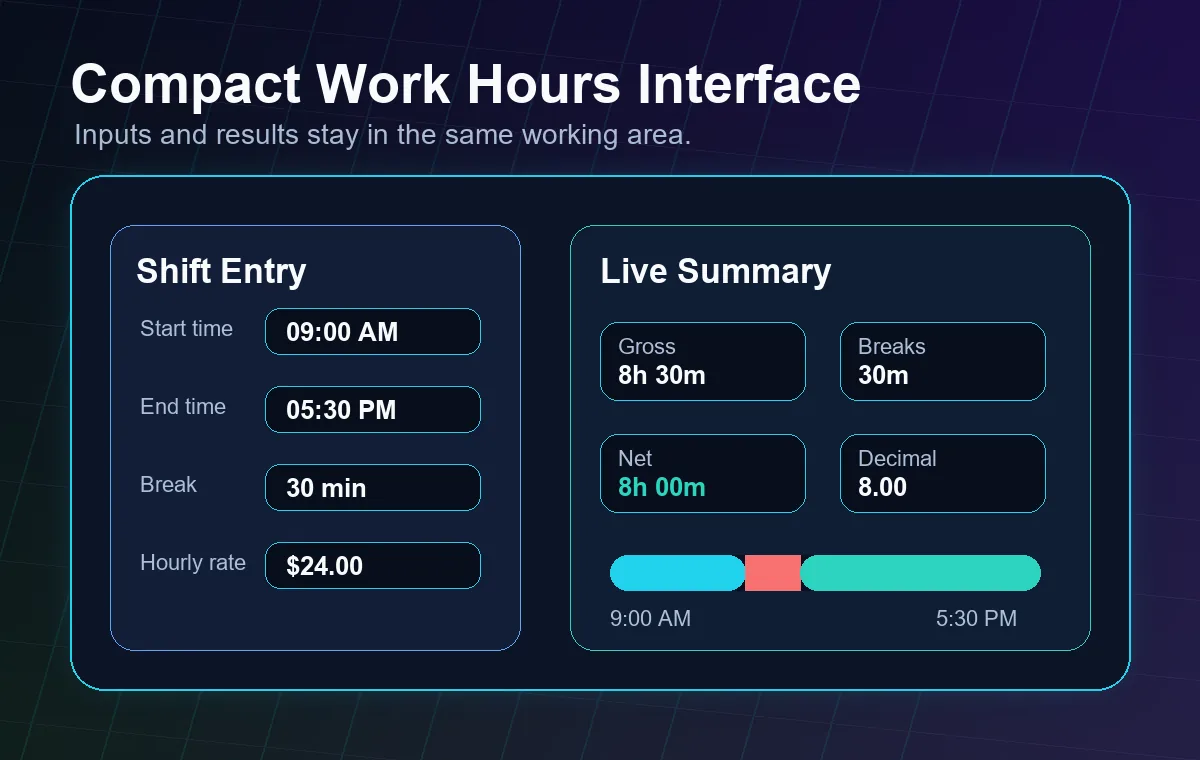
Begin by interacting with the Time Entry Card at the top left. Select your "Start Time" when your shift began, and the "End Time" when you clocked out. The system accepts both 12-hour (AM/PM) and 24-hour formats depending on your device's locale settings. The moment both fields are populated, the "Daily Summary" panel on the right will instantly illuminate with your total gross hours. If your shift spans across midnight, simply enter the times normally; the calculator automatically adjusts for the next day.
Step 2: Deduct Unpaid Breaks
If your workday includes unpaid lunches or rest periods, click the "+ Add Break" button. Enter the duration of your break in minutes (for example, 30 for a half-hour lunch). You can add multiple breaks if needed. The calculator instantly subtracts this time from your gross hours, revealing your "Net Payable Hours" in large, bold numbers. The Timeline Visualizer will also update, showing grey gaps representing your break periods.
Step 3: Configure Advanced Settings (Optional)
If you want to estimate your earnings, input your hourly wage into the "Hourly Rate" field in the Advanced Settings panel. Your daily summary will immediately display your estimated gross earnings. If your employer requires timesheets rounded to the nearest quarter-hour, select "Round to nearest 15 mins" from the Time Rounding dropdown. You can also set a daily Overtime Threshold (e.g., 8 hours) to track excess labor. If you deal heavily with specific pay schedules, try our Pay Period Calculator alongside this tool.
Step 4: Build a Weekly Log & Export
Once your daily entry is perfect, click "Save Day to Weekly Log". The entry will shift into the bottom-right panel, acting as a running tally for your work week. You can then reset the input fields and add Tuesday, Wednesday, etc. The Weekly Summary will automatically aggregate your total net hours and total estimated pay. When your week is complete, hit the "📋 Copy Timesheet" button. This formats your entire week's data into a clean, text-based table that you can paste directly into an email, invoice, or payroll software.