×

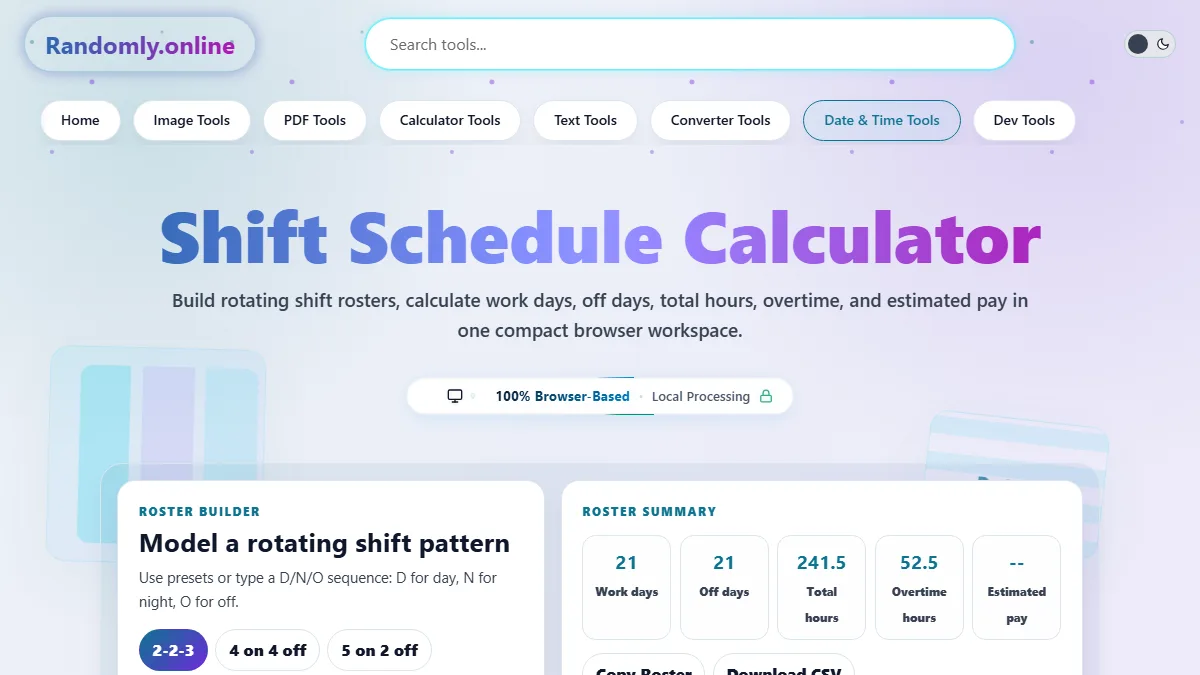
Shift Schedule Calculator

Shift Configuration

Duration Summary

Net Shift Hours
0.0
Shift Earnings
$0.00
Proj. Weekly Hours
0.0
Monthly Work Days
0
Month Year
Sun
Mon
Tue
Wed
Thu
Fri
Sat
Work Shift
Off Day

Shift Schedule Calculator: Streamline Your Roster Management

Managing complex work schedules shouldn't require confusing spreadsheets or manual day-counting. Our Shift Schedule Calculator is engineered specifically for operations managers, HR professionals, and shift workers who need precise, repeatable scheduling logic. Whether your facility operates on a standard Monday-to-Friday timeline or utilizes continuous operational cycles, this tool calculates exact working hours, breaks, and projected cycles instantly in your browser.

By defining your start date, shift length, and specific rotational cycles—such as the popular 4-on-4-off schedule or the highly optimized 2-2-3 rotation—the engine visually projects your workdays onto a dynamic calendar. Simultaneously, it computes total net hours by meticulously subtracting unpaid break durations. This is particularly useful if you frequently need a reliable work hours calculator to cross-check timesheets or plan personal time around demanding rosters.

Overnight transitions are handled seamlessly. If a shift crosses midnight, the system’s deterministic logic maintains accuracy without creating date ambiguities, ensuring that projected weekly and monthly totals remain flawless. For those tracking potential earnings or budgeting based on hourly rates, the integrated pay estimation feature provides instant gross earnings projections per shift. When combined with tools like a salary days calculator, you gain comprehensive control over both time management and financial planning.

Built entirely on client-side logic, your roster data never leaves your device. This guarantees maximum privacy, lightning-fast instant recalculations, and zero server dependencies—delivering the professional-grade reliability required in fast-paced operational environments.

Using the Shift Schedule Calculator is straightforward and relies on instant, interactive inputs. Follow these steps to generate and analyze your roster dynamically:

Step 1: Define the Start Point. Begin by selecting your Pattern Start Date. This is the exact day your specific rotation cycle commences. If you are on a 2-2-3 schedule, pick the first day of your two-day on-shift phase. Next, input your Shift Start Time to establish when your workday technically begins.

Step 2: Input Durations. Enter your total Shift Length in hours (e.g., 8, 10, or 12 hours). Then, input your Unpaid Break duration in minutes. The system automatically converts this to calculate your exact net working time. For tracking cumulative extra hours across these shifts, you might also find our overtime calculator beneficial.

Step 3: Select Your Rotation Pattern. Choose from standard presets like standard Mon-Fri, 4-on-4-off, or the 2-2-3 cycle. If your workplace uses a unique structure, select "Custom Pattern" and input the exact number of consecutive working days followed by consecutive off days. The calendar view will instantly color-code the upcoming month based on these rules.

Step 4: Analyze and Export. As you tweak variables, watch the "Duration Summary" panel update live to reflect net shift hours, projected weekly work hours, and total monthly workdays. You can optionally input an hourly rate to see gross pay per shift. Finally, use the "Copy Text Summary" button to grab a clean, shareable text version of your configuration.

How does the calculator handle the 2-2-3 schedule?

The 2-2-3 schedule, commonly known as the Panama schedule, is a 14-day rotational cycle that provides employees with every other weekend off. Our system algorithm maps this mathematically: 2 days on, 2 days off, 3 days on, 2 days off, 2 days on, and 3 days off. By simply selecting your cycle start date, the engine accurately propagates this pattern infinitely across the calendar. This allows you to look months ahead to determine if you will be working on specific holidays or weekends, removing the need to manually count days on a printable calendar.

Does this tool accurately calculate overnight shifts?

Yes. Operational logic is built-in to handle cross-date transitions smoothly. If you input a shift starting at 22:00 (10:00 PM) with a shift length of 8 hours, the system understands that the shift concludes at 06:00 AM the following calendar day. The net hours are calculated based purely on the duration minus the break time, ensuring that your daily and weekly hour totals remain strictly accurate regardless of the time of day the shift occurs. If you need to calculate the precise duration between two distinct timestamps rather than a pattern, try the time duration calculator.

How is the "Projected Weekly Hours" metric calculated?

"Projected Weekly Hours" provides an estimated average of your working hours over a standard 7-day period based on your specific rotation cycle. For fixed schedules like Monday-Friday, this is simply the net shift hours multiplied by 5. For rolling schedules like 4-on-4-off, the calculator evaluates the ratio of working days to total cycle days (4 work days / 8 total days = 50% working ratio). It then multiplies this ratio by 7 days to give you a normalized weekly average. This allows workers and managers to easily gauge whether a complex rotation meets standard full-time hour requirements or hits overtime thresholds.