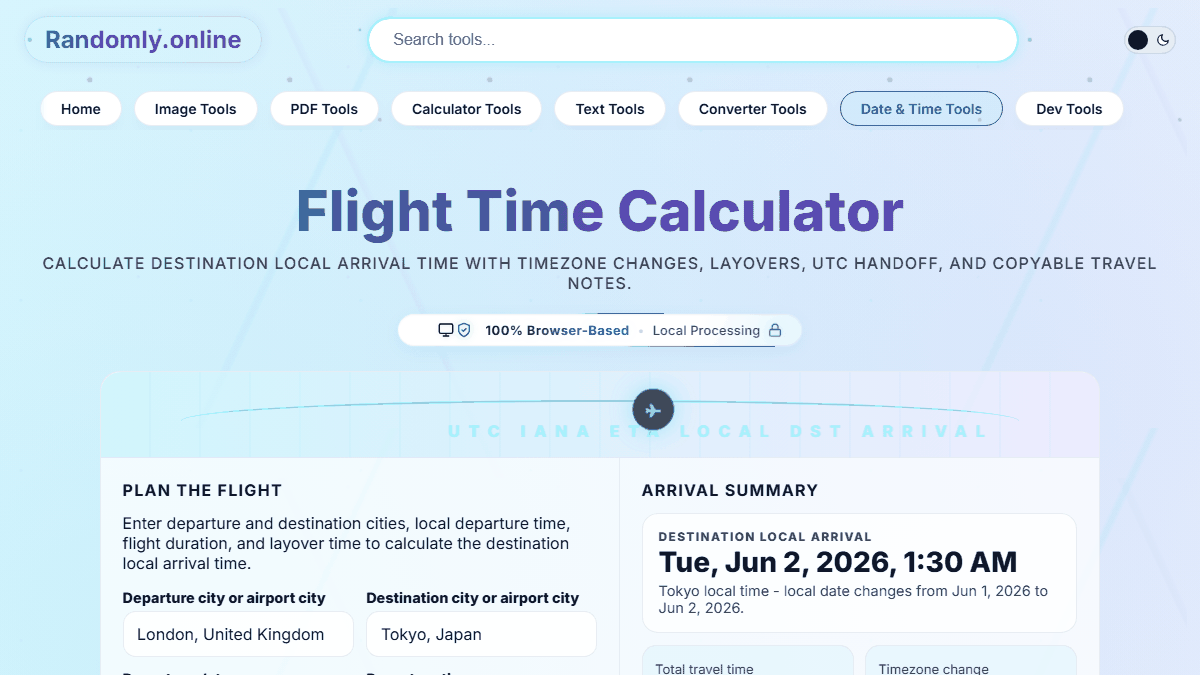
Flight Time Calculator

Calculate destination local arrival time with timezone changes, layovers, UTC handoff, and copyable travel notes.

100% Browser-Based Local Processing

Plan the Flight

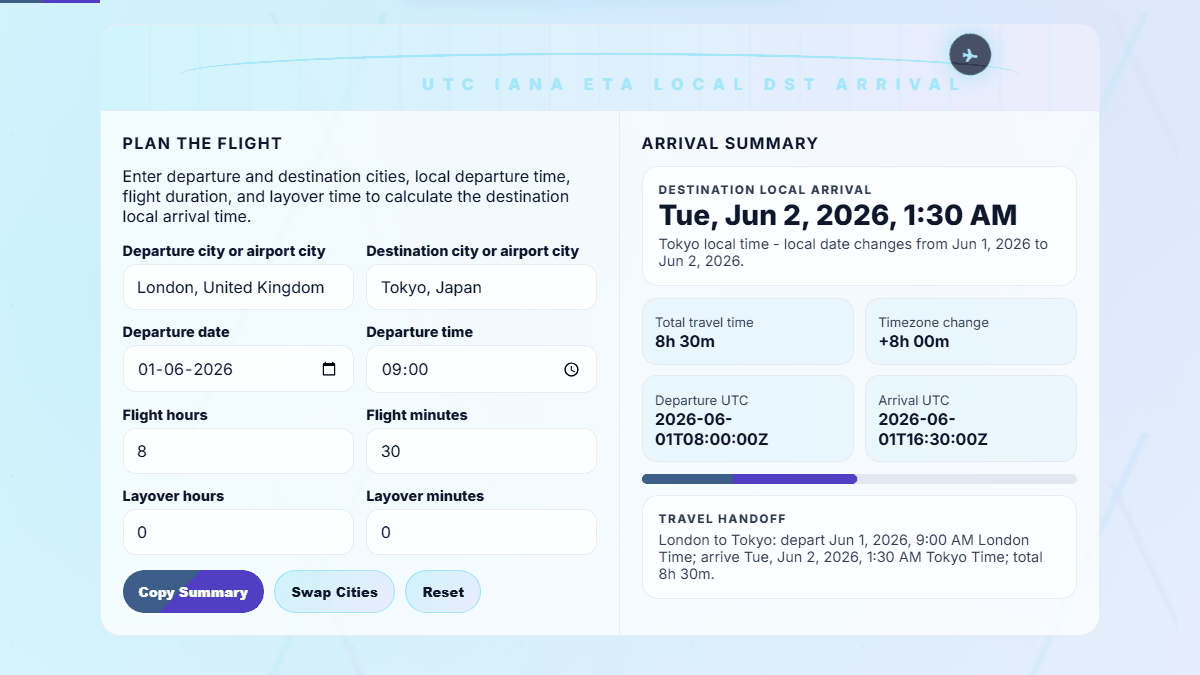
Enter departure and destination cities, local departure time, flight duration, and layover time to calculate the destination local arrival time.

Arrival Summary

Destination Local Arrival
Select cities
The result appears as soon as both timezones are selected.
Total travel time--
Timezone change--
Departure UTC--
Arrival UTC--
Travel Handoff
Use your airline's scheduled block time for best results. Airline times are usually local to each airport.

Privacy Focused

🔒 Local Processing. Your data never leaves your device.

Instant Results

🌐 Fully Client-Side. Runs instantly in your browser.

No Signup

⚡ No accounts. No hassle. Just open and use.

Browser Based

🚀 Works right in your browser. No installs, no downloads.

Calculate Flight Arrival Time Across Time Zones

A flight time calculator helps answer a simple travel question that becomes confusing quickly: what time will I arrive locally after crossing time zones? Enter the departure city, destination city, departure date and time, flight duration, and any layover time. The tool converts the trip through UTC and returns the destination local arrival date, local arrival time, total travel duration, timezone change, and copyable itinerary summary.

This page is useful for international travelers, assistants building calendar entries, remote teams scheduling post-flight meetings, and families coordinating pickups. It also supports searches such as flight duration calculator, arrival time calculator, flight time zone calculator, local arrival time, and airport timezone conversion without requiring an account or uploading itinerary details.
What Travelers Usually Need to Know

Most flight-time searches are not only about elapsed hours. People also want to know whether an arrival is the same day, next day, or previous day; whether airline times are displayed in local time; how layovers affect the final arrival; and why an overnight international route can show a shorter or longer apparent clock difference.

For clean planning, use the airline's scheduled flight duration as your block time, add layover time separately, and use the copied summary for calendars, pickup notes, hotel check-in planning, or meeting handoffs. For pure timezone work without flight duration, use the time zone converter or world clock.

Flight time calculator workspace with departure city destination city duration and local arrival time
Flight time workspace with departure, destination, duration, and local arrival output.
Flight itinerary handoff summary showing arrival time timezone change and UTC conversion
Copyable itinerary handoff for timezone-aware travel planning.

How to Use the Flight Time Calculator

Keep the route, departure time, and output together so the calculation is easy to scan on desktop and mobile.

Select the departure and destination cities

Search by city, airport city, timezone, or common airport code aliases included in the city dataset. The selected cities provide the IANA timezone rules needed for date-specific arrival calculations, including daylight saving time when your browser supports the timezone.

Enter departure time, flight duration, and layover

Use the departure time printed on your itinerary because airlines normally list departure time in the departure airport's local time. Enter the scheduled flight duration from the booking, then add layover time if the route includes a connection.

Copy the timezone-aware itinerary note

The summary includes local departure, local arrival, UTC departure, UTC arrival, total travel time, and the timezone change. This is easier to paste into a travel document than manually converting each date and time.

Frequently Asked Questions

Are flight departure and arrival times shown in local time?

Yes. Airline departure times are normally shown in the local time of the departure airport, and arrival times are normally shown in the local time of the destination airport. This calculator follows that convention and also shows UTC handoff times for calendars and logistics.

How do I calculate arrival time across time zones?

Choose the departure city, destination city, departure date and local time, then enter the flight duration. The calculator converts the departure moment to UTC, adds flight and layover duration, and formats the arrival moment in the destination timezone.

Does this flight time calculator include layovers?

Yes. Use the layover field when your trip includes a connection. The total travel time card combines flight time and layover time, and the arrival result uses that complete duration to estimate the destination local arrival time.

Can this calculator handle the International Date Line?

Yes. Because the calculation works from an absolute UTC moment, it can show next-day and previous-day arrivals when routes cross major timezone boundaries. The day-change note explains when the displayed local arrival date differs from the departure date.

Why is my airline's flight duration different?

Airlines often publish scheduled block time, which can include taxi time, routing buffers, seasonal wind patterns, and operational padding. This tool calculates the local arrival result from the duration you enter, so your booking's scheduled duration usually gives the closest itinerary match.

Is my travel information uploaded?

No. The conversion runs in your browser. The city search loads static timezone data from this site, but your selected route, departure time, and copied summary are not uploaded for calculation or stored by the tool.

Still have questions?

If you can't find the answer you're looking for, feel free to contact our support team.

Contact Us