Time Zone Difference: The Answer, Then The Working Day
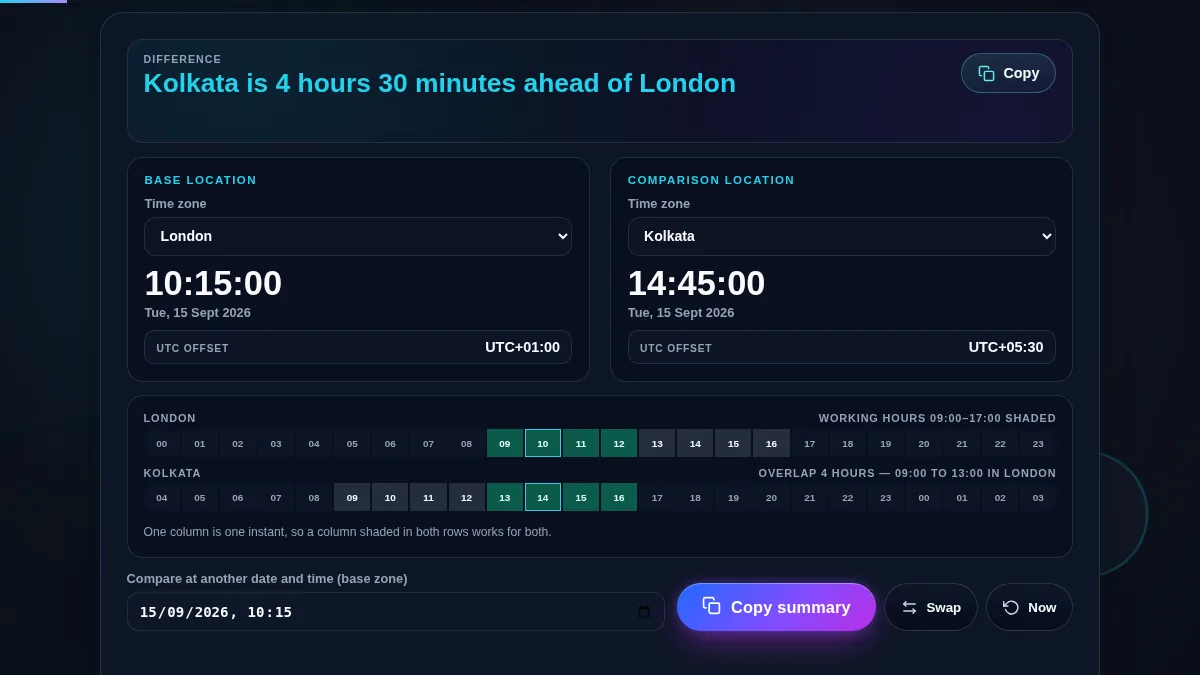
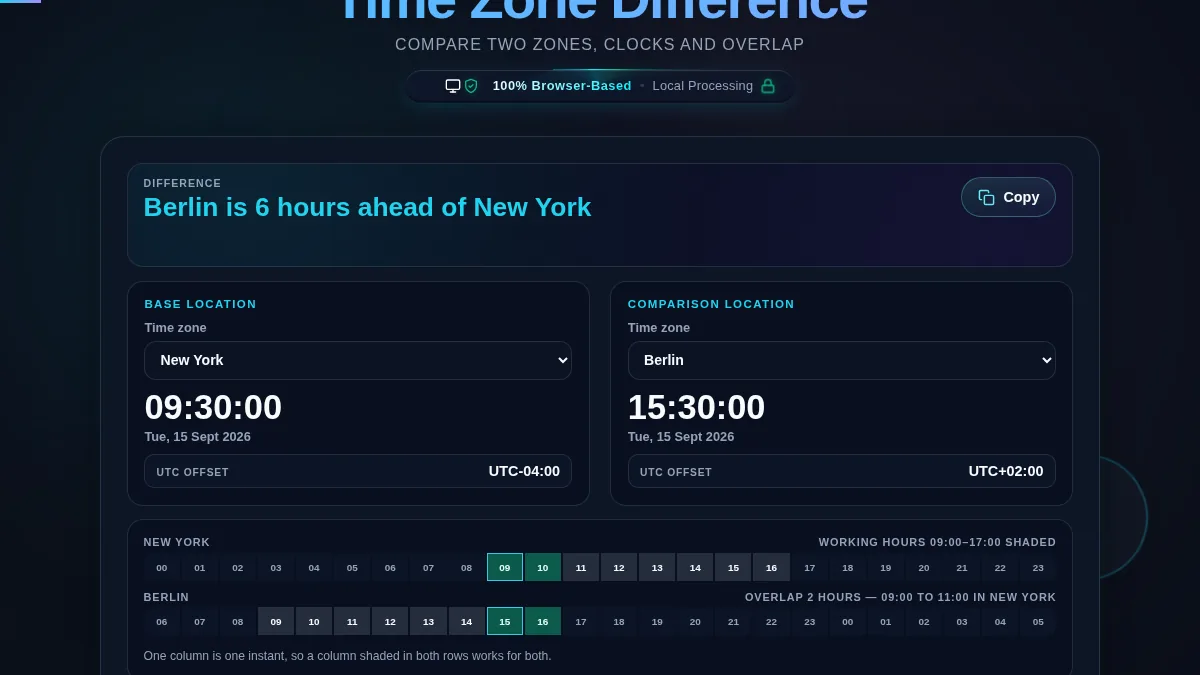
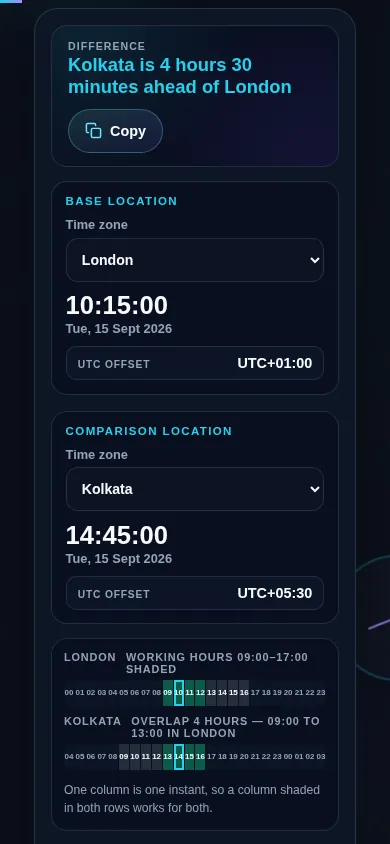
Two questions hide inside "what is the time difference between these two places". The first is arithmetic: how many hours and minutes separate the two clocks right now. The second is the one you actually needed the answer for: given that gap, when can both of us be at a desk at the same time. This tool answers the first in a sentence at the top and the second on the strip underneath.
The difference is read from the browser's own time zone database for the date being shown, never by adding a fixed number of hours. That matters more often than it sounds. London and New York are five hours apart for most of the year and four hours apart for two weeks each March, because the two countries move their clocks on different days. A tool that stores "New York is UTC minus five" is wrong for those weeks, and wrong all summer.
Every reading is a real one. Both panels run a live clock, both show the UTC offset that is in force, and half-hour and 45-minute zones are reported as they are rather than rounded, so Kolkata at UTC+05:30 and Kathmandu at UTC+05:45 come out exactly. To watch several zones at once instead of two, use the Meeting Time Planner.