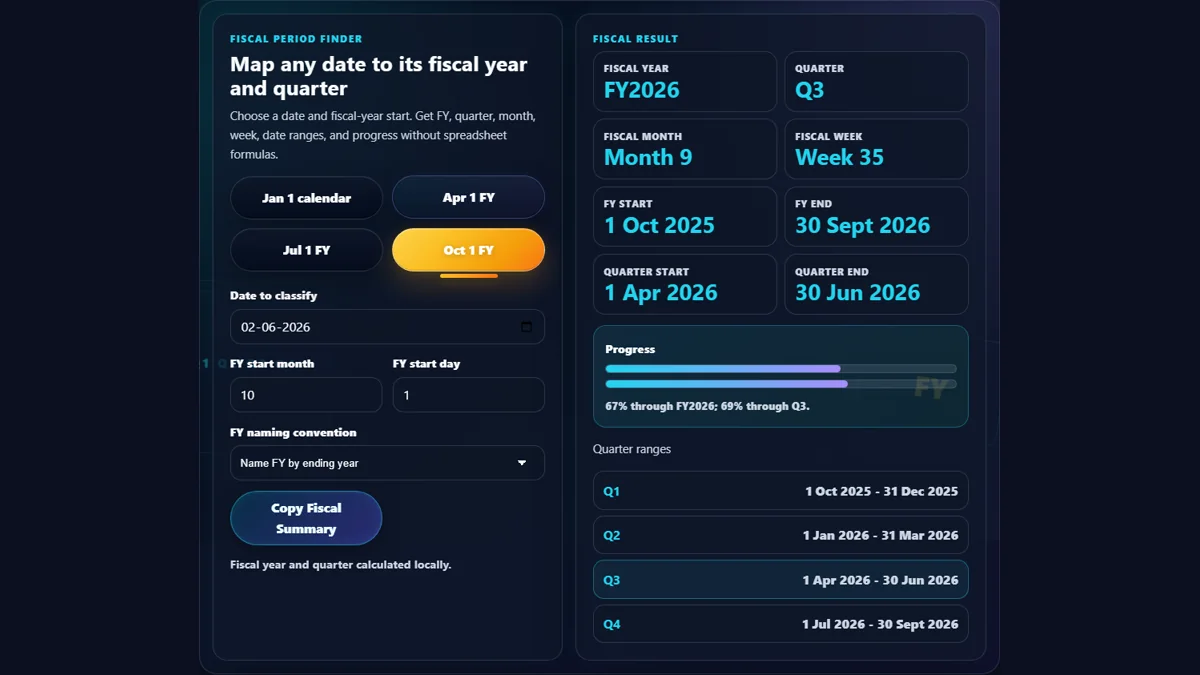
Find Fiscal Year and Quarter for Any Date
This fiscal year calculator and fiscal quarter calculator maps any date to its fiscal year label, fiscal quarter, fiscal month, fiscal week, fiscal year start/end, quarter start/end, and progress through the year and quarter.
Finance, accounting, tax, SaaS, operations, and reporting teams often need a custom fiscal year calculator because fiscal calendars do not always start in January. Common starts include April 1 for many financial-year workflows, July 1 for some government and education calendars, and October 1 for US federal fiscal-year style reporting.
Use it before building reports, invoices, dashboards, board packs, revenue-recognition notes, or tax-year summaries. Pair it with the Business Days Calculator for working-day counts or the Pay Period Calculator for payroll cycles.