Upside-Down Text Generator

Flip your text upside down (rotated 180°) using Unicode look-alike characters you can copy and paste.

100% Browser-Based Local Processing
15px

Ln 1, Col 1 No selection

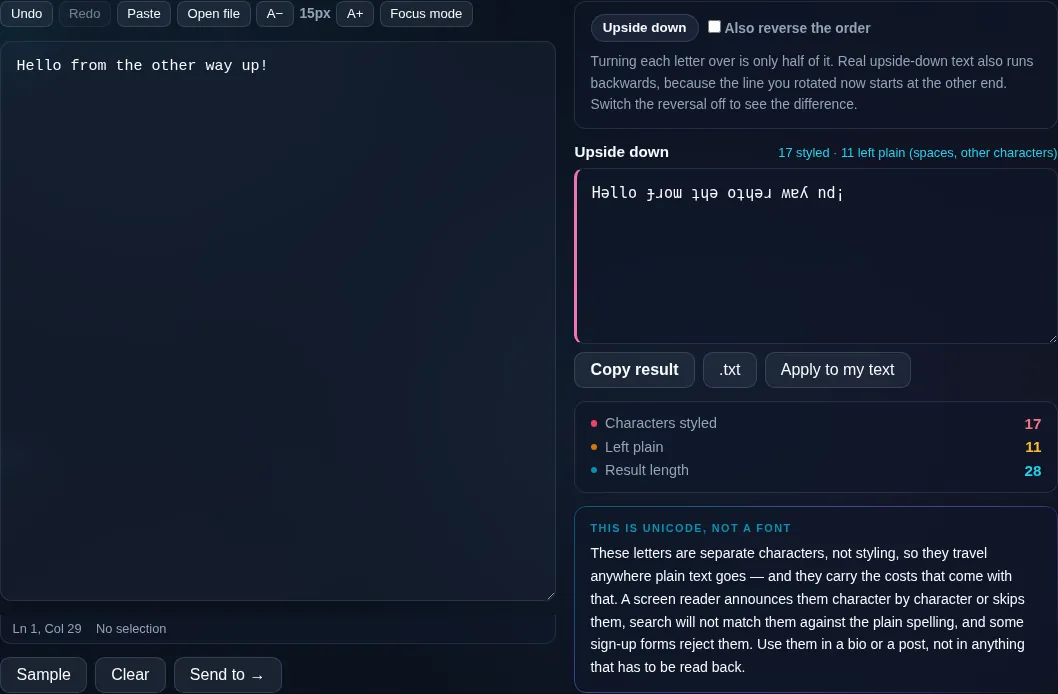
Turning each letter over is only half of it. Real upside-down text also runs backwards, because the line you rotated now starts at the other end. Switch the reversal off to see the difference.

Upside down Nothing to style yet
Characters styled
0
Left plain
0
Result length
0

These letters are separate characters, not styling, so they travel anywhere plain text goes — and they carry the costs that come with that. A screen reader announces them character by character or skips them, search will not match them against the plain spelling, and some sign-up forms reject them. Use them in a bio or a post, not in anything that has to be read back.

Privacy Focused

🔒 Local Processing. Your text never leaves your device.

Instant Results

🌐 Fully Client-Side. Runs instantly in your browser.

No Signup

⚡ No accounts. No API keys. Just open and use.

Browser Based

🚀 No installs, no sign-ups, no character limits.

What is a Upside-Down Text Generator?

Upside-Down Text Generator flips your text so it appears rotated 180° — ʇxǝʇ uʍop-ǝpısdn — by swapping letters for upside-down Unicode look-alikes and reversing their order. Type your text and copy the flipped version. It runs entirely in your browser, so your text stays private, and it pastes into posts and bios.

Upside-down text is a fun trick — words that look genuinely flipped, like writing on its head. It's made by mapping each letter to a Unicode character that resembles its upside-down form and reversing the order.

This tool flips your text in one click, ready to copy. It runs entirely in your browser, so nothing is uploaded. Type, flip, and paste.
How to flip text upside down

Step 1: Type or paste your text into the box

Type or paste your text into the box.

Step 2: The flipped, upside-down version appears instantly (optionally mirrored)

The flipped, upside-down version appears instantly (optionally mirrored).

Step 3: Click to copy it, then paste it into your post, bio, or message

Click to copy it, then paste it into your post, bio, or message.

Upside-Down Text Generator in action

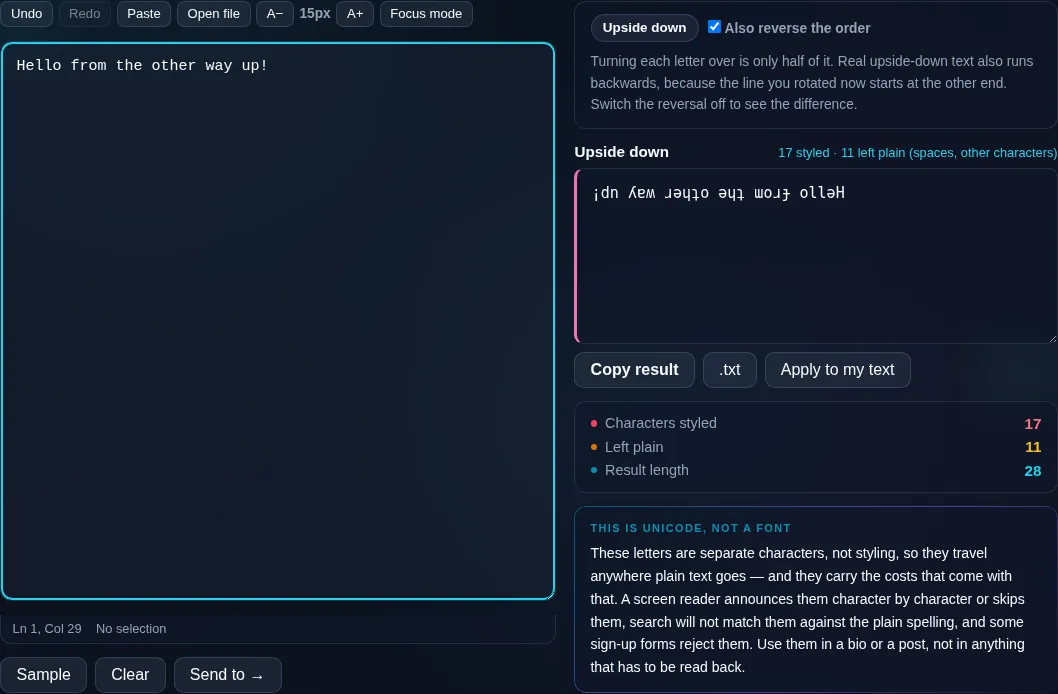
Upside-Down Text Generator flipping text in the browser.
Flipped result
Text flipped upside down with Unicode look-alikes.
Mirror mode
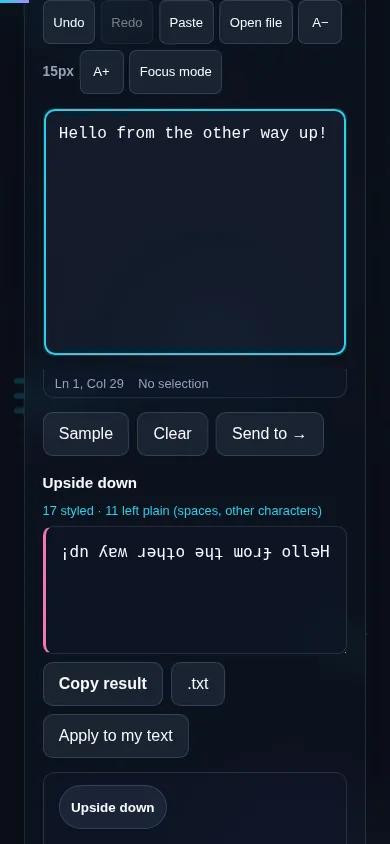
Flipping text upside down on a phone, no app installed.
Mobile (stacked)

How upside-down text is made

To look convincingly flipped, two things happen: each character is swapped for a Unicode character that resembles it rotated 180° (so 'e' becomes 'ǝ', 'a' becomes 'ɐ'), and the whole string is reversed, because when you turn text upside down the last letter ends up first. The result reads bottom-to-top, right-to-left — like genuinely inverted writing. Not every character has a good upside-down look-alike, so a few are approximated or left as-is, and because it relies on these special characters, rendering varies by platform and it's not screen-reader friendly. An optional mirror mode flips horizontally instead for a reversed-reflection effect. This differs from reversing text, which keeps normal letters in backwards order without rotating them. Everything runs locally in your browser, so your text isn't uploaded. For more styles, see the Fancy Text Generator; to just reverse order, the Reverse Text tool.

Frequently Asked Questions

How do I flip my text upside down?

Type your text and the upside-down version appears instantly — each letter becomes an inverted look-alike and the order is reversed so it reads like genuinely flipped writing. Click to copy it and paste it into a post, bio, or message.

Why is the text reversed as well as flipped?

Because when you physically turn text upside down, the last character ends up on the left and the first on the right. So a true 180° flip reverses the order and inverts each letter. The tool does both, which is why the result reads bottom-to-top.

Is this the same as reversing text?

No. Reversing text keeps your normal, upright letters but puts them in backwards order. Upside-down text rotates each letter to an inverted look-alike and reverses the order. For backwards-but-normal letters, use the Reverse Text tool instead.

Do all characters flip correctly?

Most do, using Unicode look-alikes, but a few letters, numbers, or symbols don't have a good upside-down equivalent and are approximated or left unchanged. The effect is convincing for ordinary words; very unusual characters may not flip perfectly.

Where can I use upside-down text?

In social posts, bios, usernames, and chats for a fun, eye-catching effect. It pastes anywhere that accepts Unicode text. Keep it short — it's decorative and not meant to be read as normal content, and it isn't accessible to screen readers.

Can I mirror the text instead of flipping it?

Yes. An optional mirror mode flips the text horizontally for a reflected look rather than a top-to-bottom rotation. It's another playful variation alongside the standard upside-down flip, useful for a 'mirror writing' effect.

Is my text private — is anything uploaded?

No. Everything runs in your browser, so whatever you type or paste is processed on your own device and never uploaded to a server. Nothing is stored once you close the tab. That keeps your text — notes, code, documents, lists — completely private.

Is it free, and do I need to sign up?

Yes, it's completely free with no account, no trial, and no limit on how many times you use it. Because it runs entirely in your browser, there are no server costs, no usage caps, and no watermark or branding added to your text.

Does it work on a phone?

Yes. It runs in your phone's browser with nothing to install, so you can use it on Android or iOS. The layout adapts to small screens, so you can paste text, get the result, and copy it on the go just as easily as on a computer.

Does it work offline?

Once the page has loaded, it runs entirely on your device, so it keeps working without a connection — which is also why nothing is uploaded. You only need to be online to open the page the first time; after that the tool works locally.

Can I copy or download the result?

Yes. You can copy the result to your clipboard with one click, and longer output can be downloaded as a text file. Everything is processed locally, so copying and downloading are instant with no upload step and no waiting.

Is there a limit on how much text I can process?

There's no artificial cap, because the work happens on your device rather than a server. The practical limit is your device's memory, so very large inputs are smoother on a computer than an older phone. For most everyday text, processing is effectively instant.

Still have questions?

If you can't find the answer you're looking for, feel free to contact our support team.

Contact Us