A Randomly.online project
QA automation practice where the page checks your test
QA Playground is a free practice site for test automation. It has 23 challenges, from a plain login form to a closed shadow root inside an iframe. Point Selenium, Playwright or Cypress at a page and each task ticks itself the moment your script gets it right. No sign-up, and nothing to install.
- 23 challenges
- Selenium, Playwright, Cypress
- Solutions in 4 frameworks
- Free, no account
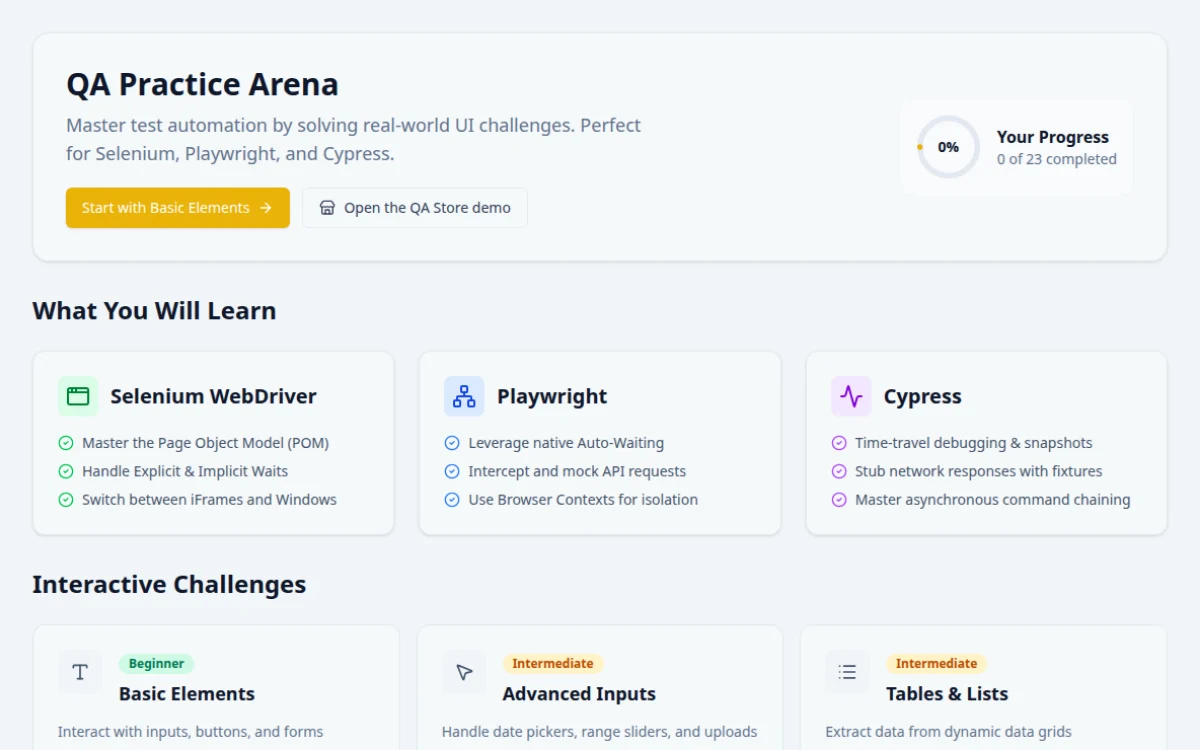
QA Playground in ten facts
| What it is | A website built to be tested: practice pages for browser automation, plus a demo shop |
|---|---|
| Address | qa.randomly.online, with a mirror on github.io for networks that block randomly.online |
| Challenges | 23, rated Beginner, Intermediate or Advanced |
| Test tools | Anything that drives a real browser: Selenium, Playwright, Cypress, WebdriverIO, Puppeteer |
| Solutions | Reference code for every task in Playwright, Selenium Java, Selenium Python and Cypress |
| Checking | Each task ticks itself when the page sees your script do the right thing. Nothing to mark by hand |
| Extras | A test data generator, a mock REST API, 60+ interview questions and a completion badge |
| Price | Free. No account, no email, no ads |
| Your data | Progress is saved in your own browser. The site runs no analytics |
| Made by | Dhruba Singha Roy, founder of Randomly.online |
How does a practice page know your test passed?
Most practice sites hand you a form and leave the checking to you. Your script runs, nothing complains, and you cannot tell whether it clicked the right button or just a button. QA Playground watches instead.
Every element on a page has a goal written beside it, such as "double-click the box" or "switch into the third frame and click the button". When the page sees that exact thing happen, the task turns green. A wrong click leaves it alone.
Read tasks go one step further. They show a value that changes on every visit, and your script has to read it and type it back. A hardcoded answer fails the next run.
When you are stuck
Each element has a hint and its own reference solution in four frameworks. The solutions use the same locators the page was built around, so you can compare yours line by line.
What the practice pages look like
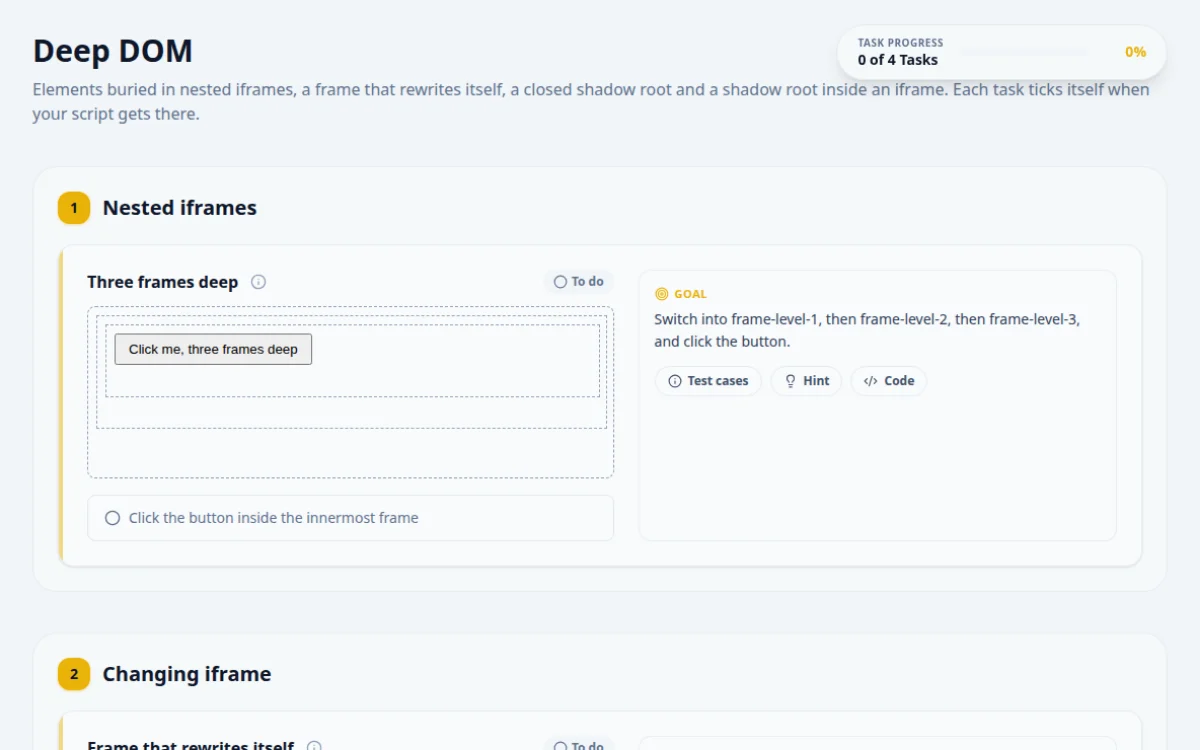
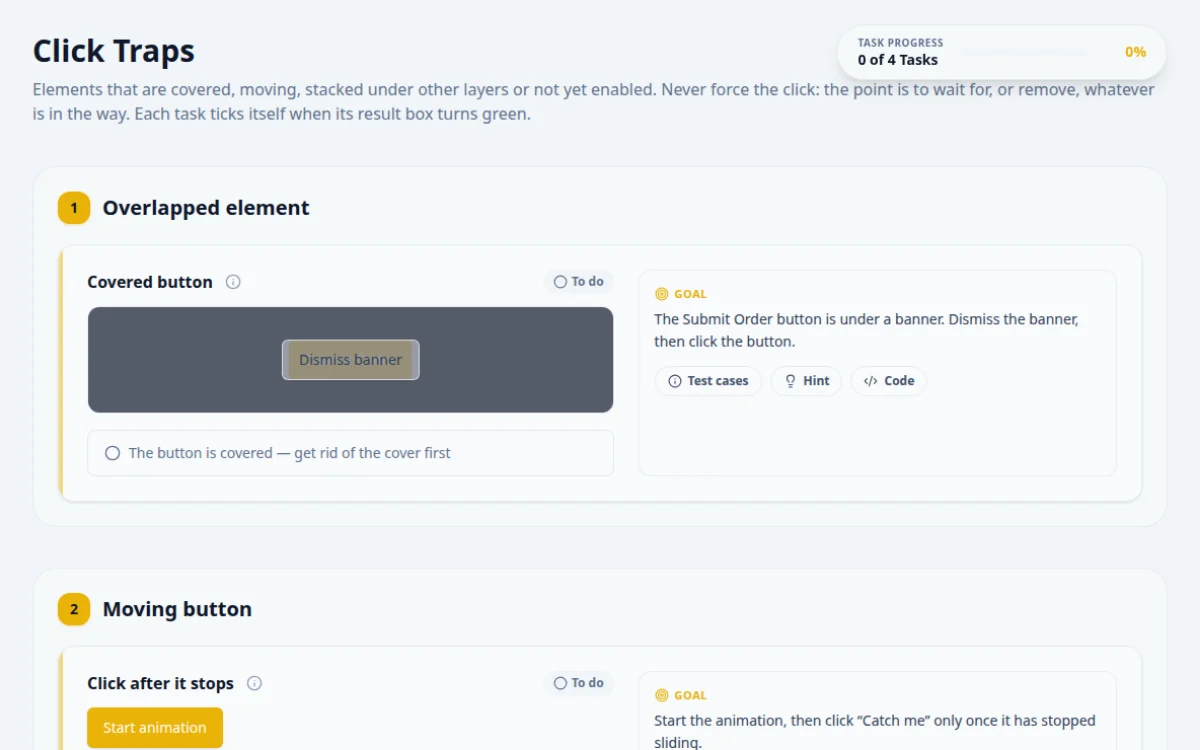
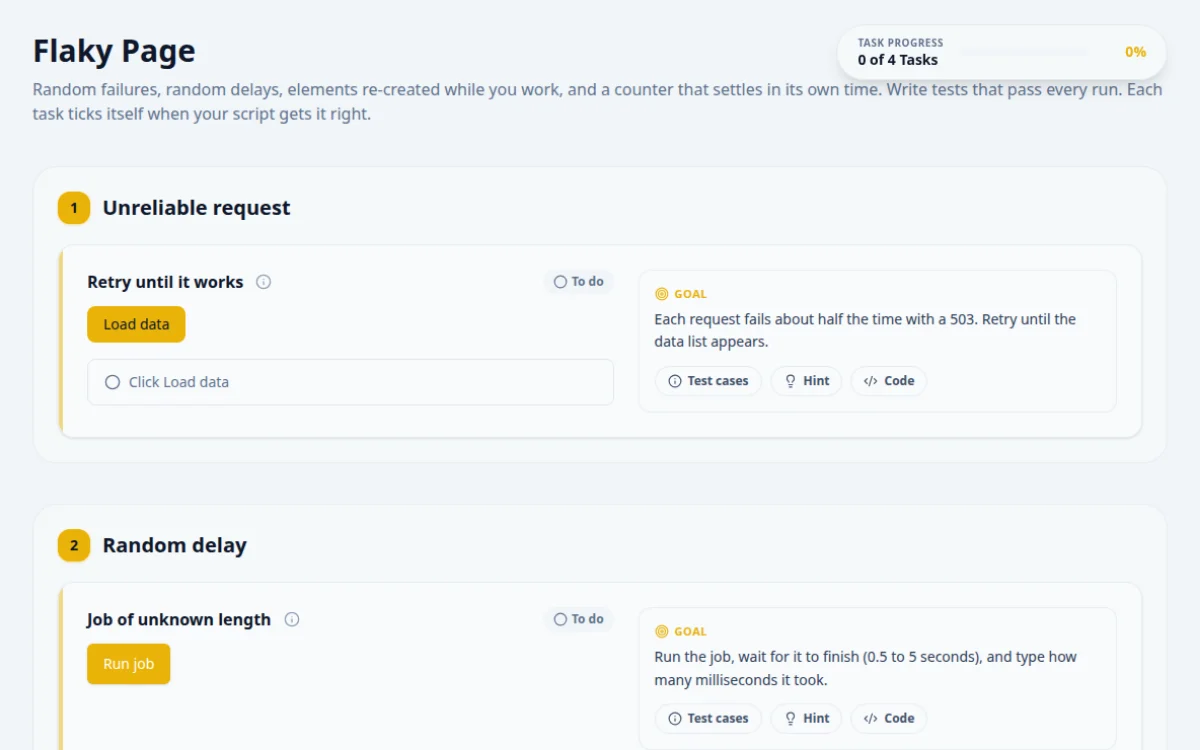
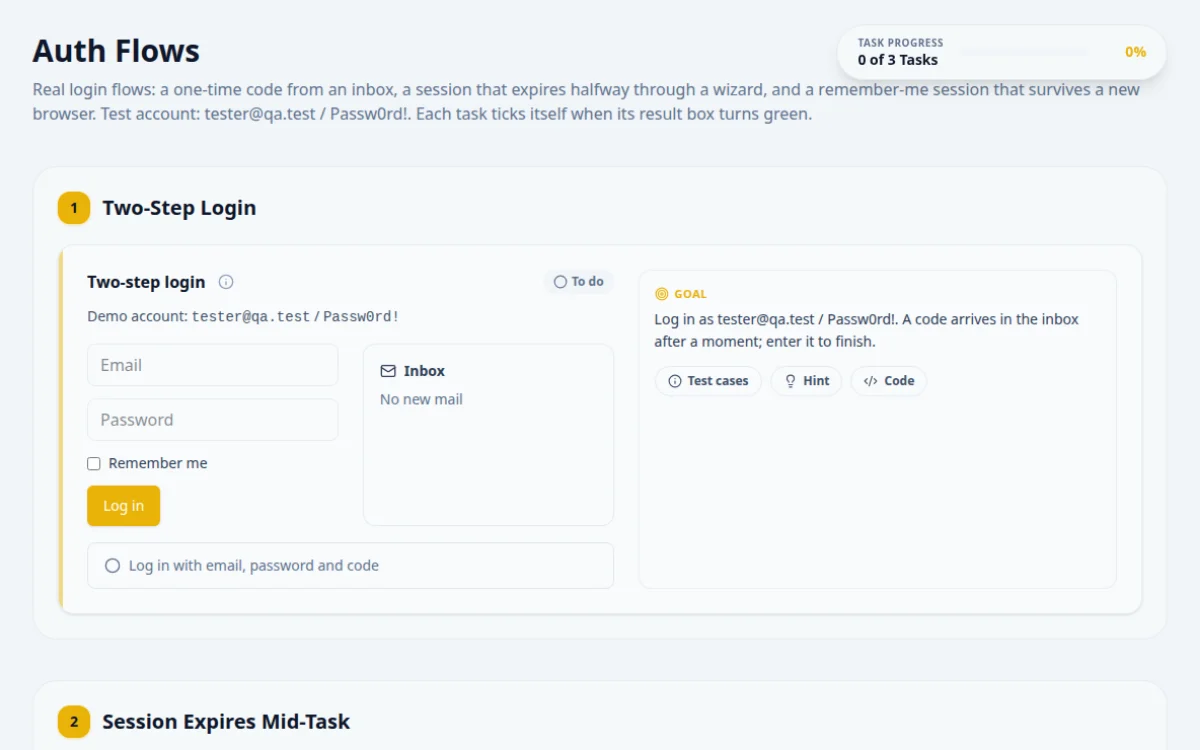
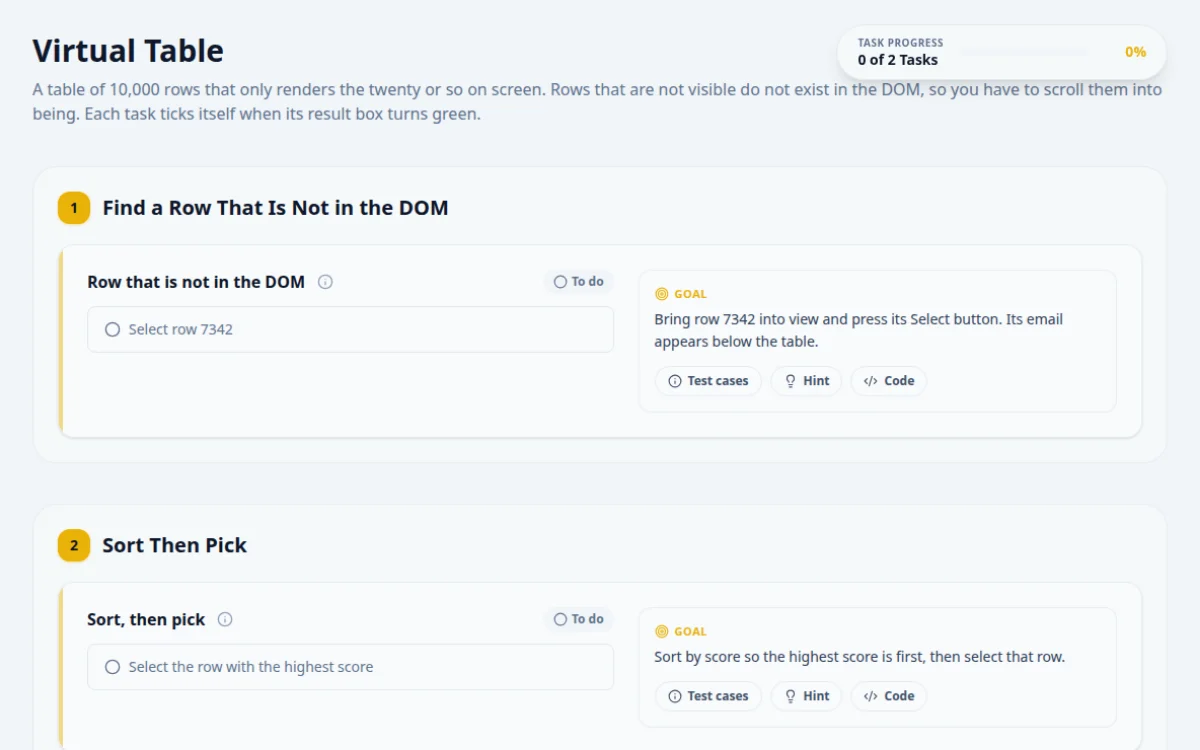
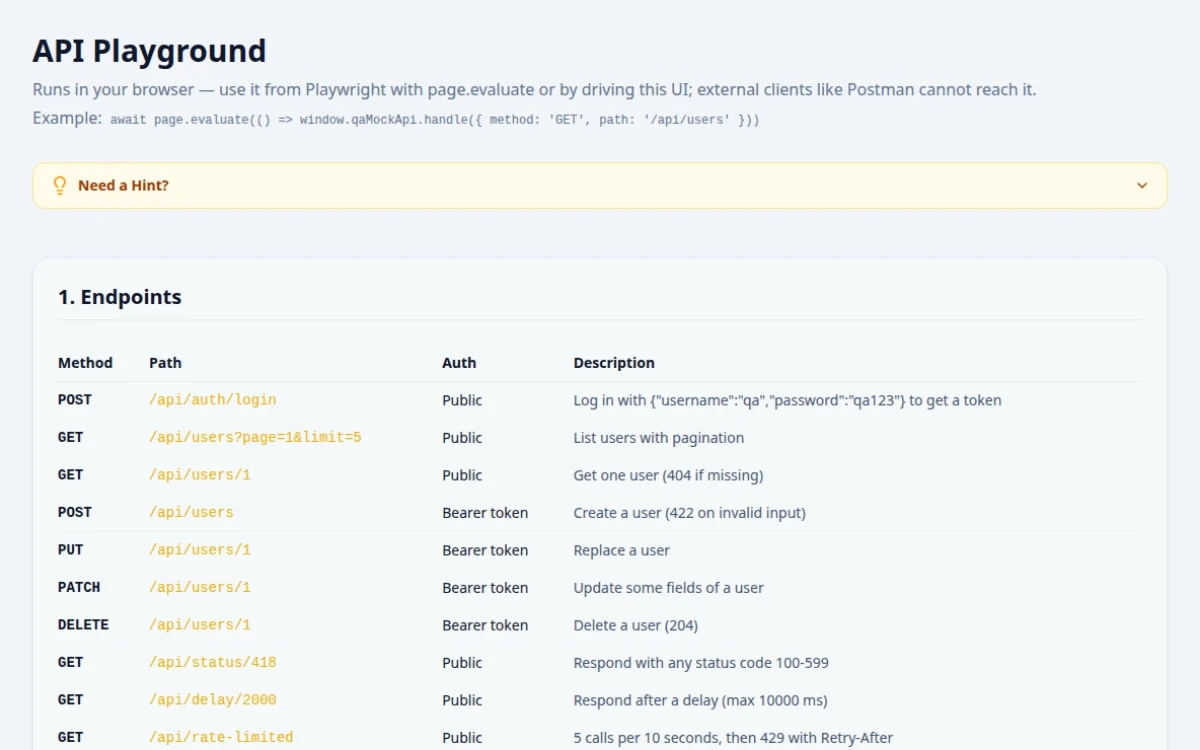
All 23 automation practice challenges
- Basic ElementsBeginner
Text boxes, checkboxes, radio buttons and forms - Popups & DialogsBeginner
Browser alerts, confirm and prompt boxes, and modals - Advanced InputsIntermediate
Date pickers, range sliders and file uploads - Tables & ListsIntermediate
Read values out of dynamic data grids - Dynamic & WaitsIntermediate
Elements that appear late, for explicit waits - Store PaginationIntermediate
Walk through pages of products - Store Lazy LoadingIntermediate
Scroll to make more content load - Progress BarIntermediate
Wait on a bar that fills at its own pace - Locator TrapsIntermediate
Dynamic IDs, shuffled classes, hidden spaces and shifting layouts - Real-World WidgetsIntermediate
OTP boxes, tag inputs and star ratings - Accessibility LabIntermediate
Find planted axe violations and finish a form by keyboard - Mouse & KeyboardAdvanced
Drag and drop, hover, right-click and hotkeys - Frames & Shadow DOMAdvanced
Switch into iframes and shadow roots - API InterceptionAdvanced
Mock and change network requests from your test - Click TrapsAdvanced
Covered, moving and late buttons that break a plain click - Deep DOMAdvanced
Nested iframes, closed shadow roots and shadow DOM inside frames - Flaky PageAdvanced
Random failures, random delays and re-rendered elements - Windows & TabsAdvanced
New tabs, popups that close themselves, windows found by title - Sortable ListsAdvanced
HTML5 drag and drop, press-and-hold sorting and a Kanban board - Virtual TableAdvanced
10,000 rows with only a few in the DOM - Auth FlowsAdvanced
Two-step login, sessions that expire mid-task, remembered logins - Canvas & ChartsAdvanced
Click a moving canvas target, draw a stroke, read chart tooltips - Bug HuntAdvanced
Find six real bugs planted in the QA Store
What else is on QA Playground?
- Test data generatorUp to 100,000 rows of fake users, orders or card numbers as CSV, JSON or SQL. A seed makes the same rows come back every time.
- Mock REST APIEndpoints with bearer tokens, the status code you ask for, added delay and a rate limit, for API tests without a backend.
- Interview kitMore than 60 QA and SDET interview questions with answers, plus flashcards.
- QA Store demoA full shop with search, cart, checkout and an admin area for end-to-end flows. Bug Hunt mode plants six real defects in it.
- Completion badgePass every challenge and download a badge with your name on it. It records practice and is not a certification.
Which automation challenges should a beginner do first?
- Basic Elements. Text boxes, checkboxes, radio buttons and a submit. Learn to find an element and act on it.
- Popups & Dialogs. Browser alerts and confirm boxes block everything until you handle them. Better to meet that early.
- Dynamic & Waits. Elements that arrive late. This is where fixed sleeps start to fail and explicit waits start to make sense.
- Tables & Lists. Read a value out of a grid by its row and column, the way most real assertions work.
- Frames & Shadow DOM. Switch into an iframe and back out. After this, move on to the Advanced pages in any order.
QA automation practice questions, answered
What is QA Playground?
QA Playground is a free website built for practising test automation. It has 23 practice pages, from basic form inputs to nested iframes, closed shadow roots and a 10,000-row virtual table, plus a demo shop for end-to-end tests. Each task ticks itself when your Selenium, Playwright or Cypress script does the right thing. It lives at qa.randomly.online and is made by the founder of Randomly.online.
Is QA Playground free?
Yes. There is no paid tier, no account and no email sign-up. Every challenge, solution and tool is open to anyone who loads the page.
Which automation tools can I use?
Any tool that drives a real browser. Selenium in any language, Playwright, Cypress, WebdriverIO and Puppeteer all work, because the pages are ordinary web pages. The reference solutions are written in Playwright, Selenium Java, Selenium Python and Cypress.
How do I know my test actually worked?
The page checks it. Each element shows its goal, and the task turns green only when the page sees that exact action, such as a double-click on the right box. Read tasks show a value that changes on every visit, and your script has to read it and type it back, so a hardcoded answer fails the next run.
What is a good automation practice site for beginners?
Start with pages that teach one idea each. On QA Playground that order is Basic Elements, Popups & Dialogs, Dynamic & Waits, Tables & Lists and then Frames & Shadow DOM. Each page has a hint and a full solution when you get stuck.
Where can I practise flaky tests and waits?
The Flaky Page fails at random, delays elements by random amounts and re-renders them, so a test only passes if its waits are right. Dynamic & Waits and Progress Bar are gentler versions of the same problem.
Can I practise shadow DOM and iframes?
Yes. Frames & Shadow DOM covers switching into an iframe and reaching into an open shadow root. Deep DOM goes further: a button three iframes deep, a frame that rewrites itself, a closed shadow root and a shadow root inside an iframe.
Is there an API I can test against?
Yes. The API Playground is a mock REST API with bearer-token auth, the status code you ask for, added delay and a rate limit. API Interception is the browser side: mock or change a request from inside your UI test.
My office network blocks randomly.online. Is there another address?
Yes. The same site runs on GitHub Pages at d-xan.github.io. It updates at the same time as qa.randomly.online, and its code samples point at the github.io address so they run from there.
Does QA Playground save my progress?
Yes, in your own browser's local storage. It survives closing the tab but not clearing site data or switching browser. Nothing is sent to a server, and the site runs no analytics.
Is the QA Playground badge a certification?
No. Passing every challenge unlocks a completion badge with your name, which you can download and post. It records self-paced practice and is not an accredited qualification. For a formal credential, look at ISTQB Foundation Level.
Who made QA Playground?
Dhruba Singha Roy, who also builds Randomly.online. Questions and bug reports go to [email protected].
Developer tools that help while you write tests
- JSON formatterMake an API response readable before you write the assertion.
- JWT decoderSee what is inside the token your login test got back.
- Regex testerTry a pattern against real text before it goes in a locator or a check.
- UUID generatorUnique IDs for test records, generated in your browser.
- CSV to JSONTurn a spreadsheet of test cases into data your script can load.
- All developer toolsFormatters, encoders and generators. Nothing is uploaded.