Event Countdown Timer
Precision tracking for your most important global moments.
Create New Countdown
Active Countdowns
No Active Countdowns
Select a date above and click Launch to start tracking.
About The Event Countdown Timer
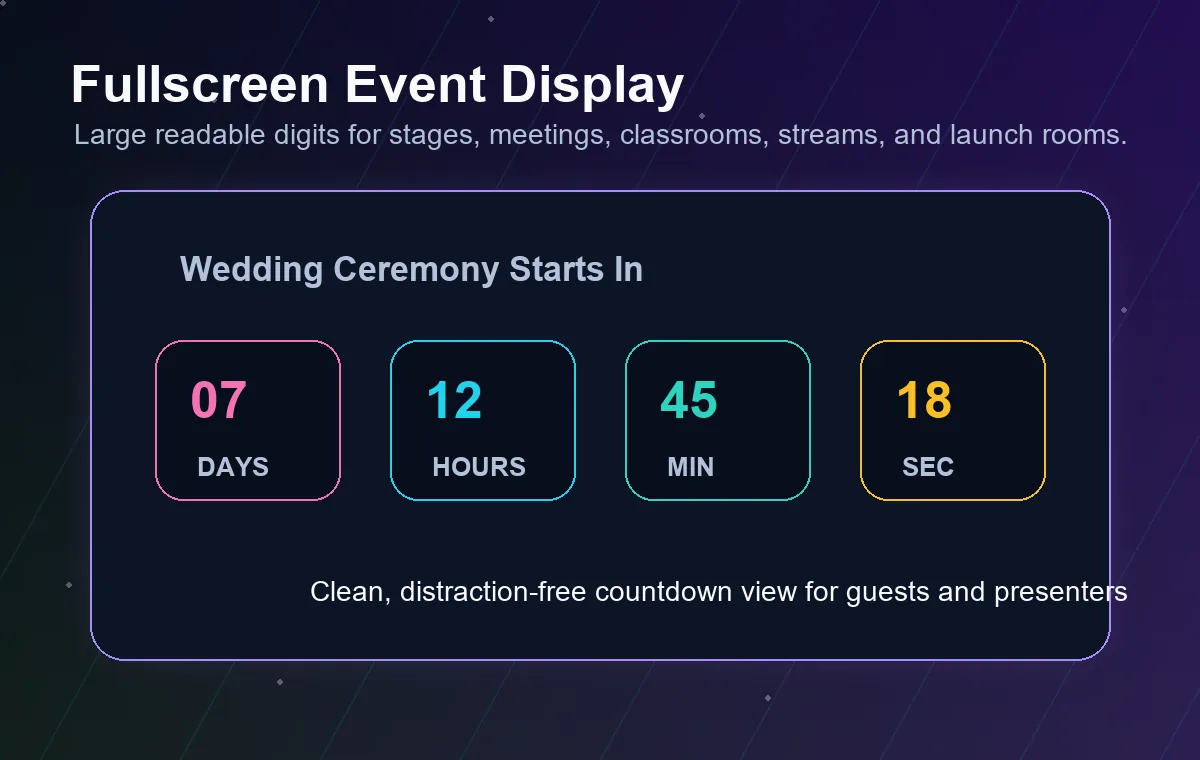
Our Event Countdown Timer is engineered for high-precision tracking of your most vital moments. Whether you are anticipating a global product release, a personal anniversary, or a major project deadline, this tool ensures you never miss a beat. By leveraging advanced client-side logic, we provide a visual representation of time that updates with frame-by-frame accuracy. If your event involves participants across different cities, you may want to use our Time Zone Converter to synchronize schedules effectively.
Distraction is the enemy of anticipation. That is why our interface focuses exclusively on the numbers that matter. For those tracking recurring annual celebrations, our Next Birthday Countdown offers a specialized experience. To ensure your digital workspace is ready for the event, consider using an Image Frame to display promotional assets with professional borders.
How to Use This Tool
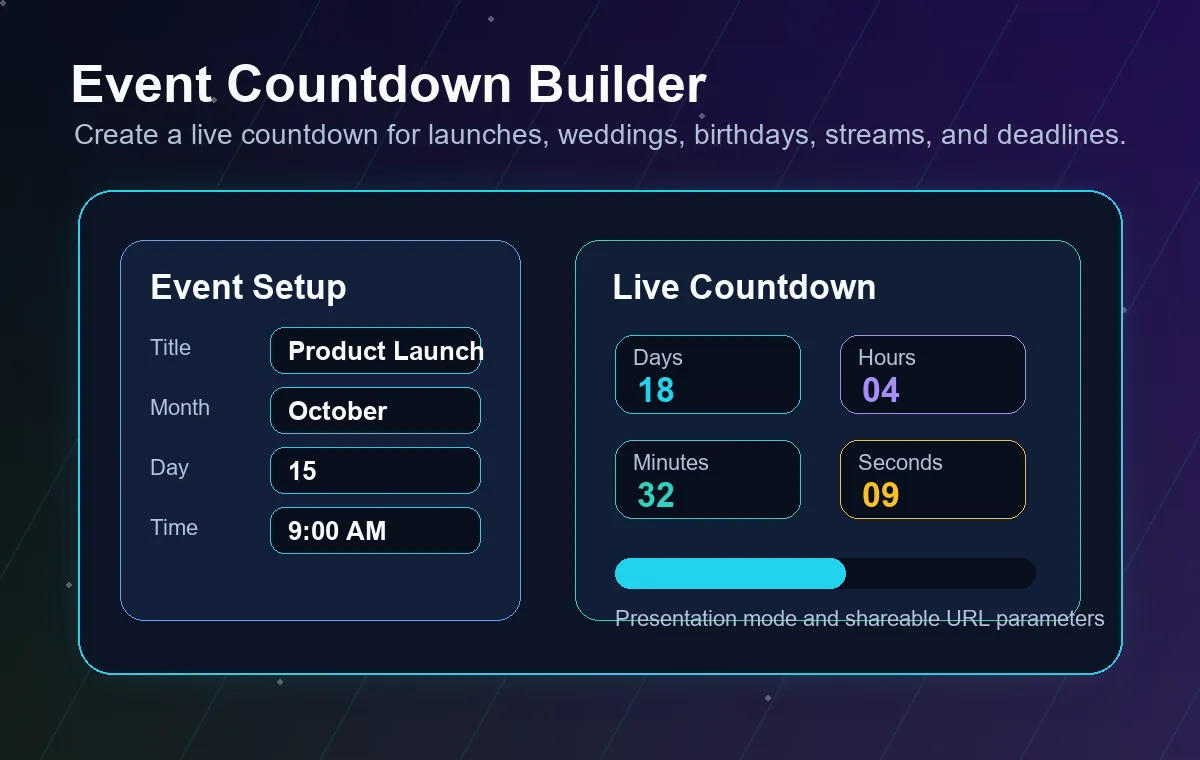
Step 1: Set Your Title. Give your countdown a clear name. This is particularly useful if you are running multiple timers simultaneously. For simple quick tasks, you might prefer our standard Online Timer.
Step 2: Scroll to Select. Use the smooth vertical selectors to choose your Year, Month, Day, and exact time. Our system automatically validates the date range. If you need a live time reference while setting it, check our Digital Clock for real-time accuracy.
Step 3: Define Timezones. Select your calculation base. If you need to figure out the distance between today and another date before setting the timer, the Date Difference Calculator is an excellent companion tool.
Frequently Asked Questions
Yes. The tool calculates the difference between your target millisecond timestamp and your local system clock in real-time. It handles daylight saving transitions automatically when set to local time. For ultra-precise timekeeping, we use the same core engine as our professional clock suites.
Your countdowns are automatically saved to your browser's local storage. This means you can close the tab or restart your device without losing progress. Note that clearing your browser's cache or site data will remove these saved timers.