Education Calculators

Free education calculators — credit-weighted GPA on a 4.0 scale, and a grade calculator that works out the mark you need on the final.

100% Browser-Based Local Processing

Privacy Focused

🔒 Local Processing. Your numbers never leave your device.

Instant Results

🌐 Fully Client-Side. Runs instantly in your browser.

No Signup

⚡ No accounts. No API keys. Just open and use.

Browser Based

🚀 No installs, no sign-ups, no server round-trip.

What are the Education Calculators?

Randomly's education calculators work out where you stand academically and what you still need: a credit-weighted GPA on a 4.0 scale with or without plus/minus steps, and a grade calculator that computes your weighted average and the mark required on a remaining assessment to hit a target.

Two calculators, both answering questions that are easy to get wrong by hand because the weighting trips people up. A GPA is credit-weighted, so a four-credit course moves it far more than a one-credit one. A course grade is category-weighted, so a perfect score on something worth 5% barely registers.

The Grade Calculator also answers the question students actually ask, which is not "what is my average" but "what do I need on the final". It works that backwards, and it will tell you plainly when the target is no longer reachable rather than returning an impossible percentage.

This is a small group, so the related links on each page deliberately bridge into the everyday-math calculators — percentage, average and scientific are the tools most likely to be wanted next.
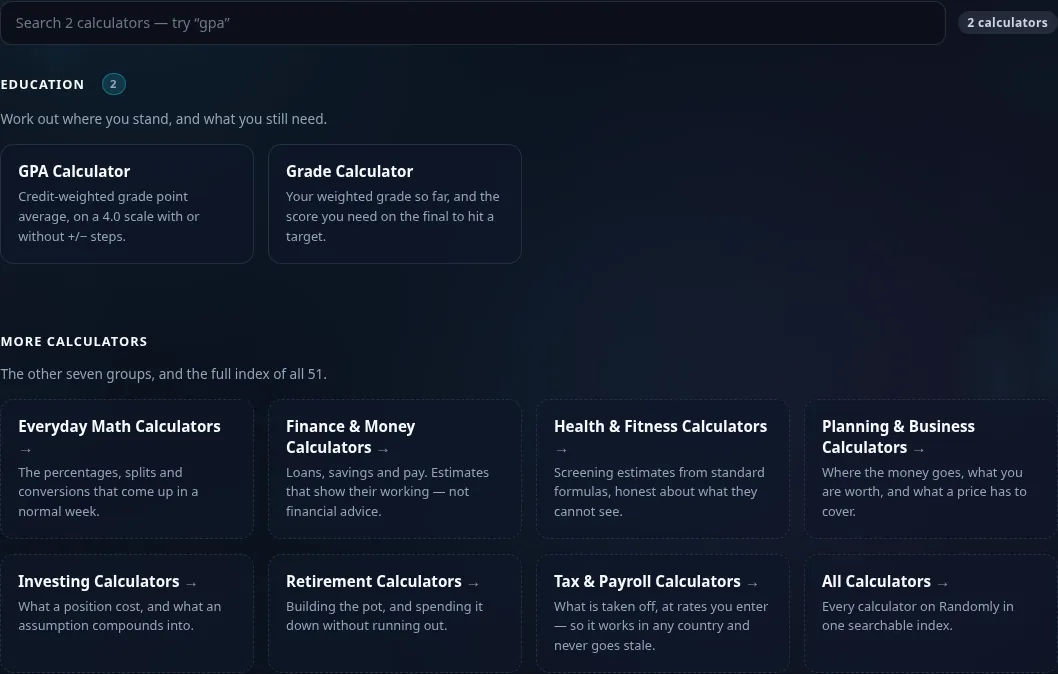
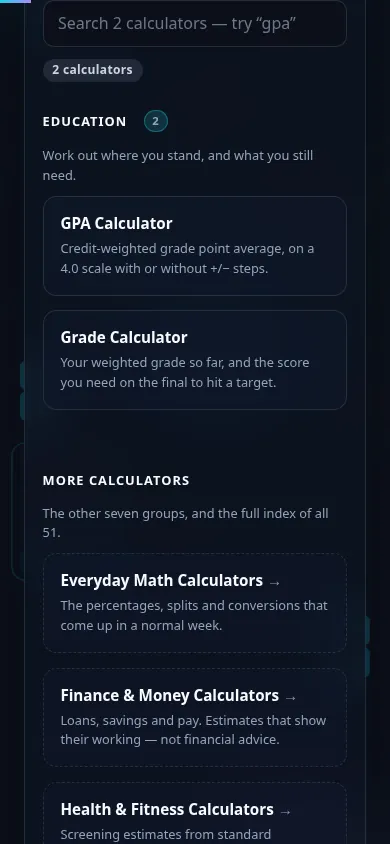
Education Calculators in action

The Education calculator grid on Randomly in dark mode — 2 cards: GPA, Grade
Tool grid (2 calculators)
The Education calculators on a phone, the 2 cards stacked in a single column
Mobile (stacked grid)

Good to know

  • Weighting is handled properly. Credit-weighted for GPA, category-weighted for course grades — the part that hand calculations usually get wrong.
  • It works backwards. Set a target grade and it tells you the mark you need on what is left, including when that is no longer achievable.
  • Scales are configurable. 4.0 with or without plus/minus steps, and custom letter-to-point mappings, because institutions differ.
  • Nothing is uploaded. Your grades stay in your browser. No account, no storage.

Frequently Asked Questions

What education calculators are here?

Two: the GPA Calculator and the Grade Calculator. GPA works across courses using credit weighting; Grade works within a single course using category weighting. Together they cover the two questions students most often need arithmetic help with.

How is GPA calculated?

Each letter grade maps to a grade-point value, that value is multiplied by the course's credit hours, the results are summed, and the total is divided by the total credit hours. Credit weighting is the part people miss: a four-credit course affects your GPA four times as much as a one-credit course with the same grade. The calculator shows the weighted sum so you can see it happening.

Does it support plus and minus grades?

Yes. You can use a straight 4.0 scale where an A is 4.0 and a B is 3.0, or the plus/minus variant where an A− is 3.7 and a B+ is 3.3. Institutions differ on this and some do not use plus/minus at all, so the scale is a setting rather than an assumption.

Can I calculate what I need on the final exam?

Yes — that is what the Grade Calculator is built for. Enter the assessments you have completed with their weights and your scores, set the weight of the final and the overall grade you are aiming for, and it works out the score you need. If the target is arithmetically impossible it says so rather than returning a figure above 100%.

What is the difference between weighted and unweighted GPA?

Unweighted GPA caps every course at 4.0 regardless of difficulty. Weighted GPA gives extra points for honours, AP or IB courses, so it can exceed 4.0. This calculator produces a credit-weighted GPA on a standard scale; if your school adds difficulty bonuses, you can reflect that by entering the adjusted point values your school uses.

Can I use a custom grading scale?

Yes. The letter-to-point mapping is editable, so you can match a scale that differs from the US default — a percentage-based system, a different set of cutoffs, or a scale that does not use letters at all. The calculator applies whatever mapping you give it and shows the working.

Does it handle pass/fail or audited courses?

Courses taken pass/fail normally carry credit but no grade points, so they are excluded from the GPA calculation while still counting toward credits earned. You can simply leave those courses out of the list. Audited courses carry neither and should be left out entirely.

How do I work out my current grade mid-semester?

Enter the assessments completed so far with their category weights and your scores. The Grade Calculator returns your weighted average over the portion of the course that has been graded, which is the honest figure — a raw average across assignments of different weights will usually be wrong, sometimes by several percentage points.

Are my grades stored anywhere?

No. Both calculators run entirely in your browser. Nothing you type is sent to a server or saved, and closing the tab clears it. There is no account and no history.

Why does this group link to the math calculators?

Because two tools cannot honestly fill a set of four related links, and the calculators students most often want next are Percentage, Average, Percentage Change and Scientific. The bridge into everyday math is deliberate rather than filler.

Still have questions?

If you can't find the answer you're looking for, feel free to contact our support team.

Contact Us