Alternating Case Converter

Convert text to aLtErNaTiNg case — the mocking SpongeBob meme style.

100% Browser-Based Local Processing
15px

Ln 1, Col 1 No selection

Start the pattern on

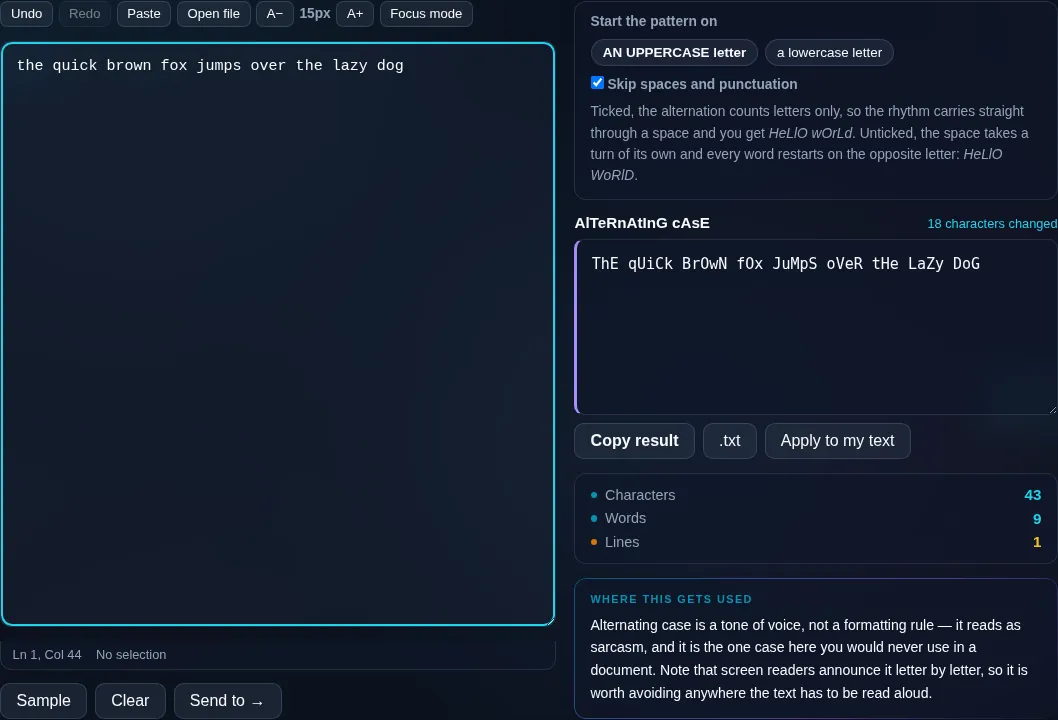
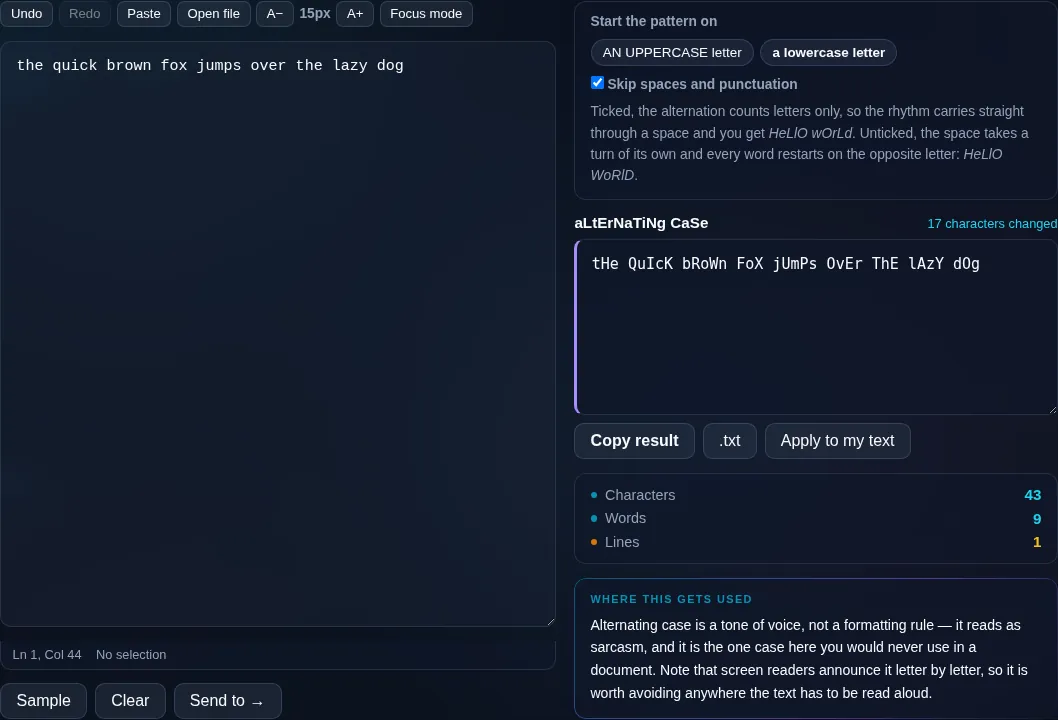
Ticked, the alternation counts letters only, so the rhythm carries straight through a space and you get HeLlO wOrLd. Unticked, the space takes a turn of its own and every word restarts on the opposite letter: HeLlO WoRlD.

AlTeRnAtInG cAsE Nothing to convert
Characters
0
Words
0
Lines
0

Alternating case is a tone of voice, not a formatting rule — it reads as sarcasm, and it is the one case here you would never use in a document. Note that screen readers announce it letter by letter, so it is worth avoiding anywhere the text has to be read aloud.

Privacy Focused

🔒 Local Processing. Your text never leaves your device.

Instant Results

🌐 Fully Client-Side. Runs instantly in your browser.

No Signup

⚡ No accounts. No API keys. Just open and use.

Browser Based

🚀 No installs, no sign-ups, no character limits.

What is a Alternating Case Converter?

Alternating Case Converter turns your text into aLtErNaTiNg case — the mocking 'SpongeBob' meme style where letters switch between lowercase and uppercase. Paste your text, choose whether to start with a lowercase or uppercase letter, and copy the result. It runs entirely in your browser.

The aLtErNaTiNg-case meme — also known as mocking SpongeBob text — is a popular way to add a sarcastic tone to a message online. Each letter flips between lowercase and uppercase for that unmistakable mocking look.

This tool makes it in one click. Paste your text, pick where the pattern starts, and copy it to use anywhere — all in your browser, nothing uploaded.
How to make alternating (mocking) text

Step 1: Paste or type your text

Paste or type your text.

Step 2: Choose whether to start with a lowercase or uppercase letter

Choose whether to start with a lowercase or uppercase letter.

Step 3: Convert, then copy the aLtErNaTiNg text to paste anywhere

Convert, then copy the aLtErNaTiNg text to paste anywhere.

Alternating Case Converter in action

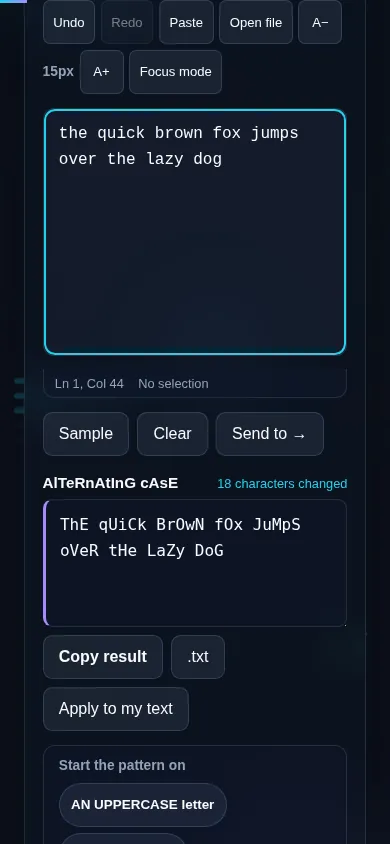
Alternating Case Converter making mocking text in the browser.
Alternating result
Text converted to aLtErNaTiNg mocking SpongeBob style.
Start toggle
Making alternating mocking text on a phone, no app installed.
Mobile (stacked)

About the mocking SpongeBob style

Alternating case became internet shorthand for sarcasm thanks to the 'Mocking SpongeBob' meme, where text is written with letters flipping case to imply you're mimicking someone in a mocking tone. This tool reproduces that look by alternating each letter between lowercase and uppercase. You can choose whether the first letter is lower or upper, and optionally whether spaces and punctuation count as positions in the pattern or are skipped so only letters alternate. It's purely a styling effect — the words themselves are unchanged — and it produces ordinary letters, so it pastes cleanly anywhere, unlike some Unicode 'fancy text'. Everything runs locally in your browser. For other styled looks, see the Fancy Text Generator.

Frequently Asked Questions

What is alternating case (mocking text)?

It's text where letters alternate between lowercase and uppercase — like 'tHiS' — popularized by the Mocking SpongeBob meme to convey a sarcastic, mocking tone online. This tool converts any text into that style instantly so you can paste it into chats, comments, or social posts.

Can I choose whether it starts with a capital?

Yes. A toggle lets you start the pattern with either a lowercase or an uppercase letter, so you can get exactly the look you want — 'tHiS' or 'ThIs'. The rest of the letters alternate from there.

Do spaces and punctuation affect the pattern?

You can choose. By default the alternation can either count every character position or skip spaces and punctuation so that only letters alternate — the second option keeps the lower/upper rhythm consistent across words. Pick whichever gives the look you prefer.

Will the mocking text paste correctly everywhere?

Yes. It uses ordinary uppercase and lowercase letters, not special Unicode characters, so it pastes cleanly into any chat app, social network, or document and displays the same everywhere. That's different from 'fancy text' styles, which rely on Unicode that some platforms don't render.

Does it change the actual words?

No. It only changes the case of the letters — the spelling and wording stay exactly the same. You can always convert back to normal with the lowercase or sentence case tools if you want the plain version again.

What do people use alternating case for?

Mostly humor — replying to someone sarcastically, captioning a mocking SpongeBob image, or adding a playful tone to a comment. It's a casual, meme-driven style, so it's popular in chats and on social media rather than in formal writing.

Is my text private — is anything uploaded?

No. Everything runs in your browser, so whatever you type or paste is processed on your own device and never uploaded to a server. Nothing is stored once you close the tab. That keeps your text — notes, code, documents, lists — completely private.

Is it free, and do I need to sign up?

Yes, it's completely free with no account, no trial, and no limit on how many times you use it. Because it runs entirely in your browser, there are no server costs, no usage caps, and no watermark or branding added to your text.

Does it work on a phone?

Yes. It runs in your phone's browser with nothing to install, so you can use it on Android or iOS. The layout adapts to small screens, so you can paste text, get the result, and copy it on the go just as easily as on a computer.

Does it work offline?

Once the page has loaded, it runs entirely on your device, so it keeps working without a connection — which is also why nothing is uploaded. You only need to be online to open the page the first time; after that the tool works locally.

Can I copy or download the result?

Yes. You can copy the result to your clipboard with one click, and longer output can be downloaded as a text file. Everything is processed locally, so copying and downloading are instant with no upload step and no waiting.

Is there a limit on how much text I can process?

There's no artificial cap, because the work happens on your device rather than a server. The practical limit is your device's memory, so very large inputs are smoother on a computer than an older phone. For most everyday text, processing is effectively instant.

Still have questions?

If you can't find the answer you're looking for, feel free to contact our support team.

Contact Us