×

Generating High-Res Image...

Printable Calendar Generator

Welcome to the ultimate precision tool for creating physical planners. The Printable Calendar Generator is engineered specifically for perfect ink-on-paper formatting, eschewing on-screen decorations for a clean, deterministic layout engine. Whether you are managing an office, organizing an academic year, or simply need a physical grid for your kitchen fridge, this tool bridges the gap between digital data and physical productivity.

Unlike standard web calendars that distort when sent to a printer, our workspace renders a true print-ratio preview. This ensures that what you see on the screen—every margin, line thickness, and typographic choice—translates flawlessly to your A4 or US Letter paper. All logic operates entirely locally within your browser using JavaScript. No external dependencies or server transmissions are involved, meaning your configurations are instantly generated and entirely private. You can verify your chosen layout with our Date Format Converter to ensure international compatibility.

You can seamlessly shift from a standard Gregorian calendar layout to advanced structures. By combining our Fiscal Year Calculator logic with rolling month generation, you can start a 12-month calendar from April, July, or any desired starting point. For deep organizational needs, toggle the ISO week numbers, which pairs perfectly with our ISO Week Date Converter or your own Custom Date Formatter.

Configuring your perfect physical calendar is a streamlined process designed for instant feedback. Follow these steps to generate and print your layout:

  1. Define the Timeframe: Begin by selecting your starting month and year. Use the Duration dropdown to decide if you need a single month, a 3-month quarterly overview, or a comprehensive 12-month layout. If you are planning for a special milestone, use our Anniversary Calculator to find exact dates.
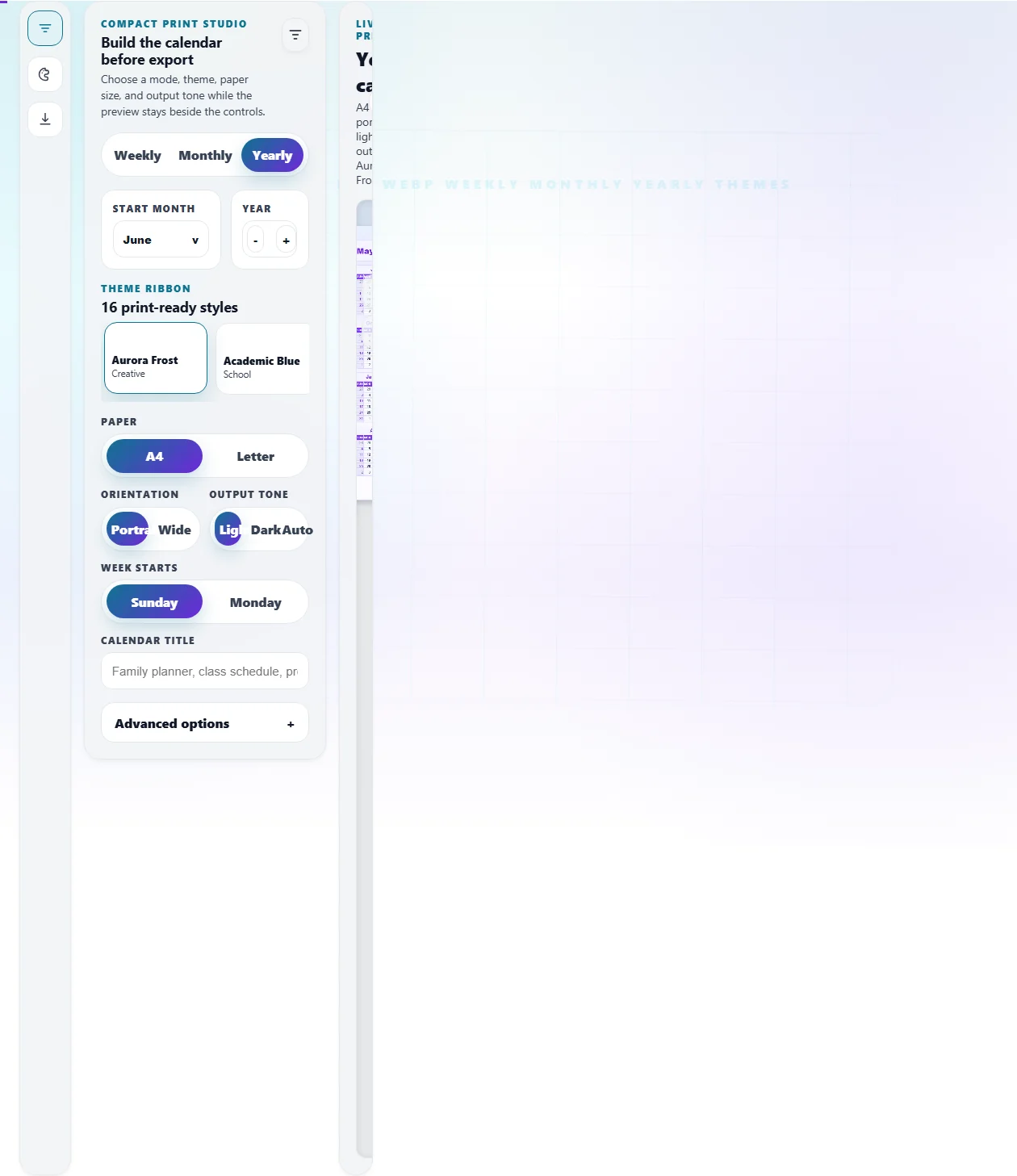
  2. Choose Paper Format: In the Layout panel, select your target paper size. A4 (210x297mm) is standard internationally, while Letter (8.5x11in) is standard in North America. Select Portrait or Landscape orientation based on how much writing space you need in each cell.
  3. Adjust the Grid: Decide if your week should start on Sunday or Monday. This recalculates the entire grid instantly.
  4. Apply Features: Use the checkboxes to inject utility into your printout. Add lined writing boxes for neat handwriting, show ISO week numbers for corporate planning, or add a dedicated notes section at the bottom of the page.
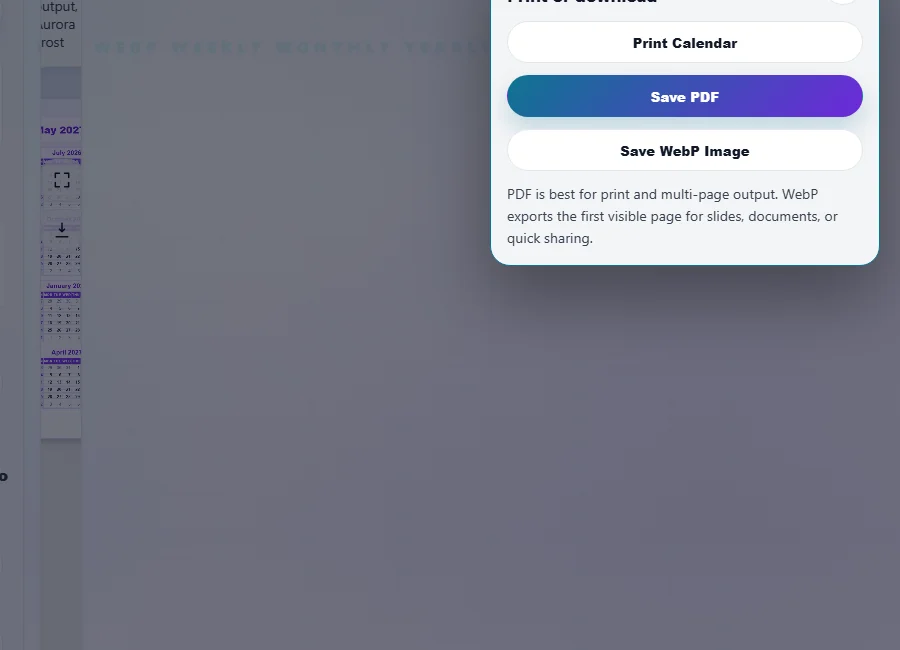
  5. Print or Export: Once the preview looks perfect, click the "Save PDF" button. This triggers a high-resolution export process. Alternatively, use "Save Image" to save a high-resolution snapshot for digital sharing or further processing.

If you are planning personal events, you might want to cross-reference your generated calendar with our Next Birthday Countdown to manually highlight critical dates before printing. For global collaboration, always sync with a Time Zone Converter.

Frequently Asked Questions

The workspace utilizes a dynamic CSS scaling engine to fit a physical document onto your digital screen. The internal dimensions of the calendar are hard-coded in millimeters (e.g., 210mm x 297mm for A4). The preview wrapper then measures your available screen space and applies a mathematical scale transformation (like `transform: scale(0.6)`) so the entire page is visible without scrolling horizontally.

However, the moment you click "Save PDF," a dedicated export stylesheet takes over. It disables the scaling and tells the engine to render the exact physical measurements. This guarantees zero distortion. If you need to plan corporate dates on this physical print, you can use our Working Days Calculator to find exact durations to mark down.

Yes, absolutely. The generator is built to support rolling timeframes. Instead of being locked into a standard January-December block, you can select any month (e.g., July) and any year, then set the Duration to "12 Months." The engine will chronologically generate pages from July of your starting year through June of the following year.

This is exceptionally useful for students, teachers, and financial officers. You can add custom titles like "Academic Year 2026-2027" to the header. For financial officers needing to determine specific quarter bounds, we recommend verifying dates with our Fiscal Year Calculator before generating your 12-month printable set.

The "Save Image" functionality operates entirely client-side to ensure your privacy and maximize speed. When you request an image export, the tool dynamically loads a lightweight script called `html2canvas` directly into your browser memory. This script reads the DOM (Document Object Model) of the calendar preview and draws it pixel-by-pixel onto an invisible HTML5 `` element.

Once drawn, the canvas is converted into a high-resolution base64 PNG data URL, which your browser then downloads as a file. Because this requires complex CSS parsing, there is a brief loading screen, but no data ever leaves your device. If you later need to convert this PNG into a multi-page PDF document, you can seamlessly process it through our secure PNG to PDF converter.