About the Monthly Calendar Generator
Welcome to the most versatile, client-side Monthly Calendar Generator designed for professionals and planners. In a world of complex scheduling, this tool provides a clean, focused, and customizable workspace. You can visualize your month, annotate dates, and generate a printable layout instantly. Whether tracking habits or managing shifts, this tool adapts to you. It even integrates seamlessly with our Week Number Calculator to display accurate ISO identifiers for professional workflows.
Every aspect of the calendar is integrated into your browser. As you type notes or switch start days, the grid re-renders instantly. We've ensured all complex math—including leap years—is handled deterministically. Since it runs locally, your sensitive schedules stay private. For deeper chronological planning, try our Date Difference Calculator to measure the distance between project milestones while finalizing your monthly view.
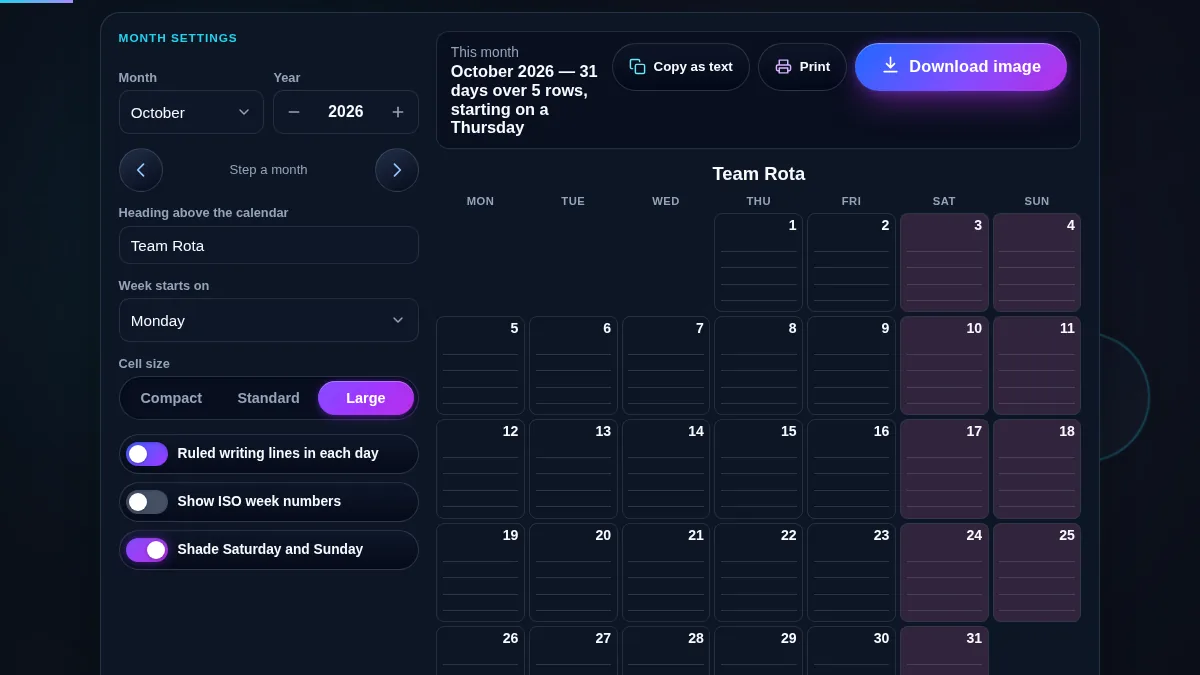
Our generator bridges the gap between digital convenience and physical utility. Multiple density modes ensure you have full control over visual output. If you rely on printed materials, you'll appreciate our print-preview mode which strips UI elements for standard A4 paper. It pairs perfectly with a Printable Calendar for long-term organization on your office wall.
How to Use This Tool
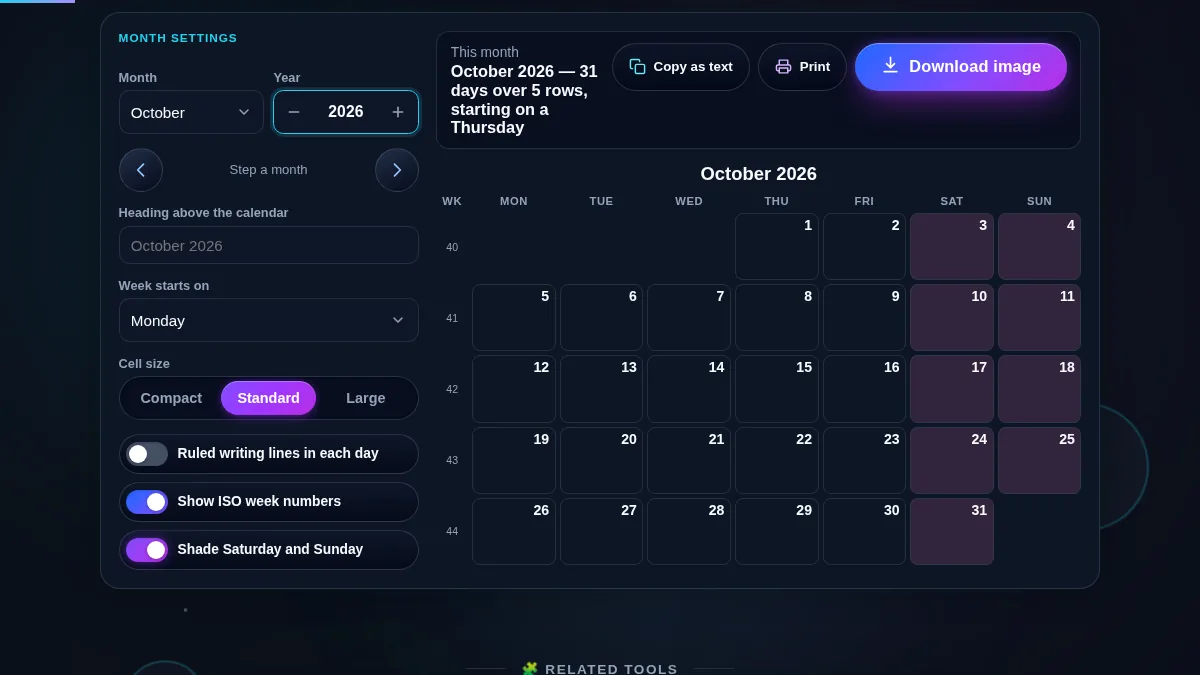
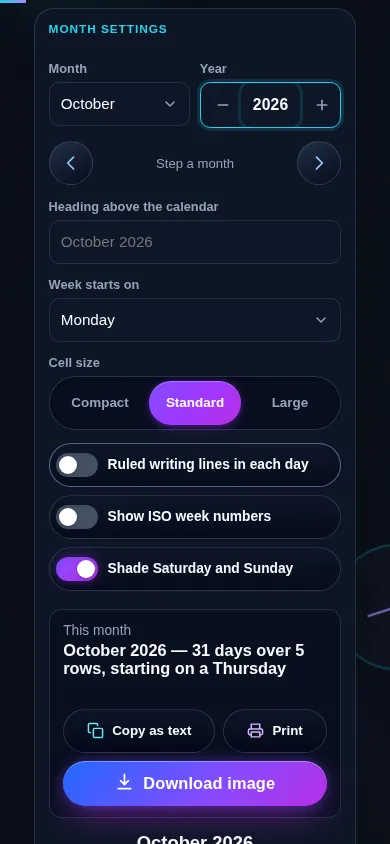
Creating your perfect calendar is easy. Use the selection controls on the left to select your target month and input the year. You can generate layouts for the past or far into the future, making it comparable to a Yearly Calendar Generator. determine your preferred layout by choosing whether your week starts on Sunday or Monday—crucial for regional standards.
Once set, use visual toggles to highlight weekends or add ISO Week Numbers. For a bit of flair, switch on the Moon Phases indicator. Adding personal notes is as simple as clicking a date cell and typing. Your browser's local storage saves these instantly. To ensure your current time is accurate before scheduling, check the Current Date & Time on our live dashboard.
Frequently Asked Questions (FAQs)
Our tool uses specialized CSS media queries for printing. When you click "Print / Save PDF", all navigation and sidebars are hidden. The grid expands to fill 100% of the page. This ensures you get a clean Printable Calendar with no screen clutter, optimized for landscape orientation.
Privacy is guaranteed as this tool operates 100% client-side. Notes are saved directly to your browser's localStorage. We do not use databases or transmit your schedule to servers. Your data stays on your device. For more details on how we handle data, please visit our Privacy Policy.
Yes. The underlying date engine understands and calculates leap years with precision. It handles Feb 29 adjustments and corrects weekday alignments automatically. For any concerns about specific years, our Leap Year Checker can verify if a given year is a leap year before you generate your calendar.