What is a VAT / GST Calculator?
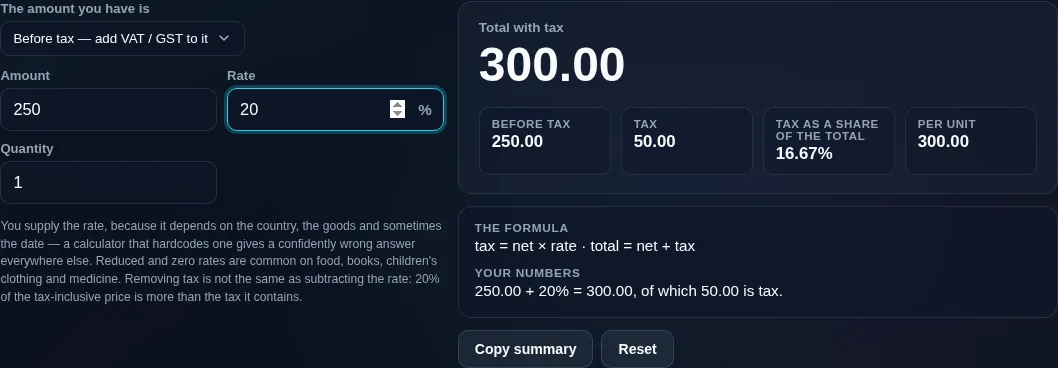
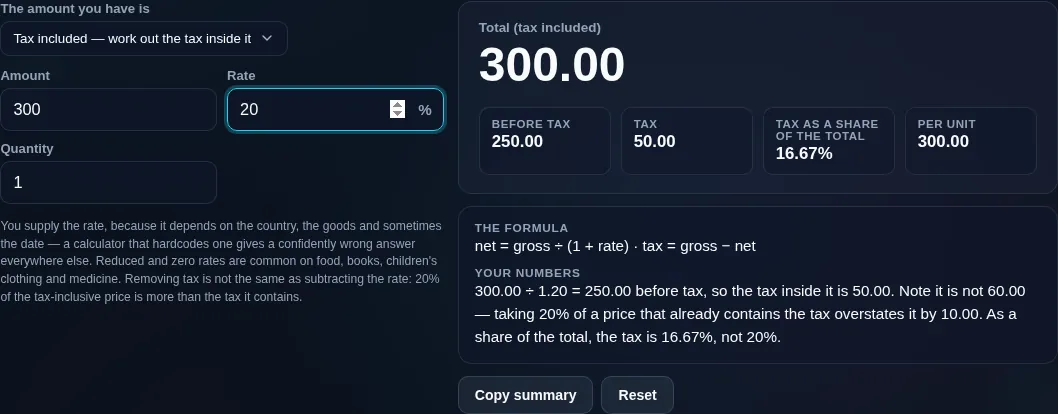
A VAT / GST Calculator adds or removes tax at the rate you enter. To add: gross = net × (1 + rate), and the tax is net × rate. To remove it from a tax-inclusive price: net = gross ÷ (1 + rate). You can't just subtract the rate from the gross.
VAT (value-added tax), GST (goods and services tax), and sales tax all work the same way arithmetically: a percentage added to a net price. This calculator does both directions cleanly — adding tax to a net (tax-exclusive) price, or removing it from a gross (tax-inclusive) price — at any rate you enter.
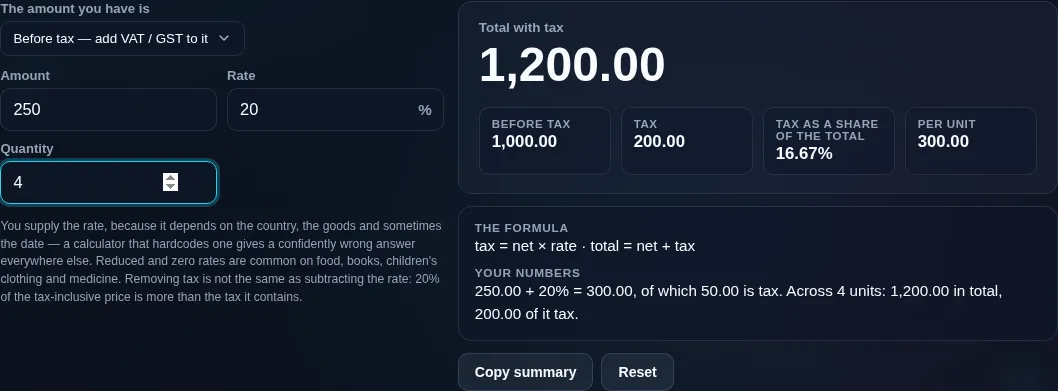
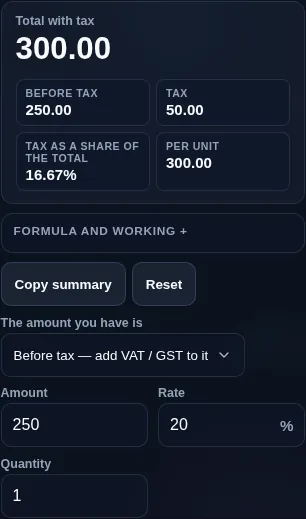
To add tax, the tool multiplies your net amount by the rate to get the tax, then adds it: gross = net × (1 + rate). So £100 at 20% becomes £20 tax and £120 gross. To remove tax — the case people most often get wrong — you divide, not subtract: net = gross ÷ (1 + rate), and the tax is the difference. So a £120 tax-inclusive price at 20% is £100 net and £20 tax. (Subtracting 20% of £120 would wrongly give £96, because the 20% was calculated on the smaller net figure, not the gross.) Enter your amount, choose add or remove, and the tool shows the net, the tax, and the gross, each clearly labelled, with an optional quantity for line totals.