Random PIN Generator

Generate secure random PINs — 4, 6, or any length — with an option to avoid weak patterns.

100% Browser-Based Local Processing

Press Generate for a random PIN

PIN length

Press Space to generate again.Tap Generate PIN again for another.

Privacy Focused

🔒 Local Processing. Your names and lists never leave your device.

Instant Results

🌐 Fully Client-Side. Runs instantly in your browser.

No Signup

⚡ No accounts. No API keys. Just open and use.

Browser Based

🚀 No installs, no sign-ups, no server round-trip.

What is a Random PIN Generator?

Random PIN Generator creates secure numeric PINs of any length — 4, 6, or custom. It uses a cryptographically secure random generator, can avoid obvious weak patterns like 1234 or 0000, and generates everything locally so your PINs are never uploaded or stored.

A PIN is only as safe as it is unpredictable, and people tend to pick weak ones — 1234, 0000, or a birth year. This tool generates genuinely random PINs of the length you need, so your card, lock, app, or device PIN isn't an easy guess.

It runs entirely in your browser using a secure random generator, and nothing is stored — close the tab and the PIN is gone. Choose the length, optionally avoid weak patterns, and copy your PIN.
How to generate a secure PIN

Step 1: Choose the PIN length — 4, 6, or a custom number of digits

Choose the PIN length — 4, 6, or a custom number of digits.

Step 2: Optionally turn on 'avoid weak patterns' to skip obvious sequences and repeats, and set how many PINs you want

Optionally turn on 'avoid weak patterns' to skip obvious sequences and repeats, and set how many PINs you want.

Step 3: Generate, then copy your PIN

Nothing is saved, so copy it before closing the tab.

Random PIN Generator in action

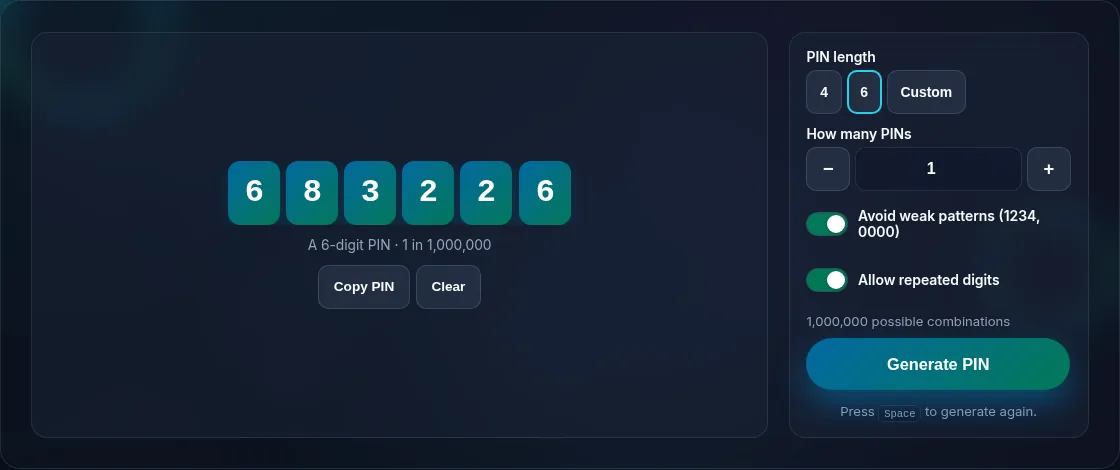
A secure random PIN with length options.
PIN + options
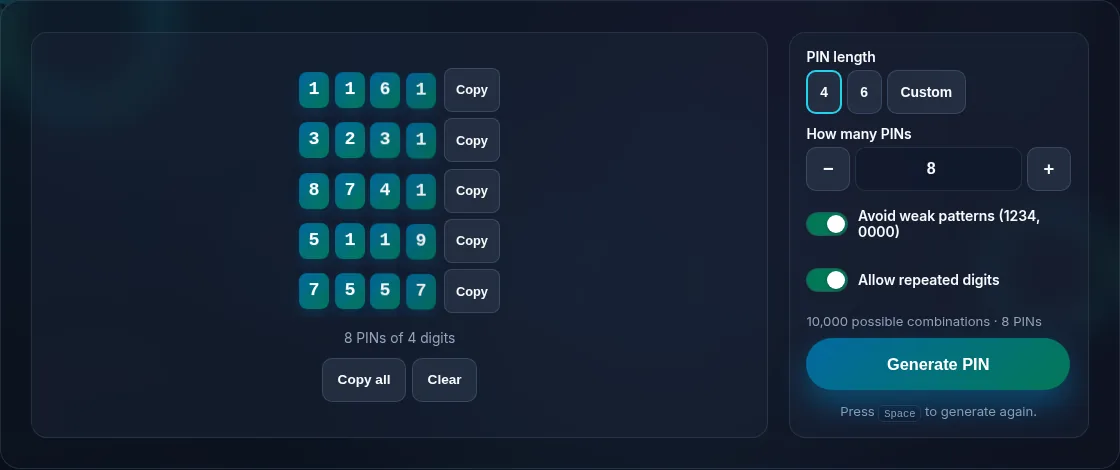
Avoid-weak-patterns option for PINs.
Avoid weak patterns
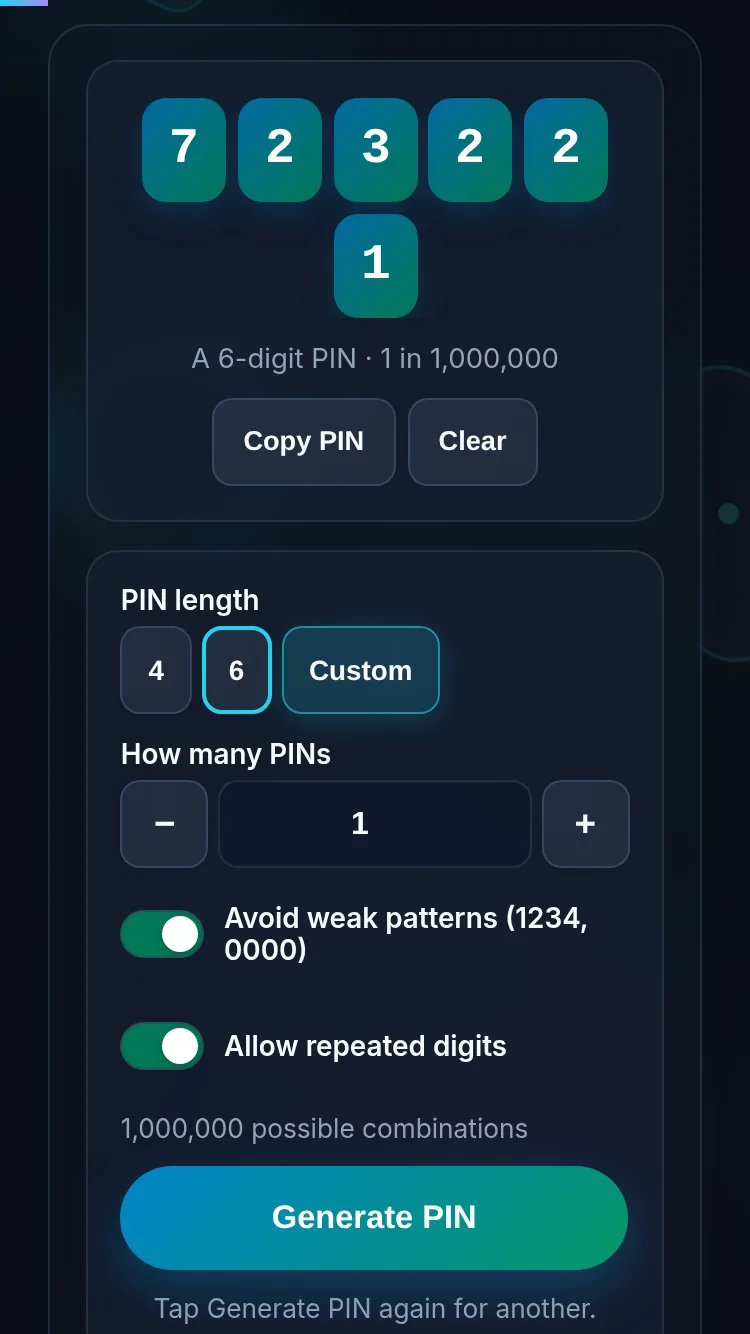
Generating a PIN on a phone, nothing stored.
Mobile (stacked)

What makes a PIN strong

A PIN's strength comes from being random and long enough: a 4-digit PIN has 10,000 combinations, a 6-digit PIN a million, so longer is meaningfully safer where the system allows it. Avoid predictable choices — sequences (1234), repeats (1111), and dates — which attackers try first; the 'avoid weak patterns' option skips the obvious ones automatically. This generator uses your browser's secure random source, so each PIN is genuinely unpredictable, and it runs locally with nothing stored or transmitted, which matters for something as sensitive as a PIN. Don't reuse the same PIN across cards and accounts, and store it in a password manager rather than writing it down. For full passwords use the Password Generator; for a single random number, the Random Number tool.

Frequently Asked Questions

Is the PIN generated securely?

Yes. PINs are generated using your browser's cryptographically secure random number generator, so every digit is genuinely unpredictable rather than from a weak, guessable source. That's what makes a generated PIN safer than one a person would typically choose.

Can it avoid weak PINs like 1234 or 0000?

Yes. Turn on 'avoid weak patterns' and the generator skips obvious choices such as straight sequences (1234, 4321), repeated digits (1111, 0000), and other simple patterns attackers try first. That leaves you with a PIN that's both random and not trivially guessable.

What length PIN should I use?

Use the longest your system allows. A 4-digit PIN has 10,000 combinations and a 6-digit PIN has a million, so 6 digits is meaningfully stronger. For anything important, prefer 6 or more digits where supported; the tool lets you pick 4, 6, or a custom length.

Do you store the PINs I generate?

No. Generation happens entirely in your browser and nothing is stored, logged, or transmitted — close or refresh the page and the PIN is gone. Because it's that sensitive, copy your PIN somewhere safe (ideally a password manager) before leaving the page.

How is this different from the Password Generator?

This tool makes numeric PINs — digits only, for cards, locks, and devices that require a PIN. The Password Generator makes full passwords and passphrases with letters and symbols. Use this when the system specifically needs a numeric PIN, and the Password Generator for everything else.

Can I generate several PINs at once?

Yes. Set the count to generate a batch — useful for provisioning multiple devices or accounts — and copy them. As with single PINs, they're created locally and nothing is stored, so save any you need before closing the tab.

Is it private — is anything uploaded?

No. Everything runs in your browser, so whatever you enter is processed on your own device and never uploaded. Nothing is stored once you close the tab unless you choose to save it. That keeps your lists, names, and data private.

Is it free, and do I need to sign up?

Yes, it's completely free with no account, no trial, and no limit on how many times you use it. Because it runs entirely in your browser, there are no server costs, no usage caps, and no watermark or branding added to your result.

Does it work on a phone?

Yes. It runs in your phone's browser with nothing to install, so you can use it on Android or iOS. The layout adapts to small screens, making it easy to use on the go, at a party, or in a classroom.

Does it work offline?

Once the page has loaded, it runs entirely on your device, so it keeps working without a connection — which is also why nothing is uploaded. You only need to be online to open the page the first time; after that the tool works locally.

Can I copy or share the result?

Yes. You can copy the result to your clipboard with one click, and many results can be downloaded or shared. Everything is generated locally, so copying and sharing are instant with no upload step.

Is the randomness fair?

Yes. The tool uses your browser's secure random number generator, so every outcome is genuinely unpredictable and each option has an equal chance. It isn't weighted or rigged — results are as fair as a well-shuffled deck or an even spin.

Still have questions?

If you can't find the answer you're looking for, feel free to contact our support team.

Contact Us