Random Password Generator
Strength hint appears after generation.
Security tool
Create strong passwords locally with Web Crypto and copy them without server upload.
Strength hint appears after generation.
Local processing keeps your inputs and results on your device.
The random draw happens in your browser with no server round trip.
Open the page, use the tool, and leave without creating an account.
Works on modern desktop and mobile browsers without installs.
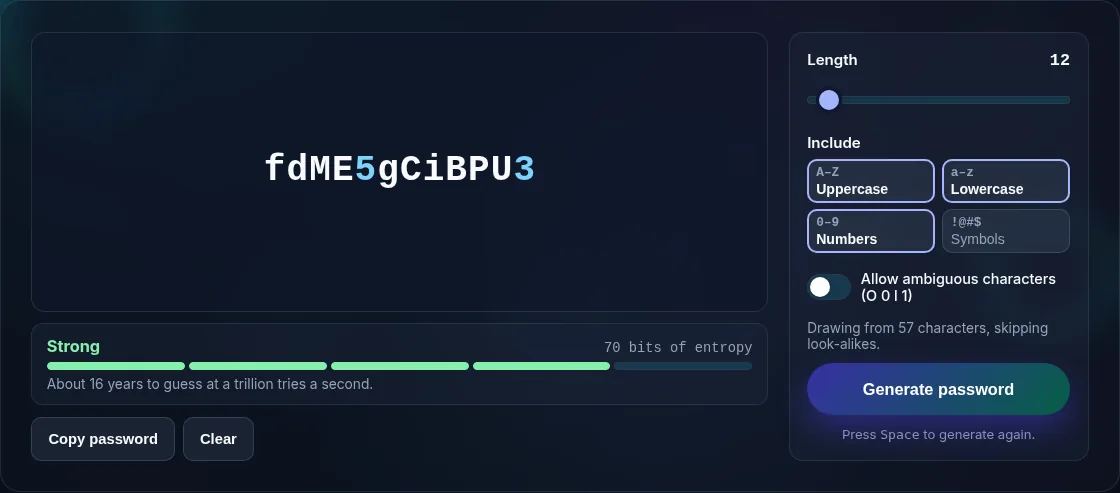
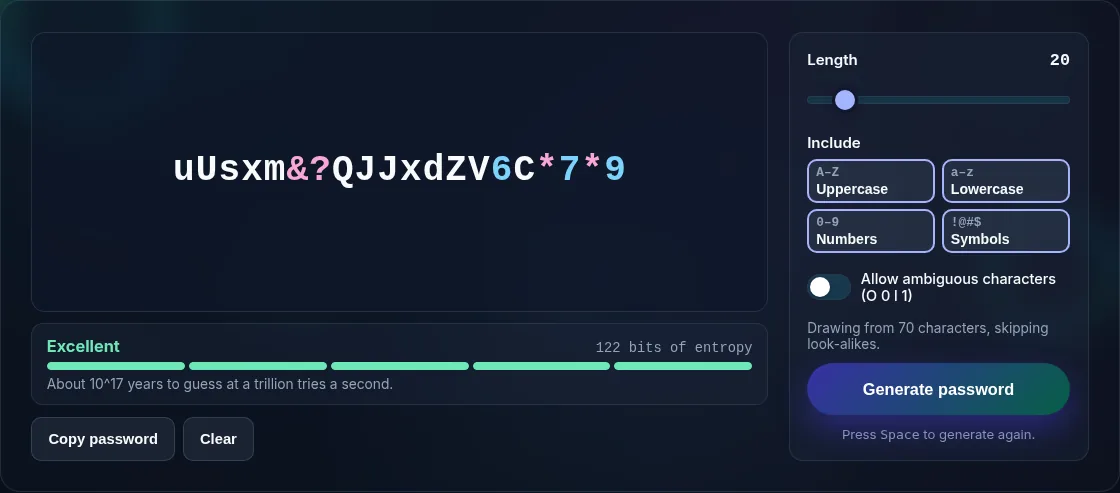
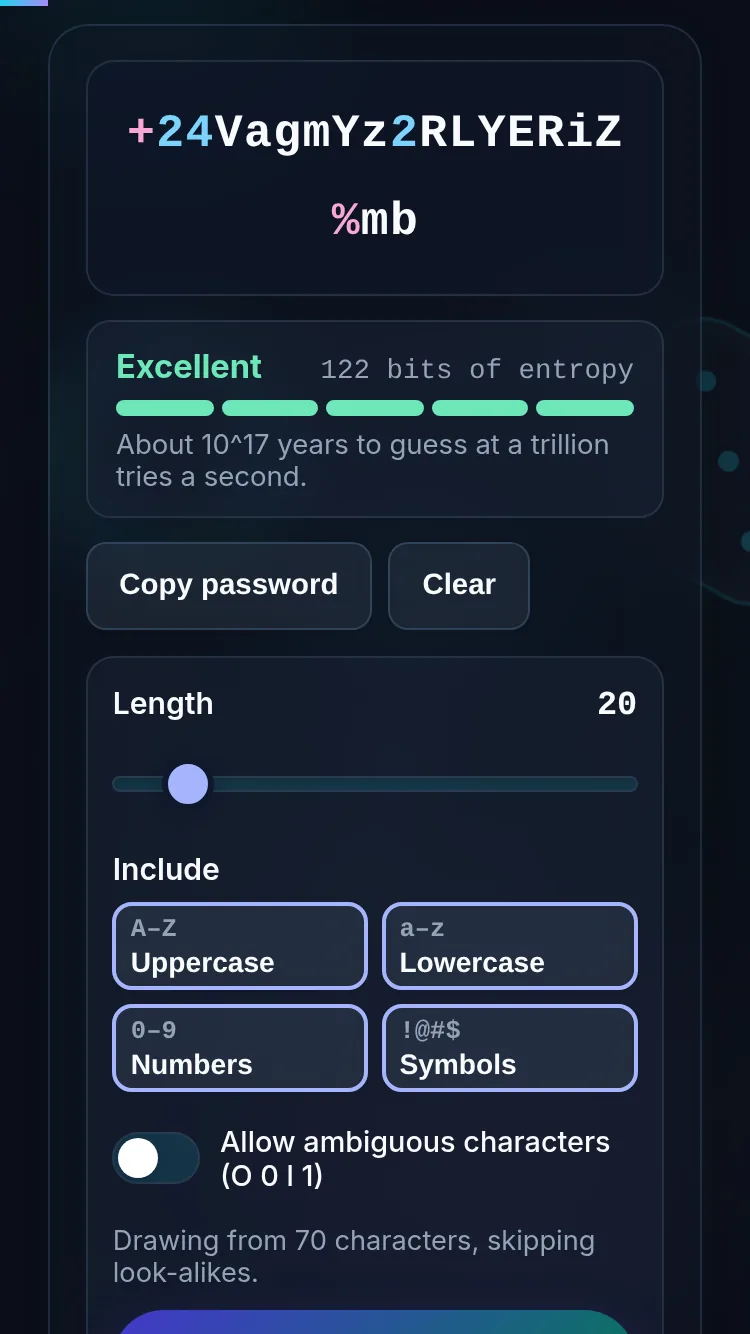
A strong password should be long, unpredictable, and generated privately. This Random Password Generator creates passwords in your browser using Web Crypto, with controls for length, uppercase letters, lowercase letters, numbers, symbols, and ambiguous characters.
The tool does not upload generated passwords or store them in an account. Use it for temporary credentials, test accounts, router passwords, and any workflow where you need a new secret quickly. For developer IDs, the UUID generator planned in this random tools cluster will be a better fit.
After generating a password, copy it into a trusted password manager. Avoid sending passwords through chat or saving them in plain text notes.
Follow these steps to get a clean result without leaving the page.
Use at least 16 characters for most accounts. Longer passwords are harder to guess and usually safer when the site accepts them.
Keep lowercase, uppercase, numbers, and symbols enabled for broad strength. Disable symbols only if a site rejects them.
Press Generate Password, copy the result, and store it in a password manager instead of memorizing or reusing it.
Yes. Password characters are selected with the browser Web Crypto API, which is designed for stronger random values than Math.random.
No. Passwords are generated locally and are not uploaded, logged, or saved by Randomly.
Use at least 16 characters for normal accounts when possible. For highly sensitive accounts, use a longer password and store it in a password manager.
Yes, if the website accepts them. Symbols increase the character pool and make generated passwords harder to guess.
No. Use a different password for each account. Reusing passwords makes one breach affect multiple services.