Creative picker
Create a quick batch of random emojis for chats, prompts, captions, and games.
Local processing keeps your inputs and results on your device.
The random draw happens in your browser with no server round trip.
Open the page, use the tool, and leave without creating an account.
Works on modern desktop and mobile browsers without installs.
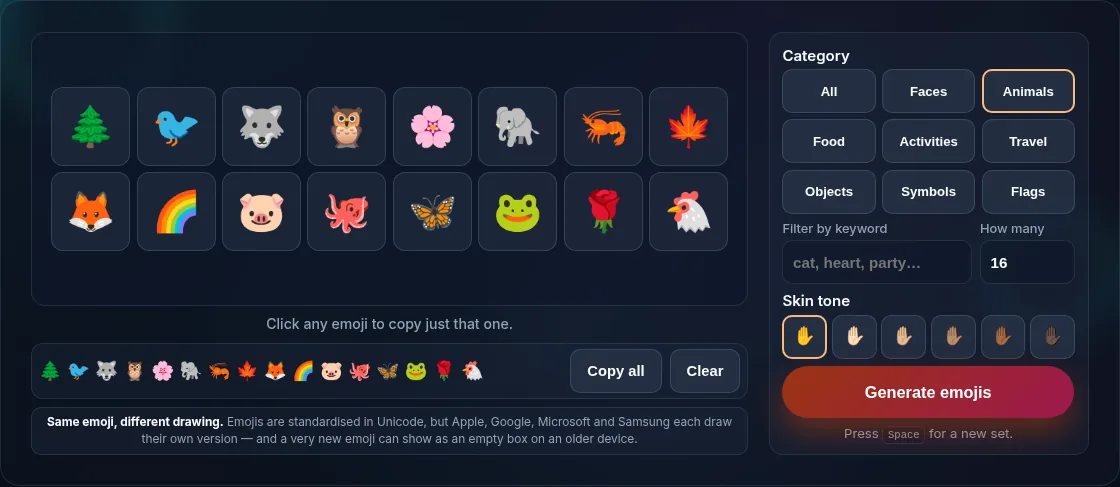
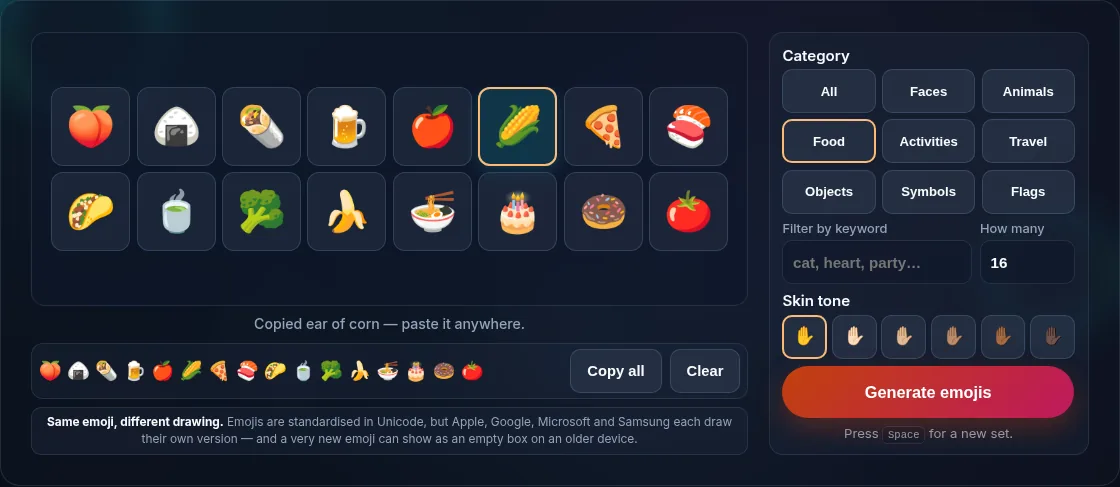
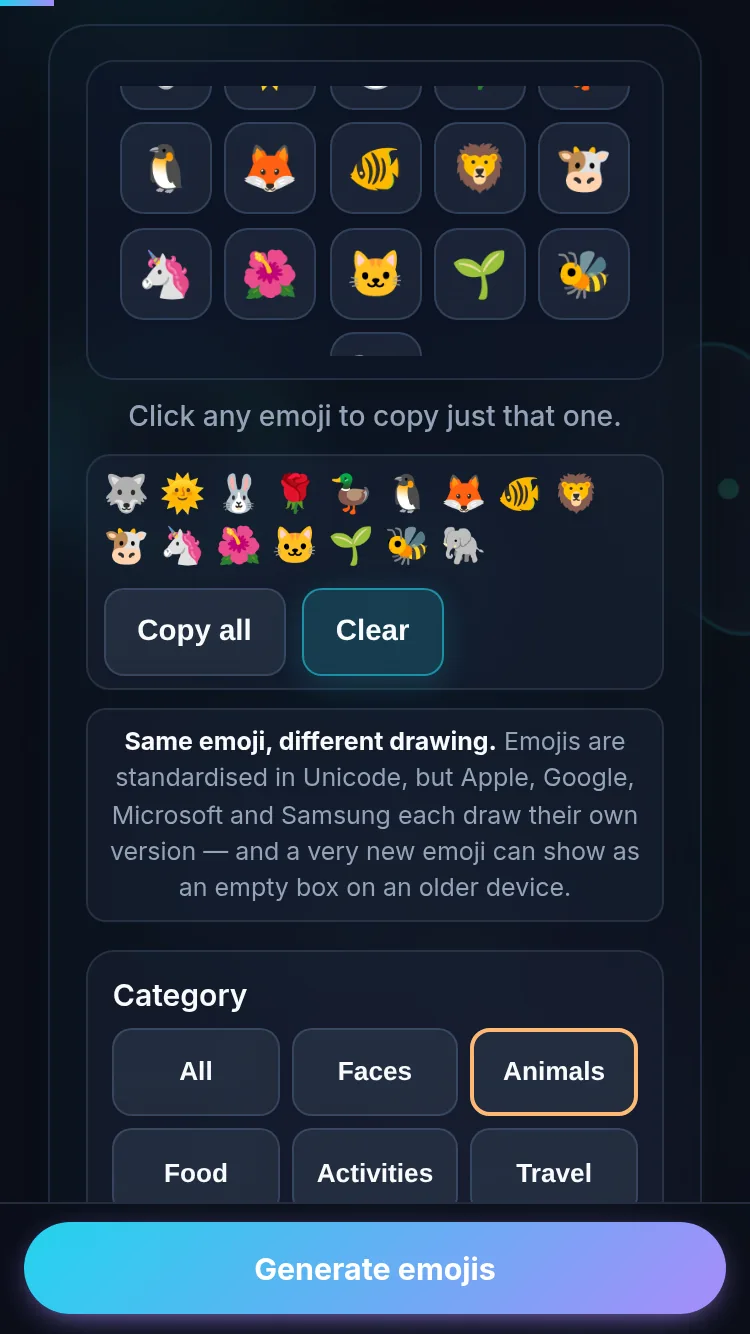
A random emoji can break a creative block, set a mood, start a chat game, or inspire a caption. This generator draws emojis by category and shows them in a large, copy-friendly board.
Choose all emojis or narrow the draw to faces, animals, food, nature, objects, or symbols. Each result is selected locally in your browser. For color inspiration, use the random color picker after generating an emoji set.
The page keeps the interaction simple: pick a category, choose a count, generate, and copy the result into your message or notes.
Follow these steps to get a clean result without leaving the page.
Use All for broad inspiration, or choose a focused set such as faces, animals, food, nature, objects, or symbols.
Set how many emojis you want. A small count works for captions; a larger batch works for games or prompts.
Press Generate Emojis, then copy the full row or select individual emojis from the board.
Yes. The category menu lets you draw from all emojis or focused groups like faces, animals, food, nature, objects, and symbols.
Most modern browsers support emoji display, but the exact style depends on the operating system and device font.
No. Results are generated locally and remain only on the current page until you refresh or leave.
Yes. Use the copy button after generating a batch to copy all displayed emojis together.
Use them for icebreakers, writing prompts, chat games, mood boards, captions, and quick visual ideas.